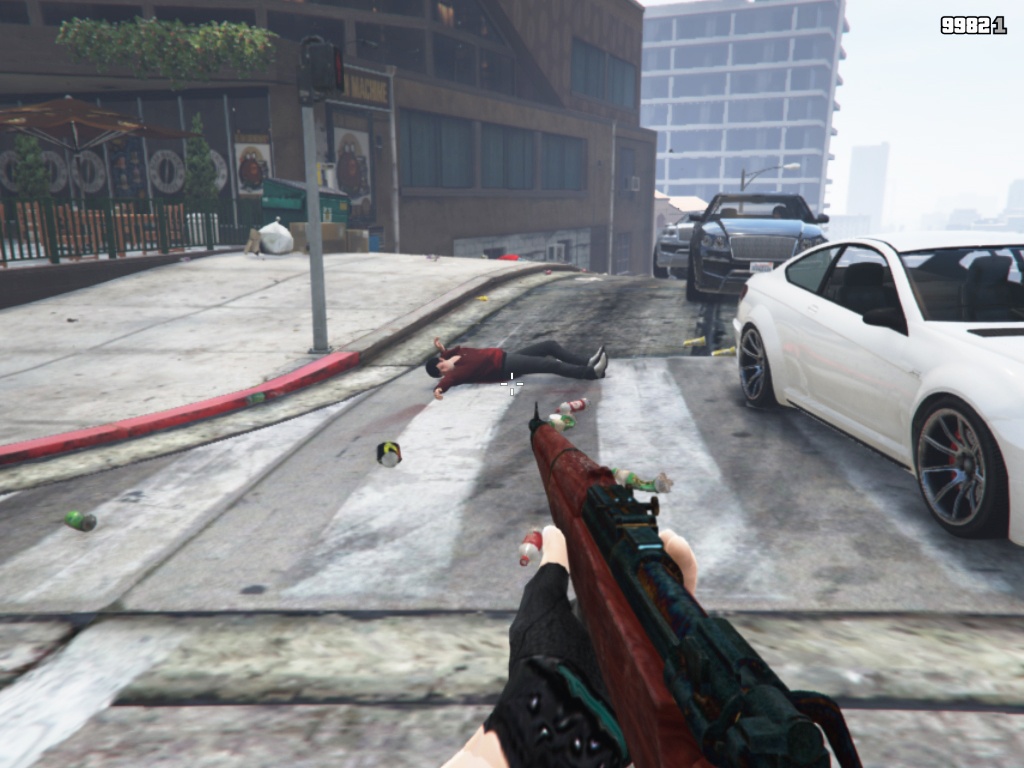


This File(s) spawns an Lab where you can practise your aim.
When you want to use a new lab, you have to click on “New Map” first to keep your FPS up!
Drag and drop the “Labs” folder into your GTA V folder.
Start Map Editor.
CLick on “LoadMap”
Navigate to “FileChooser” and search for the “Labs” folder.
Now, click on it and you are done.
Credits:
Yeah Im Fabian
Download mod
| File | File size |
|---|---|
 AimLab
 | 3 MB |