
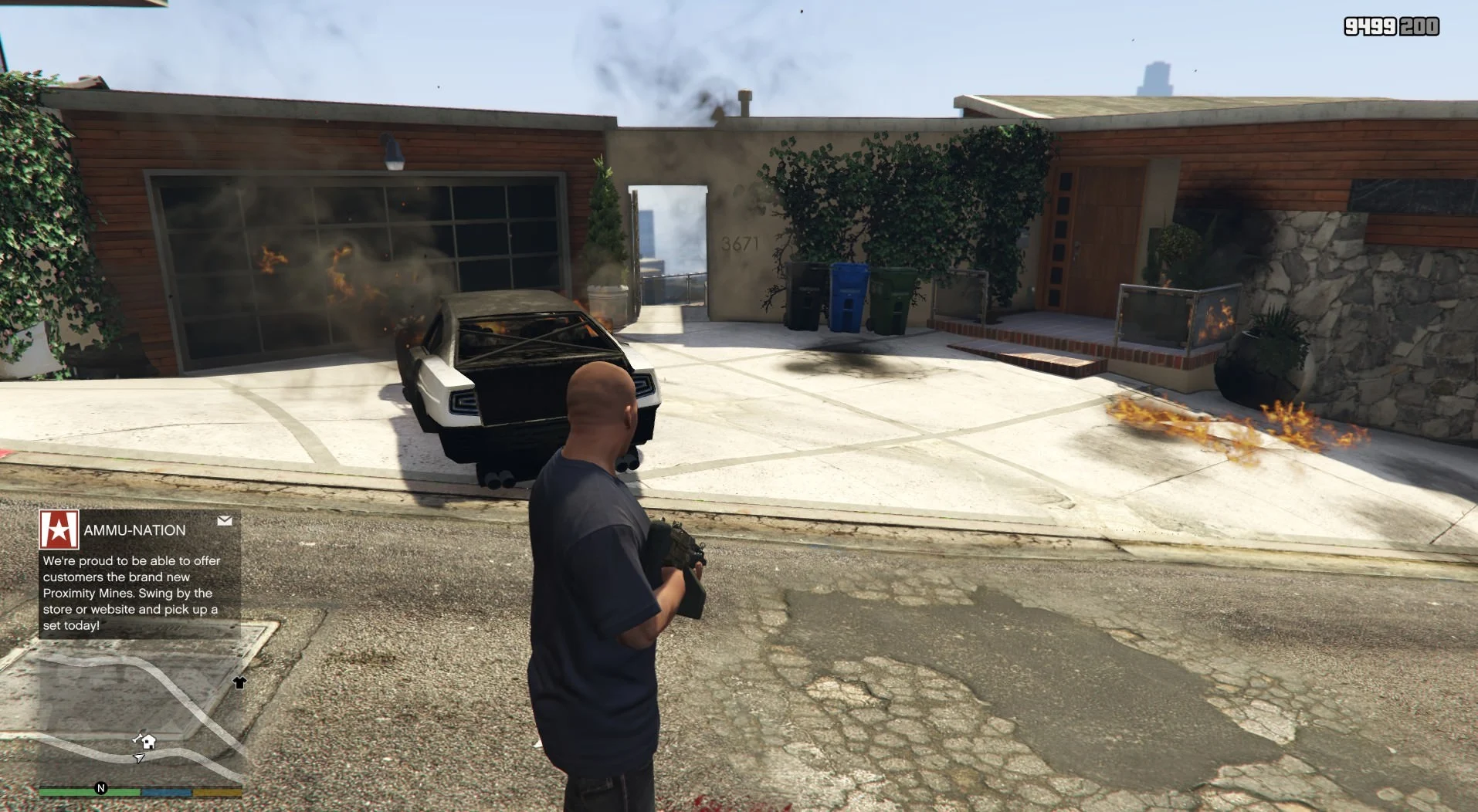
Overview:
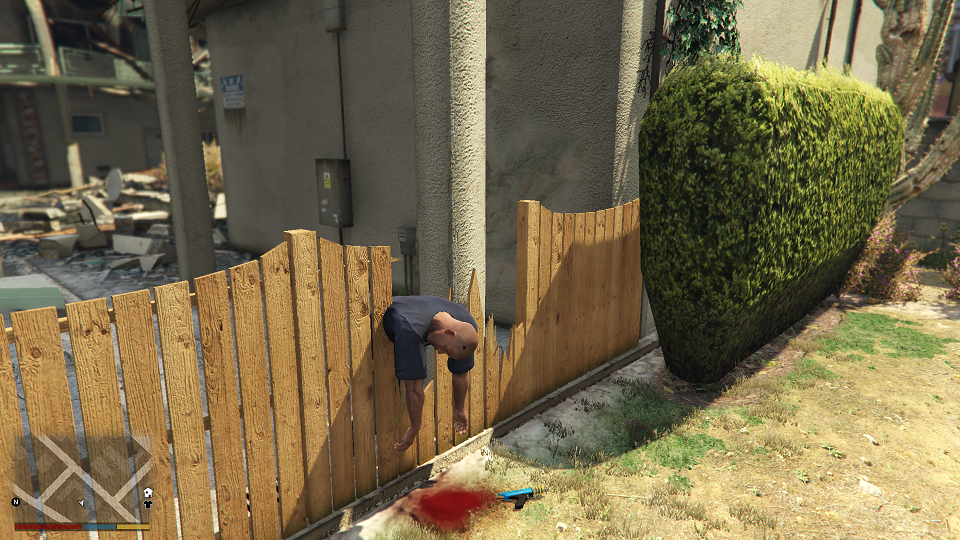
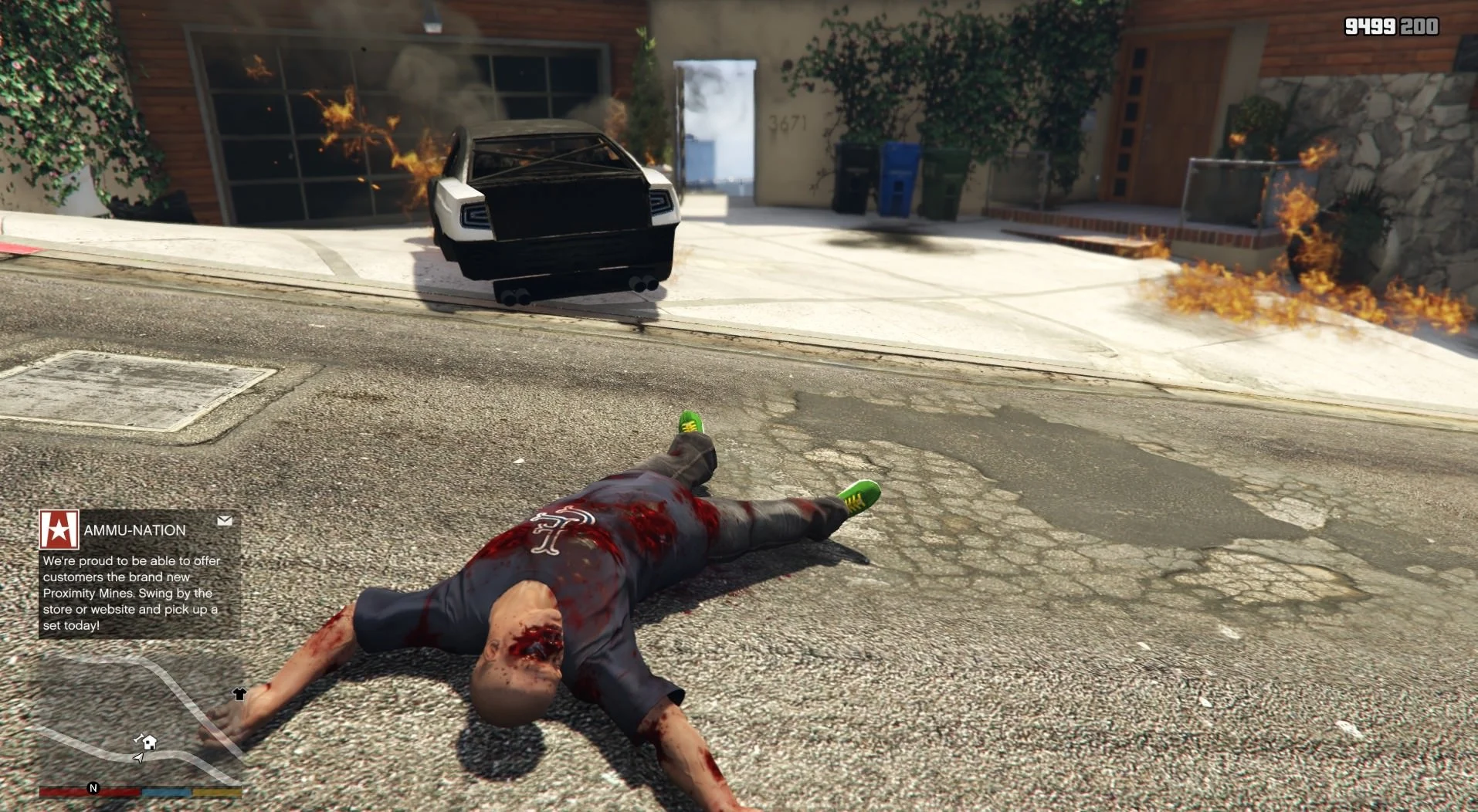
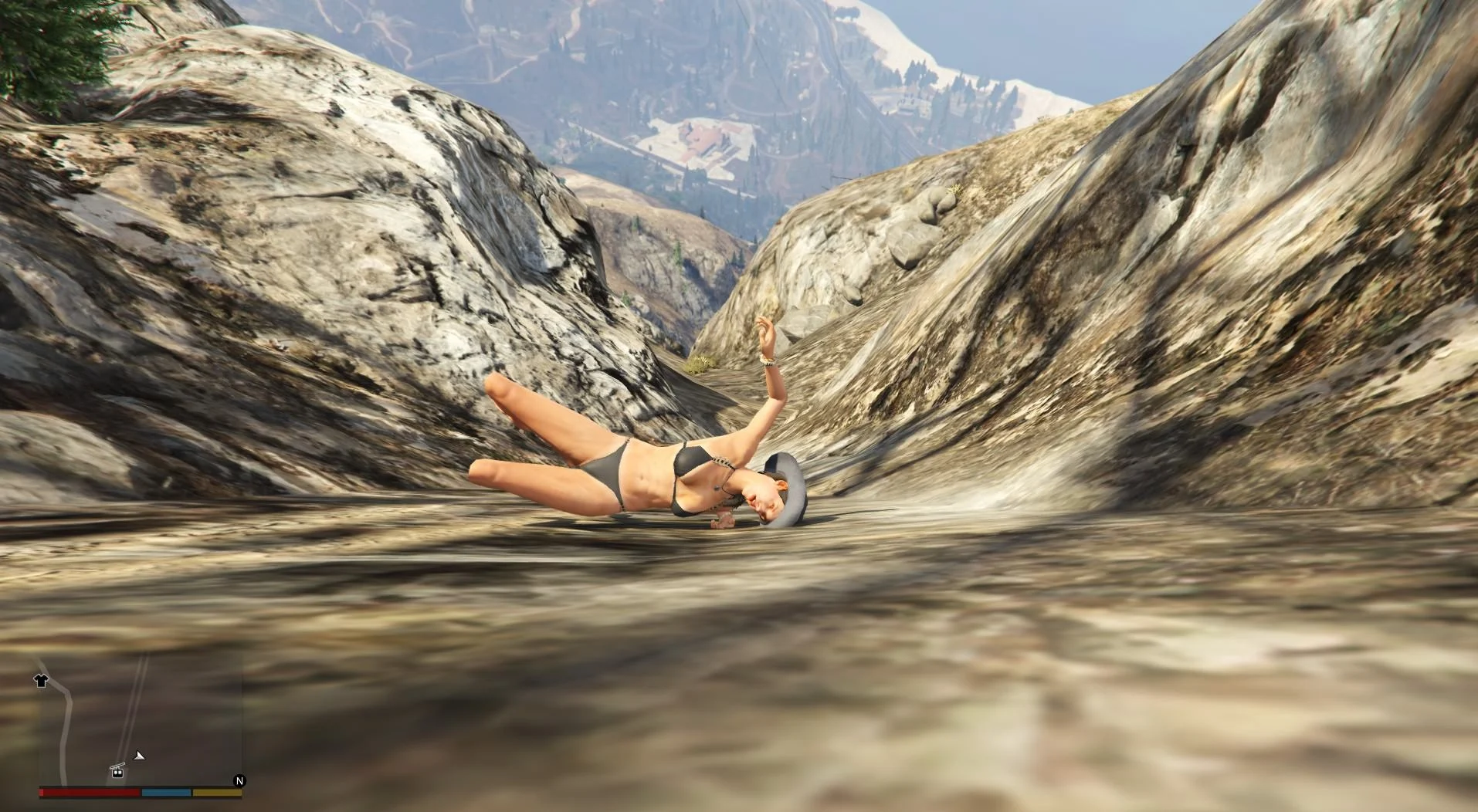
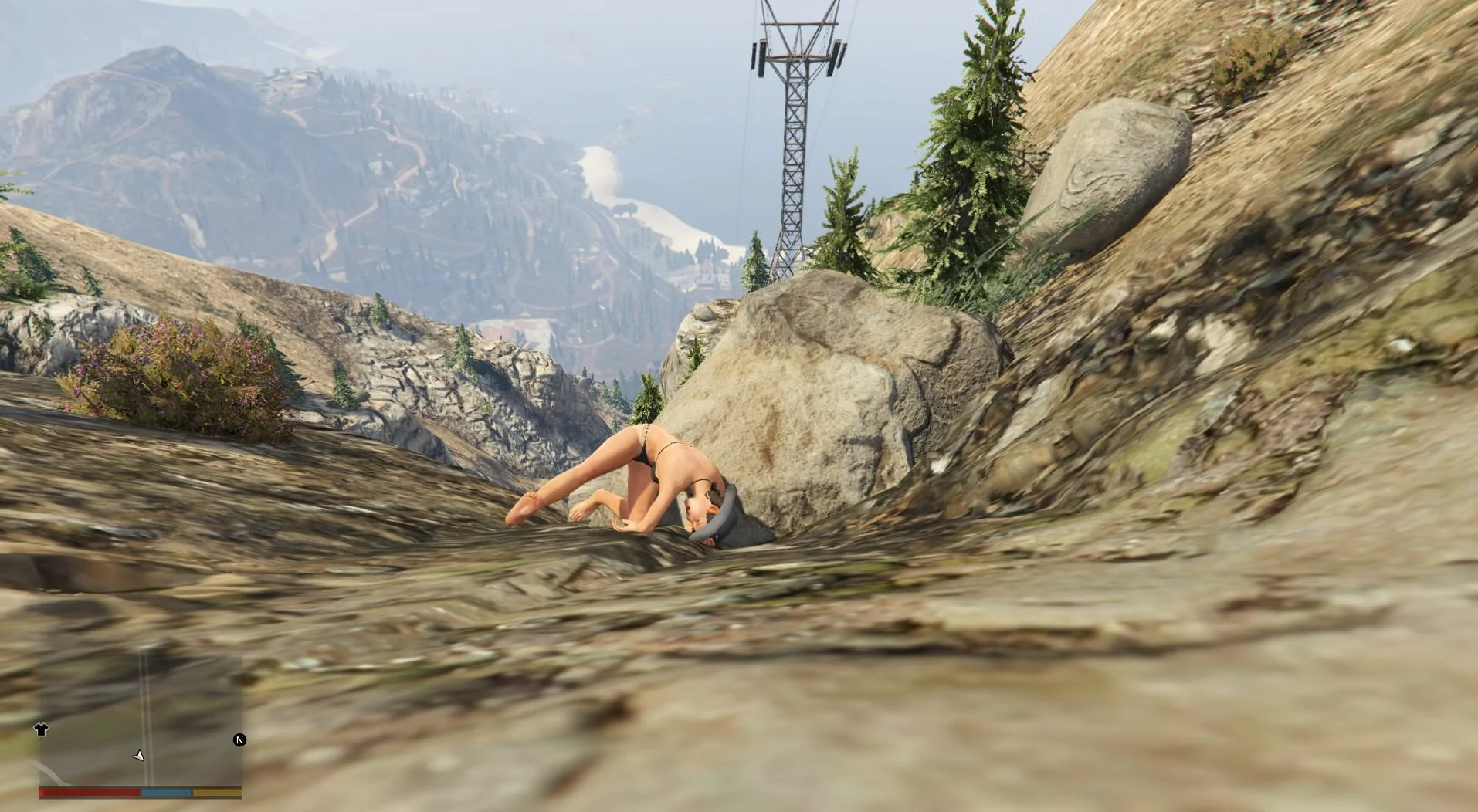
Watch Your Death prevents the “Wasted” screen from appearing and lets you choose to revive in place or respawn at a hospital.
Known Bugs:
Ragdoll in “INCREASED HEALTH” version is buggy at times and will slide or slowly spin
Bug Reporting:
If you have any bugs or requests, I’ll be able to respond faster at:
Discord – IAmJFry#0097 OR Join my Discord server!
(If the mod “doesn’t work”, please do not contact me before making sure that you’ve properly installed/updated everything that is mentioned below in the “Requirements” section.
Requirements:
Requirements For ScriptHookVDotNet V3.1.0 (Microsoft .NET Framework 4.8 and the Microsoft Visual C++ Redistributable Package for Visual Studio 2019 (x64))
Script Hook V
ScriptHookVDotNet V3.1.0
Differences Between The Two Versions:
Increased Health:
Changes the players current and max health (IF YOU REMOVE MY MOD AFTER SAVING YOUR GAME WHILE USING IT, YOU WILL NEED TO USE A TRAINER TO RESET THE PLAYERS HEALTH BACK TO THE DEFAULT HEALTH OTHERWISE IT’LL REMAIN AT THE HIGHER AMOUNT)
Player is “dead” when under a certain health value (player still only has the default health amount)
Forces the ragdoll when the player is “dead”
Forces a death animation while in vehicles otherwise the player will still remain alive
If you want to use Director Mode or record in first person, then this version is the only one that’ll work for that unfortunately
Uses a custom health bar, if enabled, that covers the vanilla one. When using the vanilla health bar, the bar automatically adjusts for the increased health which makes it unusable.
Disables Script:
Disables the respawn script to prevent the player from respawning or showing the wasted screen
Uses default health values and when the player dies, the game actually registers this which is why some things don’t work such as dying in first person view or dying while in Director Mode
Recording still seems to work and I put some code in place to allow recording while you’re dead since this is disabled by default
When reviving, the player instantly stands up and if too close to another ped or vehicle, it’ll cause that entity to vanish (not much of a choice here because if I don’t do it a certain way then it breaks the game until you respawn at the hospital)
This version is more so a lighter version and doesn’t do anything extra but gives a more vanilla GTA V feel compared to the other version
Installation:
Copy “Watch Your Death.dll” to your “GTA V\Scripts\” folder
Copy “WYD.ini” to your “GTA V\Scripts\” folder
Controls For Keyboard:
L = Revive character in place
O = Respawn character at hospital
K = Plays suicide animation depending on current weapon
F10 = Enables/disables custom health bar editor if enable in the .ini and if using the increases health version
Controls For Custom Health Bar Editor
WASD = Moves the bar around the screen
Up/Down Arrow = Increase/Decrease height
Left/Right Arrow = Increase/Decrease width
Q/E = Increase/Decrease move speed (Just makes it easier to move the bar around but otherwise not needed)
Controls For Controller:
LB = Revive character in place
RB = Respawn character at hospital
None (Change in .ini) = Plays suicide animation depending on current weapon
All available controller buttons/keybinds:
None
A
B
X
Y
LB
RB
LT
RT
LS
RS
DPadUp
DPadDown
DPadLeft
DPadRight
Changelog:
V5.0.1:
Fixed bug causing part of the script to crash when dying on a vehicle you can be knocked off of (increase health)
Fixed bug causing player not to “die” when in first-person view while in a vehicle (increase health)
V5.0:
The .ini is now created by the script if it is missing but one is still provided.
Added a menu using LemonUI to make changes in-game (Credit goes to justalemon!)
Both versions are now combined into one script and you can freely change between the two using the menu or changing the “WYD Version” value in the .ini (0 = Increase Health and 1 = Disable Script)
Added a model reset when respawning or getting arrested to prevent the game from getting stuck on the infinite loading screen. Now your model will switch to Franklin after the game loads back in (You have to disable the model reset option associated with whatever trainer or model switcher you use)
Multiple bug fixes
Changelog:
V4.3.2 (BOTH VERSIONS):
Fixed a bug causing a part of the script to crash when trying to suicide and switch weapons at the same time. The weapon wheel is now disabled while playing one of the suicide animations. Thanks Chippo for pointing this out!
Added “Enable Slow Motion Automatically When Dead? (True or False)” to the .ini to slow the game speed when you die as requested.
Added “Slow Motion Speed (If Enabled Above)” to the .ini so you can adjust the speed of the option above. Available speeds range from 0.0 which is the lowest to 1.0 which is the games default speed so basically no change.
Added “Hide HUD When Dead? (True or False)” to the .ini to hide the HUD when you die.
V4.3.2 (INCREASES HEALTH):
Added “Custom Health Bar On? (True or False)” to the .ini. When enabled, press the F10 (Changeable in the .ini) to edit the custom health bar. By default, the bar should be automatically set for 1920×1080 so if you use a lower or higher resolution, it’ll need to be adjusted. Keybinds are located above.
Credits:
IAmJFry
Download mod
| File | File size |
|---|---|
 Watch Your Death V5.0.1
 | 12 KB |
|
Watch Your Death V5.0 | 12 KB |
|
Watch Your Death V4.3.2 (INCREASES HEALTH) | 9 KB |
|
Watch Your Death V4.3.2 (DISABLES SCRIPT) | 7 KB |

![Improved Death Sounds [New Death Sounds For Peds] V1.4](https://gta5mod.net/wp-content/uploads/2025/07/Improved-Death-Sounds-150x150.webp "Peds Pain & Death Sounds Improvements [New Death & Pain Sounds For Peds] V1.8")


I’ve had this script for year’s now but i wanted to ask for the disable script version could you make it so when you revive you stand up off the ground like the increase health version just so it doesn’t delete peds/cars/fires and make it so when you die in water or commit suicide you float instead of sinking. for increase version maybe change when you are dead on the ground make it so your character doesn’t move
Can this mod be used or is it not upto date bc i tried it so many times but when i start the game its not working
or am i just doing it wrong
For some reason my slow motion don’t get activated when i die. Even when i changed it to true in the InI folder. Anyone know how to fix this?
I dont know how to leave a new comment so I’ll just reply to the newest. u/shaw-99 left this comment and it works for me in the latest version if anyone is willing to try:
“BROOOO!! I GOT IT TO WORK!! I am using LSPDFR so idk if that makes a difference but it shouldn’t. Regardless, download scripthook.net BUT get the nightly version and put that in gta v root. then download WYD (Watch Your Death V4.3.2 (INCREASES HEALTH)) that version. I dint try the 5.0.1 because I think that one’s messed up. That should fix it. PLZ lmk if it worked for you too!”
Indeed using the 4.3.2 worked for me. I also deleted LemonUI and my scripts folder (make one if you dont have it, right at the GTA 5 root) looks like this:
– NativeUI.dll
– WatchYourDeath.dll
– WYD.ini
– WYDHealthBar.txt
I’m still having issues with the keybinds but at least the mod works now, Kudos to the OP on reddit.
bro stop yapping about it didn’t work. you guys are not doing it right. set everything up then make a scripts folder then put it in there done (: easy
yeah did that you pillok still issues
@Anonymous – Followed all buT Isn’t working.
This mod works perfectly fine, dont listen to the people saying “this mod is garbage, doesnt work” who havent even installed it right or who probably didnt even search up a single way to fix it, install it like normal into your scripts, and dont use ScriptHookVDotNet2.dll (delete it if you have it) and install https://gta5mod.net/gta-5-mods/tools/lemonui-1-2/ its really not that hard
that way doesn’t work either gang
aint working 23 jul 2025 tried all the downloads a followed correct tutorial
works perfectly fine
bro, can you make the health even thicker?
Can we do it on ps5
bruh what no lollll
doesn’t work, does anyone know how to resolve the problem?
Bro make the same mod for RDR 2 please PLEASE
Use after death mod
tried everything but it doesn’t work
Same here bro
What is the situation when I use the disabled version and it displays new error on SHDot Net log file
as of july 5th 2024 this mod still works perfectly fine, on the latest release of the game and on the latest release of the mod. you just need to reinstall scripthookvdotnet from the github page and it should work
thanks!but mins not:( i dont know why
(Watch your death disable)
yeah did that mate, didnt work thanks
yeah did that mate, didnt work thanks, and you messed up my already existing scripts
This script works 100% as of June 30th 2024. Even works with LSPDFR flawlessly. Perhaps most of the complainers above need to learn how things work, or install it properly OR get a upgraded PC. Great job IAmJFry
how did you get it to work because it doesn’t work anymore
Works perfect on June 30th 2024 and even works nicely with LSPDFR. If you are down on the ground and call for EMS and have Stop The Ped and Ultimate Backup installed, the EMS will give you a health pack to revive you 🙂
can you do that without LSPDFR mod bcs i want without it any idea?
good
I’m just going to say that the last time I tried V5.0.1 it either was very buggy or didn’t work at all.
I advise using V4.3.2 (Increases Health), since it has always worked for me.
This worked for me thank you.
The lastes version doesn’t work at all! but the 4.3.2 works fine. I am playing the GTA V ver. 1.0.3095.0
if the mod isn’t working for you, just open “WYD Settings” and change “Slow-Motion Speed = 0.5” to “1”.
The Wasted screen with disable script version is cut way too short when activated to be dead, when removing it its fixed. The other versions either dont work at all or barely work, complete garbage
Works perfectly fine, user error!
doesnt work
when you die and respawn your character stops screaming when falling or making hurt sounds when hurt only with this mod installed idk why it does that pls make a new update that has a disable script because the last one that had disable script was version 4.3.2
Your mod is a not working piece of garbage.
shut the hell up this mod is a masterpiece
obviously not dumbass it doesnt work
open WYD Settings file and change value of Slow-Motion Speed = 0.5 to 1
i did this and when i try to use suicide (k) it crashes me completely and it did make my health high, nothing else works besides the health.
I have trouble when using Incerease Health Verison, How i can reset player health back to the original health = (200)
use a trainer to set it back
for me it doesent work
Вылетает игра после установки мода