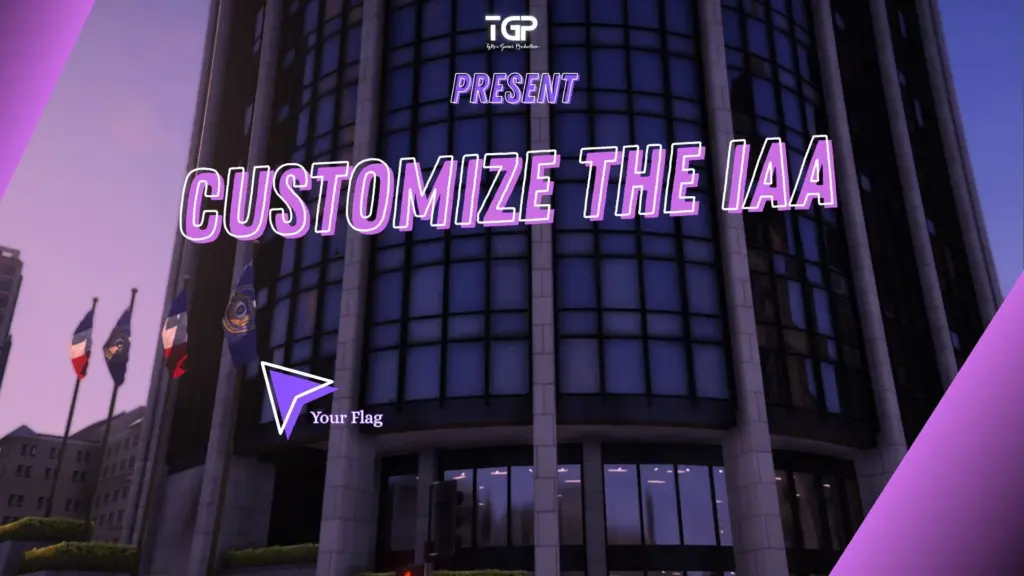
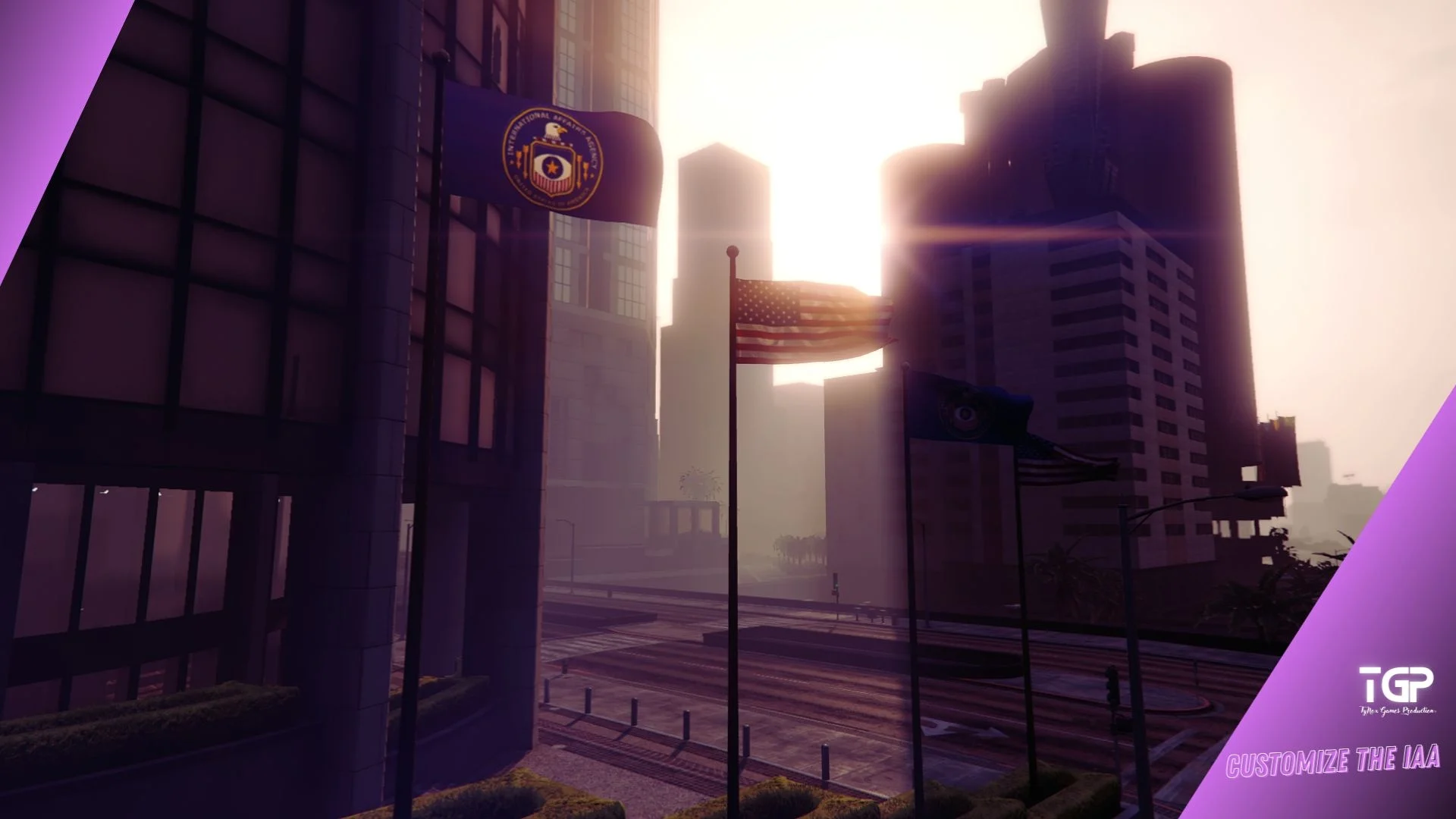
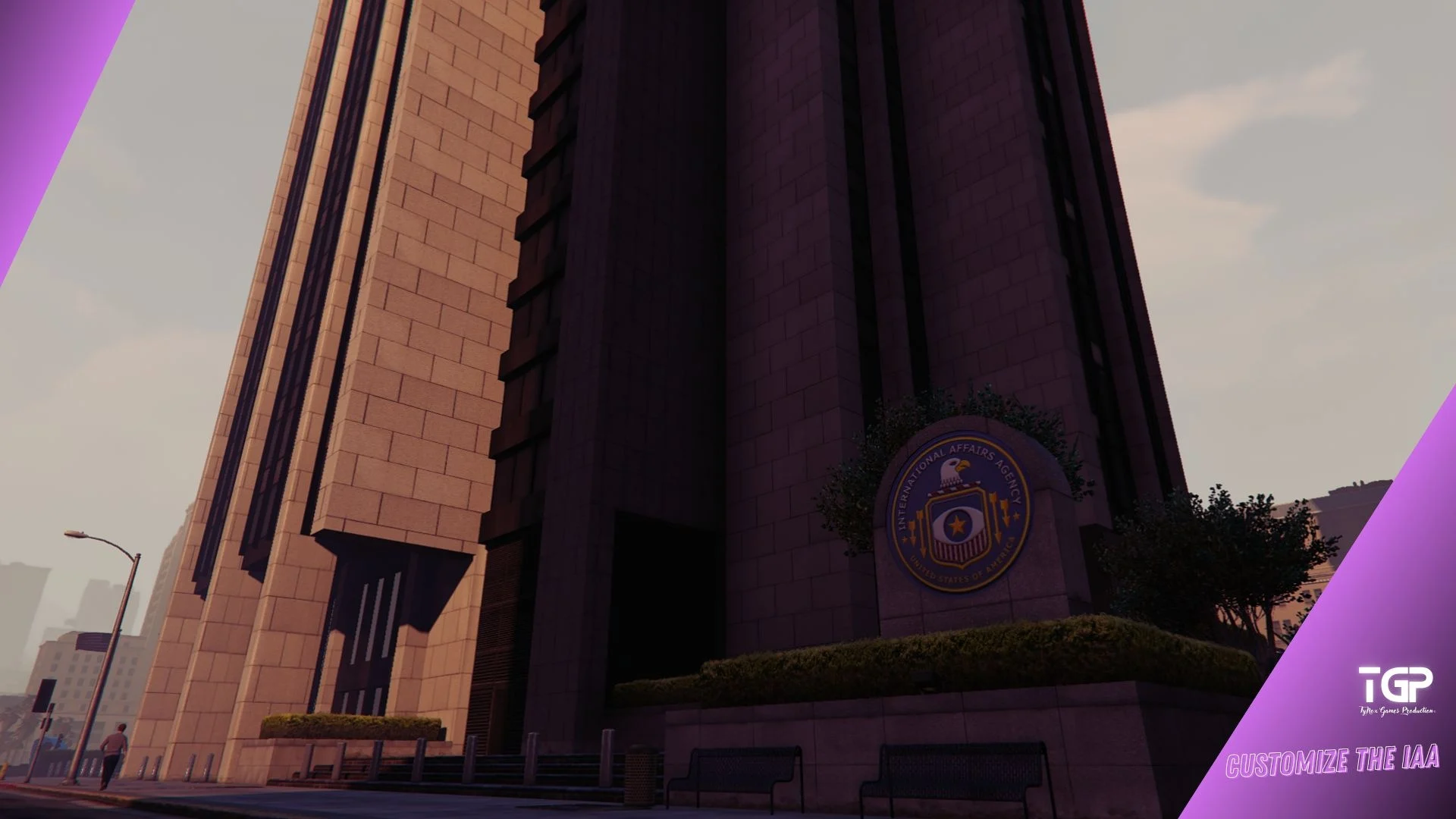
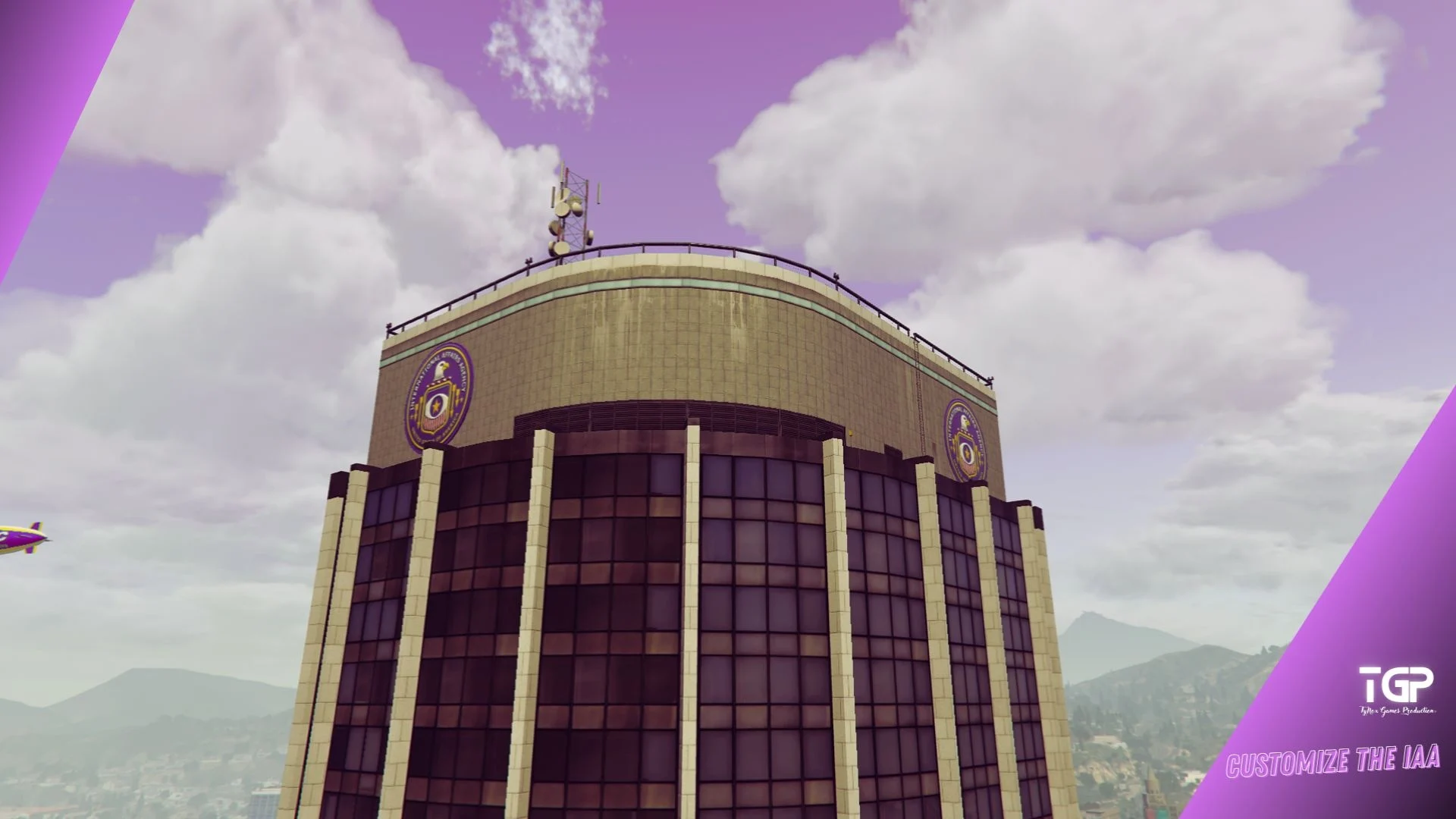
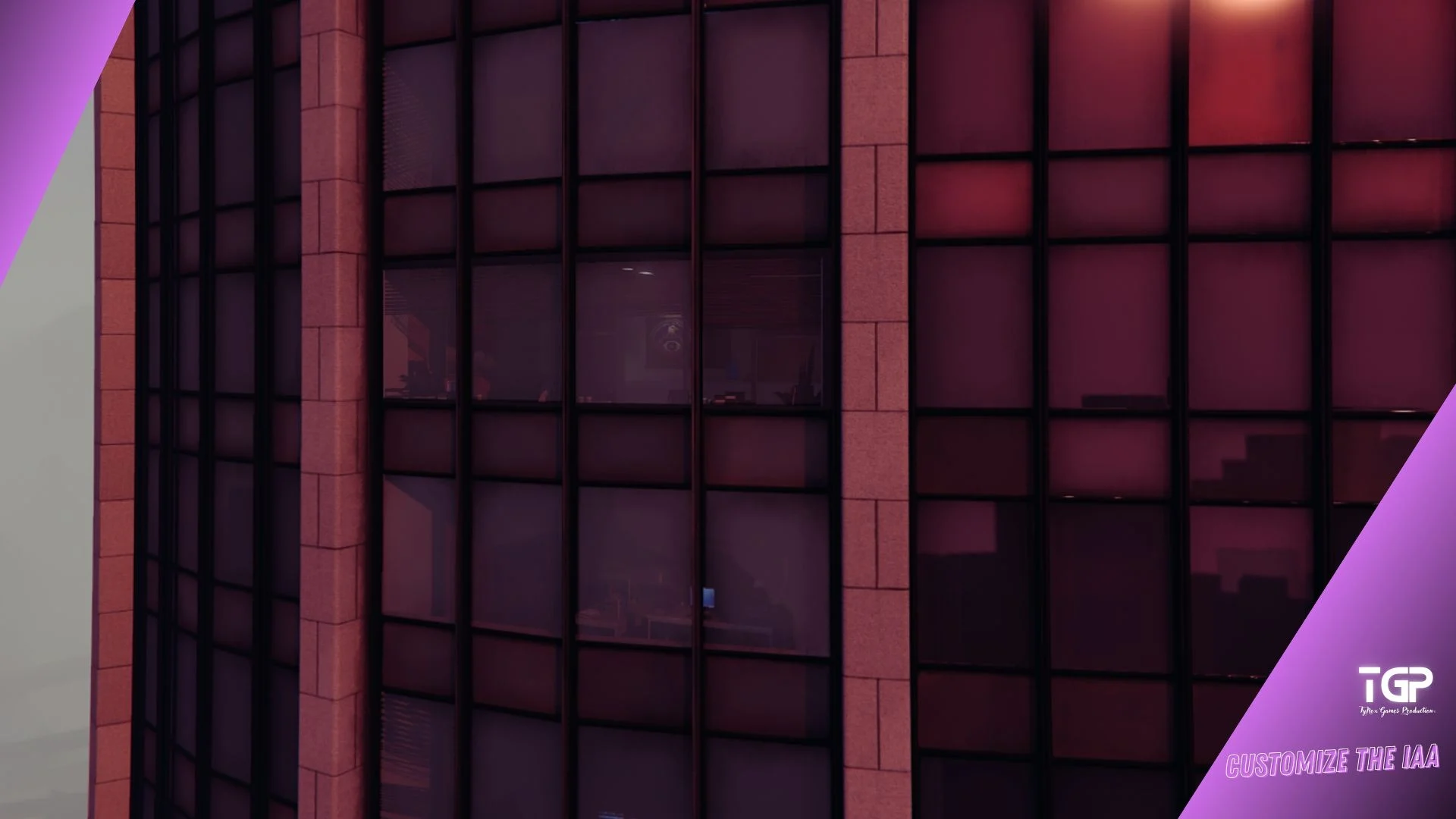
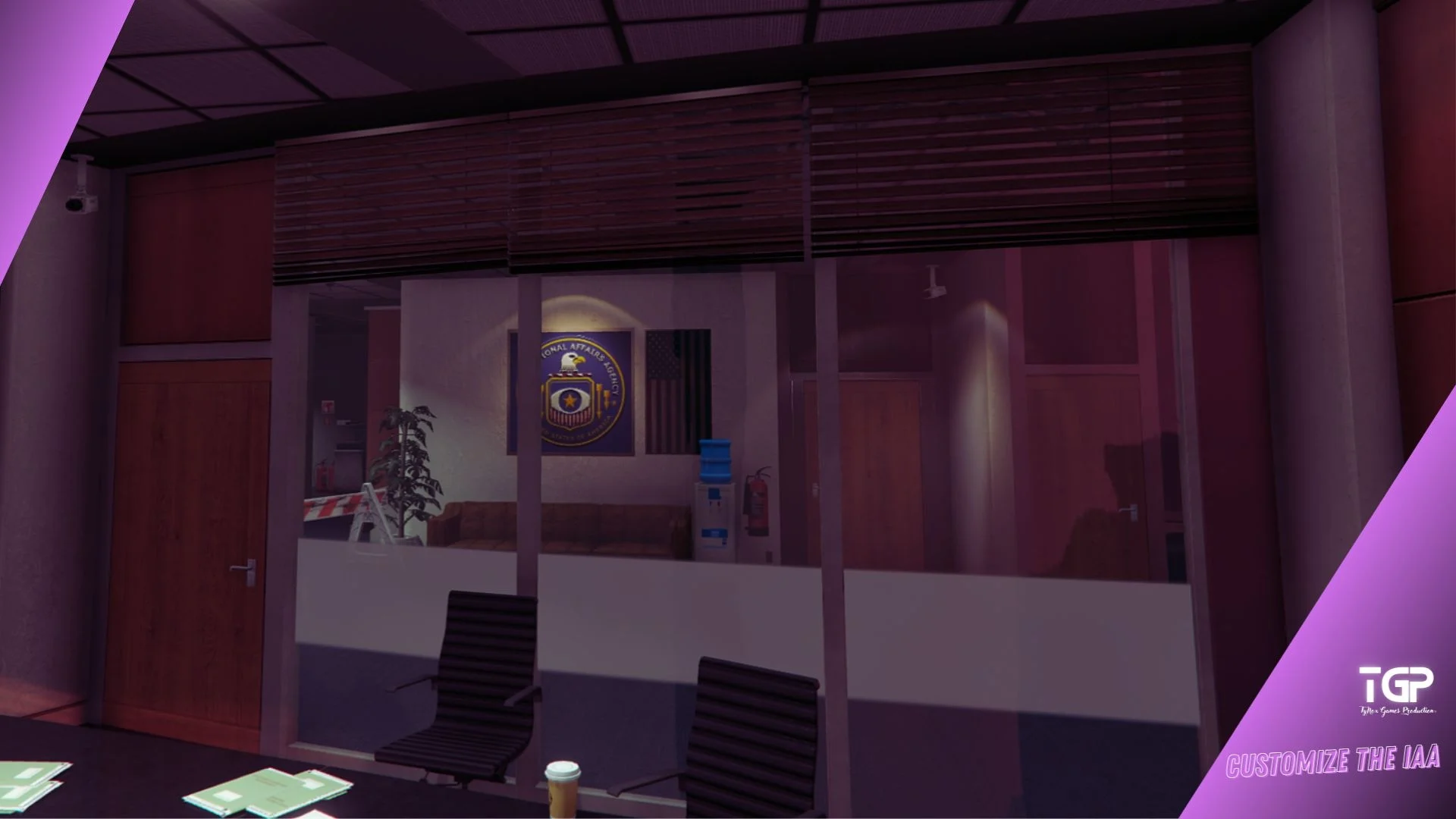
Take control of one of Los Santos’ twin towers with Customize The IAA and add your logo and flags, and then you’ll no longer have to watch the skies for incompetent pilots.
Installation:
– Use OpenIV to install and activate “Edit Mode”.
SP – Legacy [Main file]
Manual installation:
– Use OpenIV to install and activate “Edit Mode”.
– Go to Grand Theft Auto V\mods\update\x64\dlcpacks and add the file “tgp_c_fib”.
– Then go to Grand Theft Auto V\update.rpf\common\data and edit the “dlclist.xml” file.
– In “dlclist.xml”, insert dlcpacks:/tgp_c_fib/ at the bottom of the page (before “”) and save.
FiveM [Main file]
– Place the file “tgp_c_fib” in your Resource file, and don’t forget to activate it. (Path Open: Default)
!!! (You can combine both Customize The IAA and also with the Green V mod)
Credits:
TyNox Games P
Download mod
| File | File size |
|---|---|
 Customize The IAA v1.0
 | 12 MB |
![2018 Yamaha Xmax 300 (ThaiStyle Customize) [Add-On | Tuning | Five M] V1.0](https://gta5mod.net/wp-content/uploads/2023/05/2018-Yamaha-Xmax-300-150x150.jpg "2018 Yamaha Xmax 300 (ThaiStyle Customize) [Add-On | Tuning | Five M] V1.0")
![Customize The FIB [Add-On SP / FiveM] V1.0](https://gta5mod.net/wp-content/uploads/2025/09/Customize-The-FIB-150x150.webp "Customize The FIB [Add-On SP / FiveM] V1.0")