
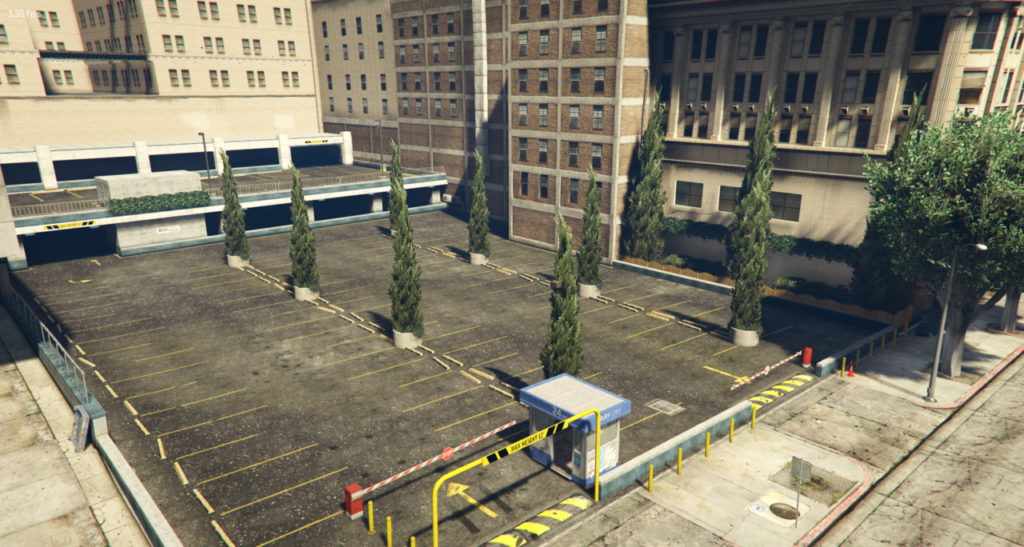


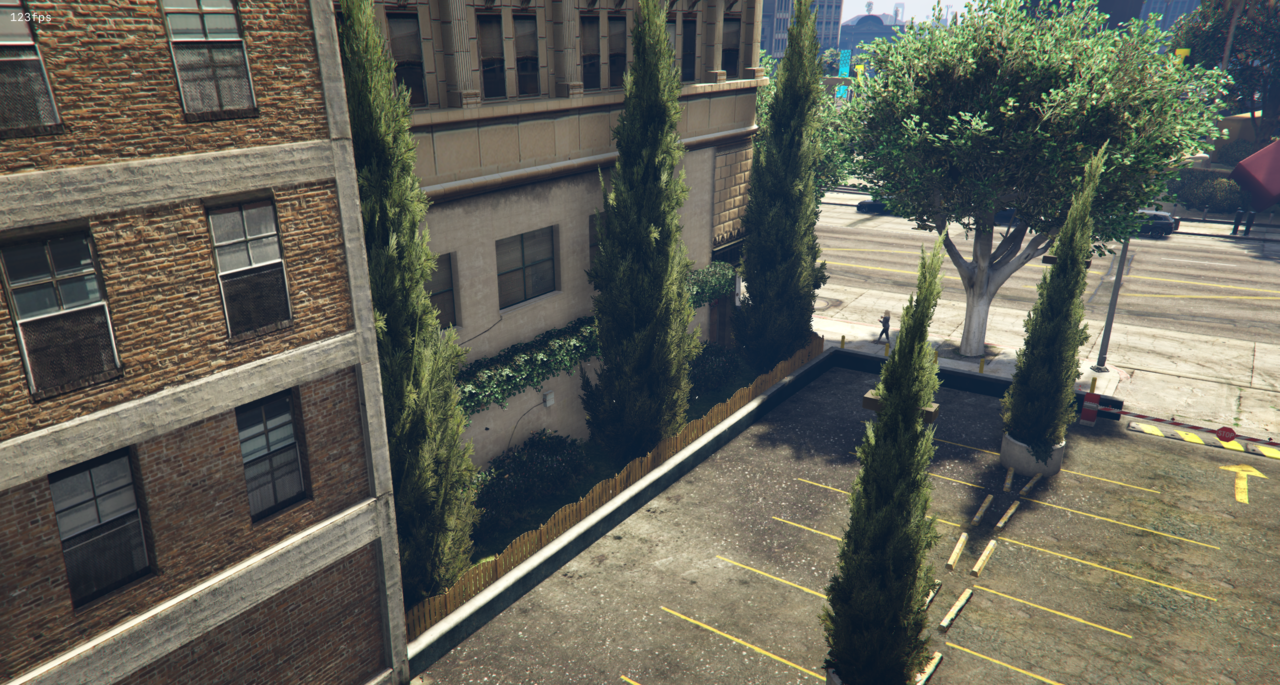

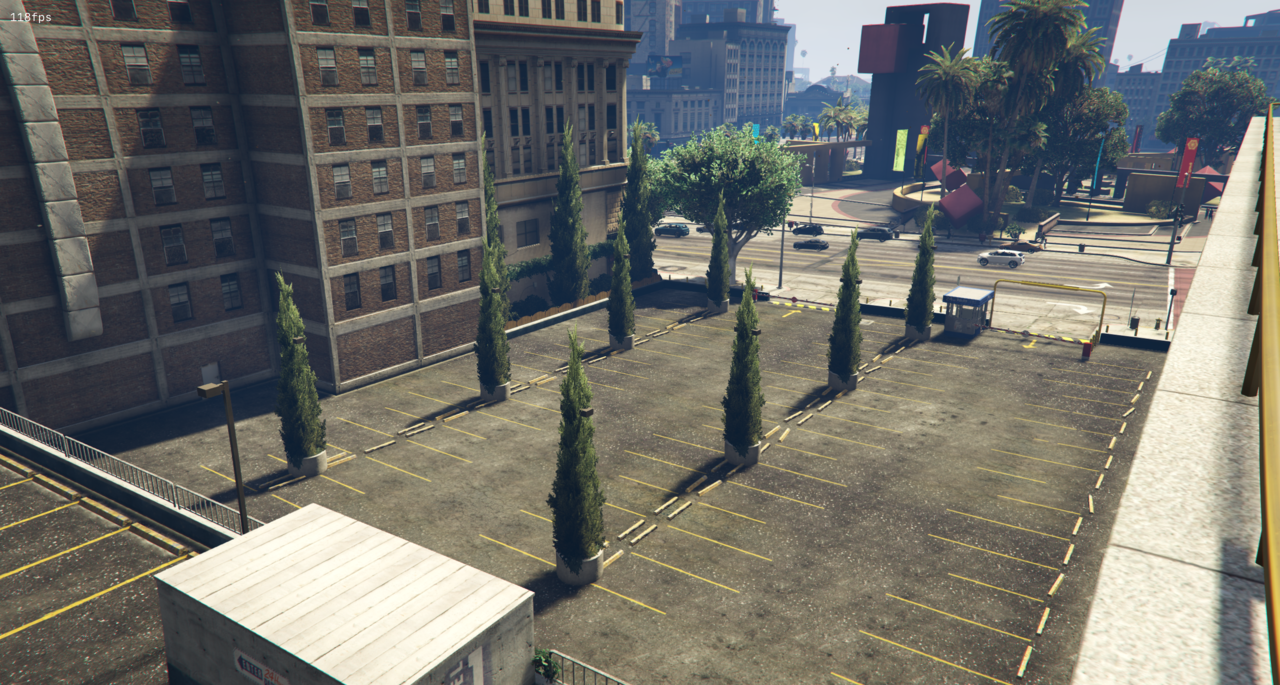
I think that the Legion Square parking lot looks pretty boring, so I thought it would be nice to brighten it up a bit. I mainly added some nature so it looks a little more lively.
Installation:
FiveM:
1. Download the map
2. Drag it to your server in the “resources” folder.
3. Put “start legionparkinglot” in the server.cfg.
Singleplayer:
1. Extract the YMAP from the folder and set it on your desktop
2. Open OpenIV
3. Go into edit mode from OpenIV
4. Click update > x64 > dlcpacks > custom_maps > dlc.rpf > x64 > levels > GTA5 > citye > maps > custom_maps.rpf
5. Take the YMAP and drag & drop it into OpenIV
Credits:
Zweet Reet
Download mod
| File | File size |
|---|---|
 legionparkinglot
 | 2 KB |
![Sécurité routière Legion Square {Road Safety Legion Square] Map editor](https://gta5mod.net/wp-content/uploads/2022/01/Securite-routiere-Legion-Square-150x150.webp "Sécurité routière Legion Square {Road Safety Legion Square] Map editor V2.0")
![City Square Parking Lot [YMAP] 1.0](https://gta5mod.net/wp-content/uploads/2022/10/City-Square-Parking-Lot-150x150.png "City Square Parking Lot [YMAP] 1.0")
![Legion Square Upgrade [YMAP] 1.1](https://gta5mod.net/wp-content/uploads/2020/08/Legion-Square-Upgrade-150x150.jpeg "Legion Square Upgrade [YMAP] 1.1")
![Legion Square - Remove Barrier V1 [YMAP] 0.0.1](https://gta5mod.net/wp-content/uploads/2020/11/Legion-Square-Remove-Barrier-V1-150x150.jpg "Legion Square - Remove Barrier V1 [YMAP] 0.0.2")
