
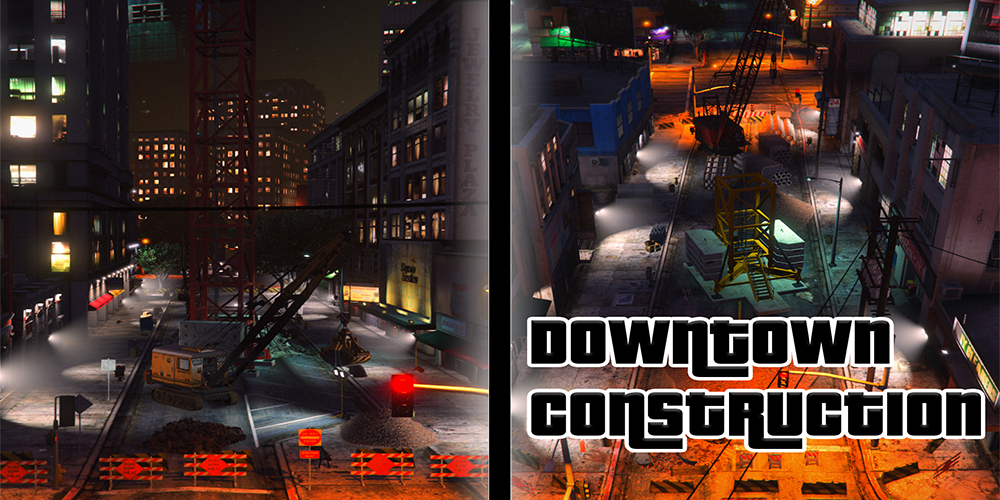
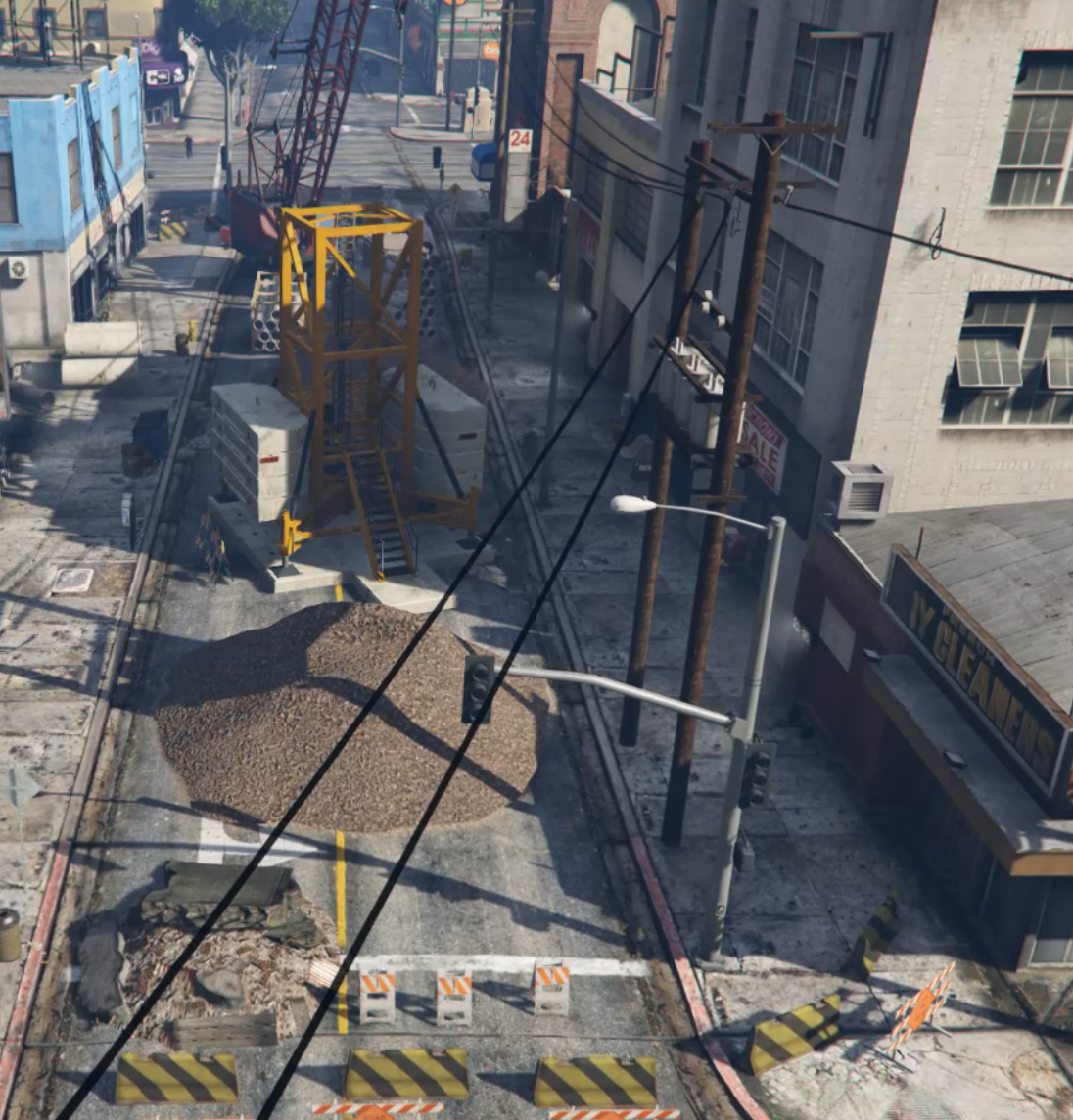
INSTALLATION (SINGLEPLAYER):
1. Install Map Editor (you will need ScripthookV and ScripthookDotNet)
2. drag and drop the “.xml” file in your root dictionary.
3. Go ingame and press “F7” to open up the menu
4. Load the file “xxx.xml”
5. Done. 🙂
INSTALLATION (FIVEM):
1. Drag & Drop the folder that has a “resource.lua” and “stream” folder into your FiveM resources.
2. add a line that states “start NAMEOFTHEFOLDER” in your “server.cfg”.
3. start your Server. It should start the resource. Check your console!
4. ENJOY.
Credits:
OTIGO MAPS
Download mod
| File | File size |
|---|---|
 DowntownConstructionOTIGO
 | 15 KB |
![Diamond Casino & Resort in construction [SP / FiveM] [MapEditor] 0.1](https://gta5mod.net/wp-content/uploads/2020/07/Diamond-Casino4-150x150.jpg "Diamond Casino & Resort in construction [SP / FiveM] [MapEditor] 0.1")
![F.I.B. Tower in construction [SP / FiveM] [MapEditor] 0.1](https://gta5mod.net/wp-content/uploads/2020/07/F.I.B.-Tower-in-construction-150x150.jpg "F.I.B. Tower in construction [SP / FiveM] [MapEditor] 0.1")
![Downtown Sheriff's Building Update [MapEditor] 1.1](https://gta5mod.net/wp-content/uploads/2022/08/Downtown-Sheriff2-150x150.webp "Downtown Sheriff's Building Update [MapEditor] 1.1")
![South Downtown [YMAP / FiveM] 1.5](https://gta5mod.net/wp-content/uploads/2021/12/Skatepark-South-Downtown-150x150.webp "South Downtown [YMAP / FiveM] 1.6")
![Downtown Los Santos Cardealer [MLO] [FIVEM] V1](https://gta5mod.net/wp-content/uploads/2022/03/Downtown-Los-Santos-Cardealer-150x150.webp "Downtown Los Santos Cardealer [MLO] [FIVEM] V2")
