
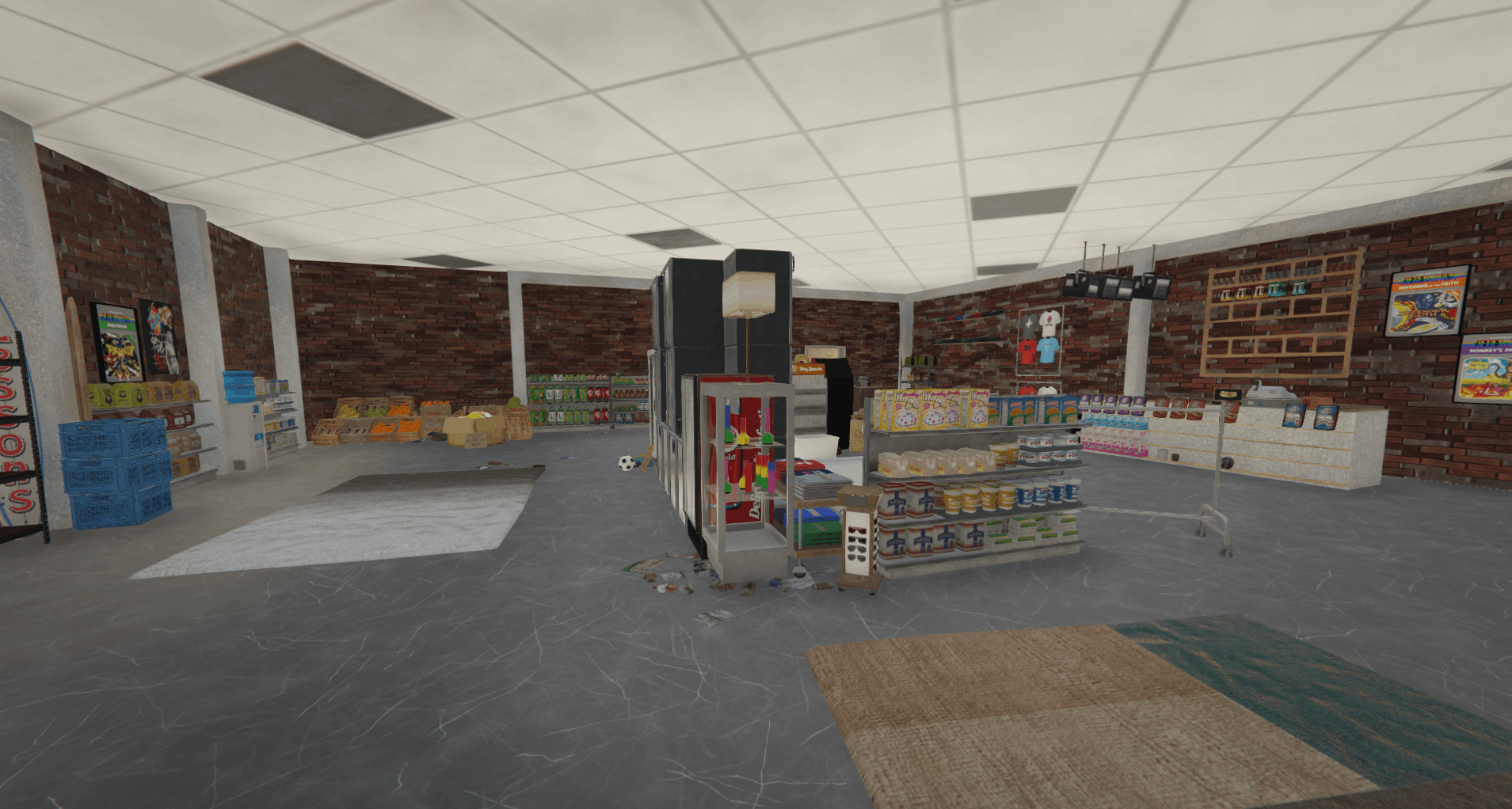
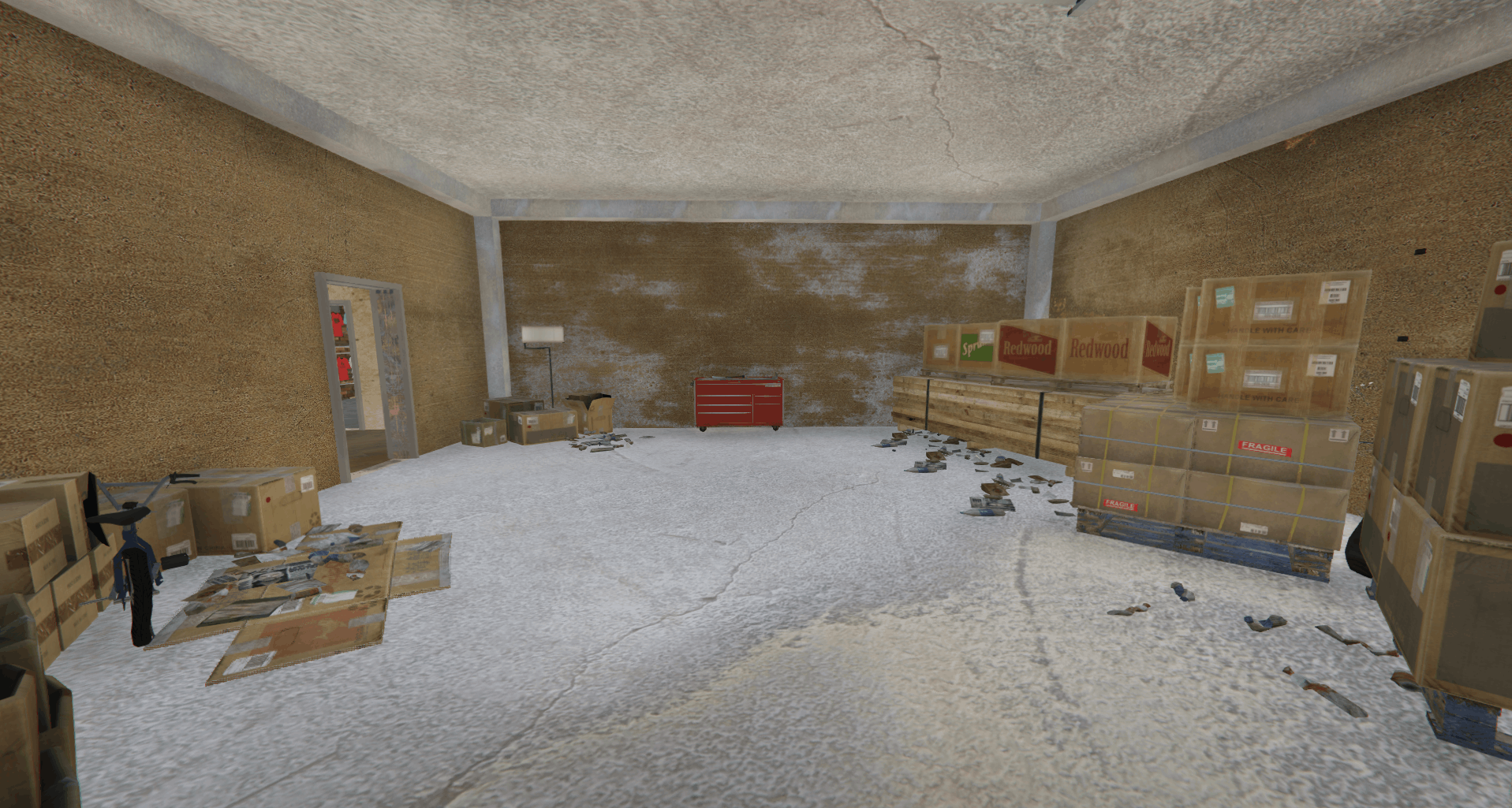
Install For SP
– Open OpenIV and travel to ‘…\Grand Theft Auto V\mods\update\x64\dlcpacks’
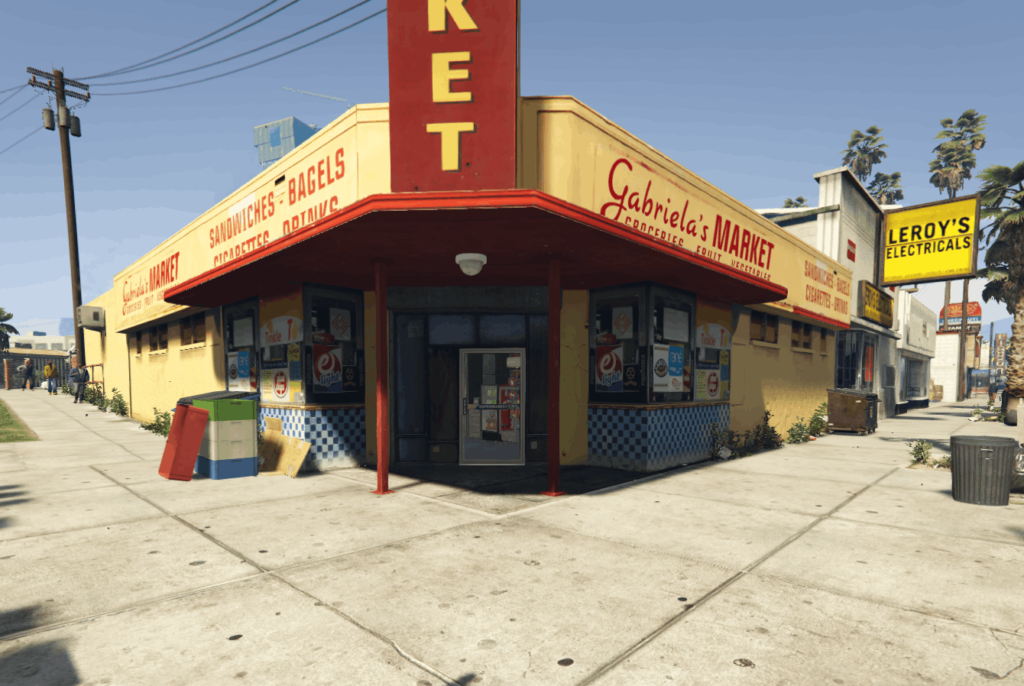
– Make a new folder and call it ‘Gabriela-Market’
– Drop the dlc.rpf file from my download in to the Gabriela-Market folder you just created
– Next, travel to ‘…\Grand Theft Auto V\mods\update\update.rpf\common\data’
– Make sure you are in ‘Edit Mode’ and right click on the ‘dlclist.xml’ and click ‘Edit’
– Copy the last line from the dlclist that shows an added dlc – paste underneath and replace the relevant section with this dlcpacks:/Gabriela-Market
– You’re all set, load up GTA and explore the store!
FiveM
1. Move ‘Gabriela-Market’ into your map resource folder
2. Start server and enjoy!
Credits:
JCP16299
Download mod
| File | File size |
|---|---|
 Gabriela_Market
 | 134 MB |

![Hong Kong Central Market [FiveM/GTA5] V1.0](https://gta5mod.net/wp-content/uploads/2022/05/Hong-Kong-Central-Market-150x150.png "Hong Kong Central Market [FiveM/GTA5] V1.0")
![Market Place [YAMP] 1.0](https://gta5mod.net/wp-content/uploads/2020/09/Market-Place-150x150.jpg "Market Place [YAMP] 1.0")