
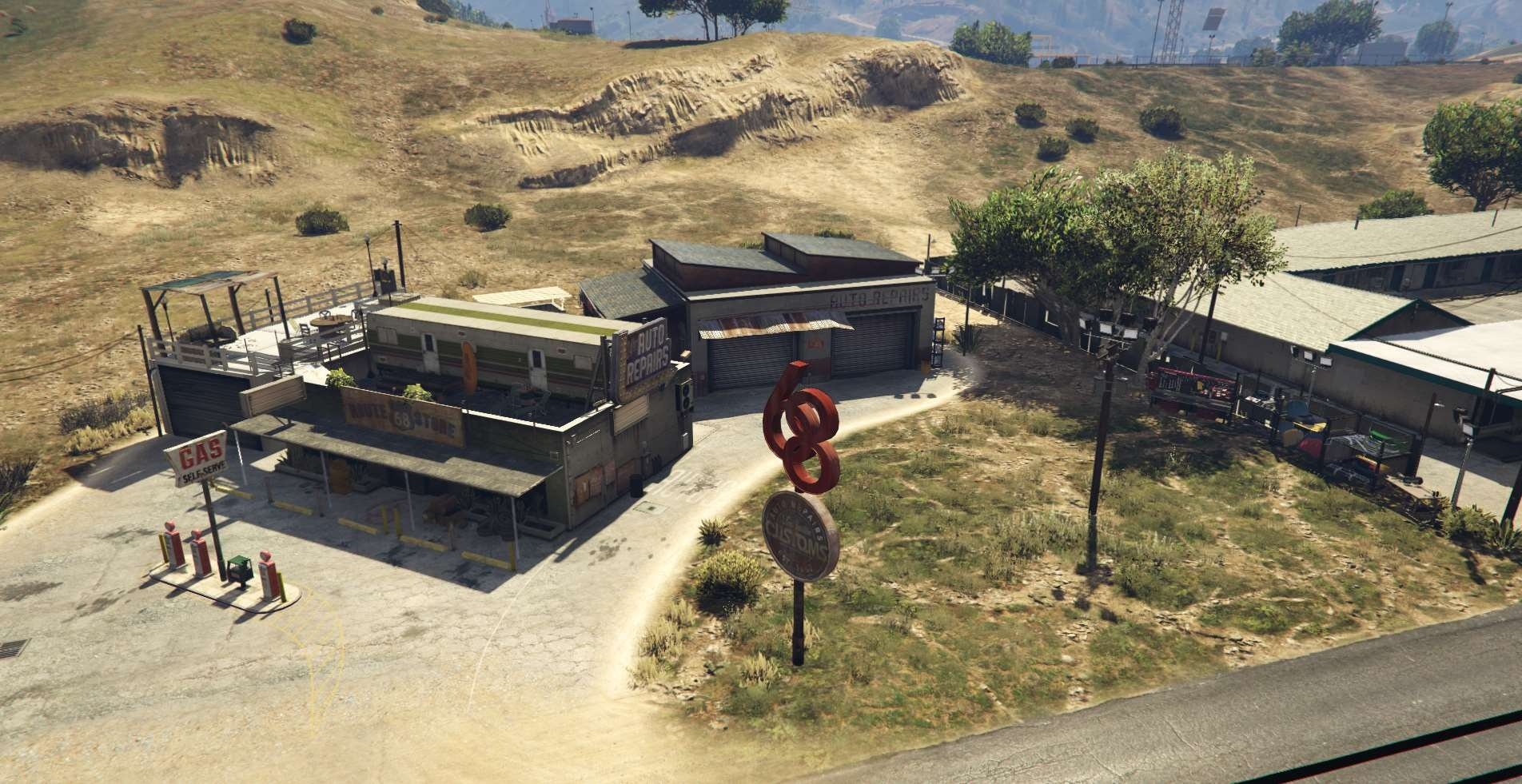
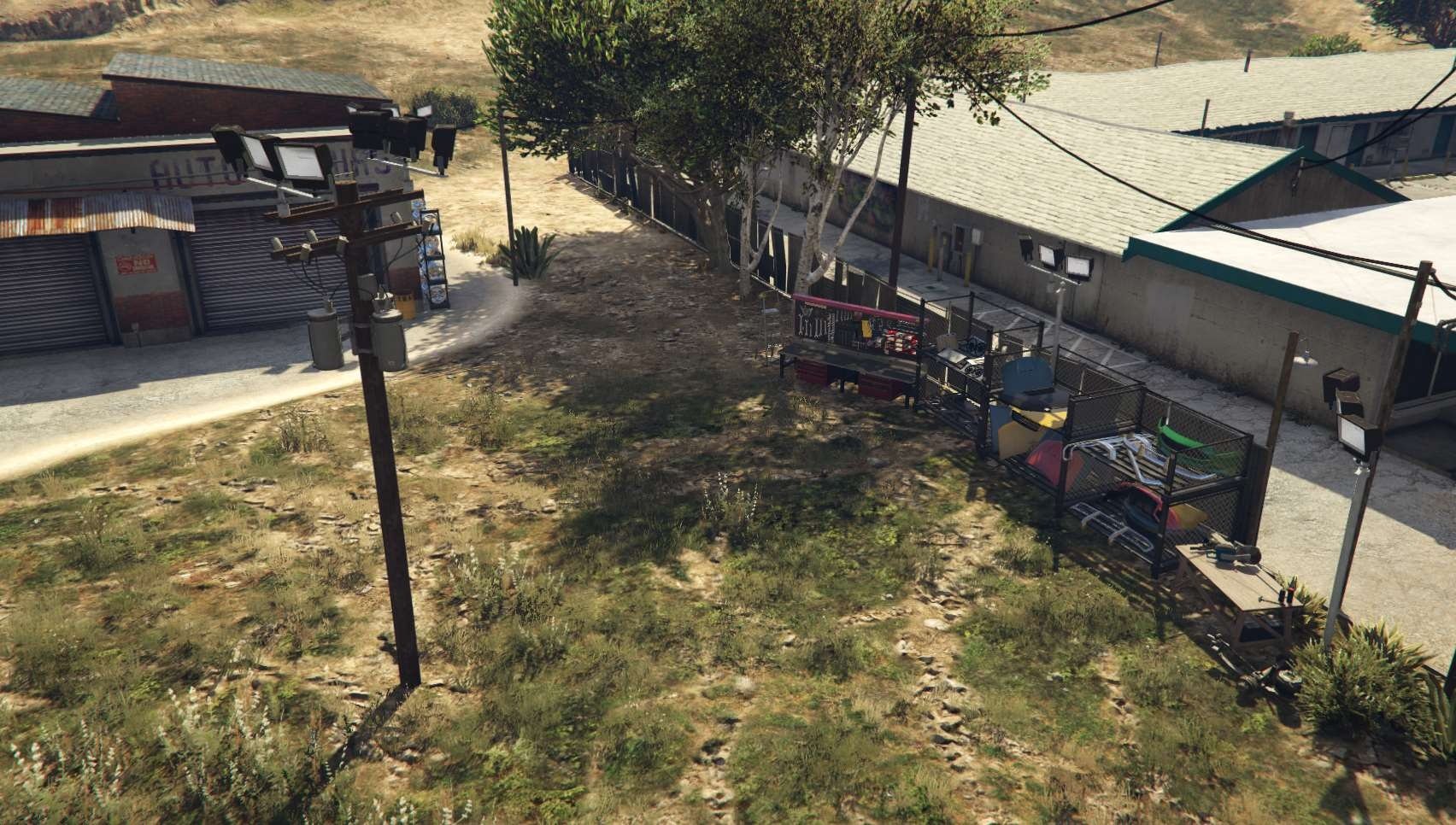
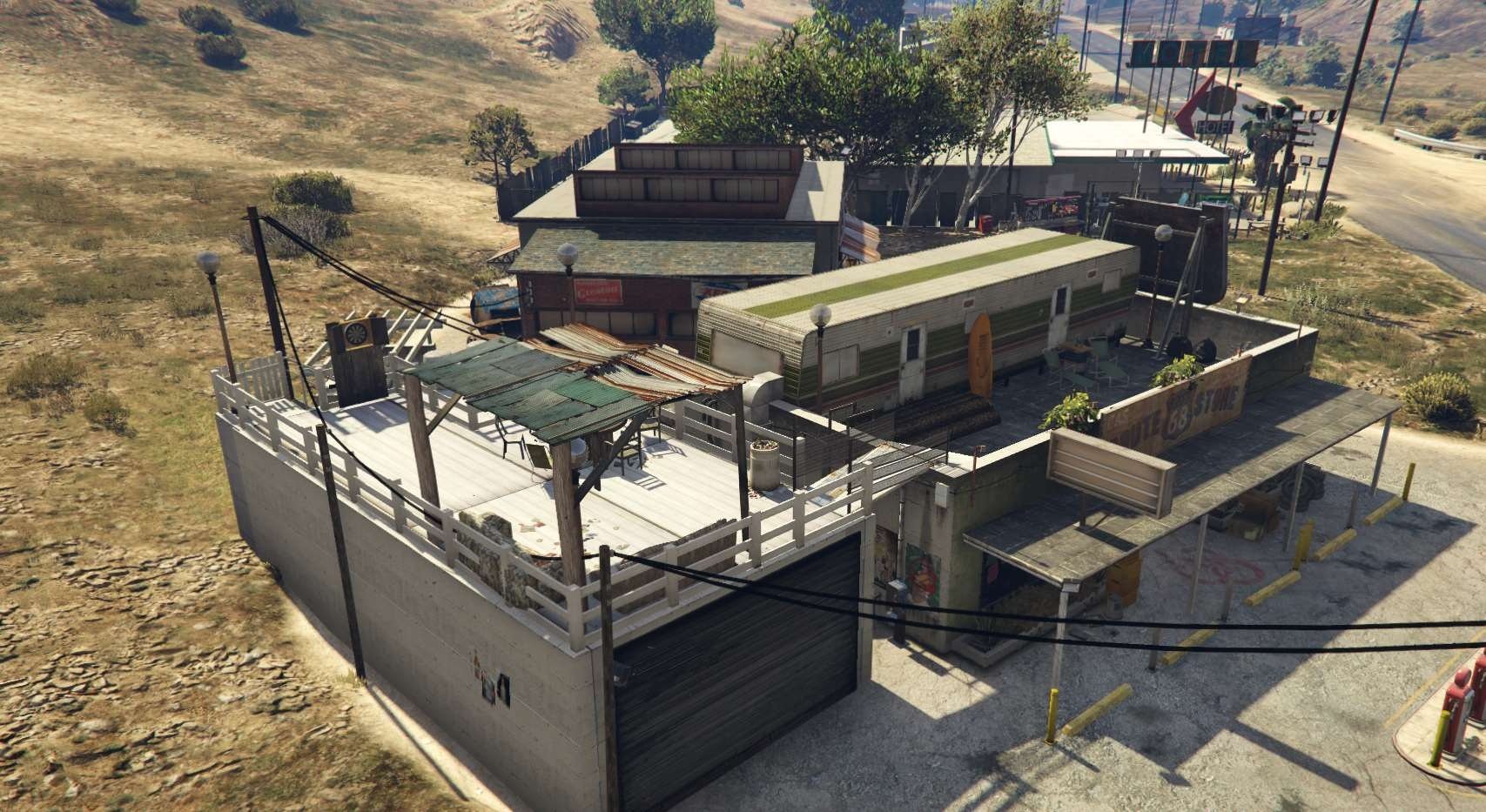
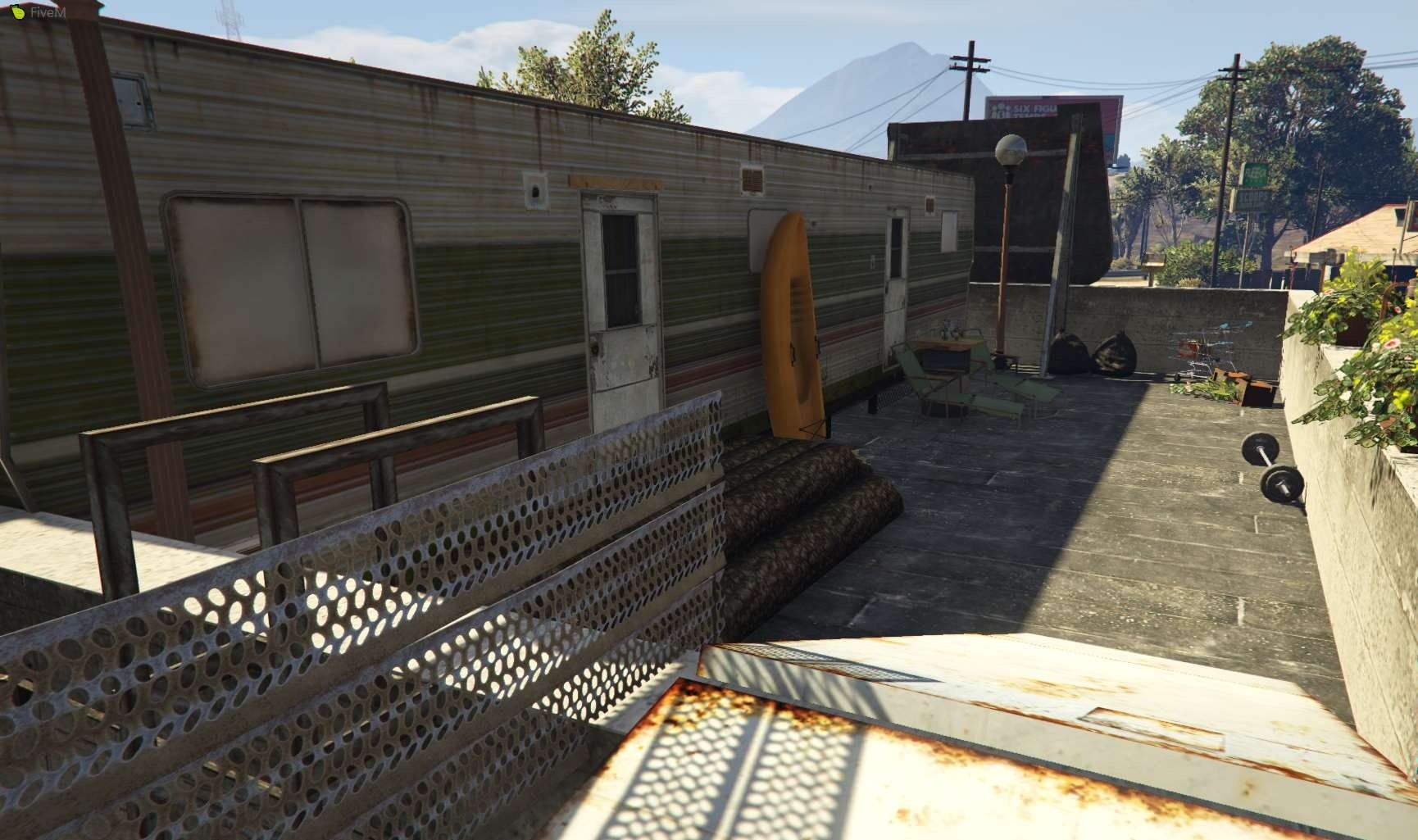
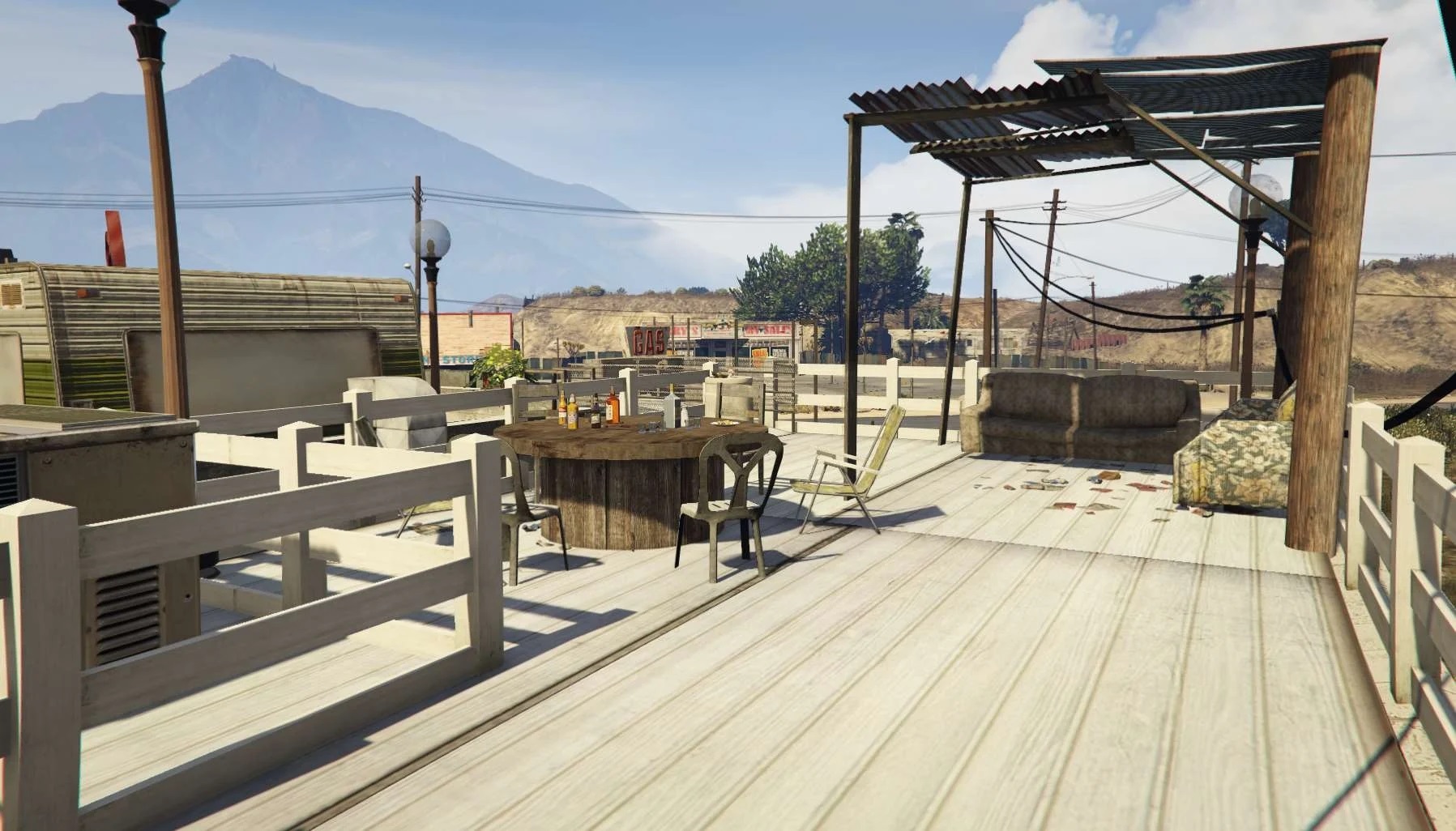
Installation FIVEM:
-Unzip the file into your MAP FOLDER who start on your server.cfg
Installation SINGLEPLAYER:
-Unzip the file
-Open OpenIV and go in edit mode
– Click update > x64> dlcpacks> custom_maps>dlc.rpf> x64> levels> gta5> citye> maps> custom_maps.rpf
– Then take the YMAP and drag & drop it into OpenIV then its in!
V2:
– Fixed collision
– Fixed light
– Now compatible with AltV
– Now compatible with Patoche MLO LS Custom in Sandy Shore ( https://fr.gta5-mods.com/maps/ls-custom-sandy-fivem-sp-ready )
Credits:
Justilan
Download mod
| File | File size |
|---|---|
 Garage_road68_ext
 | 49 KB |
![Mission Row PD Exterior & Mission Row East Exterior [Ymap | FiveM Ready] 1.0](https://gta5mod.net/wp-content/uploads/2021/02/Mission-Row-PD-Exterior-150x150.jpg "Mission Row PD Exterior & Mission Row East Exterior [Ymap | FiveM Ready] 1.0")
![Work in garage 1.0 [menyoo] Addon for Port Garage By "ToniBabelony" 1.0](https://gta5mod.net/wp-content/uploads/2021/05/garage-150x150.jpg "Work in garage 1.0 [menyoo] Addon for Port Garage By \"ToniBabelony\" 1.0")
