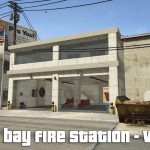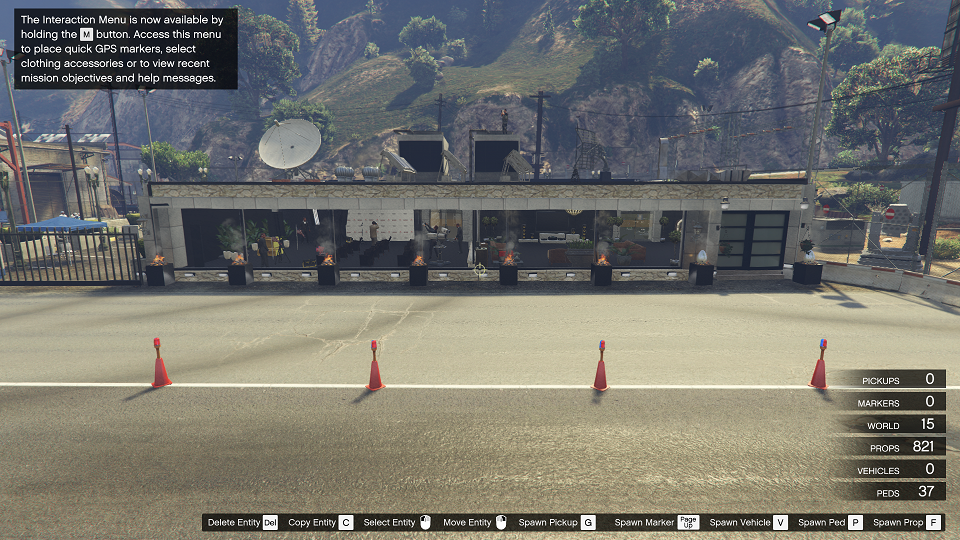


paleto bay map and xml file
installation:
step 1: download the file and extract them
step 2: select the paleto bay xml file and copy
step 3: And paste into the maps file or game file
Step 4: now open the game press f7 to open map editor
Step 5: select load map and choose the file
Step 6: And your map will load on your location
step 7: finally enjoy your gameplay
Thanks for Downloading
You can load and save your maps as XML files or as object.ini files. When selecting load or save from the main menu, you will be prompted to enter a filename. Note that when loading maps, they stack, so use New Map to clean any objects.
You can automatically load maps by creating a directory in the scripts folder named “AutoloadMaps”. Any file ending with the .xml or .ini extension will be loaded on gamestart. These maps will save with you when you save your current map, so before creating a map, use New Map
Credits:
Ibrahim
Download mod
| File | File size |
|---|---|
 paleto Bay
 | 26 KB |
![Paleto Bay Alive [Map Editor - ymap] 1.7](https://gta5mod.net/wp-content/uploads/2022/01/Paleto-Bay-Alive-150x150.jpg "Paleto Bay Alive [Map Editor - ymap] 1.7")
![New Trevor, Michael, Franclin and More House. [Map Editor] [Menyoo] 1.2 Version Map](https://gta5mod.net/wp-content/uploads/2020/08/New-Trevor-150x150.jpg "New Trevor, Michael, Franclin and More House. [Map Editor] [Menyoo] 1.2 Version Map")
![Country house [Map Editor | YMAP | Map Builder] 1.1](https://gta5mod.net/wp-content/uploads/2021/10/Country-house-150x150.webp "Country house [Map Editor | YMAP | Map Builder] 1.1")