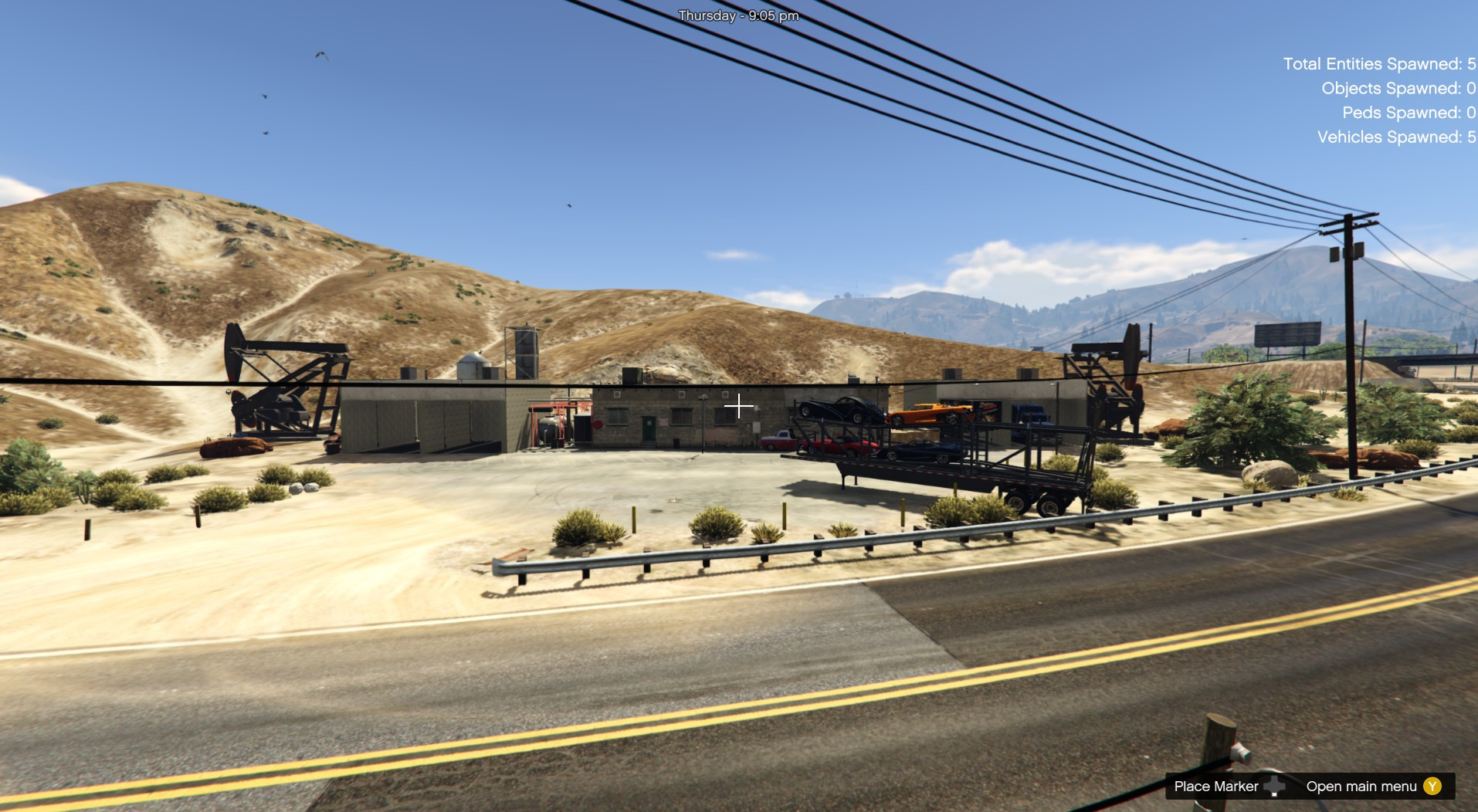
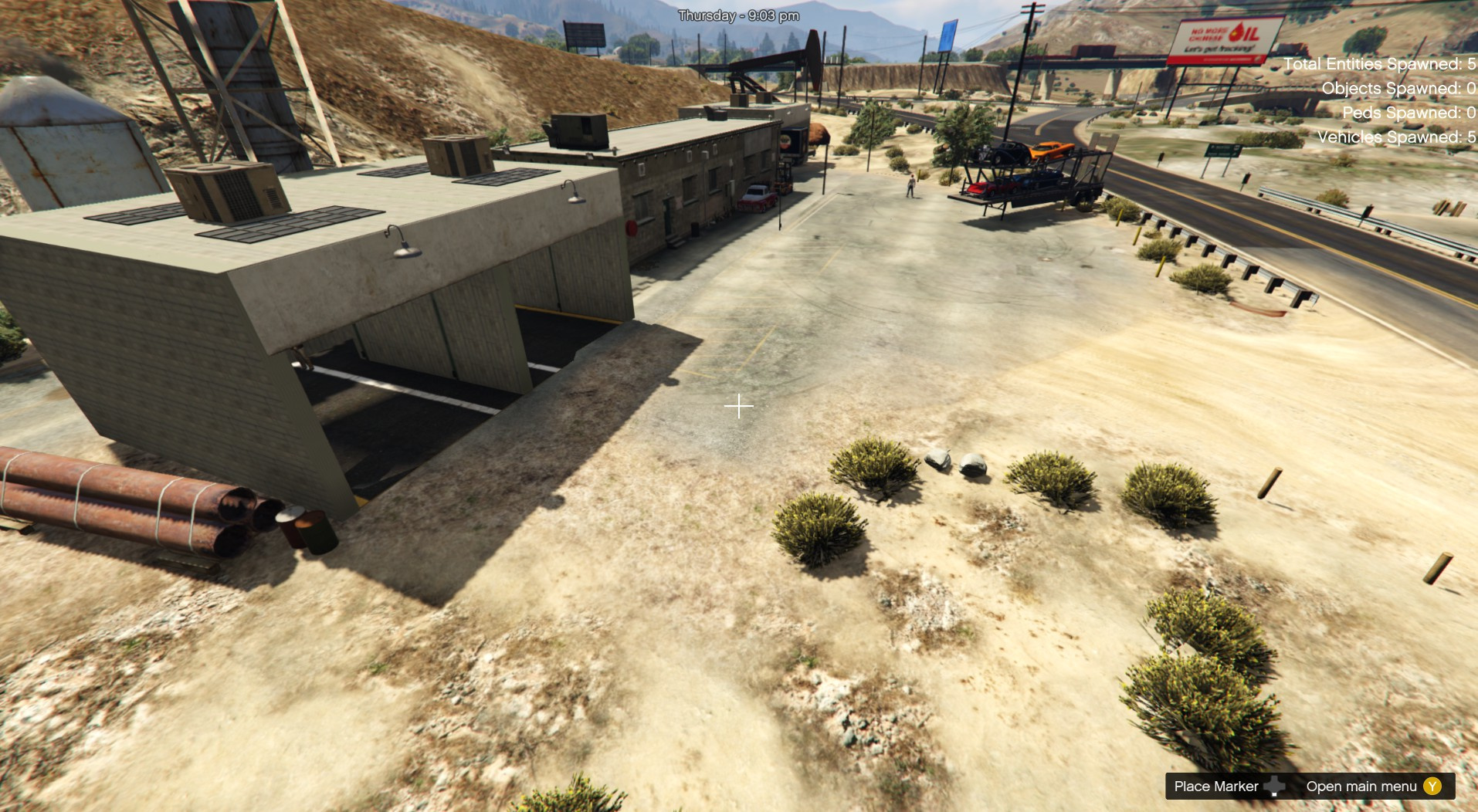
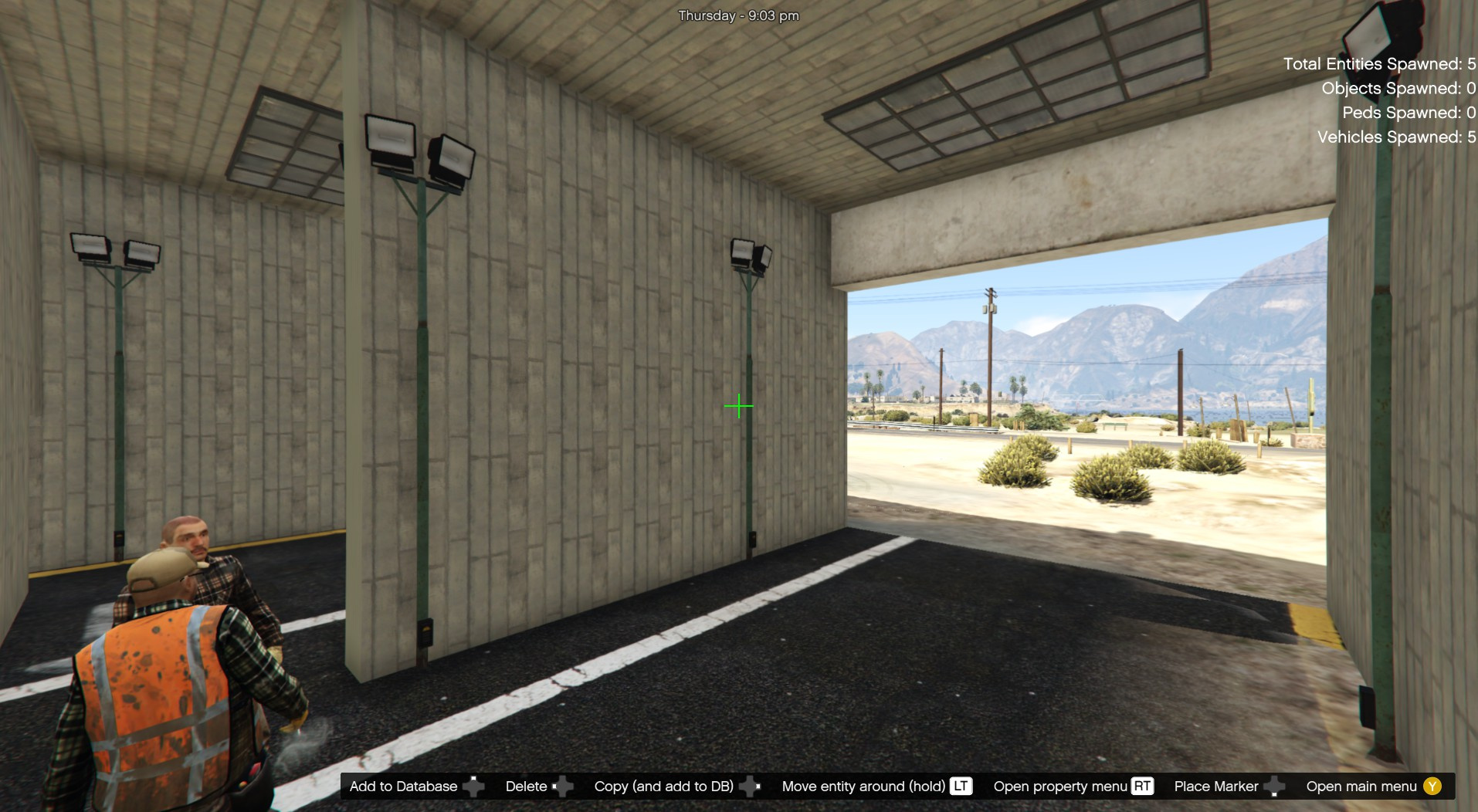
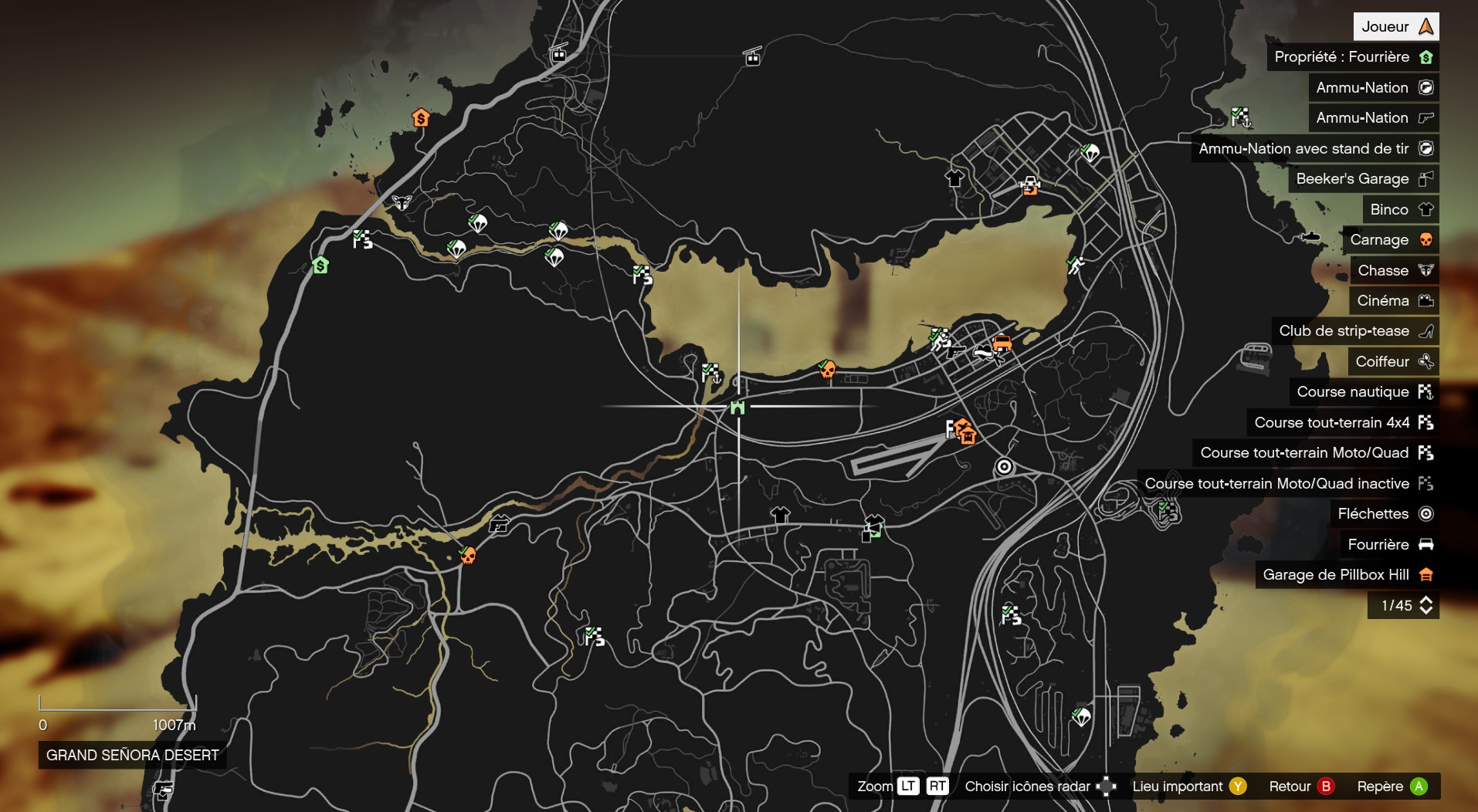
Installation:
PLEASE READ IT CAREFULLY !
If you don’t have mods folder, just create it and put the original common.rpf locate in GTA5 main folder in your mods folder
Download and install:
ScriptHook,
ScriptHook V.NET
and OpenIV
and MENYOO
and Map Builder 4.0
Custom Props Add-On [BETA 3]
VERY IMPORTANT!!!
HOW TO INSTAL:
A] For the truck garage ADDON [ymap file]
Installation for instal (OPEN IV needed for this)
copy and paste folder “custom maps”
to: mods>update>x64>dlcpacks
Finally add “dlcpacks: custom maps ” in dlclist.xml using OpenIV
to: mods >update.rpf >common >data
Or,
when you already have your custom maps folder then go to:
mods>update>x64>dlcpacks>custom maps>dlc.rpf>x64>levels>gta5>citye>maps>custom maps.rpf
and add the file :
Truck garage.ymap
[Addon] (don t rename the file. OpenIV will do the rest)
For vehicles use Menyoo
Copy:
Truck Garage vehicle.xml
of my archive to GTAV menyooStuff Spooner.
Now launch in GTA5, press F8 to open Menyoo, select “ObjectSpooner”, “SavedFiles”,
and load:
Truck Garage vehicle.xml
Good Game have fun 🙂
Changelog:
v2.0
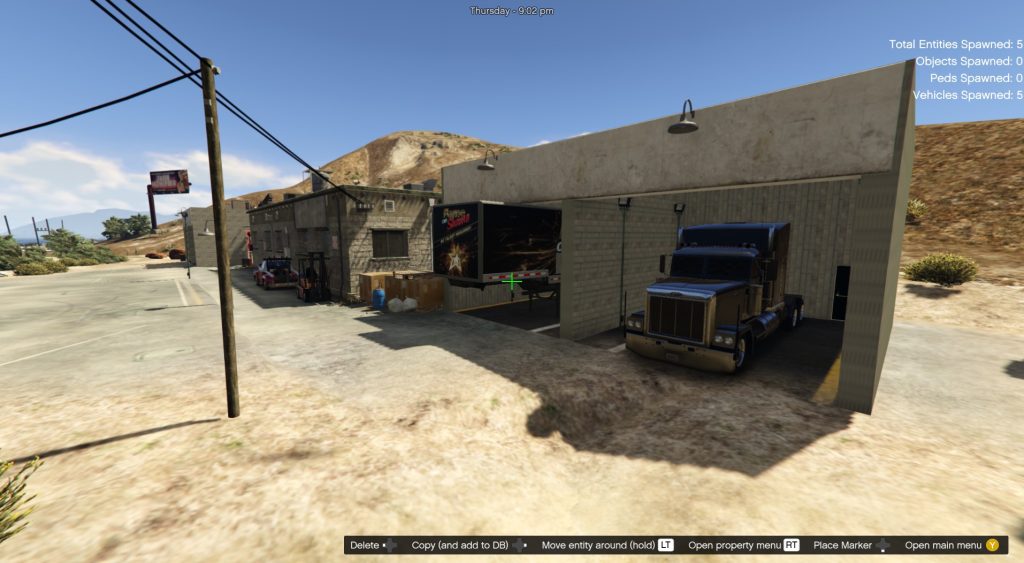
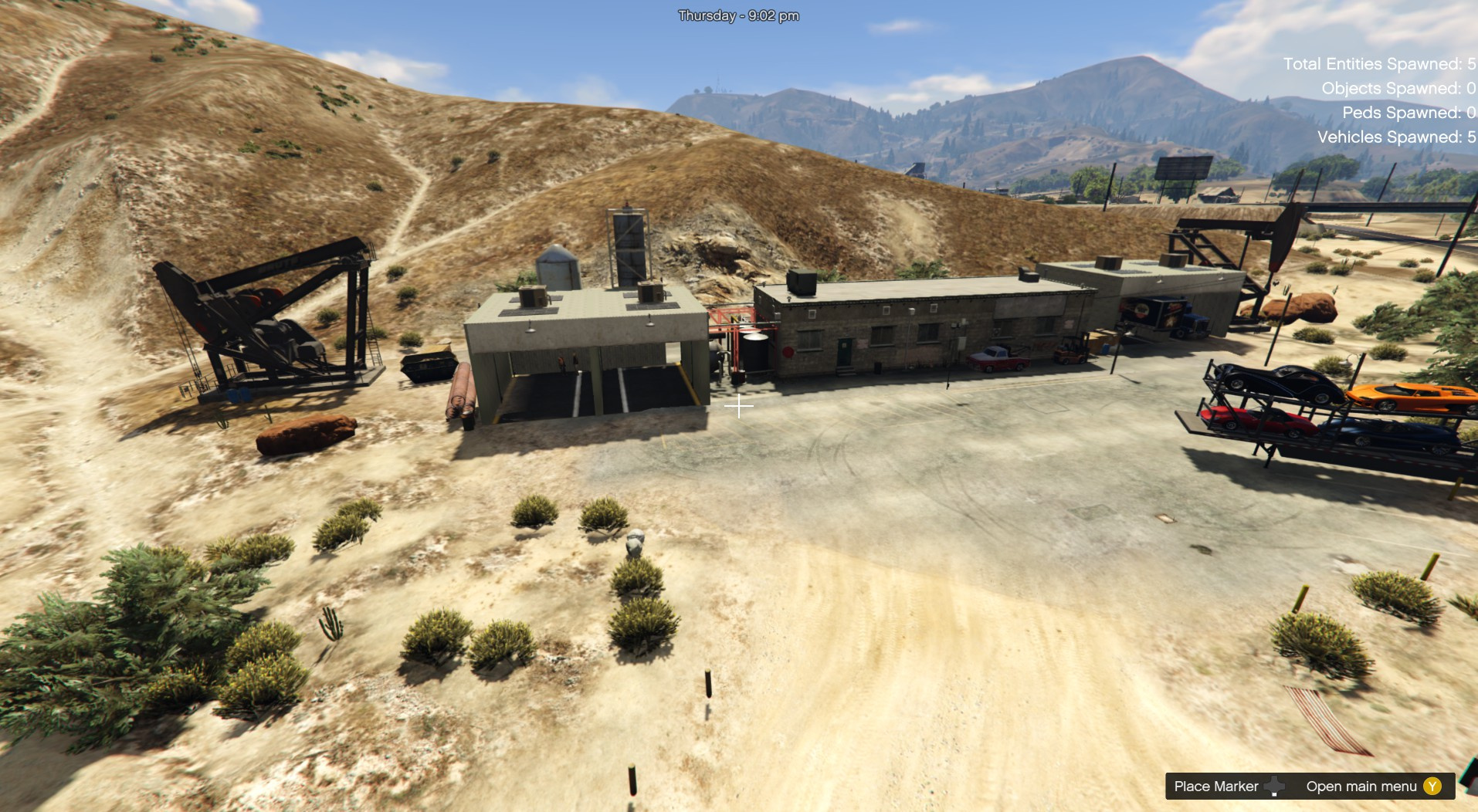
Add 2 custom garages with garage doors,
Add entrance in the middle,
Add car wash at the back,
Add old gas station,
Add fruit store in front of the garage exit
Add the logo Lost The Gamer outside of the garage [replace wall art].
v3.0
remove a wall in the middle of left garage for truck
replace the old gas station with a new one with light
add a store into the gas station
add some colors print on the floor of the custom garages
add a new iron wall in the entrance of the garage
Credits:
zamalone
Download mod
| File | File size |
|---|---|
 Truck Garage 3
 | 54 KB |
![Tow Truck Garage [Map Editor - ymap] 1.3](https://gta5mod.net/wp-content/uploads/2022/01/Tow-Truck-Garage-150x150.webp "Tow Truck Garage [Map Editor - ymap] 1.3")
![Work in garage 1.0 [menyoo] Addon for Port Garage By "ToniBabelony" 1.0](https://gta5mod.net/wp-content/uploads/2021/05/garage-150x150.jpg "Work in garage 1.0 [menyoo] Addon for Port Garage By \"ToniBabelony\" 1.0")