INSTALLATION:
1. Download OpenIV, install it and open GTA V for Windows.
2. Go to mods/update/update.rpf/x64/data/cdimages/scaleform_generic.rpf
3. Click on the “Edit Mode” button on the top bar.
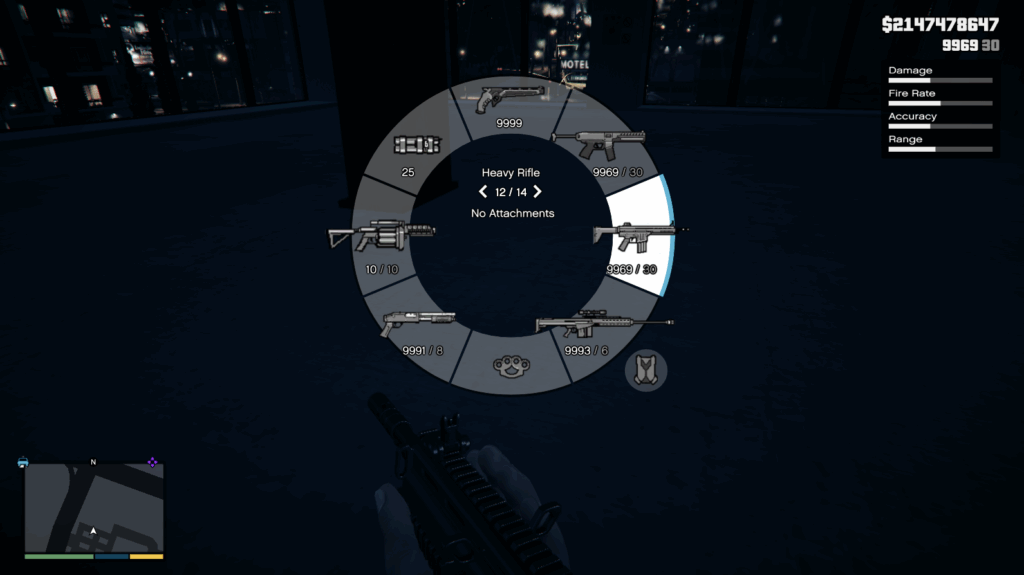
4. Open hud.ytd Replace Weapons_all Weapons_dlc_bb Weapons_dlc_bc
Credits:
lona2309
Download mod
| File | File size |
|---|---|
 Previous Gen Weapon Icon
 | 944 KB |
|
Enhanced | 944 KB |
![Old-Gen Weapon Tints [Replace | Lore Friendly] V1.0](https://gta5mod.net/wp-content/uploads/2023/02/Old-Gen-Weapon-Tints-150x150.webp "Old-Gen Weapon Tints [Replace | Lore Friendly] V1.0")