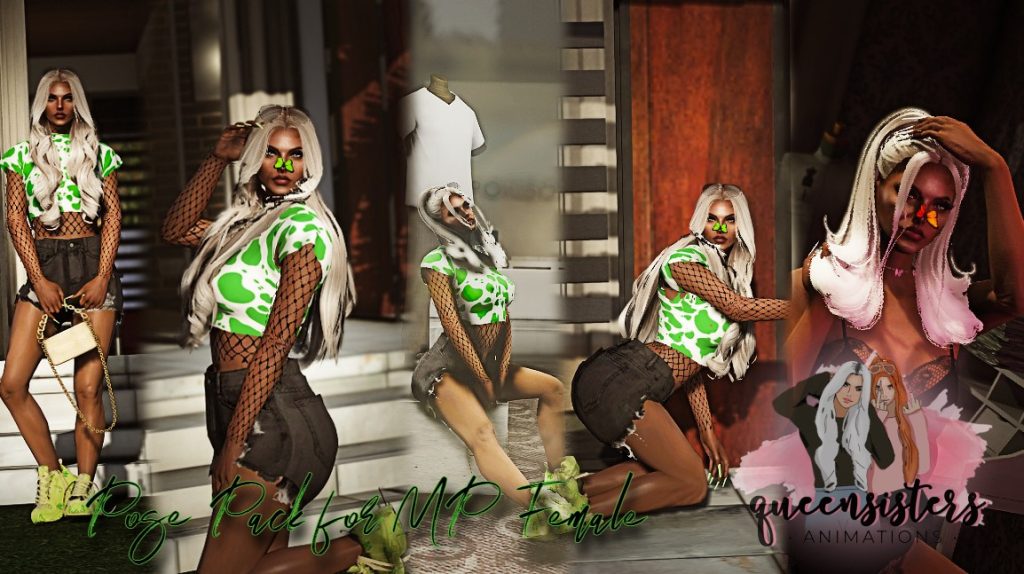
– Before installing these poses, I’ll suggest you to install customanims addons from here : How to add Custom Animations easily
– No OIV, you’ll need to manually place all the YCDs in dlcpacks/customanims/dlc.rpf/x64/anims/ingame/[email protected]
FINAL STEP
Open your favoritesanims.xml with any of text editor and add these lines : .
< Anim dict=”bankleansit@queensisters” name=”sitlean_clip” />
< Anim dict=”nikyminaj@queensisters” name=”nikyminaj_clip” />
< Anim dict=”sunpose1@queensisters” name=”sunpose1_clip” />
< Anim dict=”customposesit@queensisters” name=”custompose_clip” />
< Anim dict=”customposesit2@queensisters” name=”posesit_clip” />
MAKE SURE TO GET THE ANIM DICT FROM THE README FILE CAUSE HERE ON GTA 5 MODS, I GOTTA ADD THE SPACE BETWEEN < AND ANIM DICT <33
Credits:
Queens Sister
Download mod
| File | File size |
|---|---|
 [Girl] Pose Pack for MP Female #4 - by QueenSisters
 | 247 KB |
![Cuddle Partner Pose | Role play and photo pose | [Add-on] 1.0](https://gta5mod.net/wp-content/uploads/2022/07/Cuddle-Partner-Pose-150x150.webp "Cuddle Partner Pose | Role play and photo pose | [Add-on] 1.0")