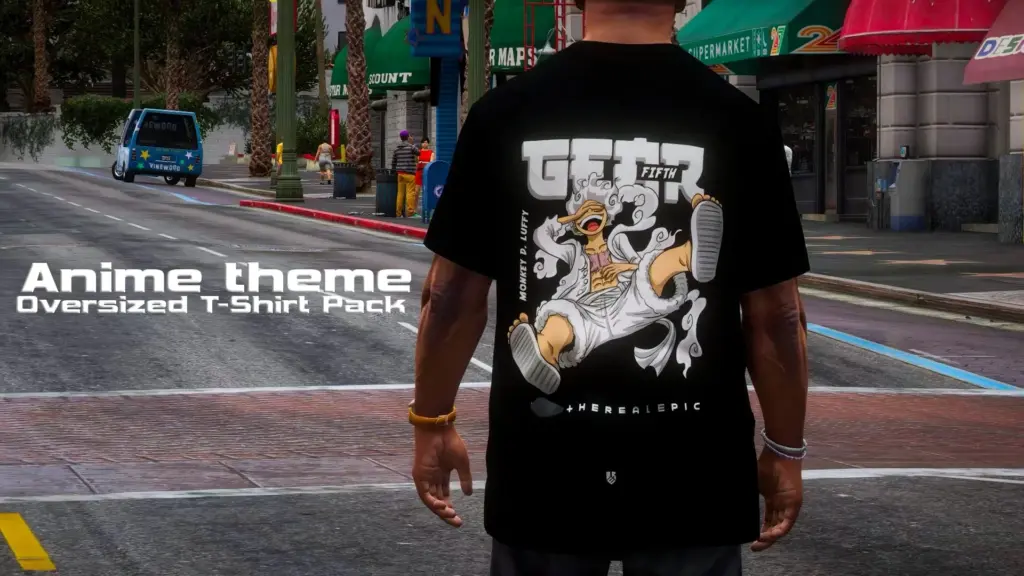
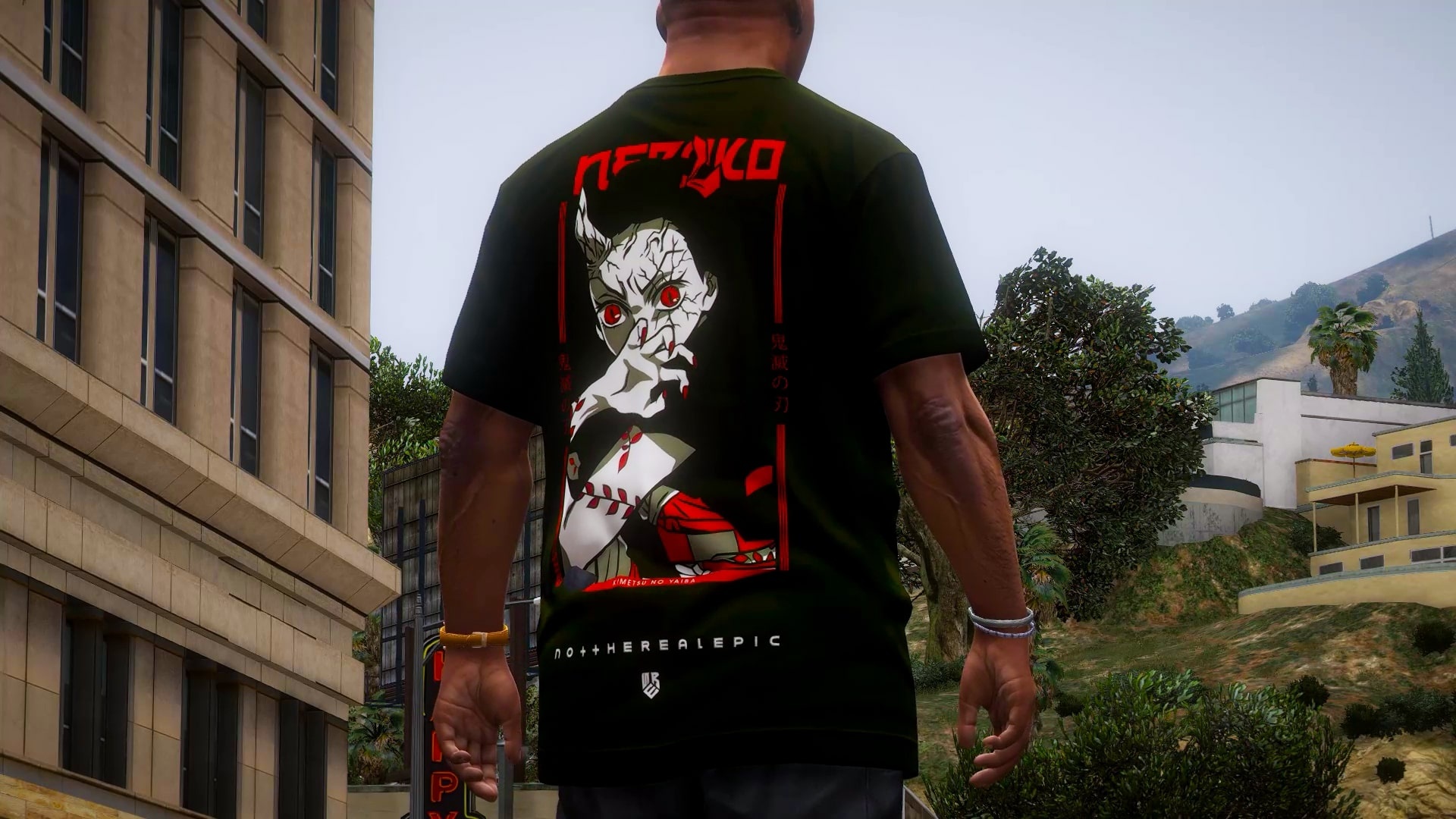
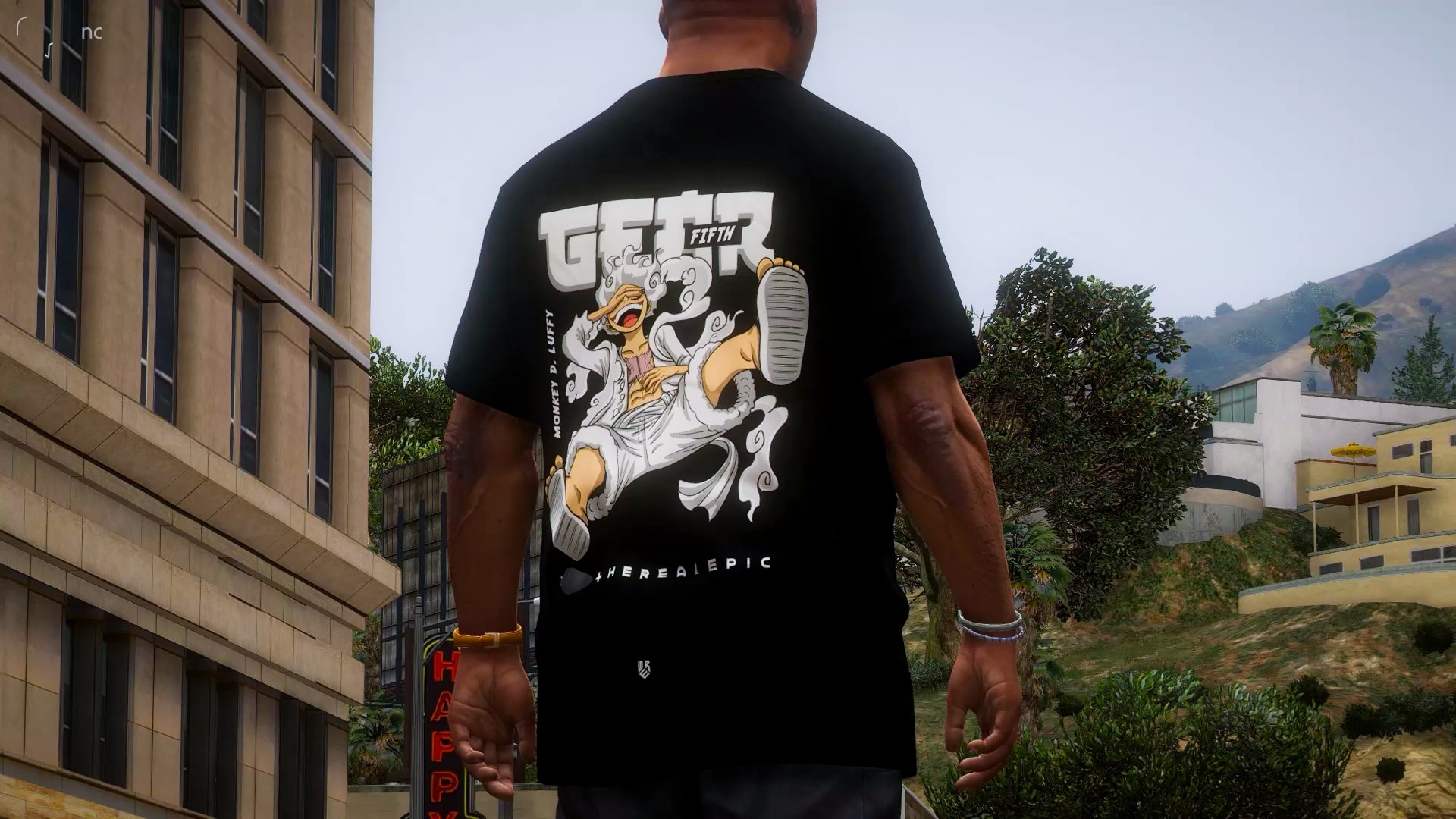
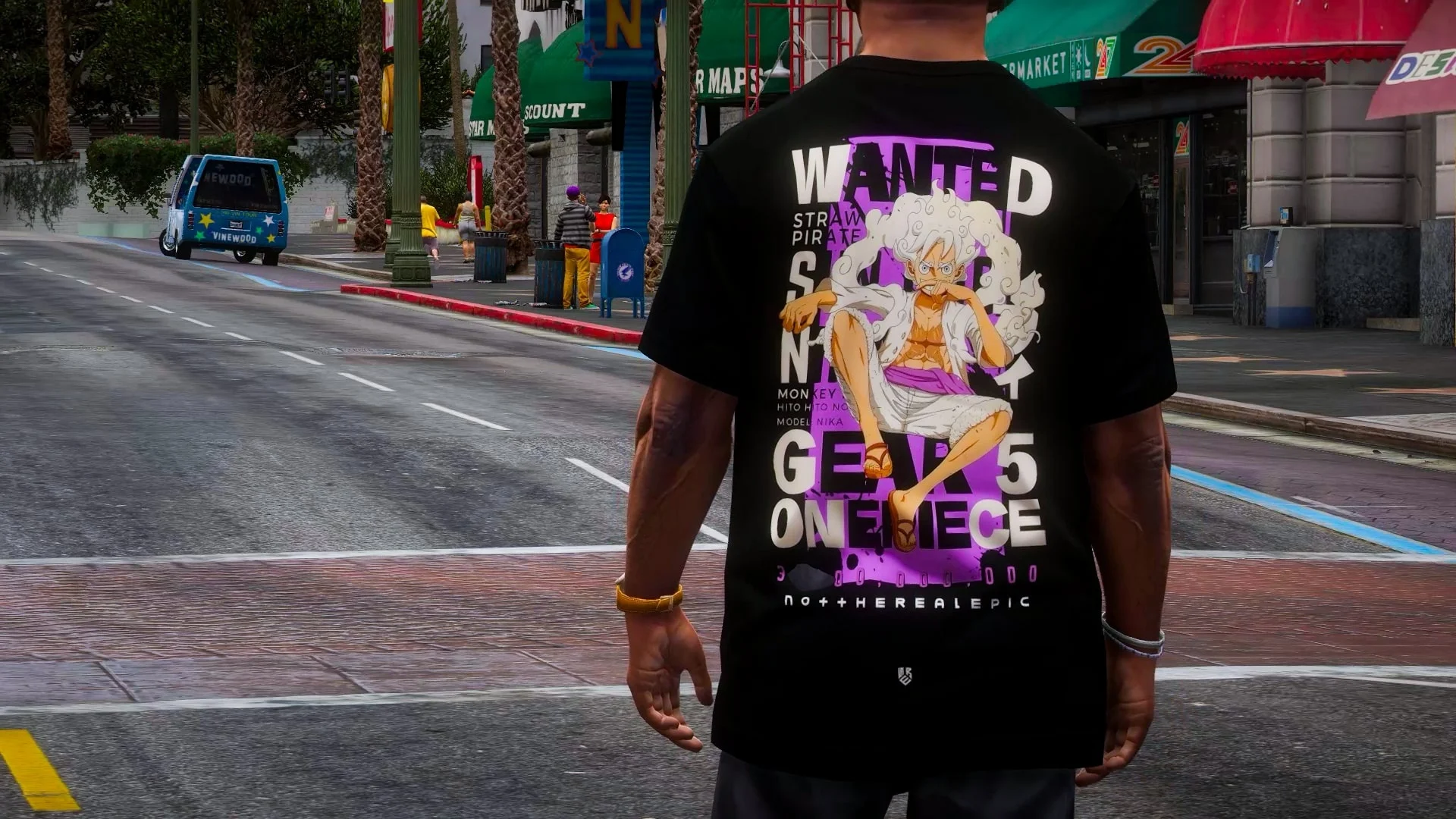
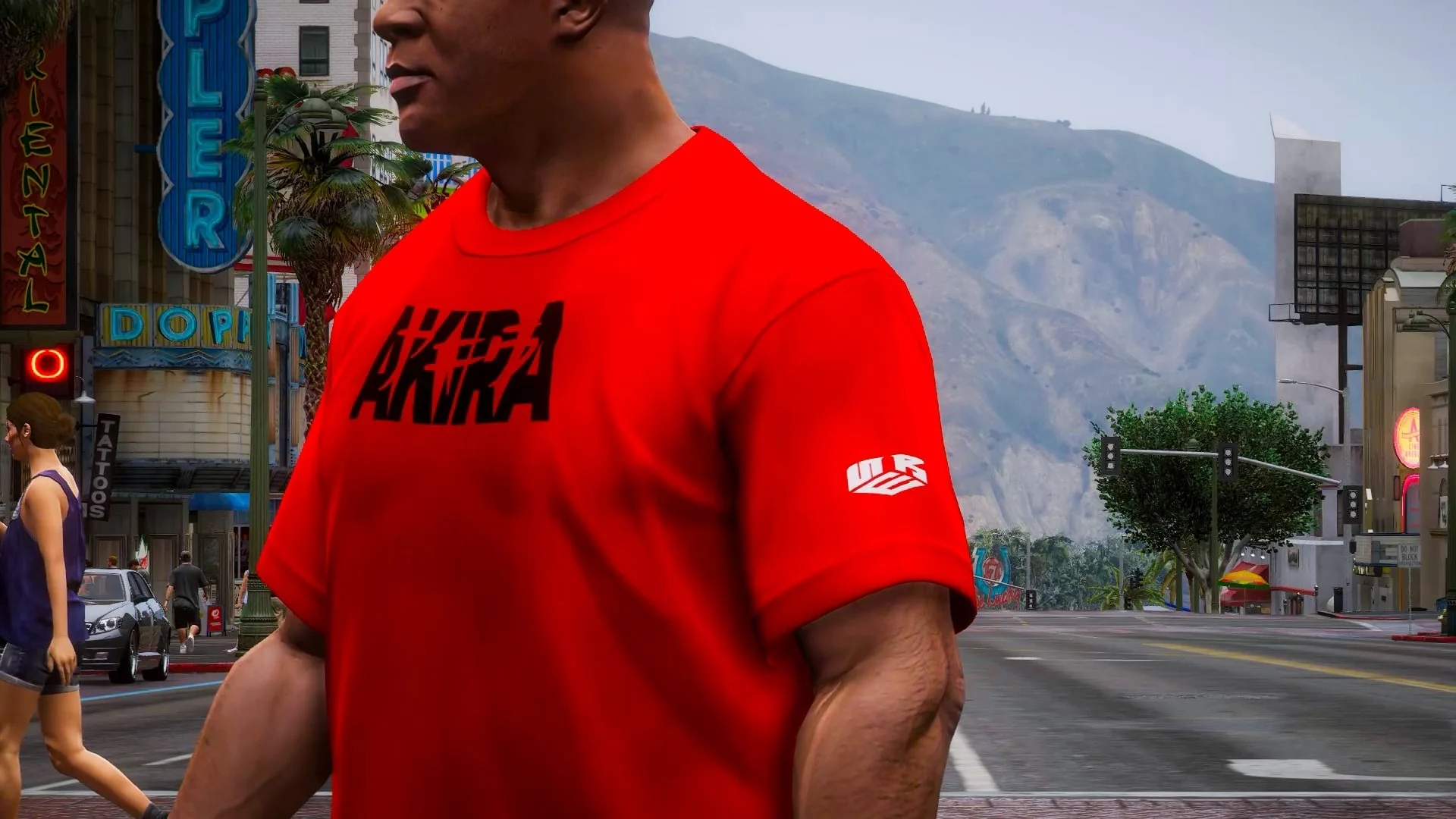
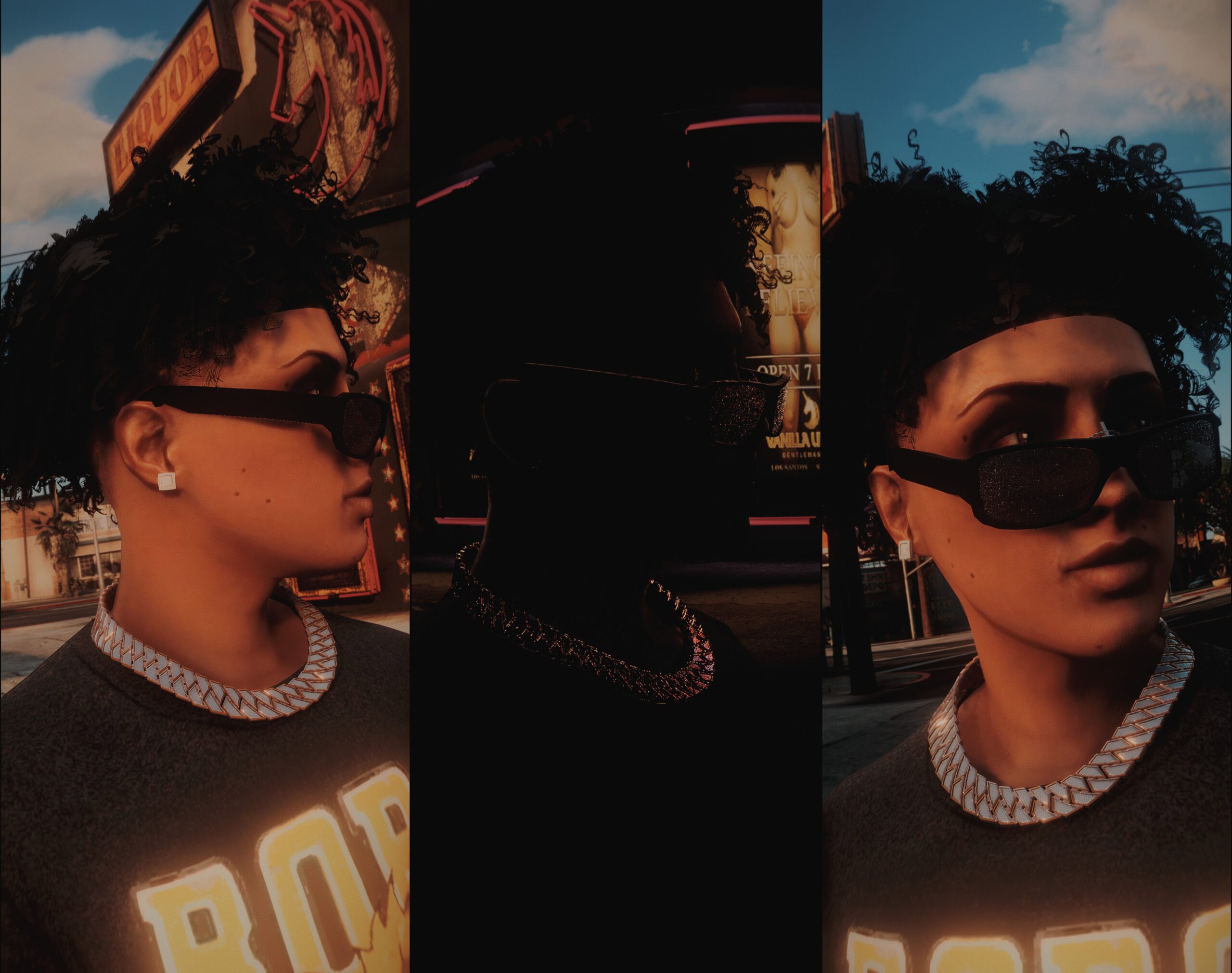
Features:
High-quality anime-themed oversized t-shirts
Works with GTA V default textures
Addon (non-replace) and Replace versions included
Easy for beginners to install
Requirements:
Script Hook V
OpenIV
Menyoo PC
Packfile Limit Adjuster
Gameconfig
HeapAdjuster
CodeWalker (Optional)
Installation Guide:
1. Addon Version (Adds 5 New T-Shirts)
Open OpenIV and enable Edit Mode.
Go to your mods folder (if you don’t have one, create it).
Navigate to:
mods/x64v.rpf/models/cdimages/streamedpeds_players.rpf/player_one/
Copy uppr_diff_015_m_uni.ytd into this folder. This adds textures 16–20.
Replace player_one.ymt file in these locations:
mods/x64v.rpf/models/cdimages/streamedpeds_players.rpf/
mods/update/x64/dlcpacks/mppatchesng/dlc.rpf/x64/models/cdimages/mppatches.rpf/
mods/update/x64/dlcpacks/patchday3ng/dlc.rpf/x64/models/cdimages/patchday3ng.rpf/
Close OpenIV and launch GTA V. Your new t-shirts are ready to use!
2. Replace Version (Replace Existing T-Shirts)
Open OpenIV and enable Edit Mode.
Navigate to:
mods/x64v.rpf/models/cdimages/streamedpeds_players.rpf/player_one/
Copy the provided t-shirt textures and replace the existing ones (0–15).
Replace player_one.ymt file in the same locations as the Addon version.
Close OpenIV and launch GTA V. The original textures are replaced with the new t-shirts.
Credits:
notrealepic
Download mod
| File | File size |
|---|---|
 Anime theme Oversized T-Shirt Pack [FRANKLIN] [ADDON-REPLCE]
 | 38 MB |
![Off-White & Cactus Jack Oversized T-Shirt Pack [Franklin] V1.0](https://gta5mod.net/wp-content/uploads/2023/10/Cactus-Jack-Oversized-T-Shirt-Pack-150x150.jpg "Off-White & Cactus Jack Oversized T-Shirt Pack [Franklin] V1.0")