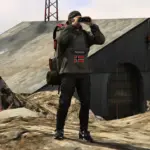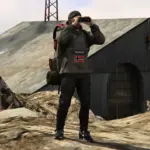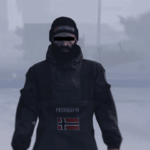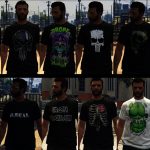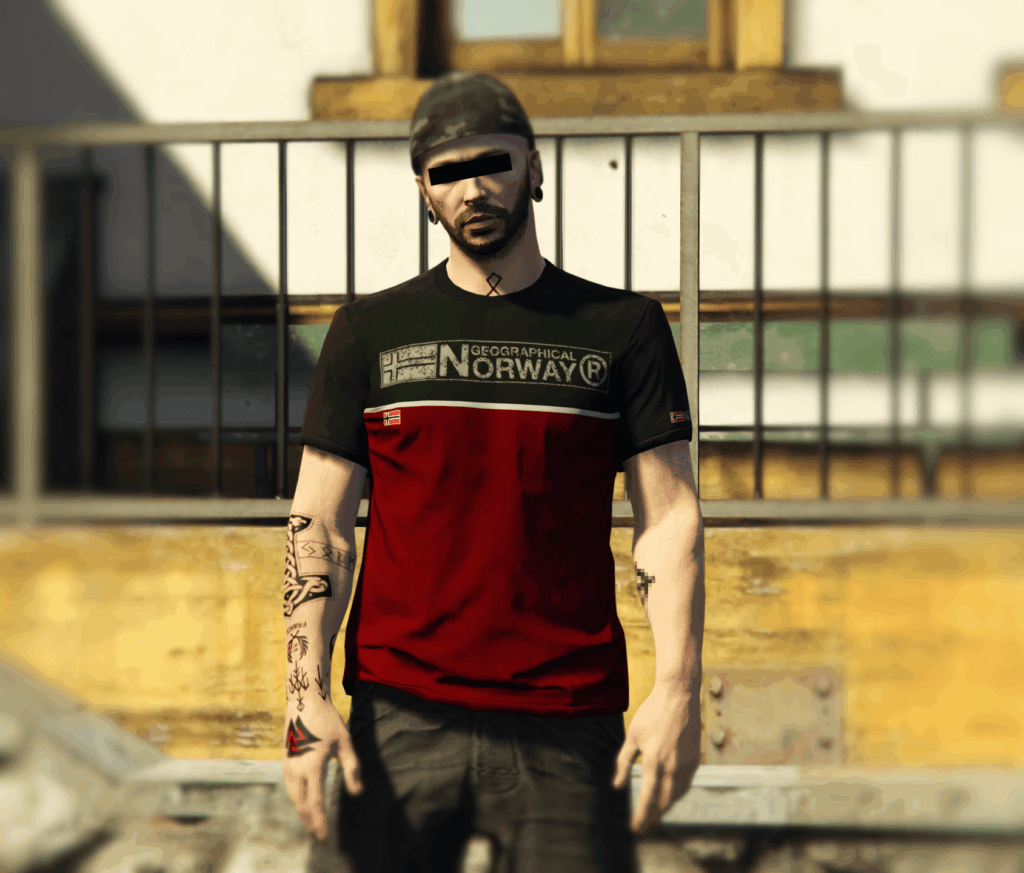


Still on the same brand and to go with the kangaroo jackets, here are three t-shirts from Geographical Norway.
[Description]
This mod allows you to use t-shirts from Geographical Norway. I tried to be a little creative and added a pretty cool design to two of the t-shirts.
I use Menyoo. To find these “Replace” or “Add-On” t-shirts, simply open :
[Slot Replace]
Menyoo -> Player Options -> Model Changer -> Player -> Male Multiplayer Freemode -> Wardrobe -> Tops 2 (Outdoor) -> Slot 0
[Slot Add-On]
Menyoo -> Player Options -> Model Changer -> Player -> Male Multiplayer Freemode -> Wardrobe -> Tops 2 (Outdoor) -> Slot 505
PS : The slot is unique to each player. If you use “MpClothes” and already have some clothes, simply change the names of my t-shirts.
[Information]
With this mod, you can either replace the textures or add them as an add-on. Everything is possible thanks to this link : https://fr.gta5-mods.com/misc/mpclothes-addon-clothing-slots
[Installation Replace]
GTA V –> mods –> x64v.rpf –> models –> cdimages –> streamedpeds mp.rpf –> mp m freemode 01
[Installation Add-On]
GTA V –> mods –> update –> x64 –> dlcpacks –> mpclothes –> dlc.rpf –> x64 –> models –> cdimages –> mpclothes male.rpf –> mp m freemode 01 mp m clothes 01
No problems or bugs.
An installation file and a backup are also available in the RaR archive.
The clothing textures are from the game, with the exception of the flag and the Geographical Norway inscription, which I modified myself with GIMP. For some reason, sometimes the textures are a bit purple or a strange color. It probably happens when I use too much saturation in GIMP. Personally, I don’t find it very bothersome, but if anyone has a solution, I’d appreciate it, but only for GIMP 3.0.6-1.
Credits:
OdinPagan
Download mod
| File | File size |
|---|---|
 T-Shirt Geographical Norway Desing @OdinPagan MP MALE [Add-On - Replace]
 | 8 MB |