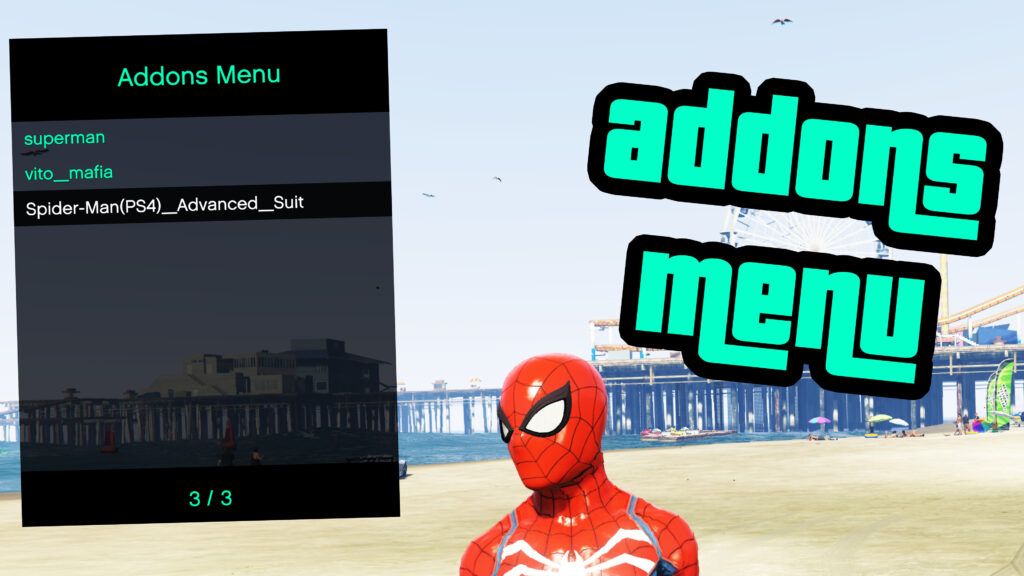
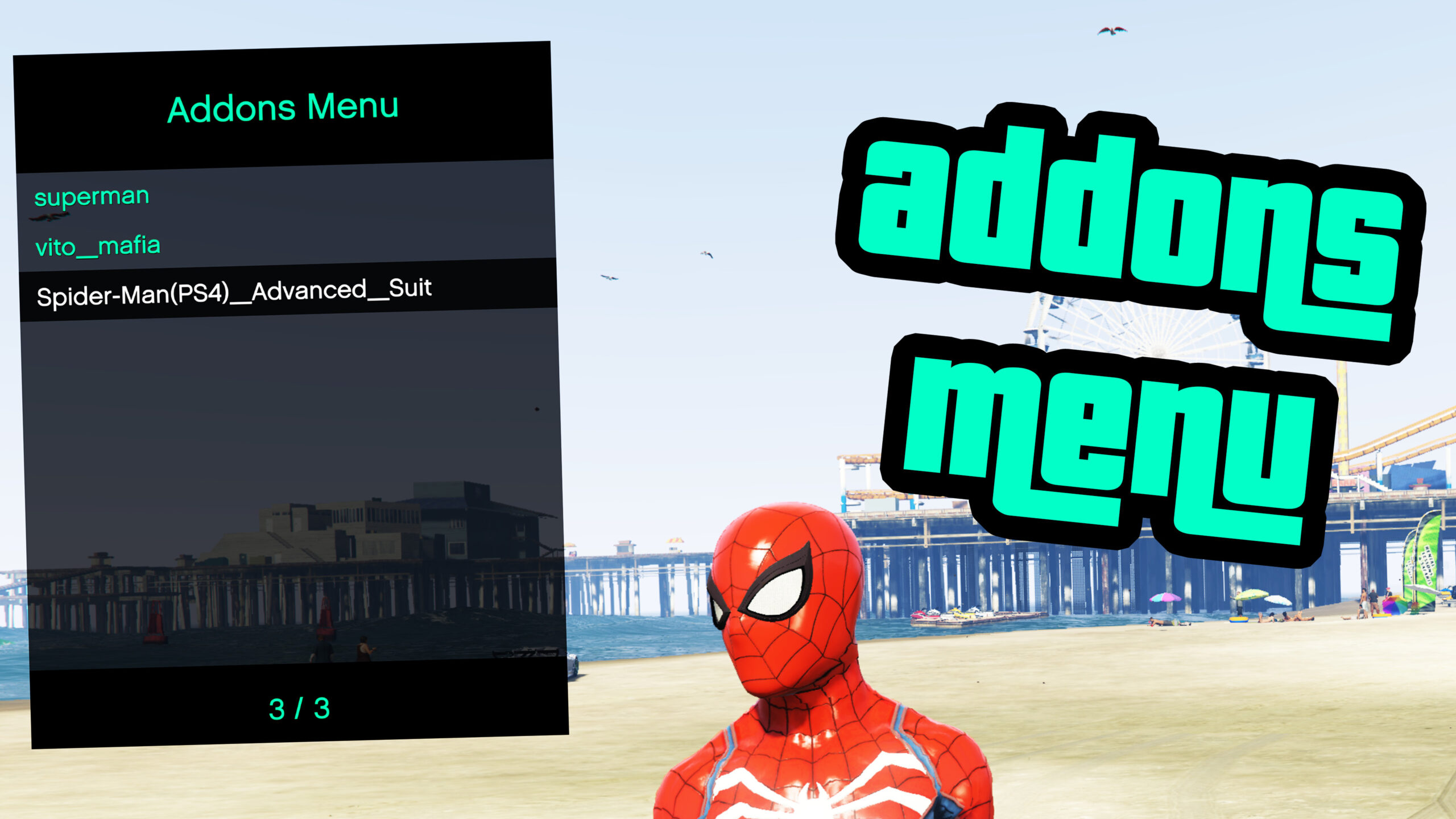
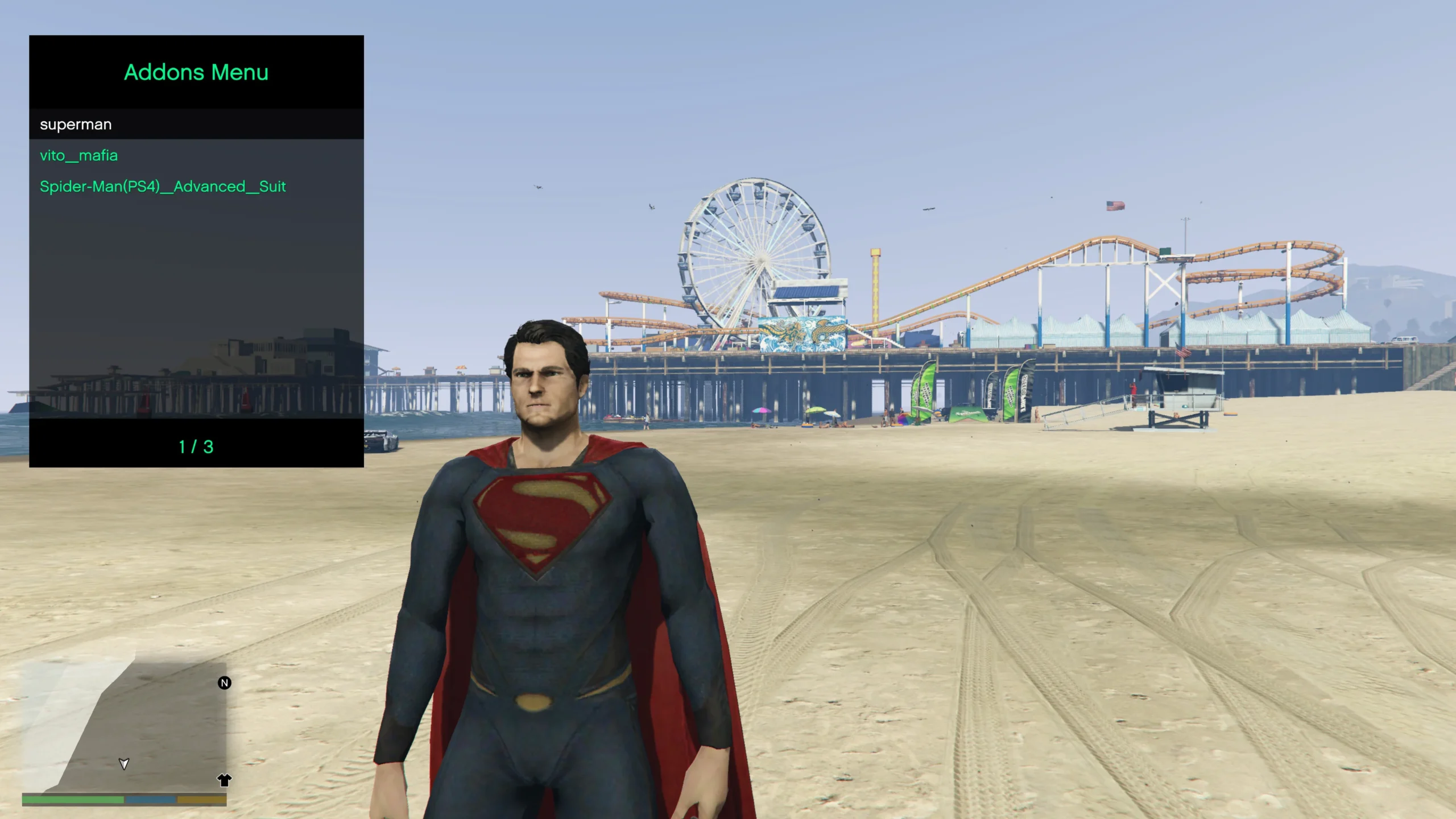
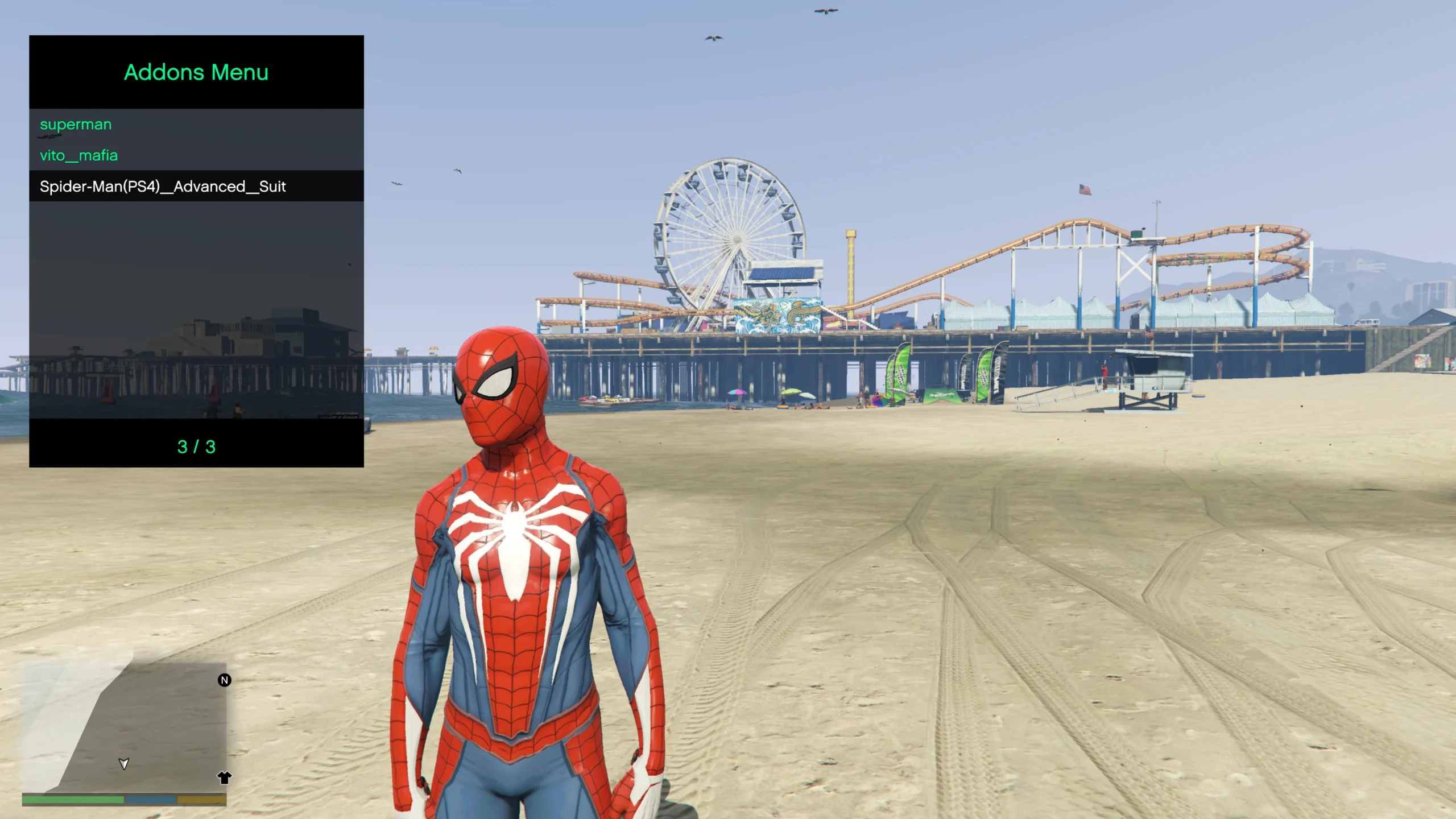
This is a simple menu to spawn Addon Peds in GTA V. This does not require other dependencies other than AB’s ScriptHook in order to spawn addon peds.
Installation instructions:
– Install AB’s ScriptHook
– Extract “AddonsMenu.asi” in to the root of your game folder (where GTA5.exe is located at)
– Done!
How to use:
You can enable the menu by pressing F11 on the keyboard or hold RB + X on controller.
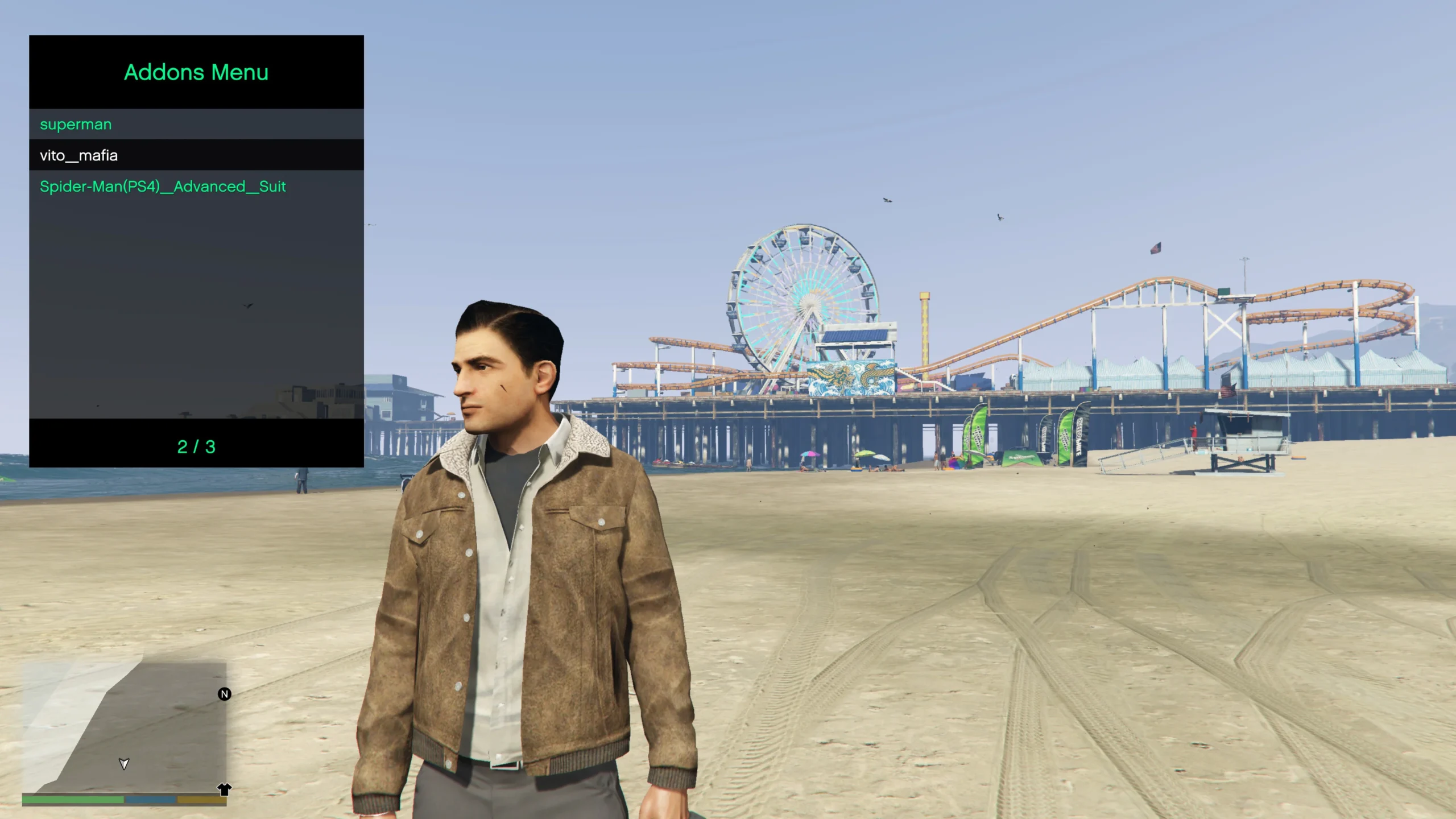
Once the menu is open you can press Enter on any of the installed Addon Peds shown in the available options to change your model.
Description:
Addons Menu is a simple GTA V menu with which you can change the player’s model to an addon ped. This menu is based only on AB’s ScriptHook, making it a lot simpler to change to the installed Addon Peds. Therefore PedSelector menu, NativeUI and ScriptHookVDotNet are not required anymore! So the menu works as a flexible alternative to PedSelector menu.
Credits:
Const96b
– alloc8or for his contributions to the modding community and specifically for providing an up to date native database
– Meth0d for the Addon Peds support in GTA V
Download mod
| File | File size |
|---|---|
 Addons Menu 11
 | 229 KB |
![2020 Suzuki GSX-RR MotoGP [Addons]](https://gta5mod.net/wp-content/uploads/2020/09/2020-Suzuki-GSX-RR-MotoGP-150x150.jpg "2020 Suzuki GSX-RR MotoGP [Addons]")
![2019 Yamaha YZR-M1 | Franco Morbidelli MotoGP [Addons]](https://gta5mod.net/wp-content/uploads/2020/09/2019-Yamaha-YZR-M1-150x150.jpg "2019 Yamaha YZR-M1 | Franco Morbidelli MotoGP [Addons]")
![[How-To] Stream clothes and props as addons, for MP Freemode models](https://gta5mod.net/wp-content/uploads/2023/01/Stream-clothes-and-props-as-addons-150x150.jpg "[How-To] Stream clothes and props as addons, for MP Freemode models")