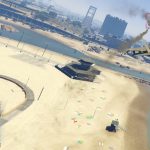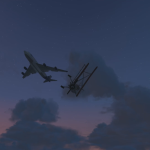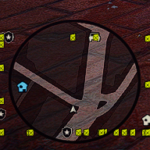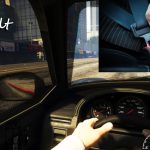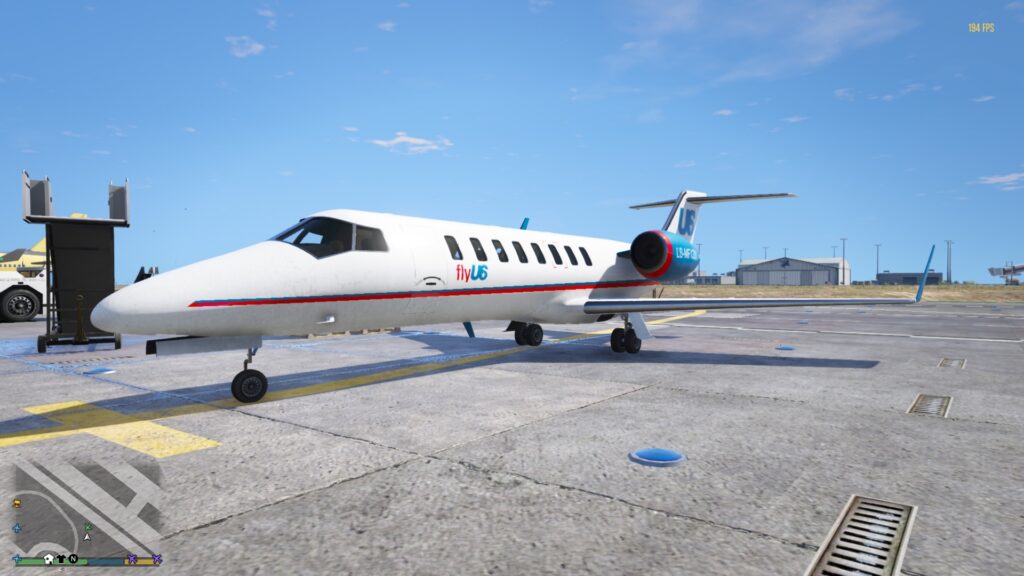
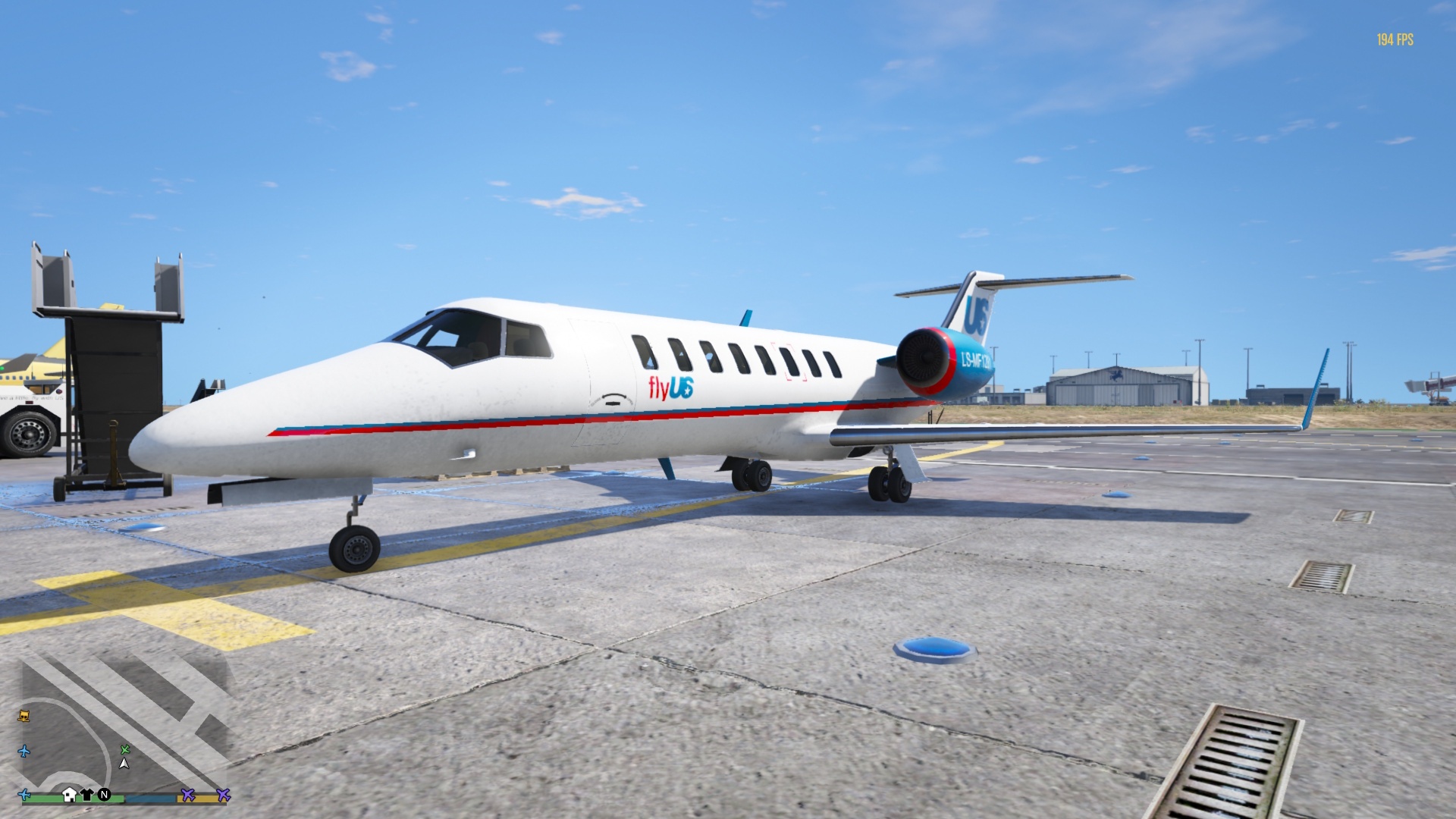
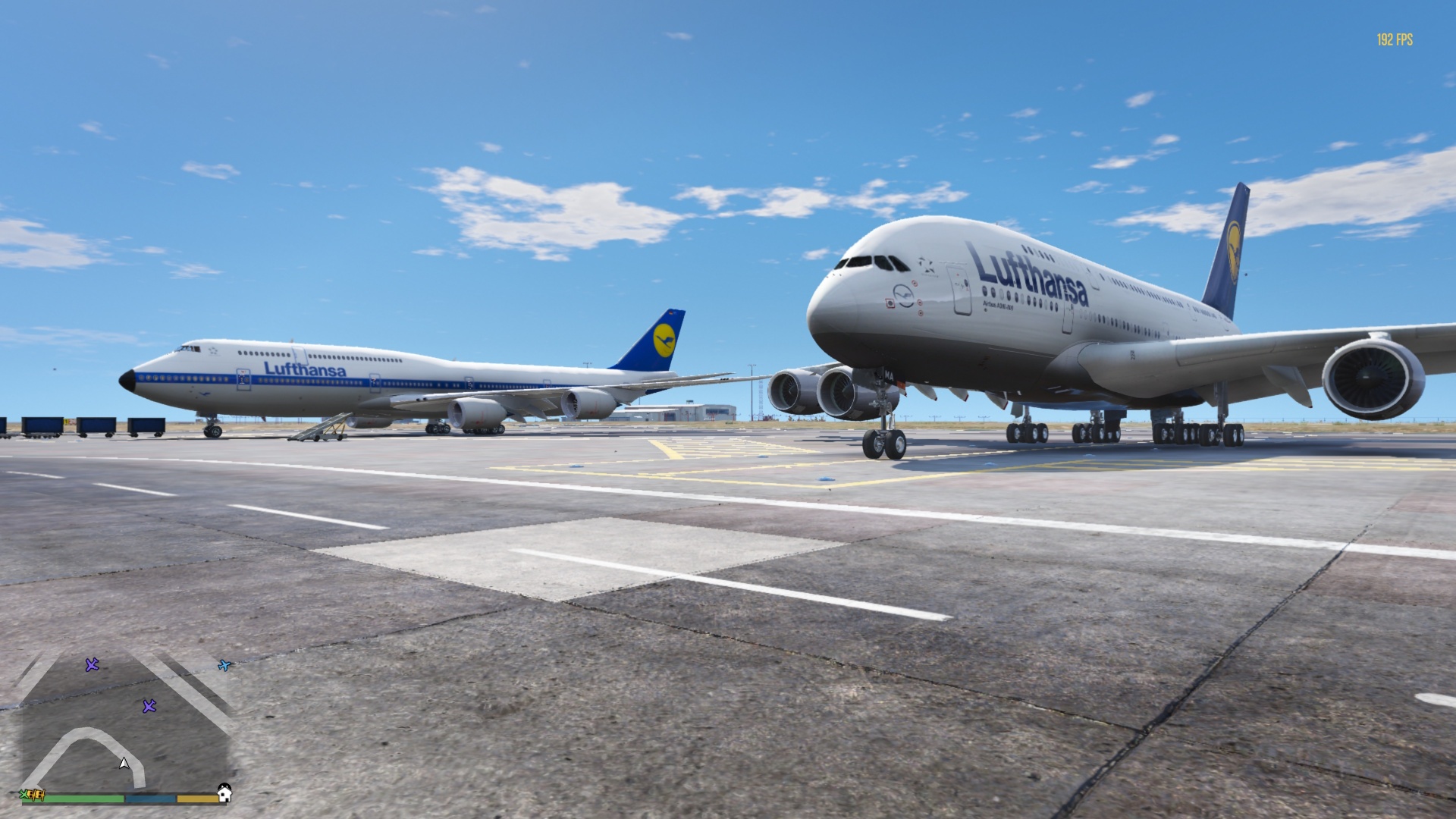
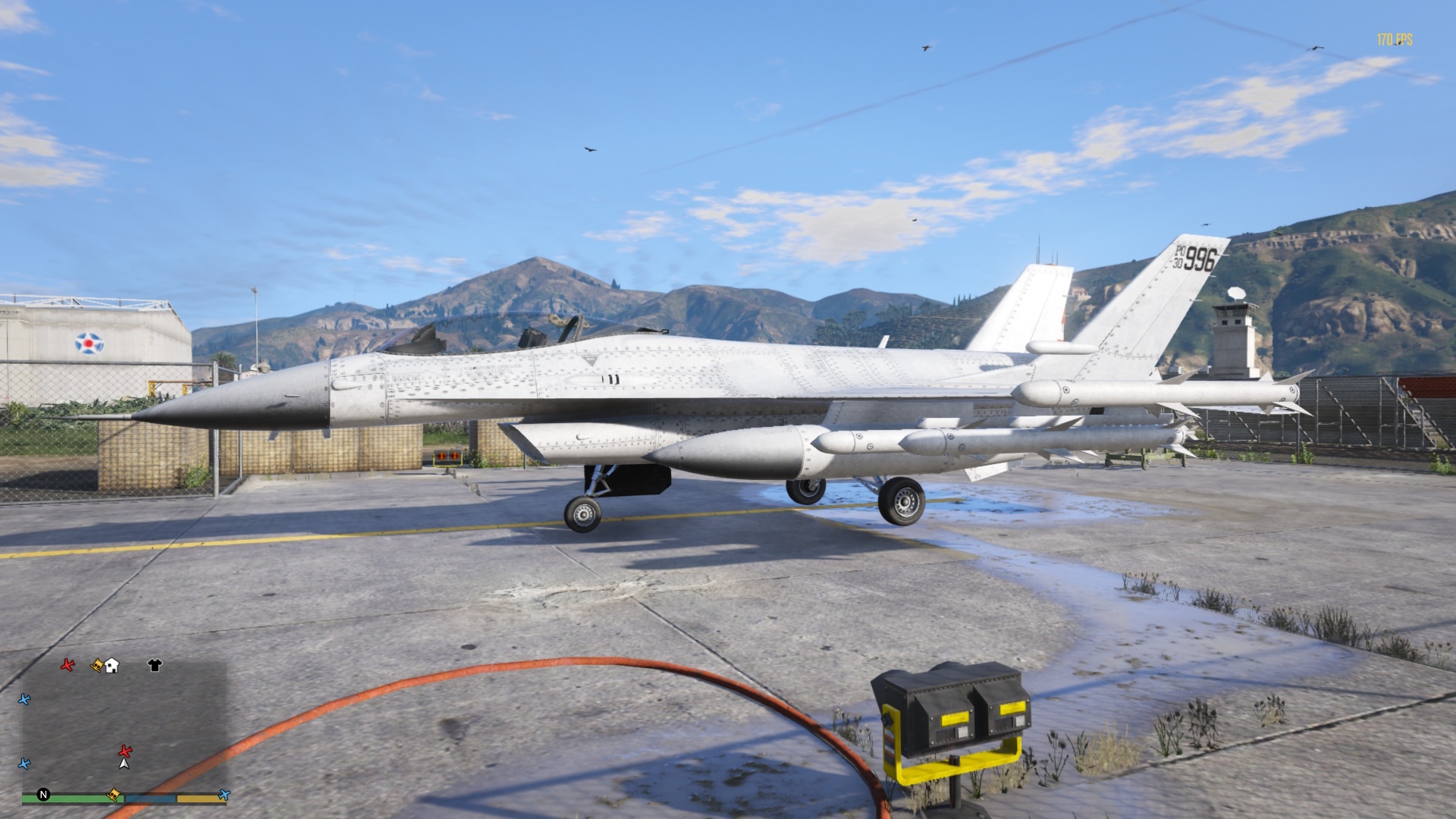
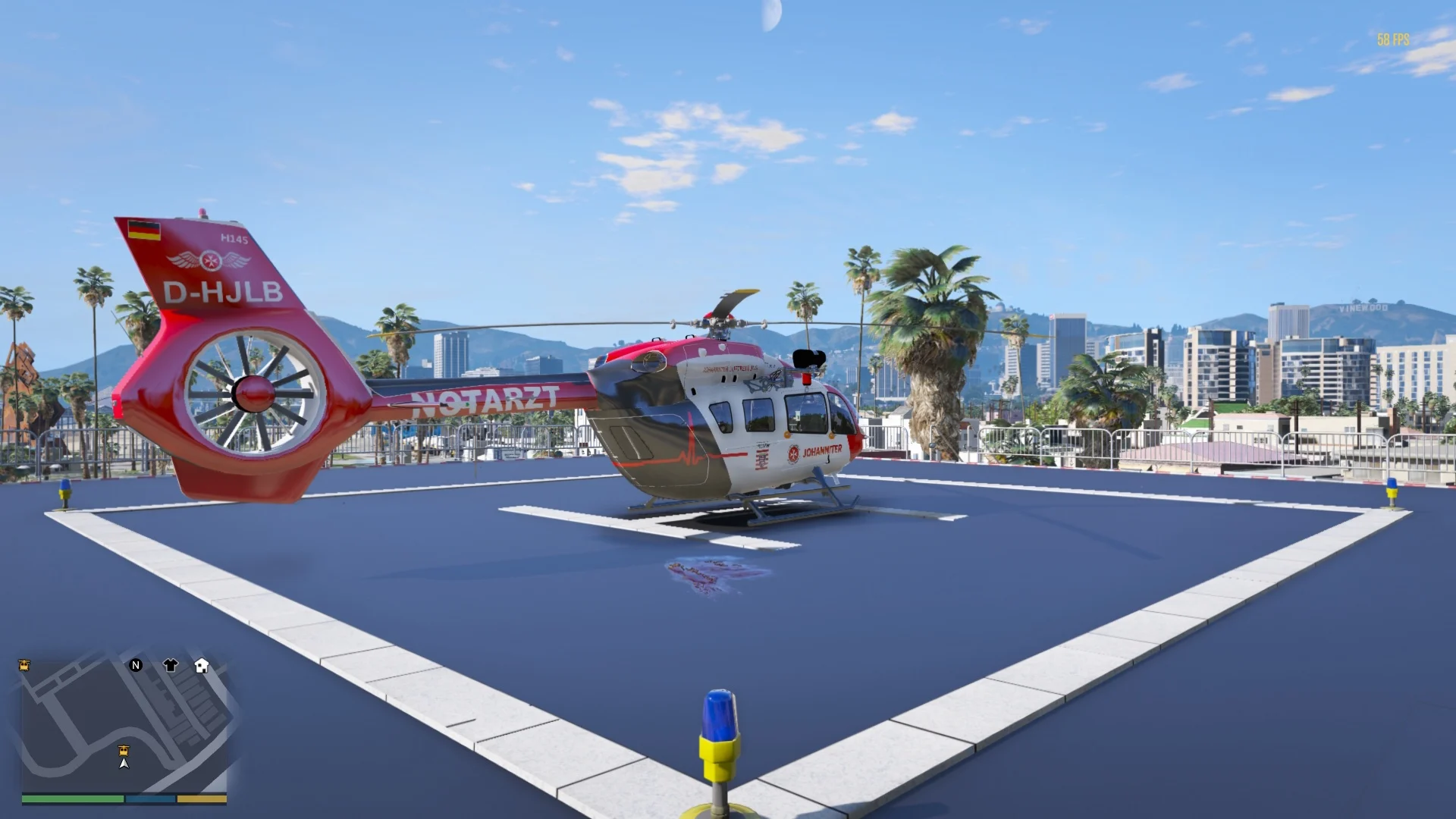
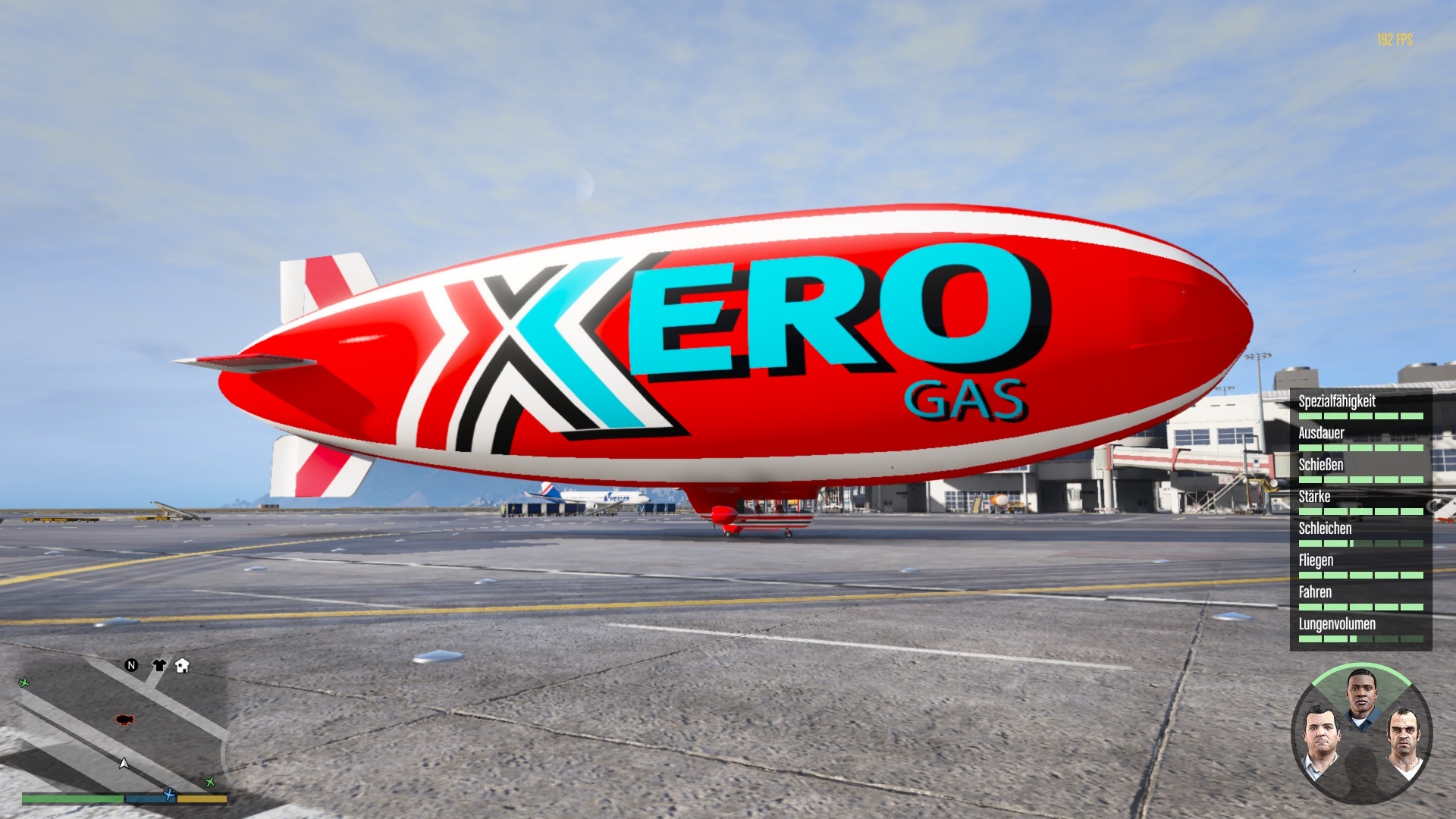
A comprehensive radar system for GTA V that displays all aircraft in your vicinity on the map. This script automatically recognizes various aircraft types and displays them with different colors and symbols.
## Features
### Automatic Recognition
– **6 different aircraft types** with unique blip colors and symbols
– **Commercial Aircraft** (Blue) – Standard passenger planes
– **Business Aircraft** (Green) – Small private jets
– **Wide-body Aircraft** (Purple) – E.g., A380 and similar aircraft
– **Fighter Jets** (Red) – Military combat aircraft
– **Helicopters** (Yellow) – All types of helicopters
– **Zeppelins** (Orange) – Airships and balloons
### Dynamic Blip Rotation
– Aircraft rotate according to their flight direction
– Helicopters and Zeppelins remain statically aligned
– Realistic representation of flight movements
### Configurable Settings
– **Detection Radius**: Adjustable from 100m to 50,000m
– **Update Interval**: 100ms to 5,000ms
– **Customizable Key Combinations**: Supports Ctrl, Shift, Alt + any keys
### DLC Support
– **Easy Addition** of DLC aircraft
– **In-Game Editor**: Sit in a DLC aircraft and add it with a key press
– **Persistent Storage** in the configuration file
## Installation
1. **ScriptHookV** and **ScriptHookVDotNet** must be installed
2. Copy “AircraftRadar.dll” and “AircraftRadar.ini” to the “scripts” folder
3. Start GTA V – the INI file already contains pre-configured DLC aircraft like A380, 747, and Eurofighter Typhoon
## Default Controls
| Key | Function |
|—–|———-|
| **F11** | Reload configuration |
| **B** | Add DLC aircraft |
| **1-6** | Select aircraft type (in add mode, starts automatically after pressing the designated key) |
## Adding DLC Aircraft
1. Get into the desired DLC aircraft
2. Press **B** (or your configured key)
3. Select the aircraft type with numbers **1-6** (Not on the numpad!):
– **1** = Commercial Aircraft
– **2** = Business Aircraft
– **3** = Wide-body Aircraft
– **4** = Fighter Jet
– **5** = Helicopter
– **6** = Zeppelin
4. The aircraft will be automatically added to the configuration
## Configuration
The script automatically creates an “AircraftRadar.ini” file with the following settings:
“`ini
# Detection radius in meters (100-50000)
DetectionRadius=5000
# Update interval in milliseconds (100-5000)
UpdateInterval=500
# Key combinations (Format: Key1+Key2+MainKey)
ReloadConfigKey=F11
AddAircraftKey=B
[CustomAircraft]
# DLC aircraft are saved here
# Format: ModelName=AircraftType
a380=WideBodyJet
Fighter Jet=FighterJet
Helicopter=Helicopter
“`
### Advanced Key Combinations
You can define complex key combinations:
– “Ctrl+F11”
– “Alt+Shift+B”
– “Ctrl+Alt+R”
## Supported Languages
– **German** ✅
– **English** ✅
– More languages planned!
## System Requirements
– GTA V (Steam/Epic/Rockstar)
– ScriptHookV
– ScriptHookVDotNet (.NET Framework)
– Windows 7/8/10/11
## Troubleshooting
**Script doesn’t load:**
– Check if ScriptHookV and ScriptHookVDotNet are installed
– Make sure the .dll is in the “scripts” folder
**Configuration gets lost:**
– Press F11 to reload the configuration
– Check the “AircraftRadar.ini” file for syntax errors
**DLC aircraft are not recognized:**
– Add them manually with **B**
– Check the [CustomAircraft] section in the INI file
## Changelog
### Version 1.0
– First release
– 6 aircraft types with unique blips
– Configurable key combinations
– DLC support with in-game editor
– German and English language
Credits:
Hessen Community
Download mod
| File | File size |
|---|---|
 AircraftRadar deluxe
 | 101 KB |