
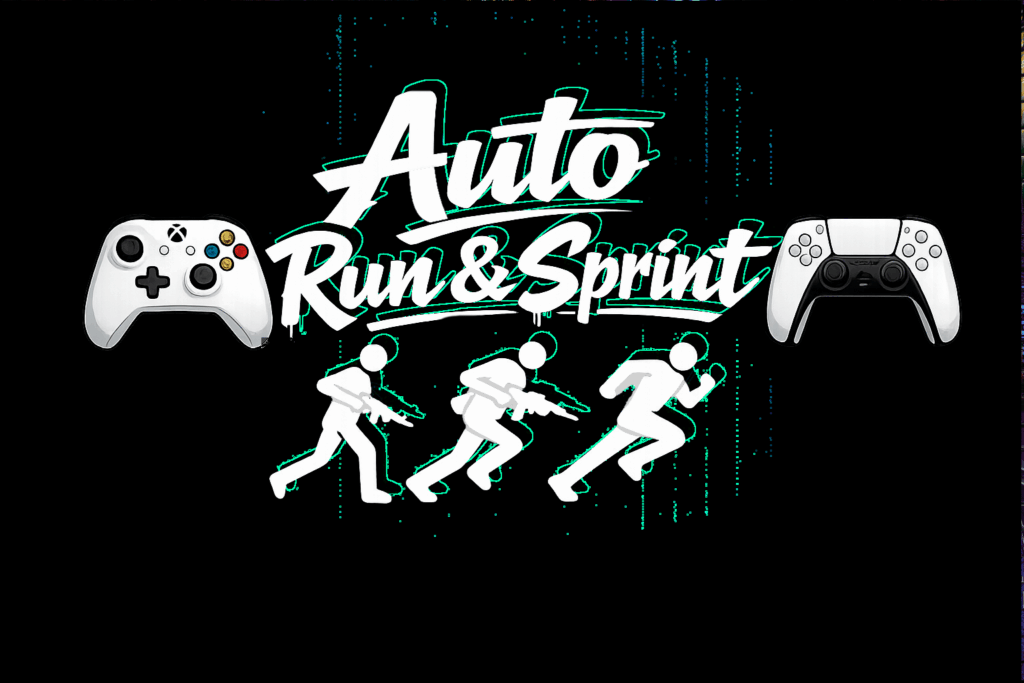
Auto Run And Sprint introduces a smooth 3-stage movement system designed primarily for controller, but should also work on keyboard.
Walk, run, and sprint are now fully separated into clean, controllable states.
No more tapping A repeatedly or holding A just to move around. Instead, you can switch between movement stages at any time, letting you stay in full control while keeping your right thumb free to do what ever you want with it.
This system provides a much more natural and fluid movement experience, especially during combat and exploration.
Controls
Controller:
Hold A (0.7 seconds) – Activate Auto Run (sprint on keyboard)
Hold Left Stick Click / L3 (0.7 seconds) – Activate Auto Sprint (duck on keyboard)
Hold A (0.7 seconds while sprinting) – Return to Auto Run (sprint on keyboard)
Stop movement – Reset back to walking
TURN OFF TUTORIAL IN INI AFTER YOU UNDER STAND CONTROLS PROPERLY
Requirements
– ScriptHookV INSTALL THE CORECT VERSION FOR YOUR VERSION OF GTA 5
– ScriptHookVDotNetEnhanced — ABSOLUTELY REQUIRED — DESPITE THE NAME IT WILL WORK ON LEGACY AND ENHANCED —
Installation
1. Locate your GTA V ROOT DIRECTORY.
(This is the folder containing GTA5 Enhanced.exe)
(usually @ C:\Program Files (x86)\Steam\steamapps\common\Grand Theft Auto V Enhanced)
2. Copy the AutoRunAndSprint.dll into scripts folder:
Grand Theft Auto V Enhanced\scripts
3. Ensure the following are installed:
– ScriptHookV INSTALL THE CORECT VERSION FOR YOUR VERSION OF GTA 5
– ScriptHookVDotNetEnhanced — ABSOLUTELY REQUIRED — DESPITE THE NAME IT WILL WORK ON LEGACY AND ENHANCED —
4. Launch GTA V in Story Mode.
Credits:
DonDonny
Download mod
| File | File size |
|---|---|
 Auto Run and Sprint
 | 42 KB |
![1965 Alfa Romeo Giulia Sprint [Add-On | Extras | Template] 1.2](https://gta5mod.net/wp-content/uploads/2021/05/1965-Alfa-Romeo-Giulia-Sprint-150x150.jpg "1965 Alfa Romeo Giulia Sprint [Add-On | Extras | Template] 1.2")
![GTA V Security Run [Map Editor] 1.0](https://gta5mod.net/wp-content/uploads/2020/07/GTA-V-Security-Run-150x150.jpg "GTA V Security Run [Map Editor] 1.0.2")
