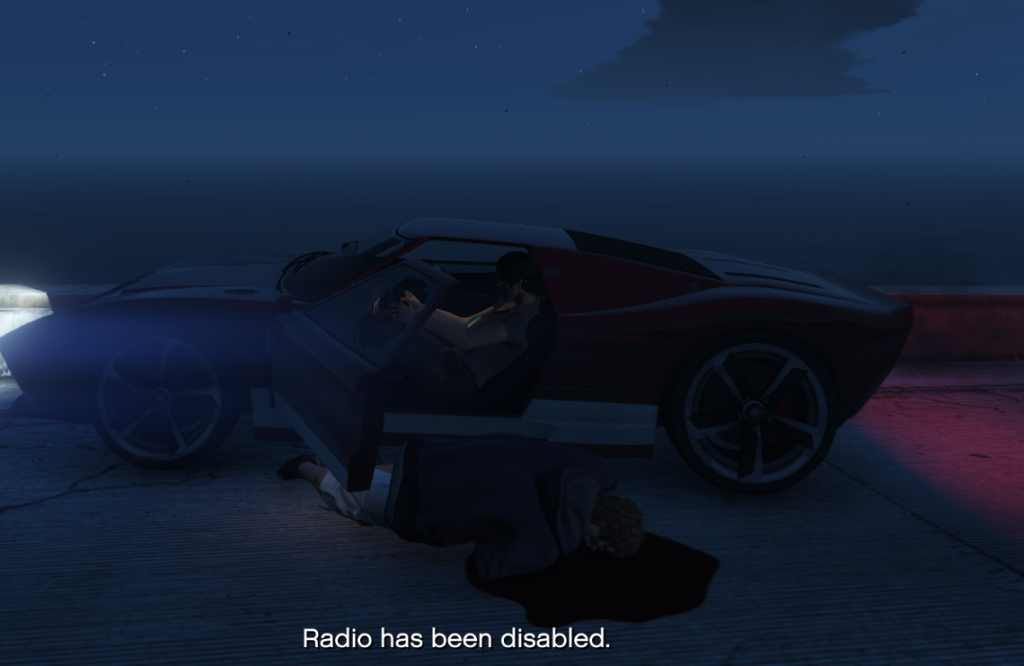
This is the most simple script out there. Its fairly straight forward, and It was created because I hate when I spawn a police vehicle and I get in it, only for the radio to be on, and in a police vehicle with LSPDFR I find it annoying having to goto settings to turn it off.
Description:
Simple, yet affective. Disable Radio.
Installation:
Before installing, ensure that you have Microsoft .NET Framework 4.5 or later installed. This mod was built using .NET Framework 4.8.1, and you’ll also need to have the Microsoft Visual C++ Redistributable Package installed.
Next, download the latest Script Hook V from GitHub and follow the instructions to install it.
Lastly, drag the DisableRadio.dll file to the grand theft auto 5\scripts folder and head in-game. It will automatically disable the radio as soon as you enter a vehicle.
Changelog:
Changes in 1.2
- Modified entire plugin to include toggleable notifications
- Added notification control in ini file (off by default)
- Added Toggle Key (F7) to enable/disable radio while in vehicle
- Improved configuration options and state management
Changes in 1.1
Added ini file, and hotkey. Set the hotkey in the ini file. The radio will still automatically turn off upon entering a vehicle. It will display what your hotkey is to enable/disable.
If you do not set a hotkey, it will revert to default hotkey which is NumPad0
Credits:
Drunken Cheetah
Download mod
| File | File size |
|---|---|
 DisableRadio
 | 3 KB |
![Mod Toggler [To quickly disable and enable mods] v2-1](https://gta5mod.net/wp-content/uploads/2019/07/Mod-Toggler2.jpg "Mod Toggler [To quickly disable and enable mods] v2-1")
![Enable and Disable Script Hook V [Batch files] 1.0](https://gta5mod.net/wp-content/uploads/2019/08/Enable-and-Disable-Script-Hook-V.jpg "Enable and Disable Script Hook V [Batch files] 1.0")