
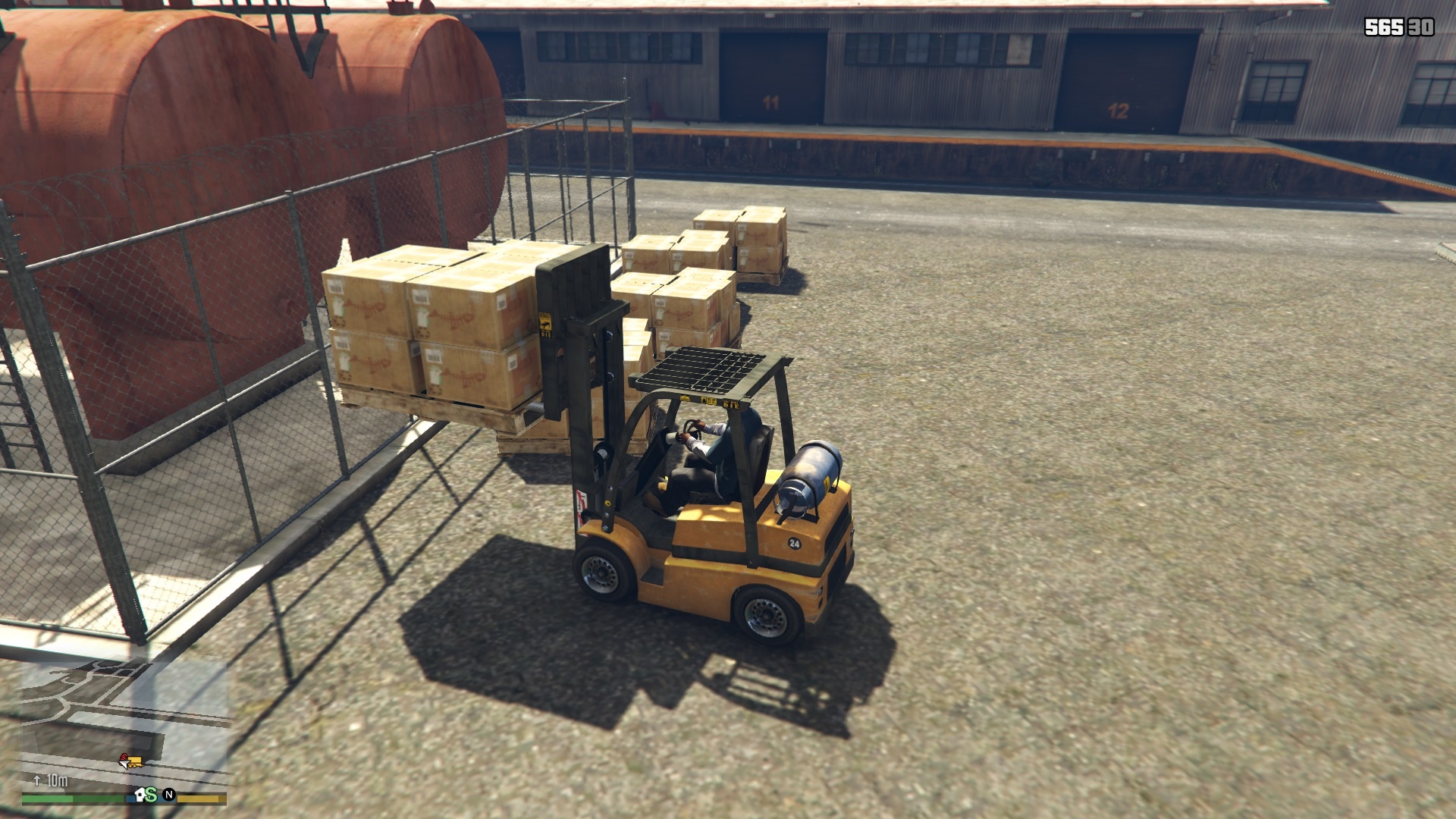
Installation
> Install or make sure you have installed Scripthook V .NET
> Install or make sure you have installed Native UI.
> Copy Forklift.dll and Forklift.xml to
“GTA V\Scripts\” folder.
> To install Native UI copy NativeUI.dll and NativeUI.xml
from Native UI folder to “GTA V\Scripts\” folder.
Gameplay
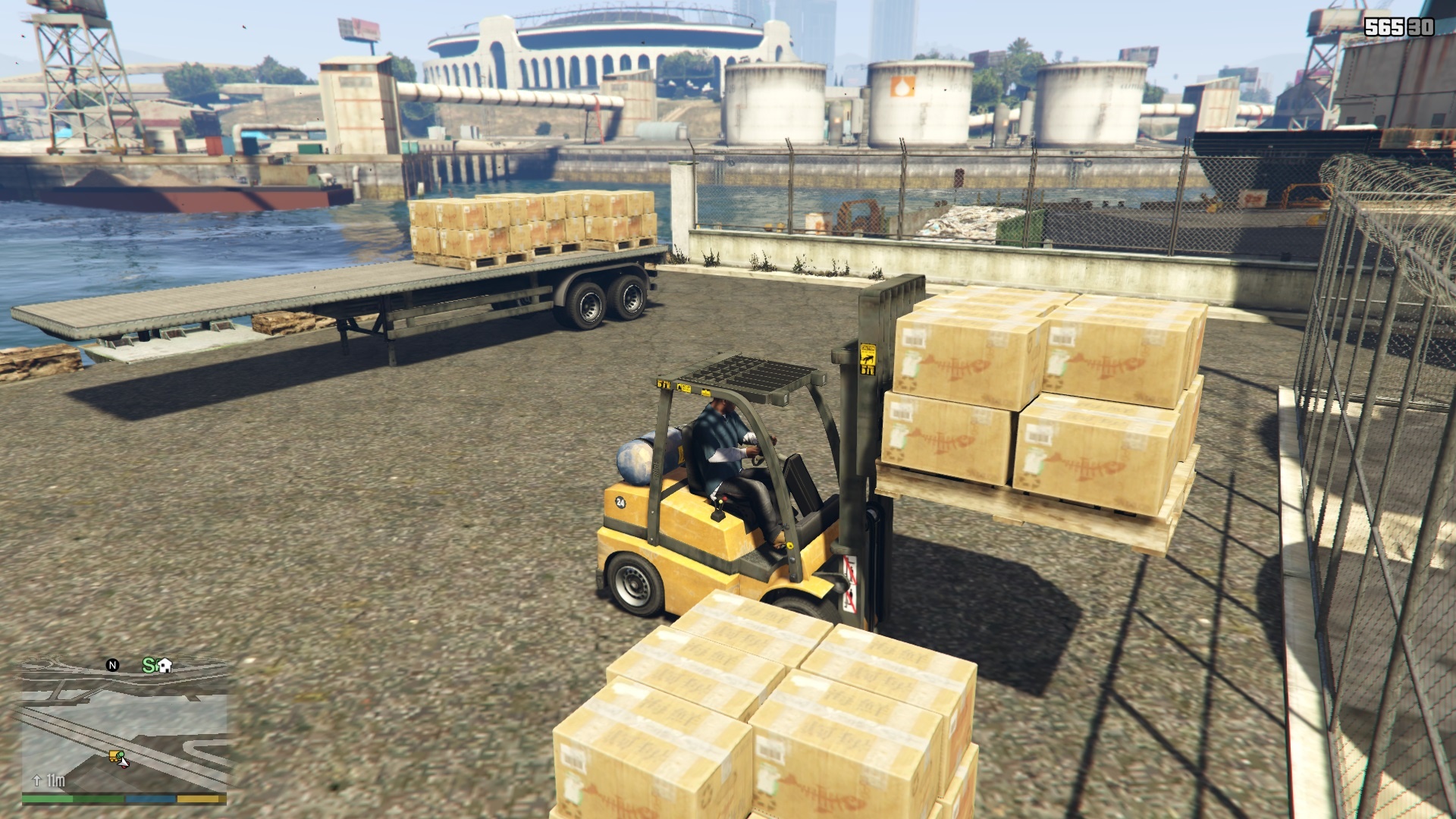
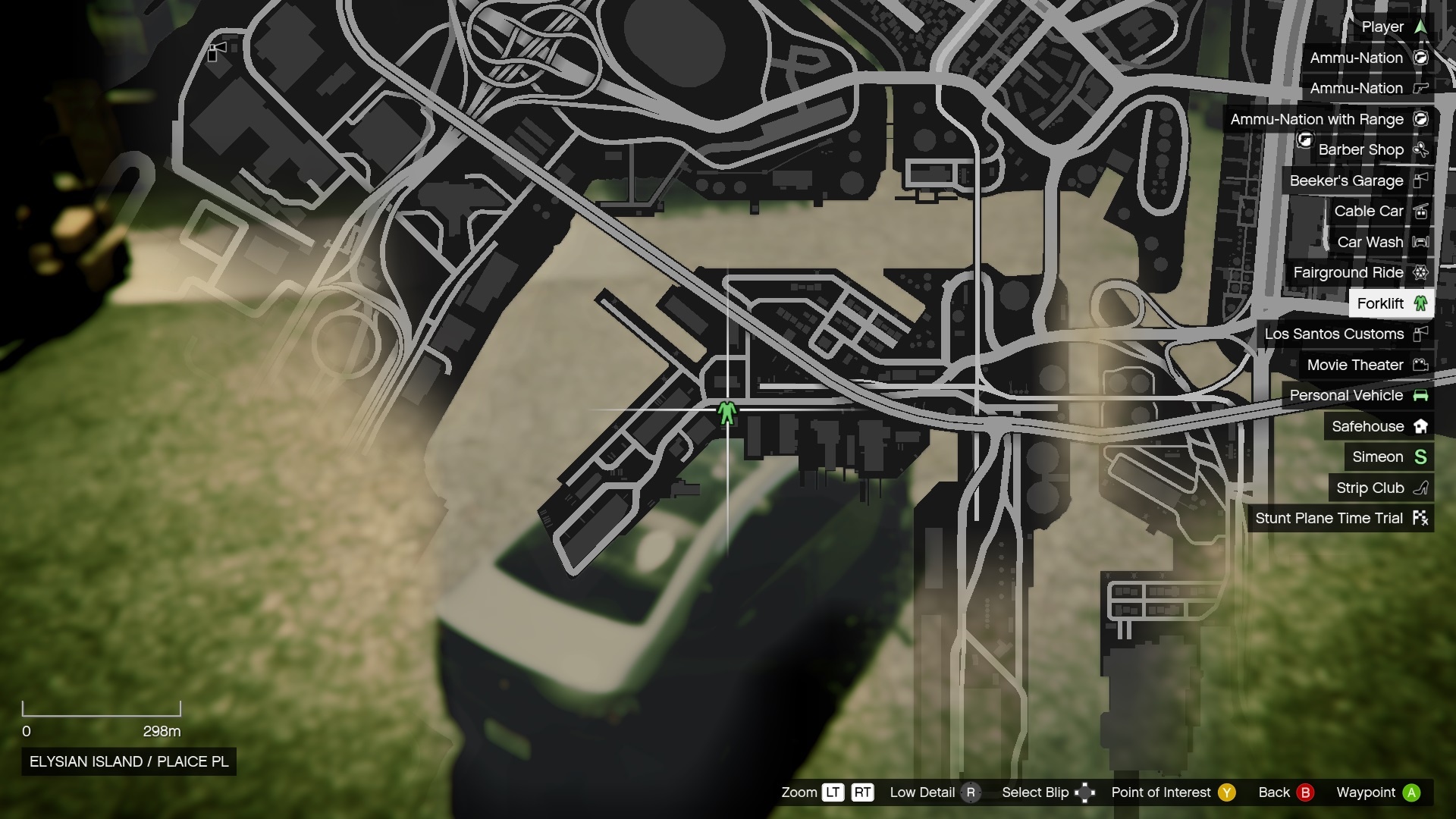
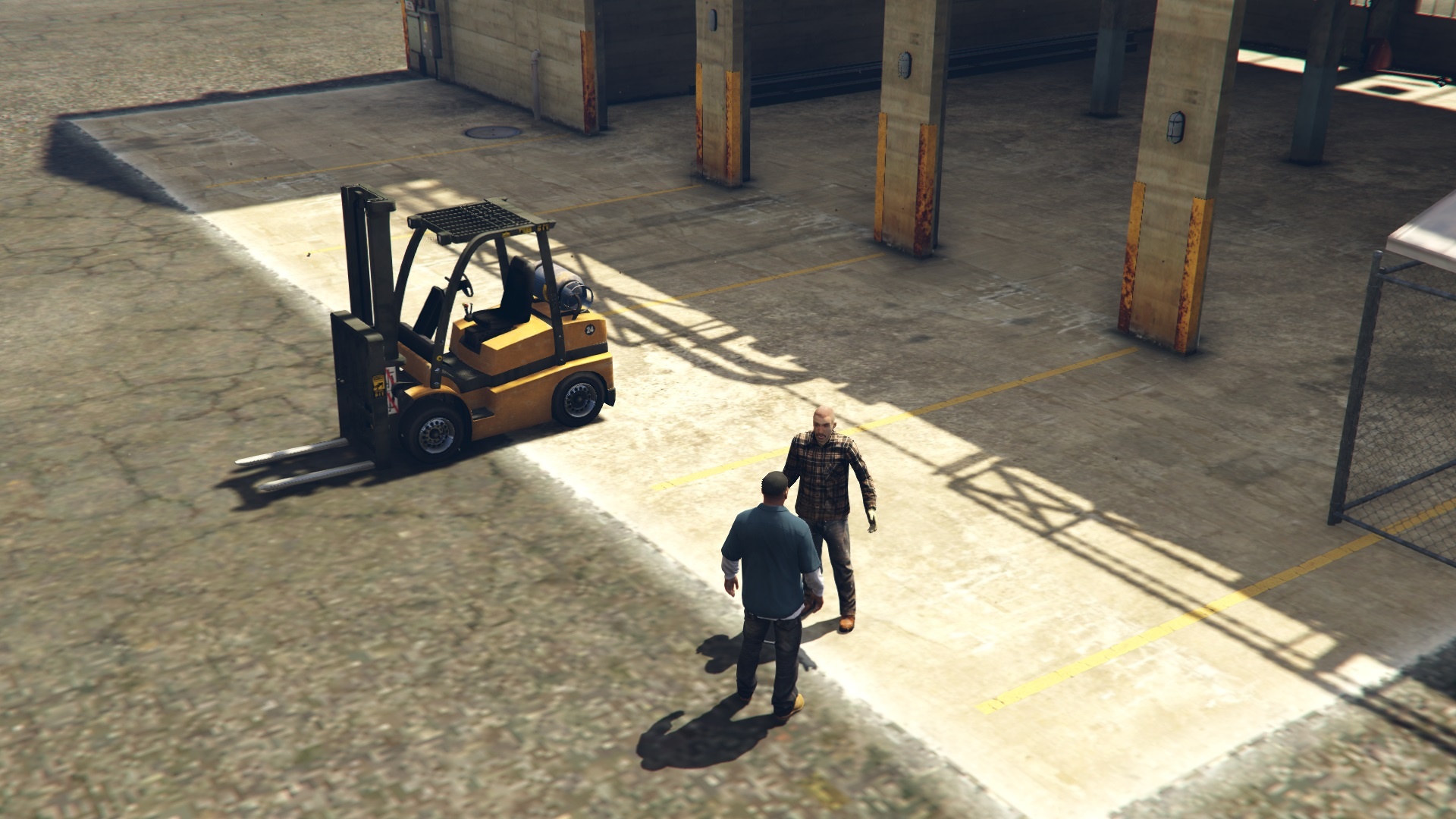
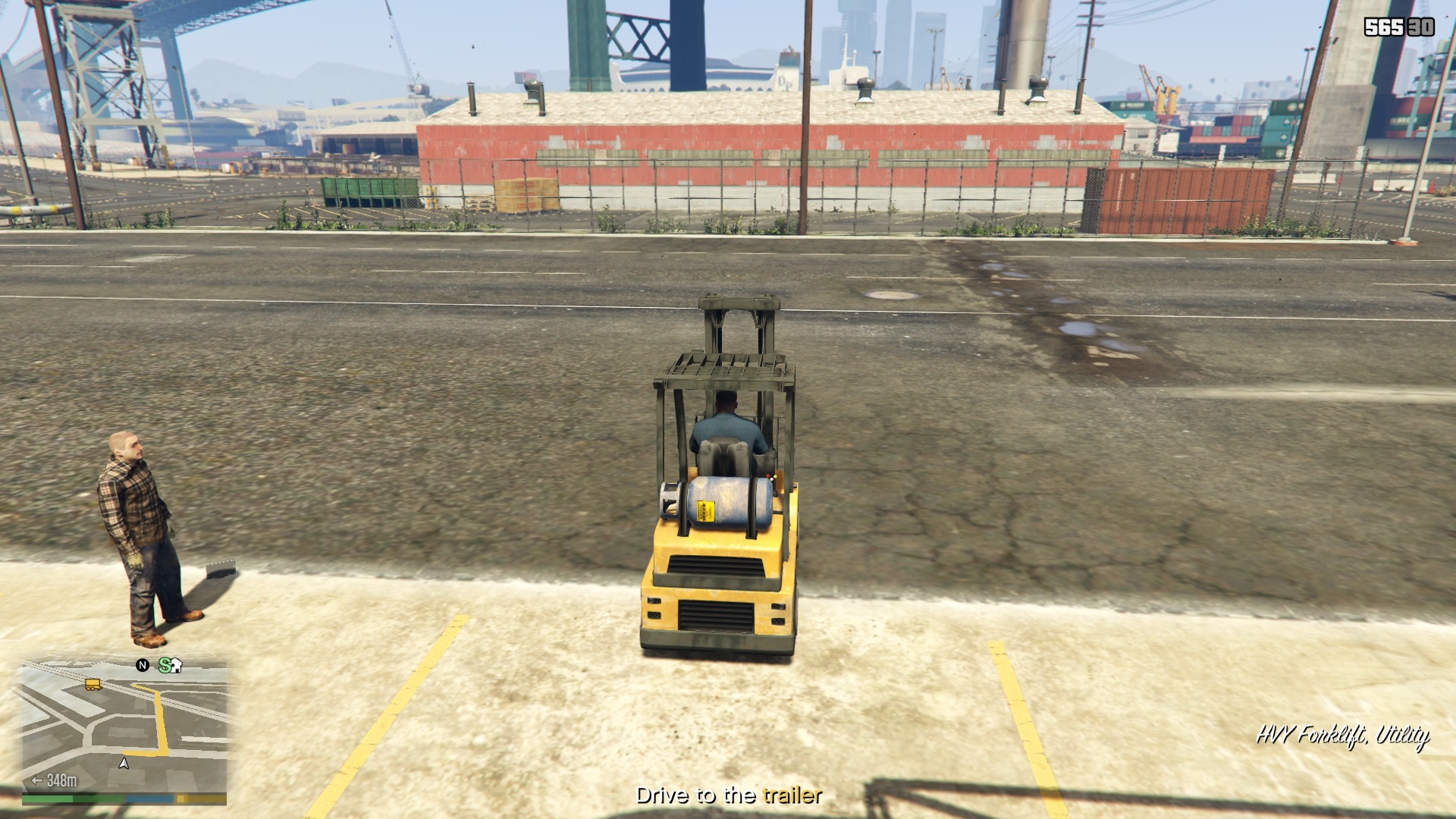
> Go to the Port of Los Santos, there will be a worker
waiting with a clipboard, walk toward him to start job.
To restart mission, drive away from garage until mission blip
appears again.
Features
> Payment amount can be changed in Forklift.xml file.
> Pickup locations do not repeat until all of them are complete.
Credits:
Mordecki
Download mod
| File | File size |
|---|---|
 Forklift 1.0
 | 554 KB |
|
Source code-Forklift | 578 KB |
![HVY Forklift [NON-ELS / Add-On / FiveM] 1.0](https://gta5mod.net/wp-content/uploads/2019/10/HVY-Forklift2.jpg "HVY Forklift [NON-ELS / Add-On / FiveM] 1.0")
![Lore-Friendly Liveries for HVY Forklift [Add-On | Replace | Liveries | Template | Sound] v1.0](https://gta5mod.net/wp-content/uploads/2020/01/Lore-Friendly-Liveries-for-HVY-Forklif-150x150.jpg "Lore-Friendly Liveries for HVY Forklift [Add-On | Replace | Liveries | Template | Sound] v1.0")
![Drag Forklift [Addon / Replace | FiveM] 1.0](https://gta5mod.net/wp-content/uploads/2021/01/Drag-Forklift-150x150.png "Drag Forklift [Addon / Replace | FiveM] 1.0")
![Bollokan Heavy Duty Forklift [Add-On] V1.0](https://gta5mod.net/wp-content/uploads/2024/09/Bollokan-Heavy-Duty-Forklift-150x150.webp "Bollokan Heavy Duty Forklift [Add-On] V1.0")
