
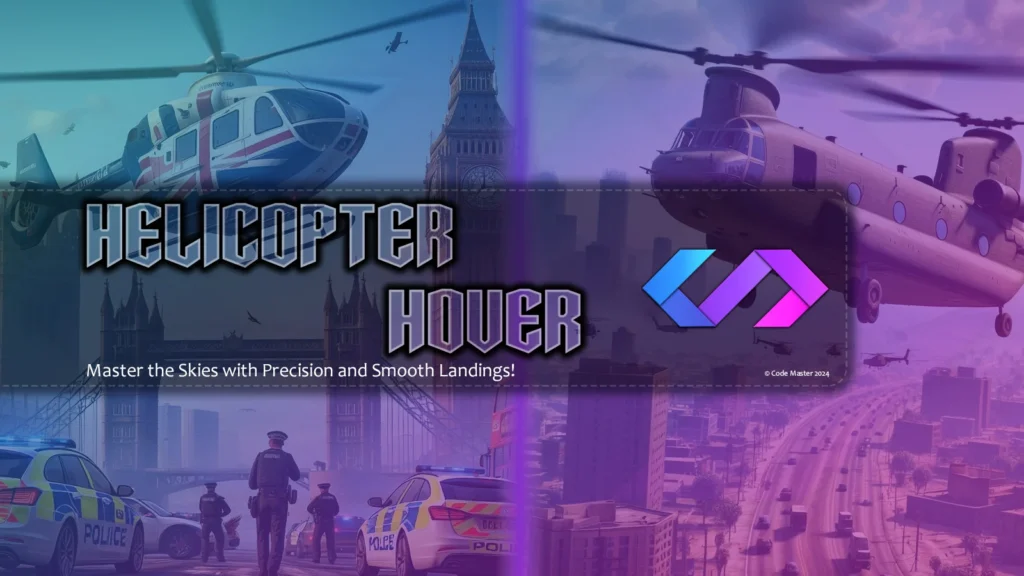
Our Helicopter Hover script is a dynamic helicopter control script designed for GTA V. It enhances the player’s flying experience by adding smooth hover functionality, precise control over the helicopter’s altitude. This script provides a seamless flying experience with additional customization features to fit your gameplay needs.
Features:
- Hover Activation: Press the default `H` key to toggle the automatic hover mode for helicopters.
- Turbulence and Stability Adjustment: The script adjusts the helicopter’s velocity to create a hovering effect.
- Visual Notifications: When the hover mode is engaged or disengaged, a visual notification appears above the minimap.
- Configurable Controls: Adjust hover key bindings to suit your preferences.
Installation (Singleplayer)
- Download the mod: Download the provided `.dll` file.
- Install Script Hook V:
- If you don’t have it installed, download and install Script Hook V.
- Follow the instructions for installing Script Hook V.
- Install Script Hook V .NET:
- Download and install Script Hook V .NET.
- Ensure the ScriptHookVDotNet.asi, ini and dll files are in your GTA V root folder.
- Place the Script: Place the HelicopterHover.dll file in the scripts folder located in your GTA V directory. If the folder doesn’t exist, create it.
- Launch the game: Start GTA V, and the mod will automatically apply its functionality, and ini file will be created which can be found in scripts\Code-Master\Configs\HelicopterHover.ini.
Changelog:
V1.4.1 (Enhancements & Bug Fixes)
- Fixed Hover Mode Notification: The hover mode notification will now only display when the player is in a helicopter.
- Notifications (New Boolean Option): This option allows you to enable or disable notifications as per your preference.
- Removed Notification Sounds: Notification sounds have been removed to streamline the user experience.
Credits:
Code Master
Download mod
| File | File size |
|---|---|
 Helicopter Hover
 | 668 KB |


![Blue Thunder Helicopter [Add-On] 1.1](https://gta5mod.net/wp-content/uploads/2020/01/Blue-Thunder-Helicopter-150x150.jpg "Blue Thunder Helicopter [Add-On] 1.1")
