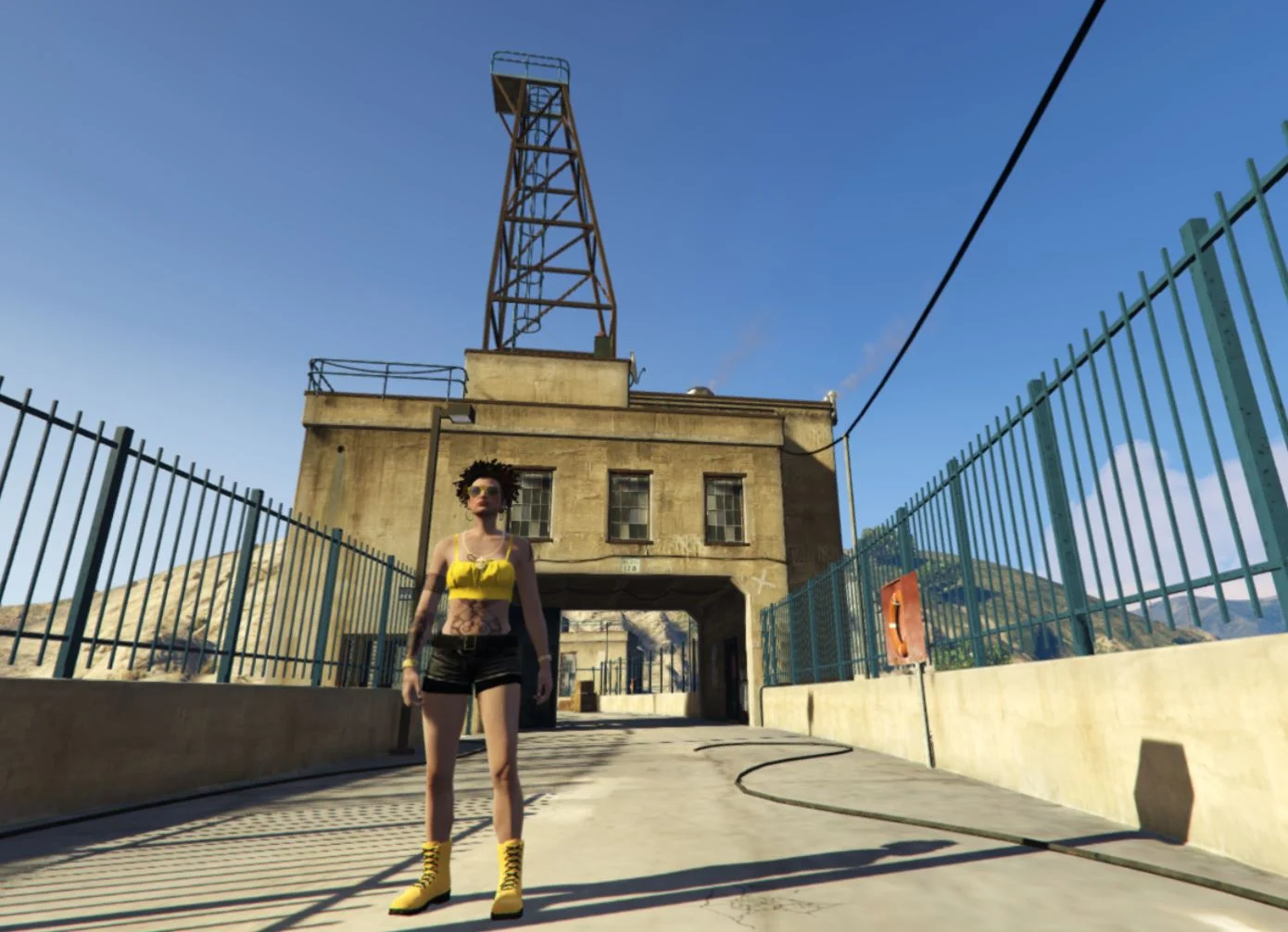


Hide In Dumpsters lets you quickly hide inside dumpsters while wanted to avoid police detection. Walk up to a supported dumpster, hold the enter input, and your character climbs into hiding with a full blackout-style dumpster view. While hidden, you can stay fully concealed or slightly peek out through the lid opening to watch the area.
This mod is built around escaping police searches. If you enter a dumpster during the police search phase, staying fully hidden keeps you concealed, while peeking can expose you again if officers get close enough. The script also restores you cleanly back to your original entry spot when you exit the dumpster.
Requirements
– ScriptHookV
– ScriptHookVDotNetEnhanced (THIS IS NOT THE NIGHTLY VERSION USE THIS VERSION)
Installation
1. Locate your GTA V ROOT DIRECTORY.
(This is the folder containing GTA5 Enhanced.exe)
(usually @ C:\Program Files (x86)\Steam\steamapps\common\Grand Theft Auto V Enhanced)
2. Copy the HideInDumpsters.dll into scripts folder:
Grand Theft Auto V Enhanced\scripts
3. Ensure the following are installed:
– ScriptHookV
– ScriptHookVDotNetEnhanced
4. Launch GTA V in Story Mode.
Controls
Controller:
– Hold D-Pad Right (2 seconds) near a dumpster – Enter dumpster
– Hold D-Pad Right (2 seconds) while inside dumpster – Exit dumpster
– Hold Up / Left Stick Up – Peek out through the dumpster lid
– Release Up or press Down / Left Stick Down – Return to full hide
Keyboard:
– Hold Right Arrow (2 seconds) near a dumpster- Enter dumpster
– Hold Right Arrow (2 seconds) while inside dumpster – Exit dumpster
– Hold Up Arrow or W -Peek out through the dumpster lid
– Release Up Arrow / W or press Down Arrow / S- Return to full hide
NOTE:
Controls are based on GTA V default mappings. If you have remapped your controls, your inputs may differ.
Credits:
DonDonny
Download mod
| File | File size |
|---|---|
 Hide-In- Dumpsters
 | 55 KB |