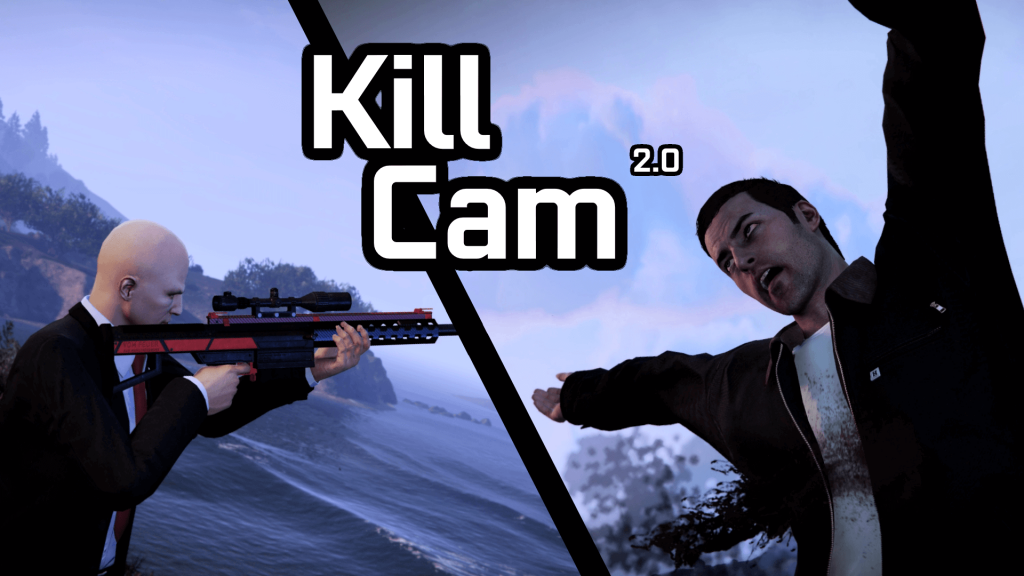
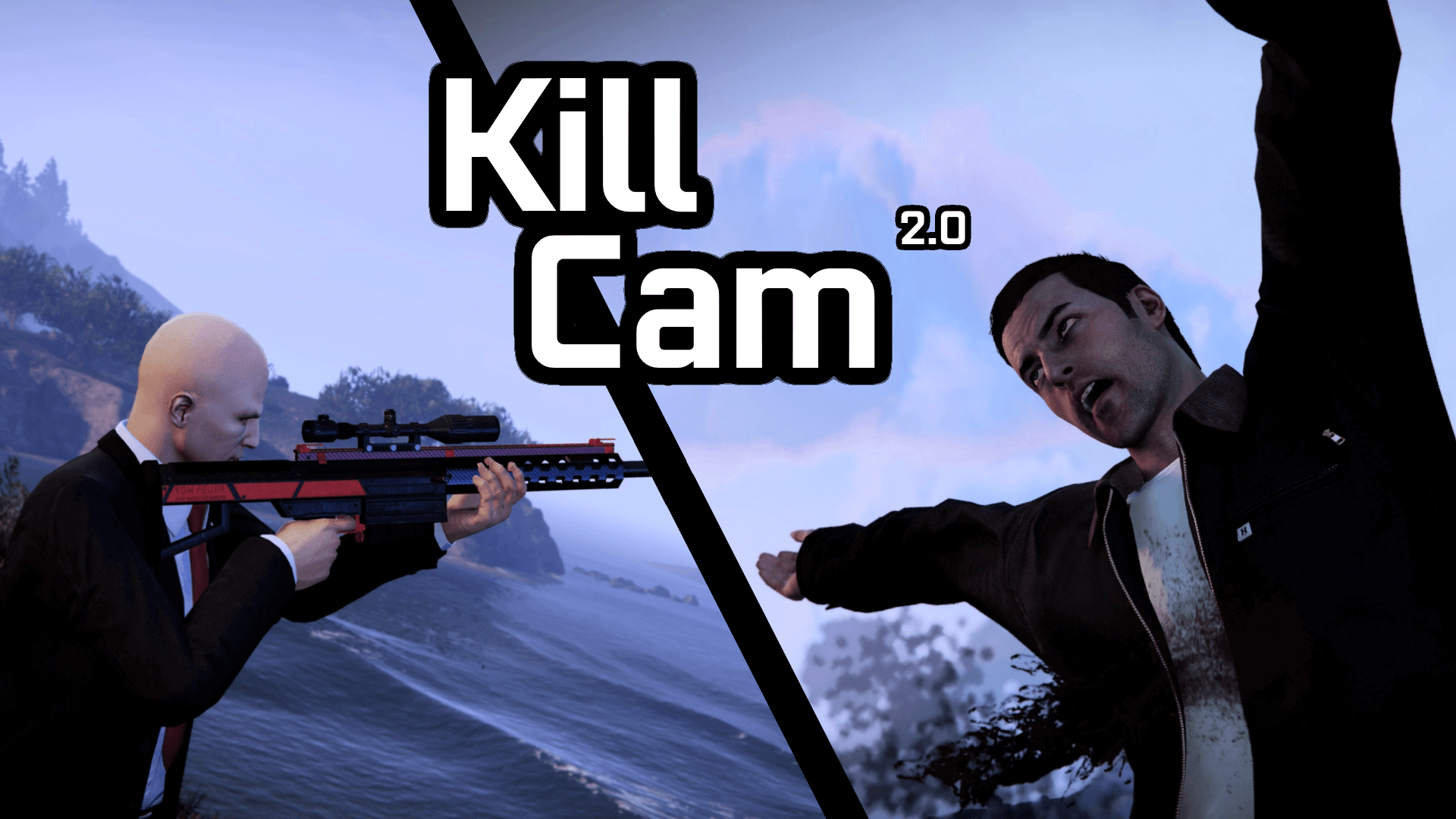
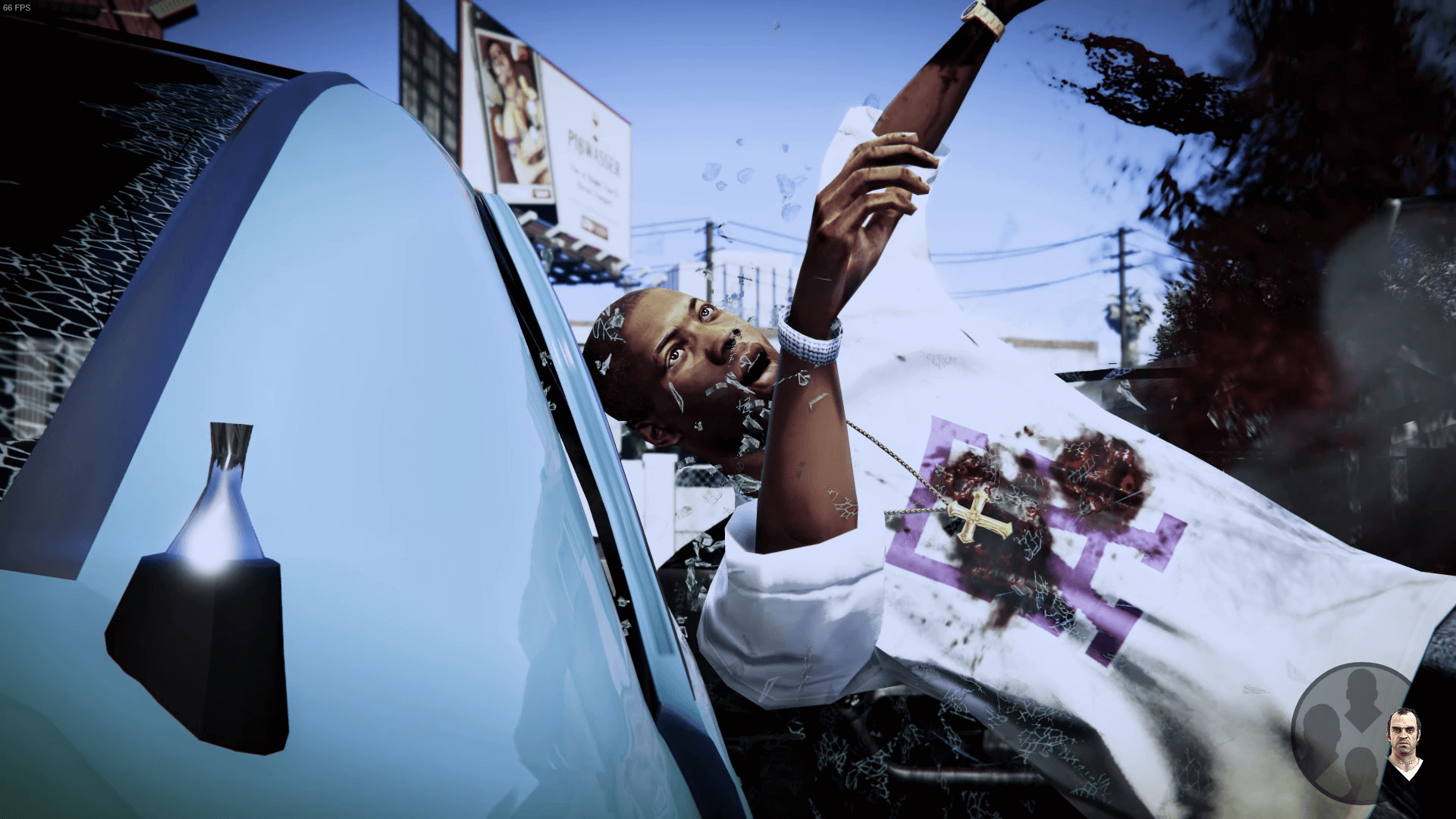
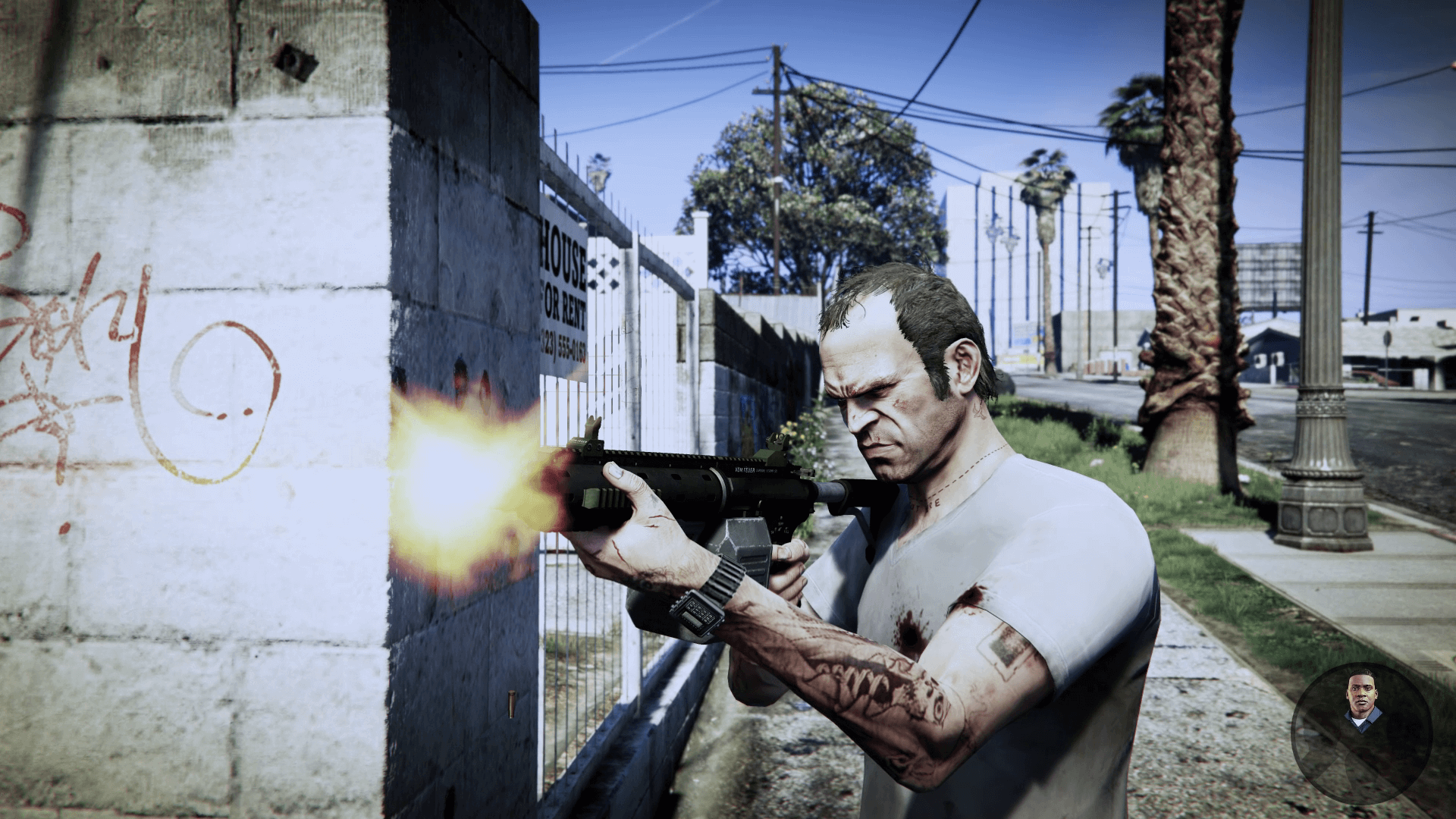
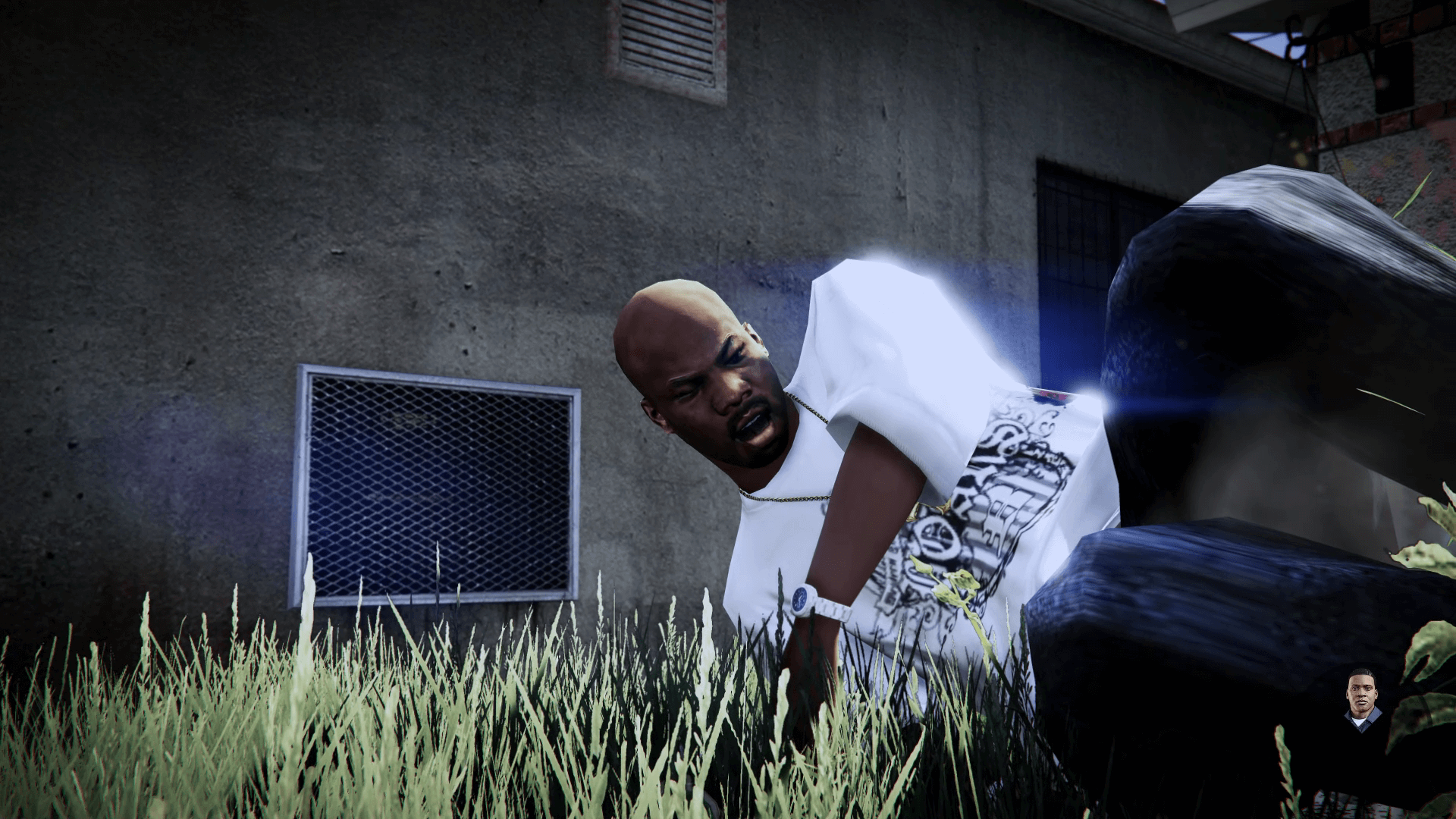
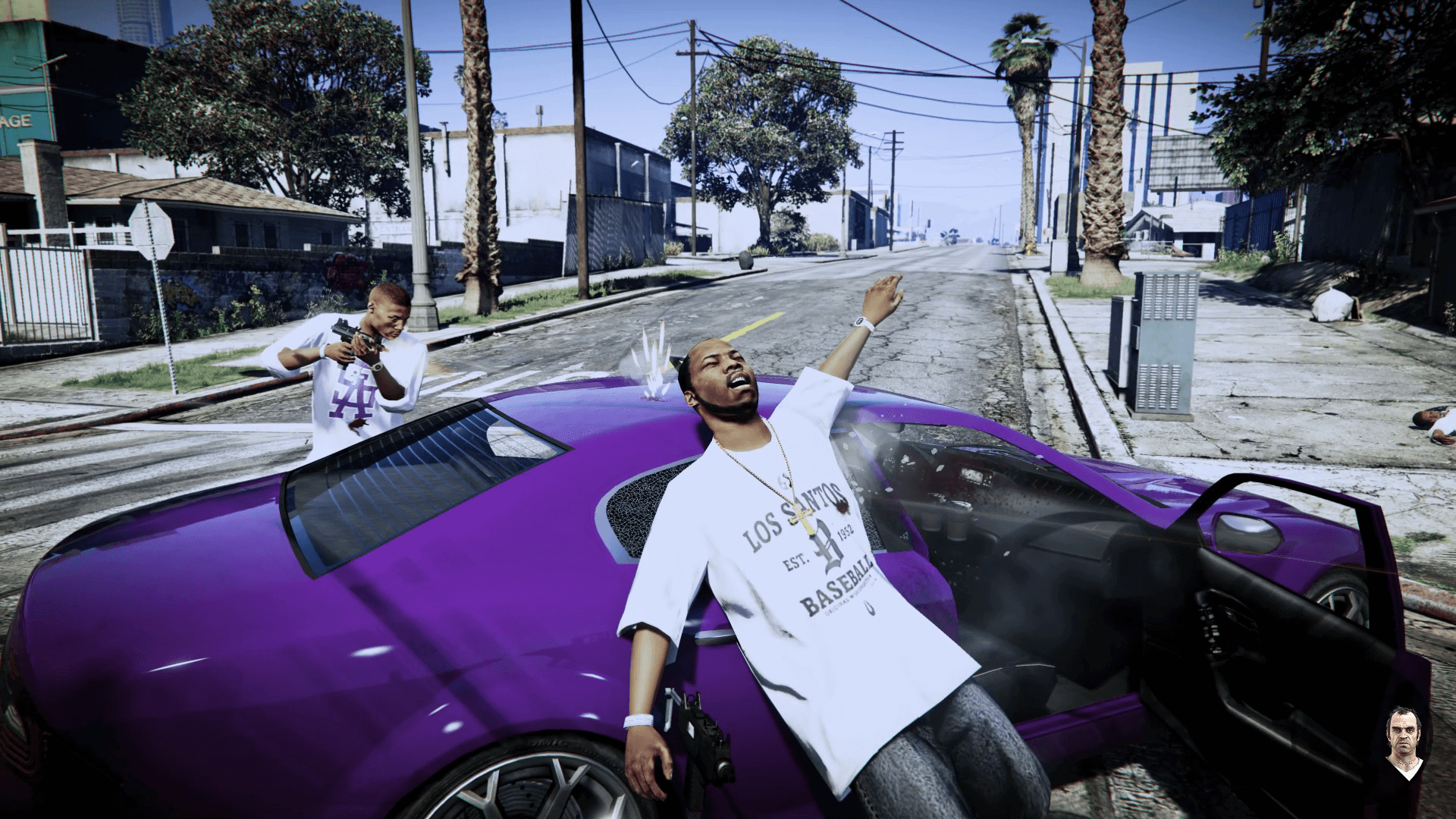
This mod adds a cinematic kill camera, similar to Max Payne 3 and Red Dead Redemption 2. It includes a ped camera, killer camera, screen effects, sound effects and 20 configurable settings to suit your preferences.
Use Enter/A to skip an active Kill Cam.
It has been tested to work with ScriptHookVDotNet 3.1.0 and ScriptHookVDotNet 2.10.10.
Requirements
Script Hook V
Community Script Hook V .NET
Configurable Options
Triggers
DamageDetection (Trigger for player kills or any ped)
NoEnemiesNearby (Trigger when there are no enemies left in the area)
NearbyRange (Range for NoEnemiesNearby)
Chance (Kill Cam trigger chance)
Victim and Killer cameras
Enable (Toggles the camera)
Duration (Camera duration per angle)
Cooldown (Camera cooldown)
Chance (Chance of showing camera – Killer camera only)
Effects
TimeScale (Game speed during Kill Cam)
EffectEnable (Toggles screen effects)
Effect (Timecycle for screen effect)
LightsEnable (Toggles additional lights)
SoundEnable (Toggles sound effects)
Protection
PlayerInvincible (Player invincibility during Kill Cam)
PlayerIgnore (Peds ignore player during Kill Cam)
Streaming
LodTarget (Focus level of detail on Kill Cam peds)
Possible future features
FOV preference (Currently is used for zooms)
Weapon allow-list (Trigger for certain weapons used)
Installation
Copy KillCam.dll and KillCam.ini to scripts folder
Open KillCam.ini in a text editor to configure preferences
Notes
The camera may clip through materials that the game’s raycast ignores, such as certain types of glass, windows and props.
There may be irregularities with mods that override the game’s time scale every frame – this may include slow motion mods or trainers with slow motion settings enabled.
May conflict with mods that modify timecycles if EffectEnable is set to true
Changelog:
v2.4.1
Fixed an issue that caused the script to not remove tracked peds.
v2.4.0
Added vehicle kill cams – This can be toggled with the VehicleEnable preferences.
Disabled kill cams for peds in writhe dying on their own.
Added new DamageDetectionLevel (3) which checks if a ped has been killed by another entity.
INI file replacement is required.
v2.3.0
Added the ability to toggle the mod for the current session (Right Arrow and NumPad 2 by default, can be configured with the KeyToggle1 and KeyToggle2 preferences).
INI file replacement is required.
v2.2.2
Fixed an issue that caused the mod to stop functioning with the TimeSystem preference enabled.
v2.2.1
Fixed an issue with the EnemiesOnly preference.
Added a ‘Requires script reload’ indication to settings that need a reload to function correctly.
v2.2.0
Reworked the script to use system time instead of game time to prevent irregular timing with time scales set by other mods – This can be toggled with the TimeSystem preference.
Added EnemiesOnly trigger preference.
Split timecycle effects and screen effects into their own preferences – Effect and EffectScreen.
Added EffectAlternative preference to toggle for timecycle compatibility.
Adjusted logic to prevent too many angle switches.
INI file replacement is required.
v2.1.0
Added WeaponFilterEnable and WeaponFilter preferences to the ‘Triggers’ section.
Added CameraFov preference to the ‘Other’ section, which sets the base field of view value.
Fixed an issue that caused performance to drop over time.
INI file replacement is required.
v2.0.0
Reworked camera locations to be randomly generated to increase variety.
Heavily improved collision and clipping detection when selecting a camera position and switching angles when peds are obscured.
Added an additional camera angle for killed peds when a killer camera is not shown.
Added the ability to skip an active Kill Cam using Enter/A.
The default screen effect has been changed from black and white to a slight blue tint.
Added additional lighting during Kill Cams, can be toggled with the LightsEnable preference.
Added gradual camera zooms.
Added camera cooldown preferences.
Added DamageDetection preference to select between levels of damage to trigger Kill Cam for. This allows for NPCs to trigger Kill Cams with the setting set to 3. Player camera has been renamed to Killer camera for this reason.
Added periodic config checks so manual reloads aren’t needed.
Fixed an issue where certain systems read the config file incorrectly, causing slow motion, enemy detection and chances to not function correctly.
INI file replacement is required.
v1.0.5
Fixed issues with certain story missions, which were related to the ped camera sound effects. These were adjusted and other issues with in-game audio have been addressed.
Adjusted ped camera location to reduce the likelihood of spawning underneath the ground.
v1.0.4
Added checks before cameras/objects are called to prevent stuck Kill Cams / script crashes.
NoCollisions preference is now in the ‘Experimental’ section.
v1.0.3
Enemy related preferences have been separated from the main script and can be enabled in the ‘Experimental’ settings.
Added IgnorePlayer preference in ‘Experimental’.
Added CustomFov preference to toggle CamFov changes.
Fixed an issue where the script could crash on first load with NoCollisions enabled.
v1.0.2
There is now one file for both SHVDN versions.
Added CamFov and FinalHit preferences.
Fixed crashes with certain camera preferences.
v1.0.1
Added a ScriptHookVDotNet v3 compatible version.
v1.0.0
Release.
Credits:
SilverFinish
Download mod
| File | File size |
|---|---|
 KillCam v2.4.1
 | 13 KB |
![Ryuko Matoi from Kill la Kill [Add-on Ped]](https://gta5mod.net/wp-content/uploads/2021/01/Ryuko-Matoi-from-Kill-la-Kill-150x150.png "Ryuko Matoi from Kill la Kill [Add-on Ped]")
![Phat Cam [.NET] V1.1](https://gta5mod.net/wp-content/uploads/2022/11/Phat-Cam-150x150.webp "Phat Cam [.NET] V1.1")