
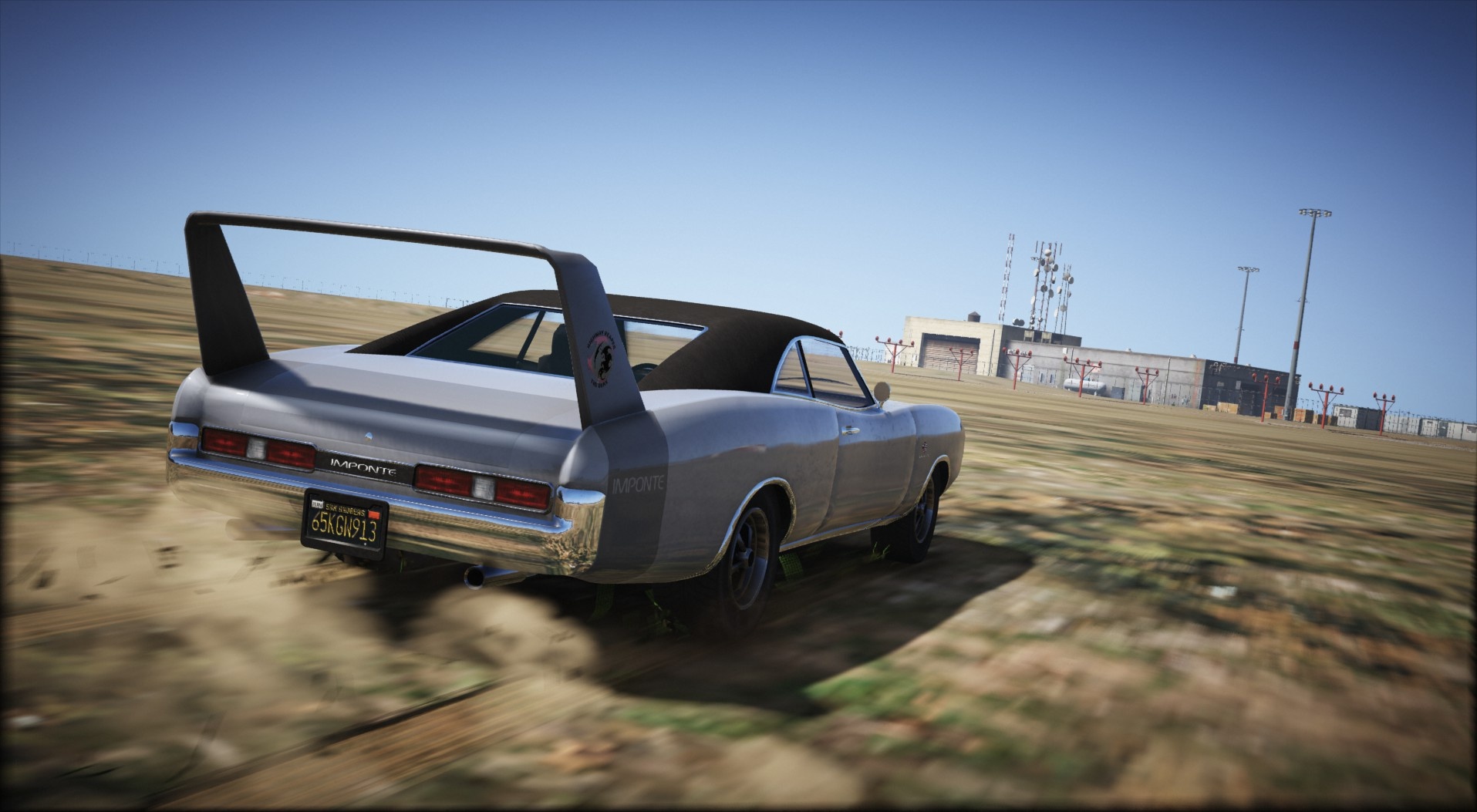
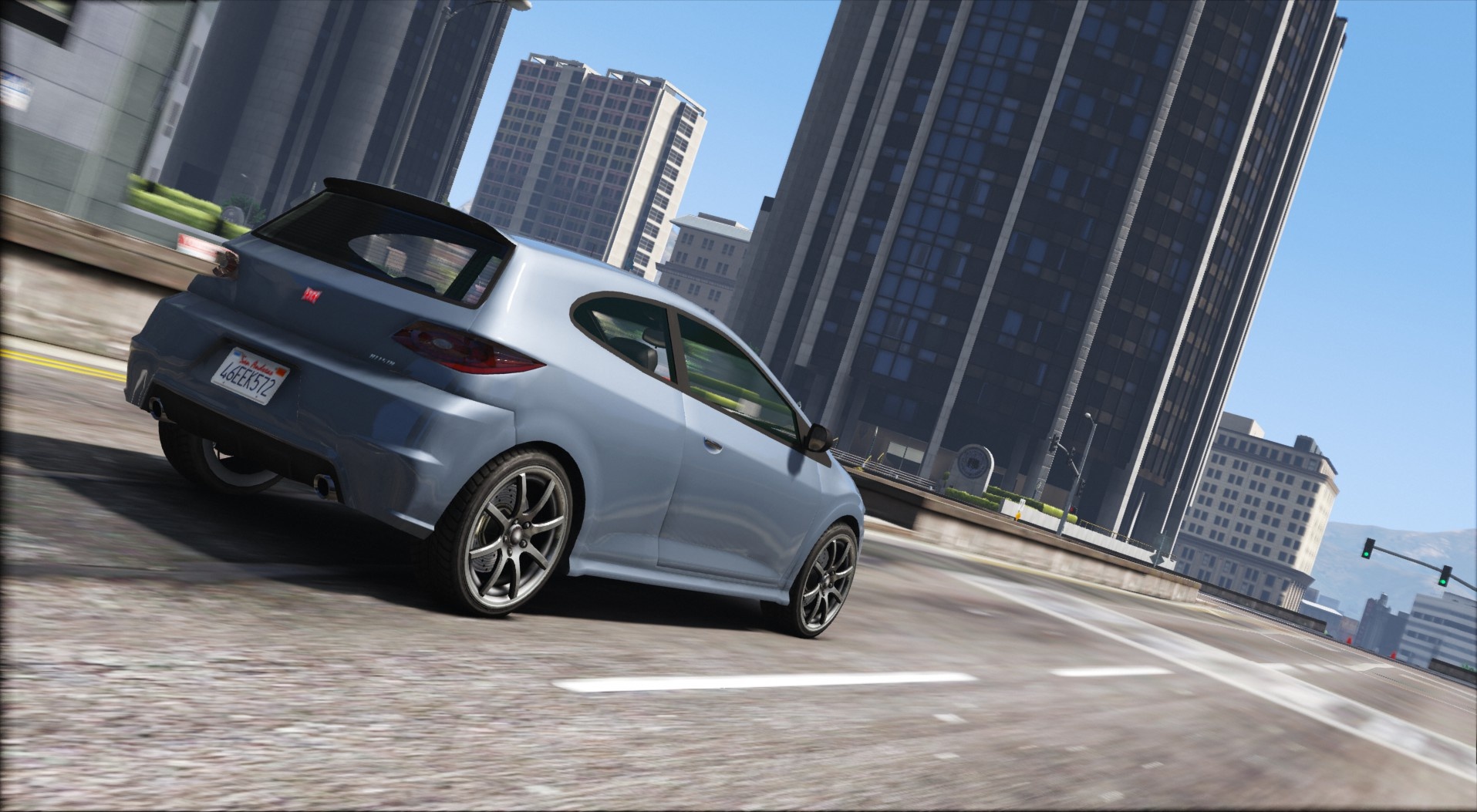
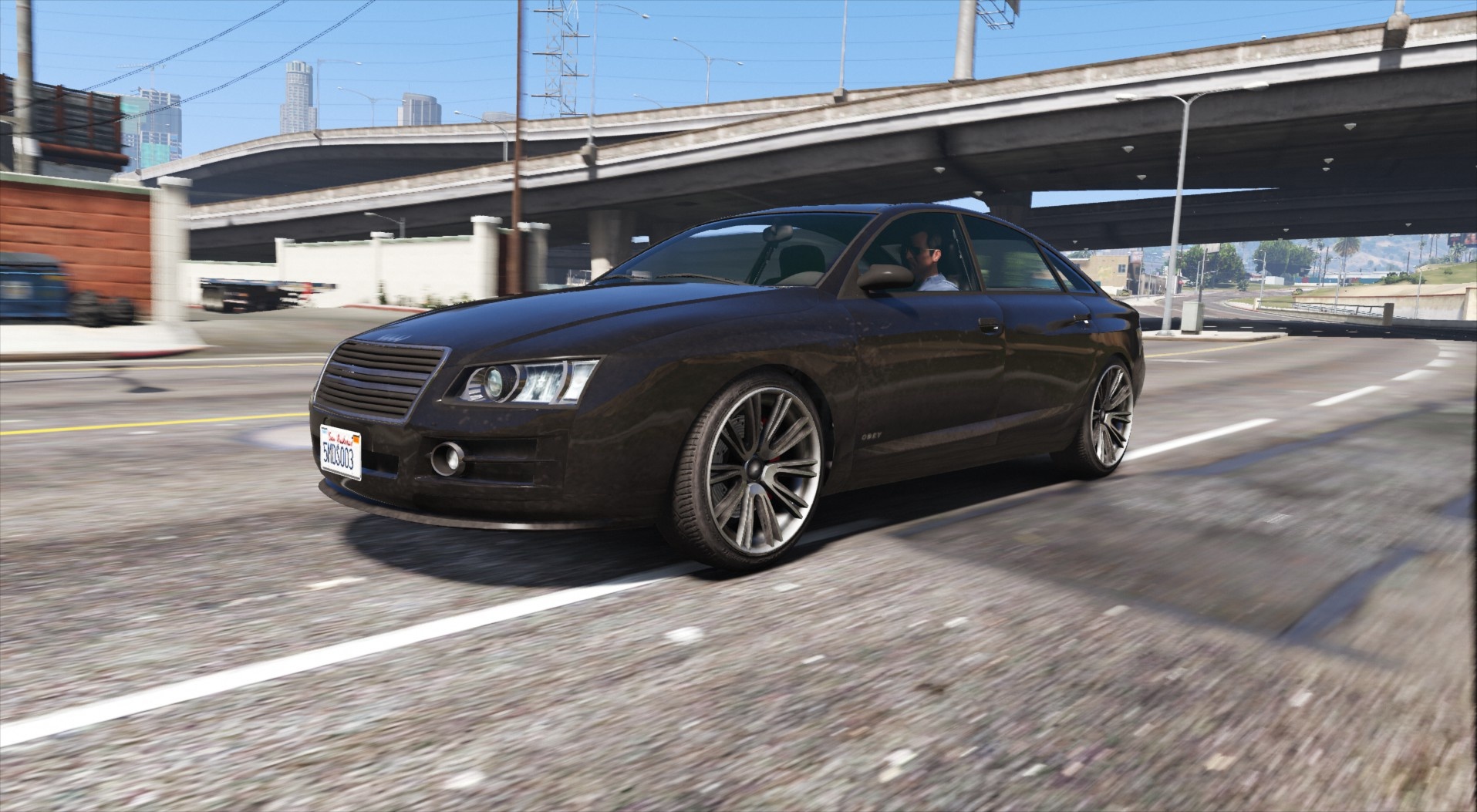
A little utility I’ve coded for cool vehicle shots ingame, it allows you to take screenshots with speed/blur effect, by attaching a camera to your car at any angle you want.
Requires IngameScreenshot or any freecam script to work properly.
Disclaimers
– Set up the cam on an even surface or the angles will be all over the place.
– It does not like front views, although they still work, without pitch adjustement sadly.
How to use
While inside a car, enter freecam as you normally would, adjust the camera around the car, and and press E/DpadRight to create the blurcam there. Rotation, Position and FOV are saved.
Then exit freecam and hit E/DpadRight again, the BlurCam will be active. Press again to destroy it and return to normal gameplay.
Installation
All files go into (GTA V Folder)/Scripts/.
If you don’t have it, congratulations, this is your first script.
Create the scripts folder and put them there.
REQUIREMENTS
IngameScreenshot
.NET Framework 4.5.2
Visual C++ 2015
ScriptHookV
Latest
ScriptHookVDotNet Latest
Credits:
Eddlm
Download mod
| File | File size |
|---|---|
 SimpleBlurCam
 | 4 KB |
![Phat Cam [.NET] V1.1](https://gta5mod.net/wp-content/uploads/2022/11/Phat-Cam-150x150.webp "Phat Cam [.NET] V1.1")

![Shoulder Cam [.NET] V2.0](https://gta5mod.net/wp-content/uploads/2023/01/ShoulderCam-150x150.jpg "Shoulder Cam [.NET] V2.1")
