
Los Santos Alive – SHVDN3 Variant
Every pedestrian in Los Santos is now awake. Walk up to anyone, speak to them out loud or by text, and they answer back in their own voice, with their own personality, driven by live AI. They remember you, take your number, call you up, ride along, run errands, and deal with each other even when you are not looking. This is not a pack of canned lines – it is an actual world full of people you can talk to.
This is the Script Hook V .NET 3 variant of Los Santos Alive, faithfully transcribed from vehlaw’s original RAGE Plugin Hook plugin with his knowledge and support. Same vision, rebuilt from the ground up for SHVDN3.
Check out the lossantosalive discord here: https://discord.gg/UhE4AghY
Every pedestrian in Los Santos is now awake. Walk up to anyone, speak to them out loud or by text, and they answer back in their own voice, with their own personality, driven by live AI. They remember you, take your number, call you up, ride along, run errands, and deal with each other even when you are not looking. This is not a pack of canned lines – it is an actual world full of people you can talk to.
This is the Script Hook V .NET 3 variant of Los Santos Alive, faithfully transcribed from vehlaw’s original RAGE Plugin Hook plugin with his knowledge and support. Same vision, rebuilt from the ground up for SHVDN3.
Features
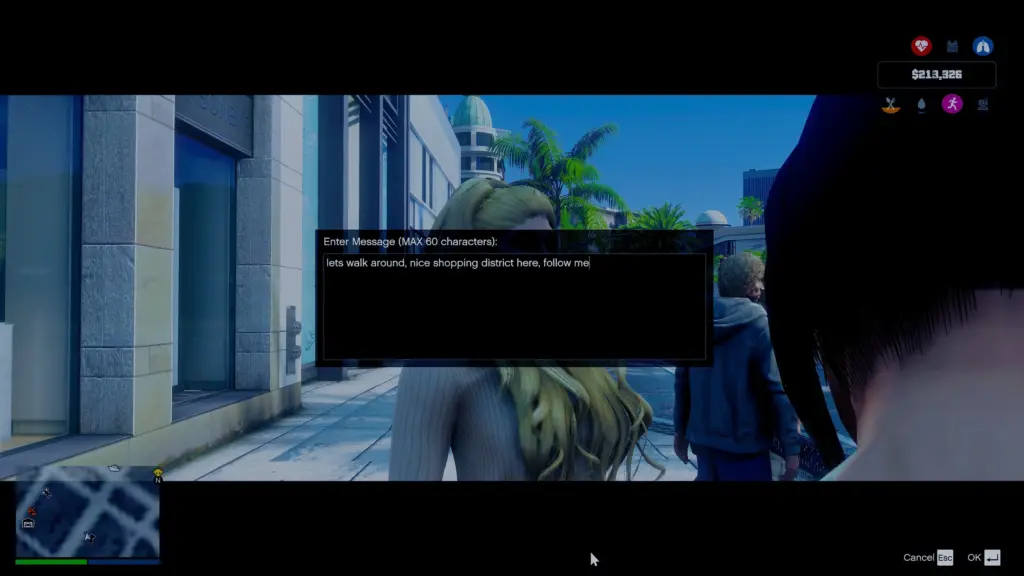
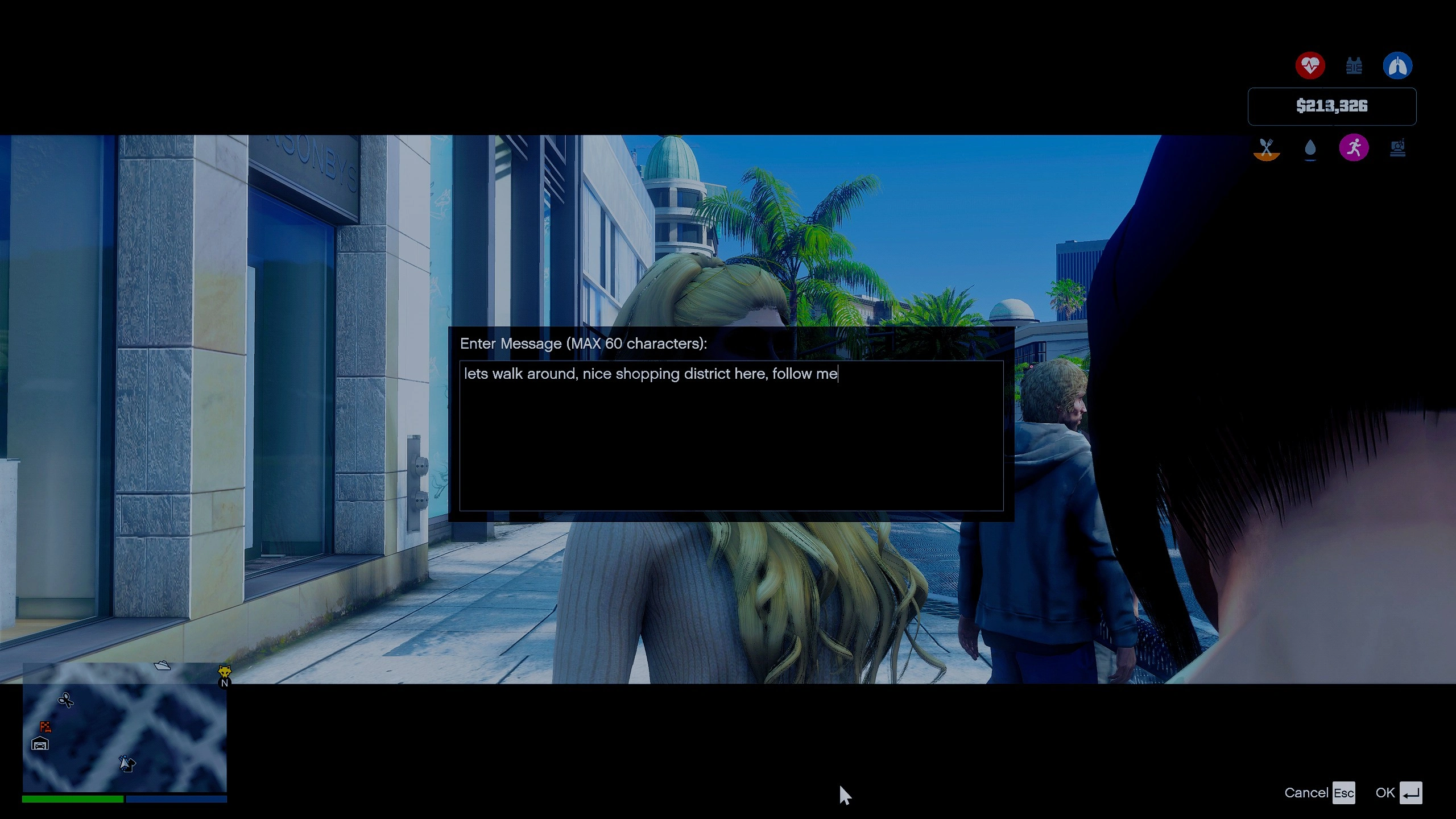
Talk to anyone – walk up, press a key, and speak by microphone or type a message. The NPC replies in a real AI voice that comes out of their mouth in 3D with lip-sync. No menus, no scripts – a genuine back-and-forth conversation.
Real personalities – over 100 hand-tuned archetypes mean a Vagos banger, a Vinewood tourist, a beat cop, and a Rockford suit all think, talk, and react differently based on who they actually are.
They remember you – NPCs keep track of who you are and what was said across conversations. Make a friend or an enemy and it sticks.
Phone system – save an NPC to your phone straight from a conversation and call them later. They pick up in character, in their own voice. NPCs also call and text you on their own when the mood takes them.
NPC actions – tell them what to do and they do it – follow you, hop in and drive you anywhere (“the beach,” a district, your waypoint), take a seat in your car, put their hands up, kneel, hand over or take a weapon, stand down, flee, or fight.
NPC to NPC – send someone over to deal with another pedestrian – talk to them, follow them, rob them, threaten them, or start something. NPCs also strike up their own conversations and banter with each other while you watch.
Combined behaviors – actions stack instead of fighting each other, so an NPC can follow you with their hands up, or bail out of a car and into cover without breaking character.
Meetups – arrange to meet someone at a bar, a street corner, or a landmark, and they will actually make their way there, on foot or behind the wheel, and show up.
World awareness – NPCs know the time of day, the weather, what is on the radio (mood, artist, genre), who is standing nearby, and what vehicles are around, and they fold it all into how they talk.
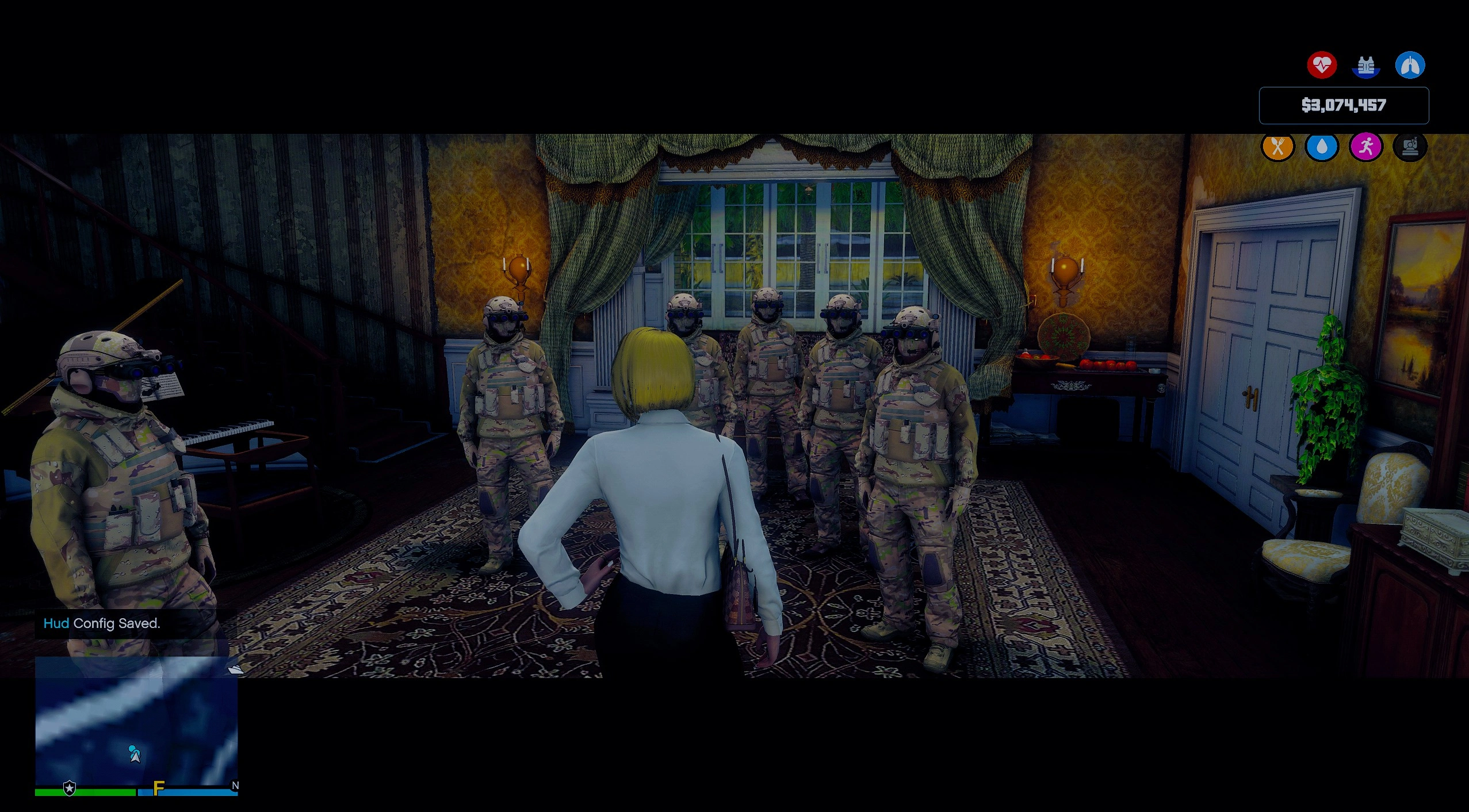
Group conversations – in a crowd, mark exactly who you are addressing, cycle through nearby faces with a guided camera, and give an order to the whole group at once while bystanders chime in on their own.
Companion gameplay – turn a willing NPC into an accomplice who sticks by your side and has your back.
Requirements
Grand Theft Auto V (legacy edition)
Script Hook V
Script Hook V .NET v3 enhanced/legacy version
LemonUI.SHVDN3
.NET Framework 4.8
A free Google Gemini API key – you supply your own, and it takes a couple of minutes at Google AI Studio
Installation
1. Install .NET Framework 4.8 and this in directory: https://www.gta5-mods.com/tools/script-hook-v-net-enhanced
2. Drop LosSantosAlive.dll and the included dependency DLLs (LemonUI.SHVDN3, iFruitAddon2, NAudio.Core, NAudio.WinMM, websocket-sharp-core) into your scripts folder.
3. Place the LosSantosAliveServer and NPCGeminiFiles folders into your game directory, next to the .exe.
4. Open the .env file inside the LosSantosAliveServer folder and put your own generated Gemini API key in it, replacing the placeholder. Every player needs their own – it is free, tied to your own Google account, and never shared in a build. Here is the link to google AI studios: https://aistudio.google.com/api-keys
5. Launch the game. The local server starts on its own. Walk up to anyone and start talking.
Controls
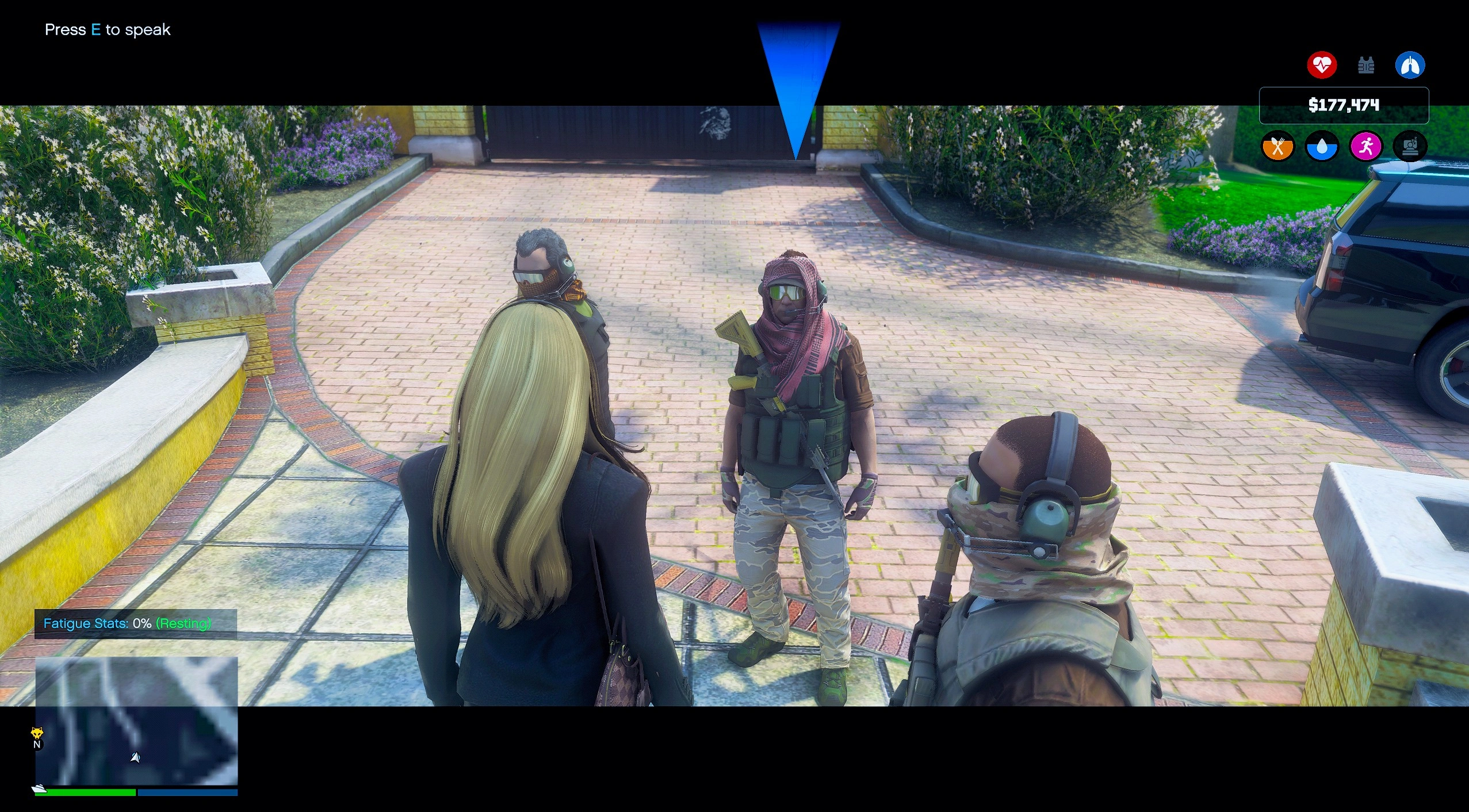
Press the on-screen context key (E by default) near any pedestrian to begin a conversation. Type your message, or hold the push-to-talk key and speak out loud.
Talking
– E Start or join a conversation with whoever you are looking at
– Text and microphone keys are fully rebindable
– Enter Mark who you are addressing, and exclude who you are not
– Left and Right arrows Cycle through nearby people with a camera preview
Phone
– Save an NPC to your contacts from any conversation, then call them anytime from your in-game phone
All key binds and ranges can be changed in LosSantosAlive.ini.
Tips
Just talk. The more naturally you speak, the better they respond – ask, joke, threaten, negotiate, whatever fits.
Save the ones you like. A contact you can call back is worth far more than a stranger on the street.
In a crowd, mark your target before you speak so the right person answers you.
Keep your API key private. It is yours alone – never hand out a build with your key still inside it.
Known Issues
NPC-to-NPC and meetup behavior runs deep and is occasionally unpredictable – that is half the fun, but expect the odd hiccup.
A dropped AI connection now reconnects and retries on its own, though a very rare turn may still come back silent – just speak again.
These will be refined in future updates.
Credits:
jjj777
Download mod
| File | File size |
|---|---|
 losssantosalivestuffnew
 | 59 MB |
