
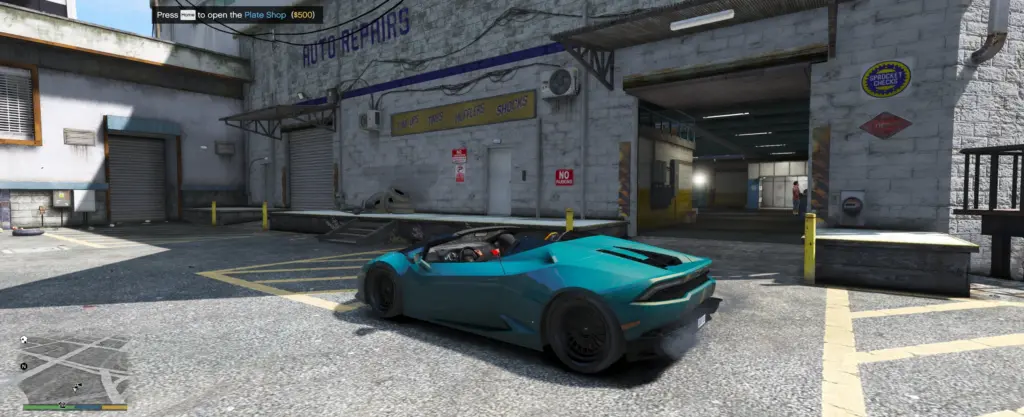
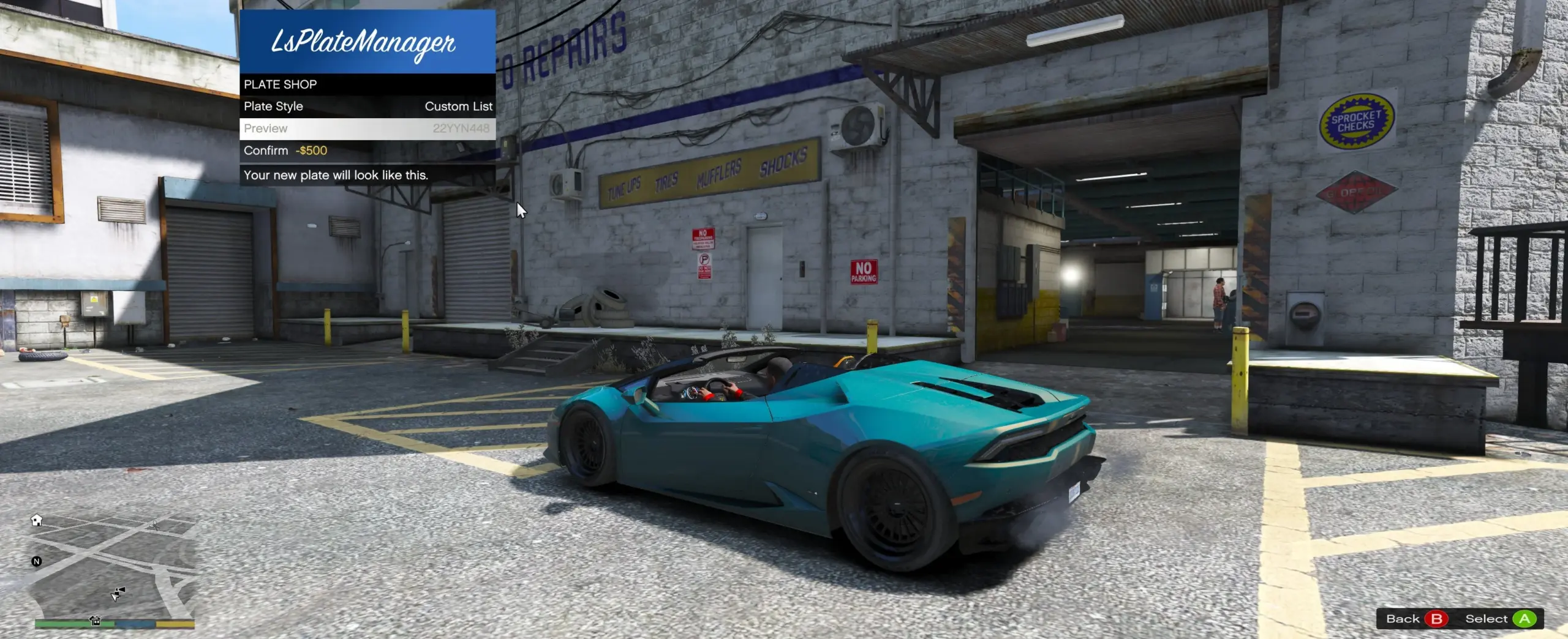
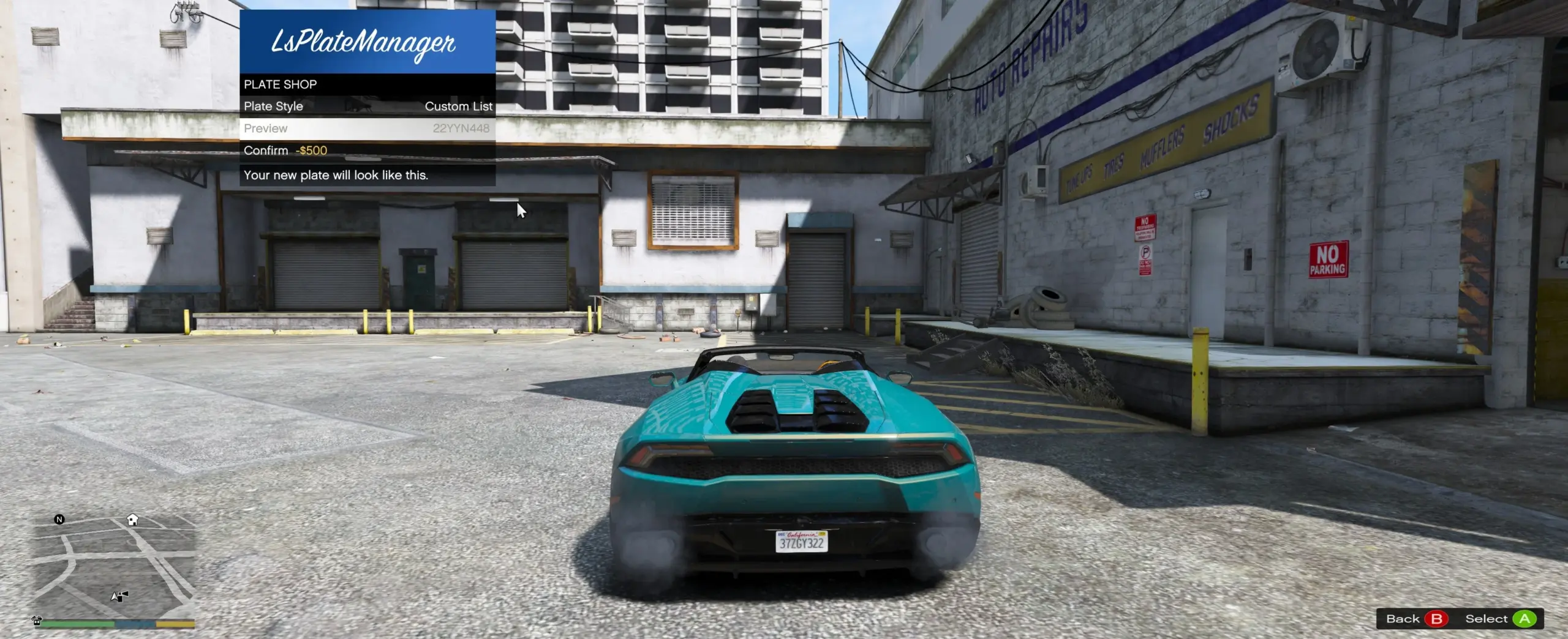
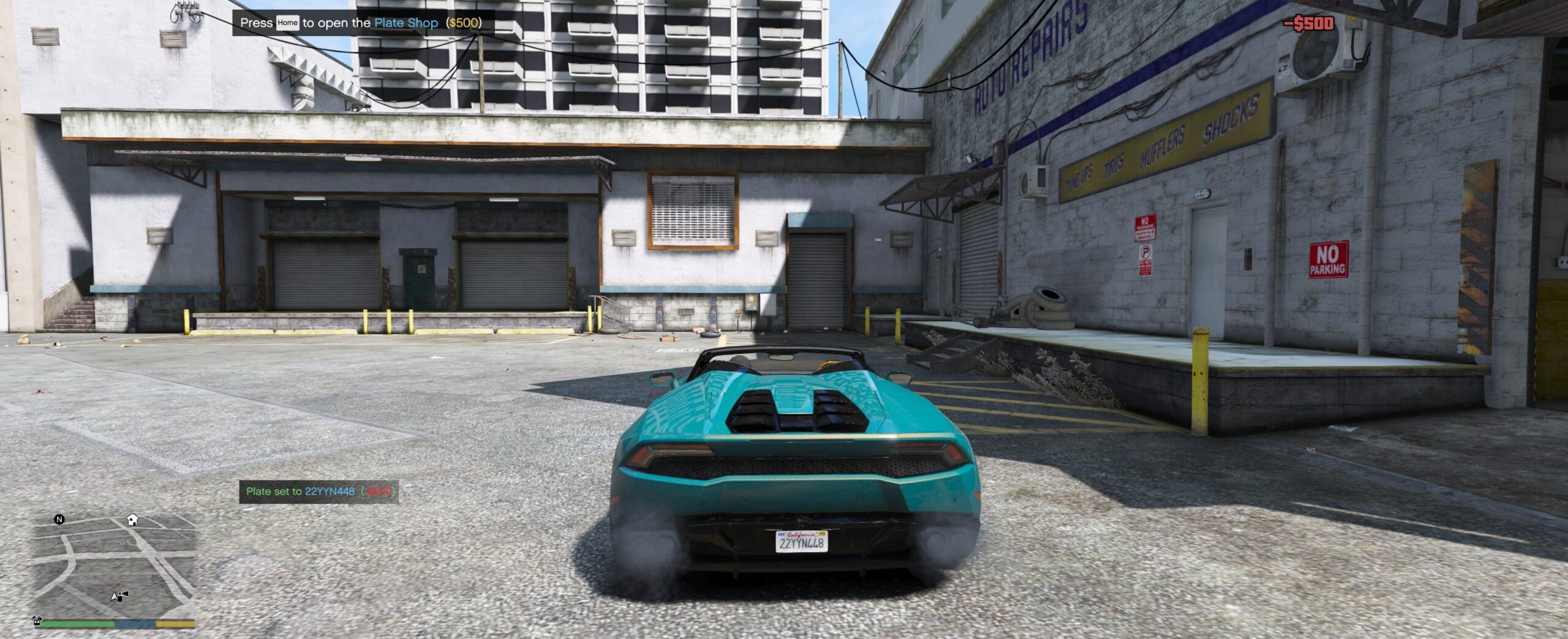
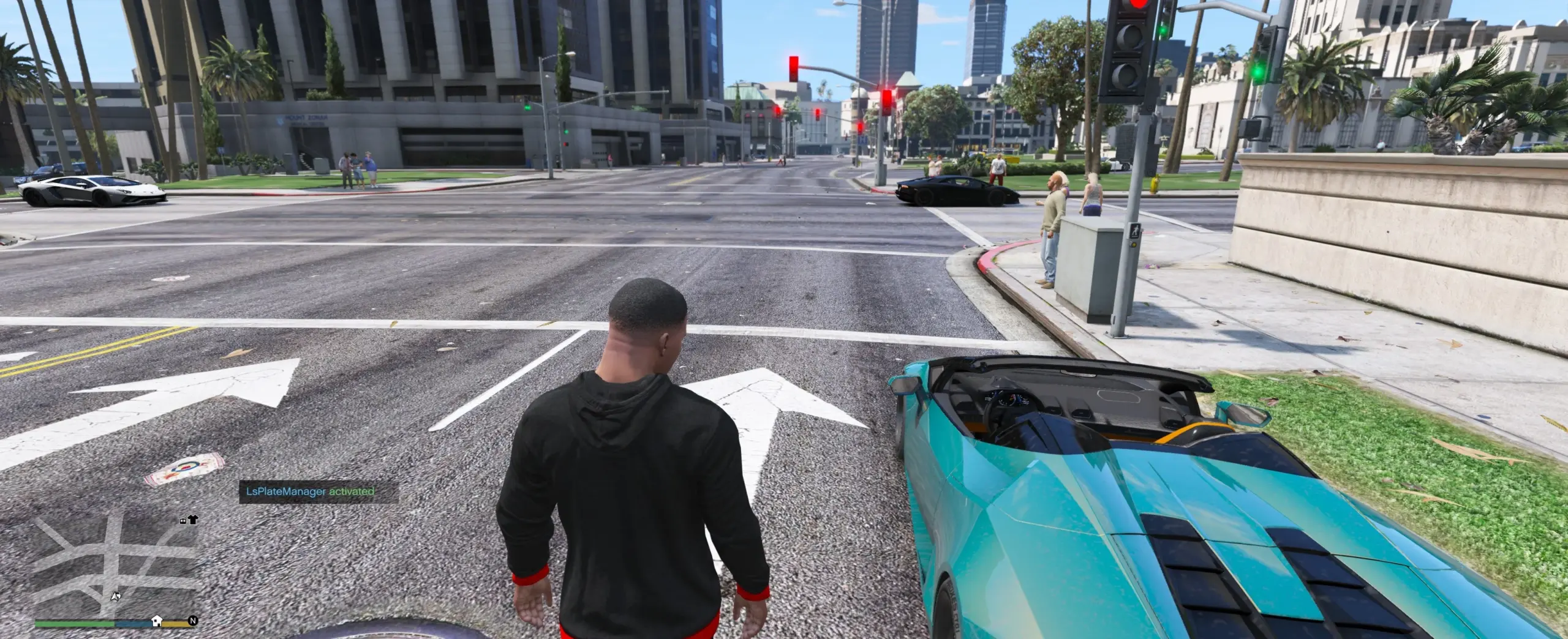
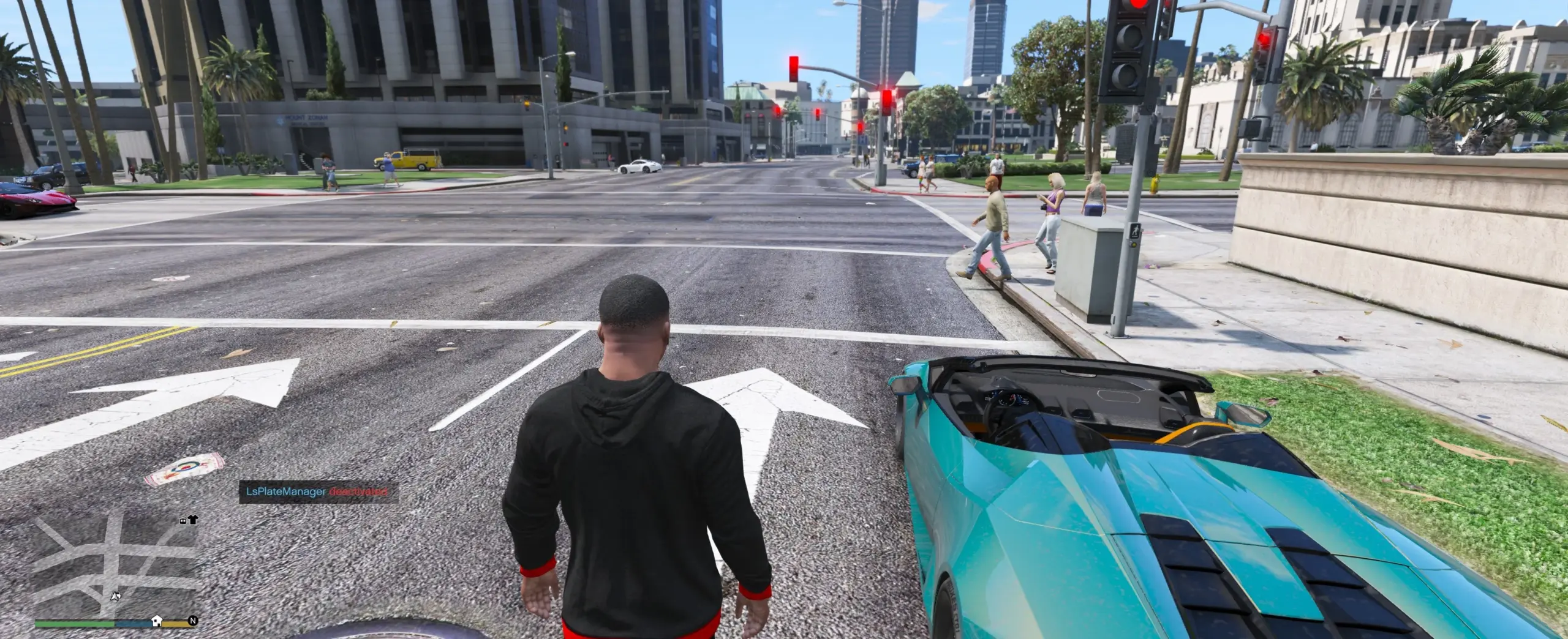
LsPlateManager is a SHVDN3 script that replaces the repetitive default license plates across Los Santos with randomized, configurable, and persistent plates — giving every vehicle on the street a unique identity, including trainer-spawned and add-on vehicles.
Features
Random plate generation — plates are generated from customizable patterns (e.g. AB12CD34, ABC123, all-digits, all-letters, and more)
Trainer & add-on vehicle support — every vehicle receives a random plate including trainer-spawned and add-on cars; no vehicle is ever skipped
XML persistence — assigned plates are saved to disk and survive game restarts; the same parked car will always carry the same plate
Per-vehicle-class styles — assign a different plate pattern to each vehicle class (Compacts, SUVs, Motorcycles, etc.) via ClassStyles.ini
Per-model overrides — give a specific model an exact plate, a numeric range, or a pick-list via ModelOverrides.ini
Custom plate list — populate Plates.txt with your own plates and the script will draw from that pool instead
Economy / Plate Shop — walk up to any Los Santos Customs location and pay a configurable fee to change your own vehicle’s plate
Full in-game settings menu — press LShift + M to open the LemonUI menu; toggle the mod, switch styles, reload config, clear cache, and save persistence without leaving the game
Configurable keybinds — both the menu key and toggle key are fully configurable in the ini, including the modifier key
Zero re-roll spam — with Process Each Vehicle Once enabled, each vehicle is assigned a plate exactly once per session
Script version display — the version number is shown in the startup notification so you always know what build is running
Requirements
Grand Theft Auto V (Steam, Epic, or Rockstar version)
ScriptHookV
ScriptHookVDotNet Nightly (SHVDN3)
LemonUI (SHVDN3 build)
Installation
Install ScriptHookV, ScriptHookVDotNet, and LemonUI following their own instructions.
Copy LsPlateManager.dll into your Grand Theft Auto V\scripts\ folder.
Launch the game — all config files and folders are created automatically on first run. You should see a blue notification confirming the mod is loaded along with the script version.
Configuration
All settings can be changed live from inside the game via the LShift + M menu, or by editing the files below in scripts\LsPlateManager\:
LsPlateManager.ini — global settings (active on startup, plate style, shop cost, scan radius, keybinds)
ClassStyles.ini — per-vehicle-class plate patterns
ModelOverrides.ini — per-model exact plates, ranges, or lists
Plates.txt — custom plate pool (one plate per line; lines starting with ; are ignored)
Usage
LShift + M — open the settings menu (key configurable in ini)
LShift + U — quick toggle on/off (key configurable in ini)
Drive to any Los Santos Customs location and follow the on-screen prompt to open the Plate Shop and pay to restyle your own vehicle’s plate
Notes
All vehicles receive random plates including add-on and trainer-spawned cars — the default 46EEK572 plate will never appear while the mod is active
Saved plates are stored in scripts\LsPlateManager\SavedPlates.xml and auto-saved every 30 seconds when changes are pending
Plate patterns use N for a random digit and C for a random letter (e.g. CCNNNN = AB1234)
The menu and toggle keys are polled each tick for reliable input — no conflicts with LemonUI navigation
Credits:
FlareXll
Download mod
| File | File size |
|---|---|
 LsPlateManagement
 | 63 KB |
