
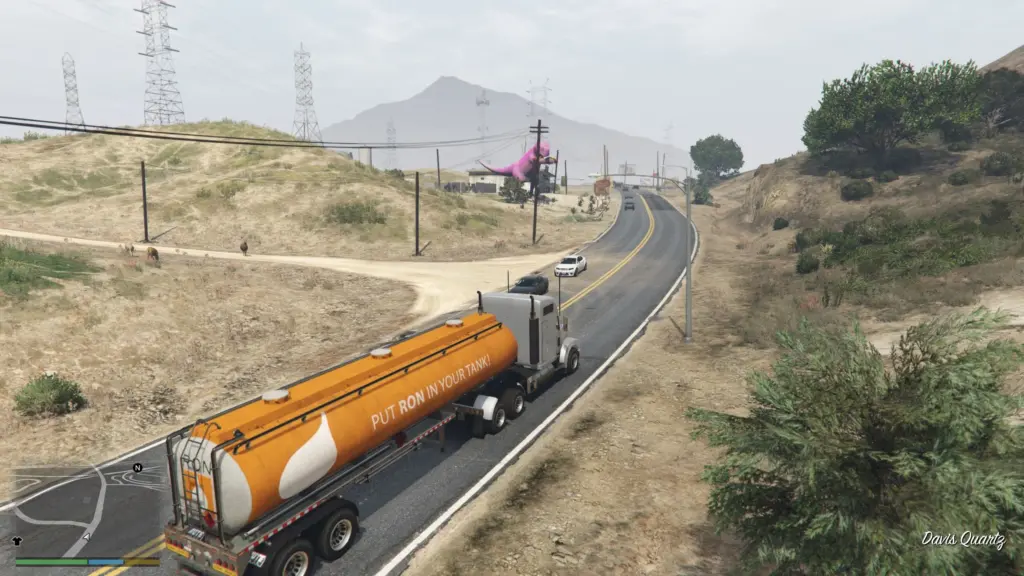
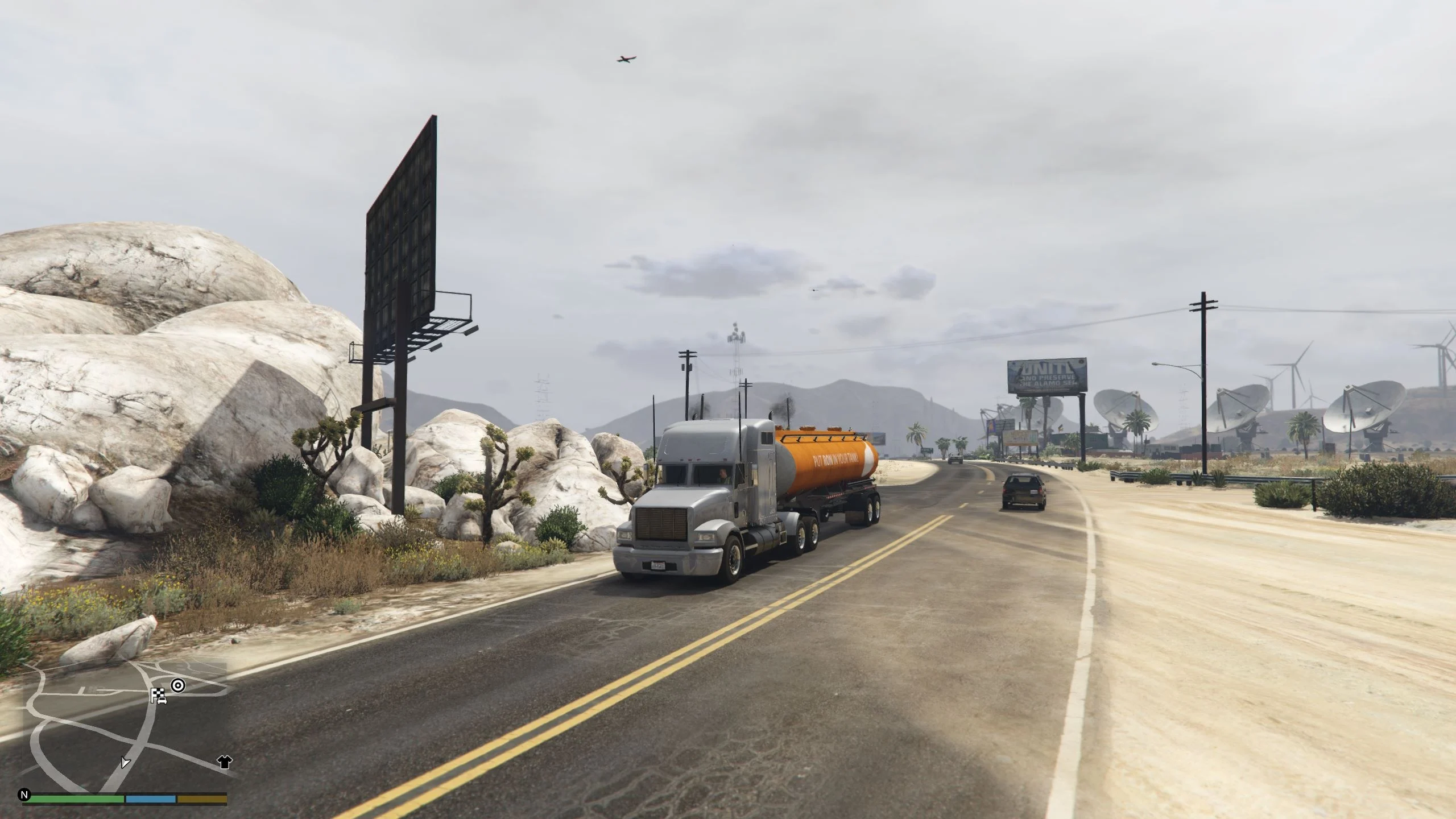
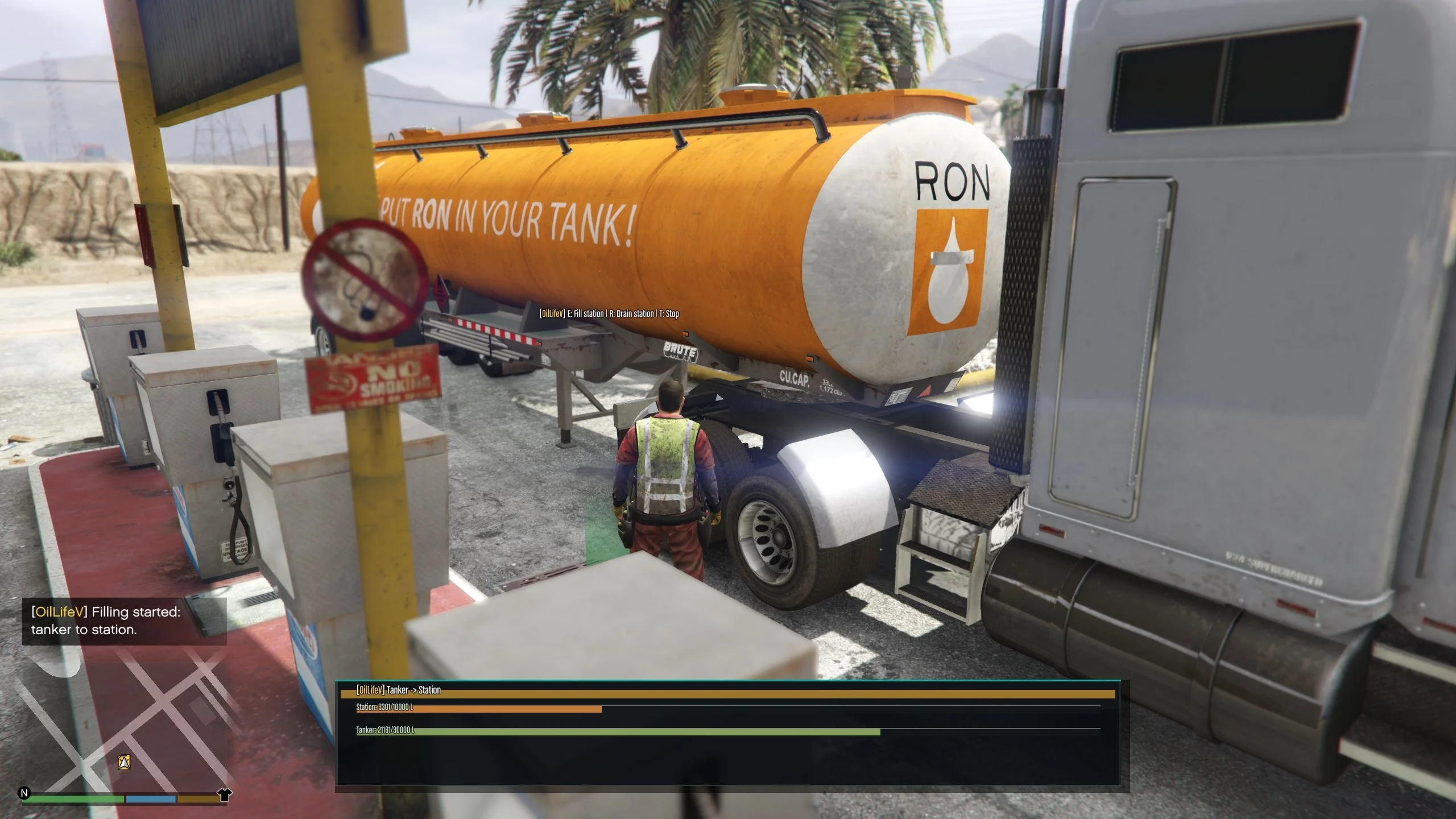
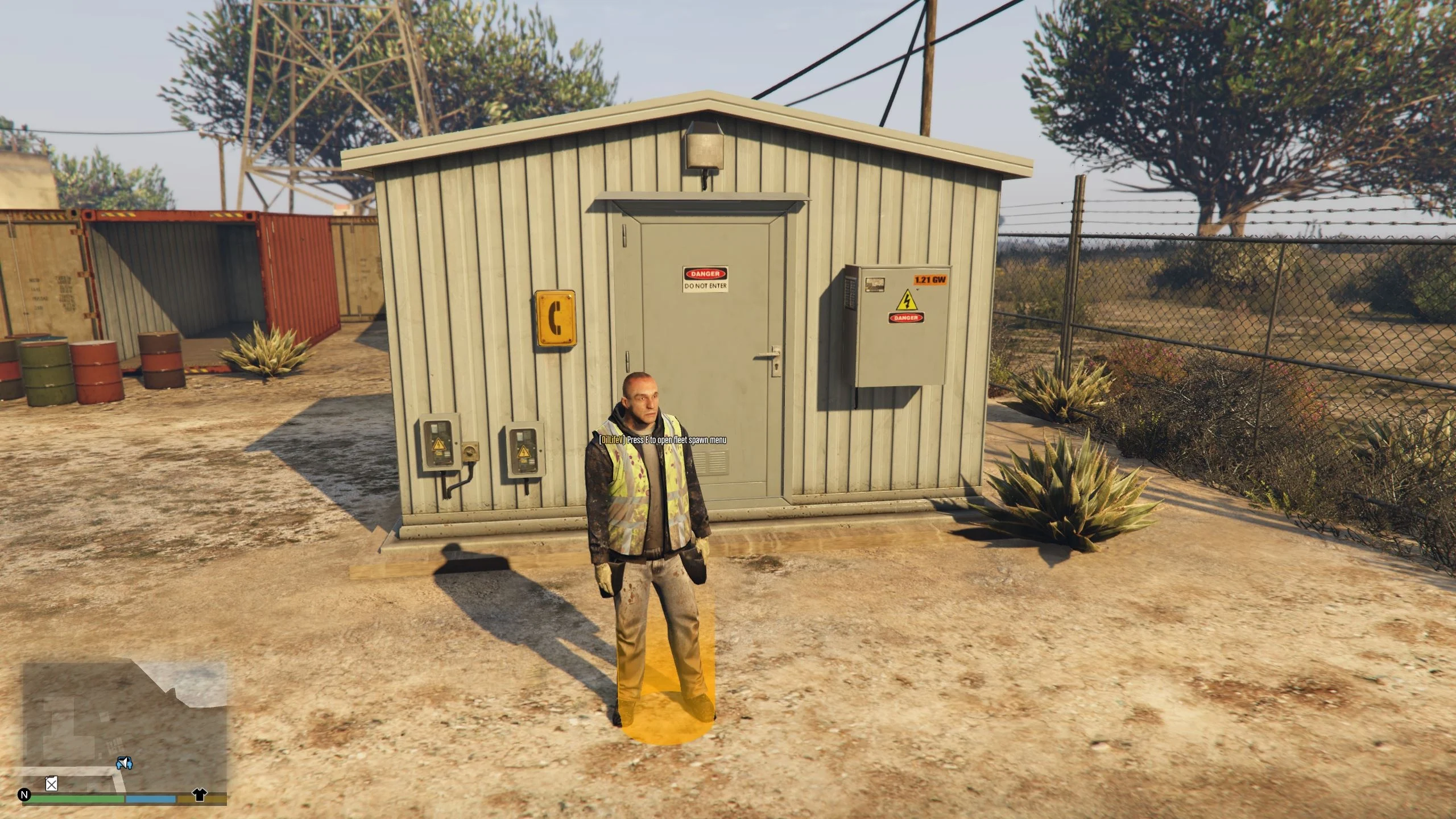
OilLifeV adds fuel logistics gameplay to GTA V:
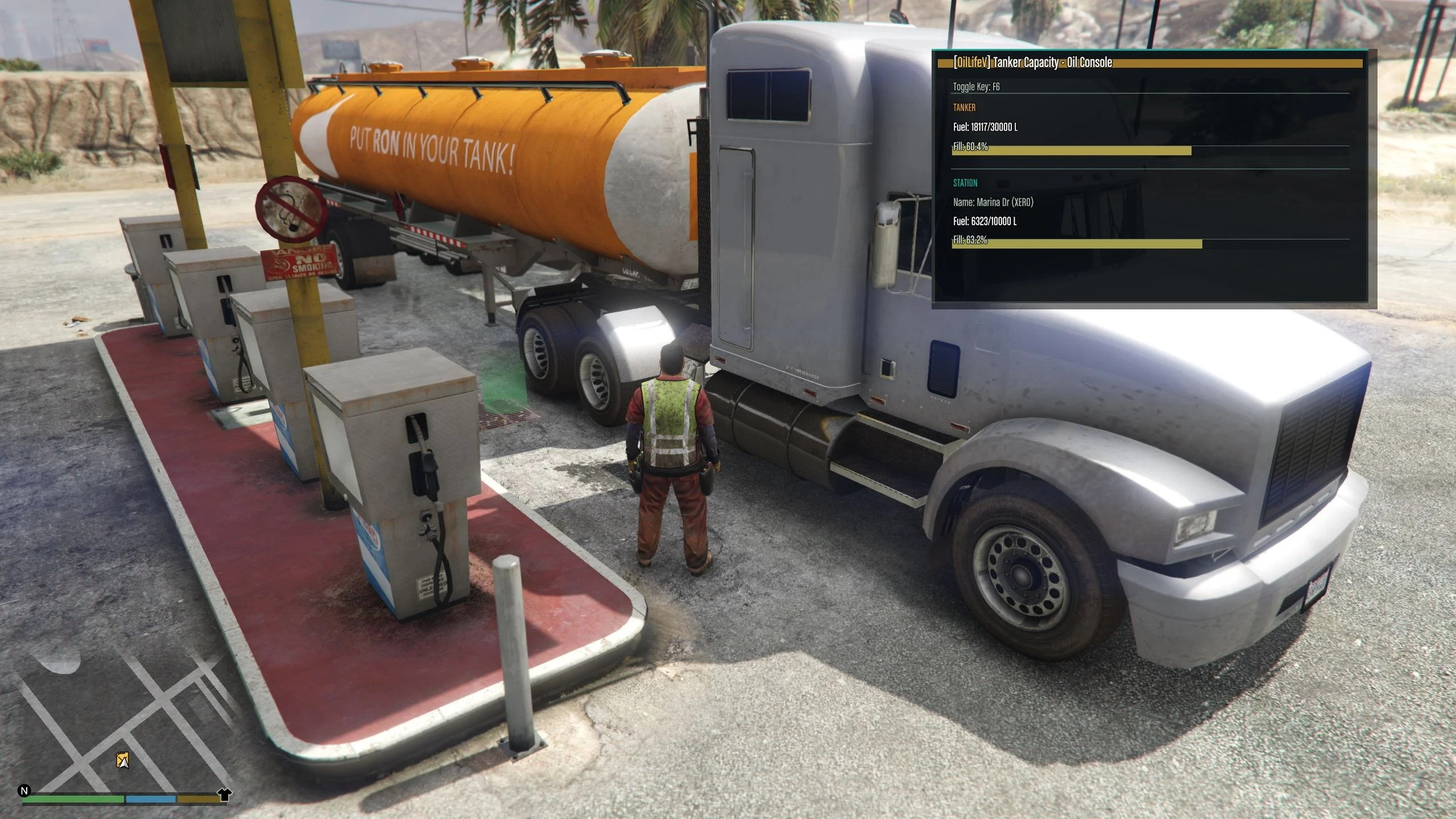
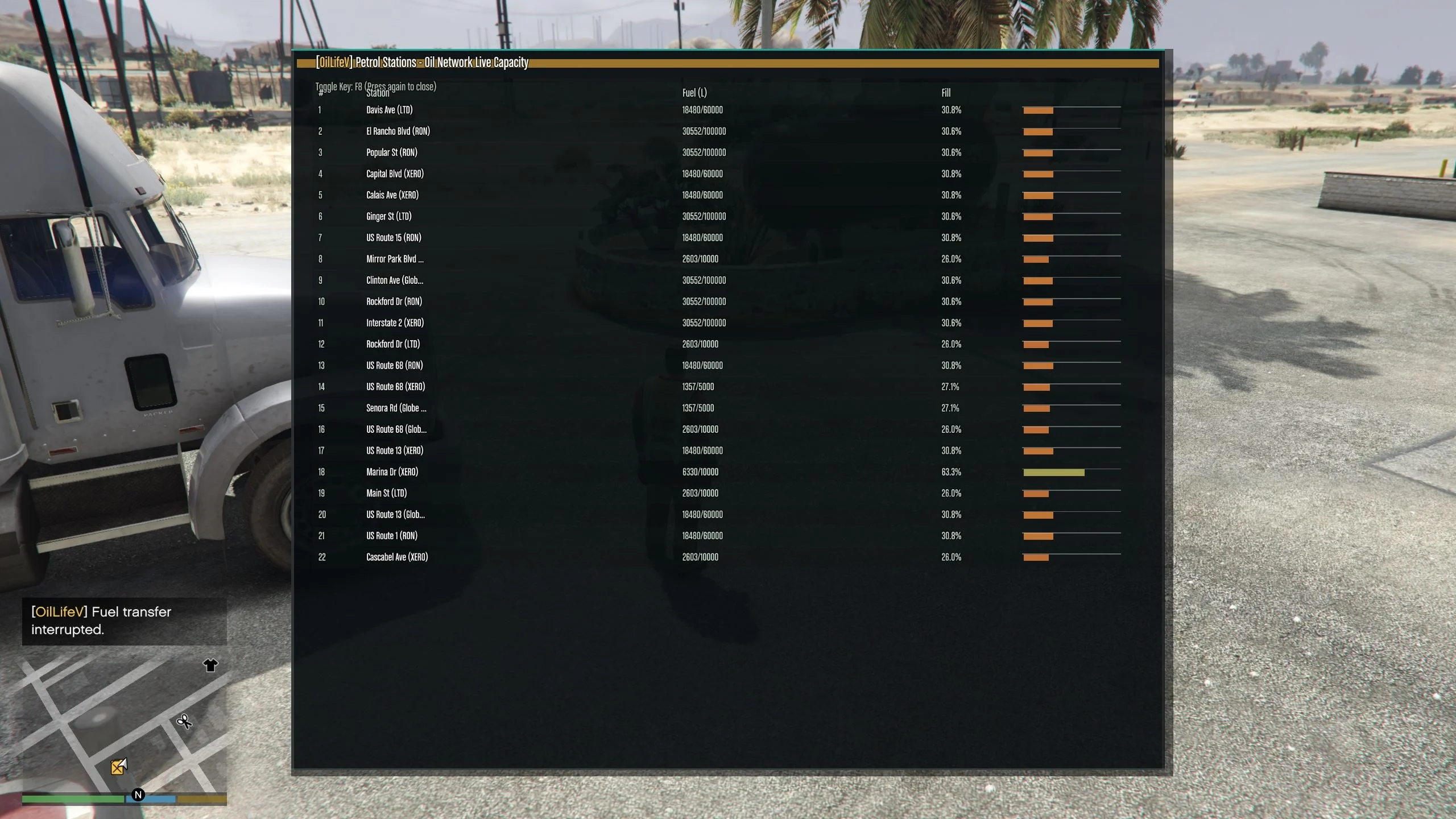
– Petrol stations have live fuel tanks.
– You can fill stations from a tanker or drain stations into a tanker.
– A refinery can refill your tanker.
– Station capacities and consumption vary by zone density.
Requirements
————
– Grand Theft Auto V (PC)
– ScriptHookV
– ScriptHookVDotNet v3
– A working ‘scripts’ folder in your GTA V directory
Installation
————
1. Copy ‘OilLifeV.dll’ into your GTA V ‘scripts’ folder.
2. Copy ‘OilLifeV.ini’ into the same ‘scripts’ folder.
3. Start GTA V in Story Mode (single-player).
Default Controls
—————-
– ‘E’: Interaction key
– ‘E’ at fleet marker: Open fleet spawn model selection menu
– ‘R’: Drain station to tanker
– ‘T’: Stop current transfer
– Arrow keys: Navigate menu rows and preview/switch models
– ‘Enter’: Confirm model selection or trigger the selected menu action
– ‘Backspace’: Close fleet model menu
– ‘F6’: Toggle tanker/station capacity panel
– ‘F8’: Toggle station overview panel
– ‘F7’: Force reload configuration from ‘OilLifeV.ini’
Gameplay Notes
————–
– You must be on foot to interact with station/refinery markers.
– Bring the configured tanker model near a station/refinery before starting transfer.
– Fleet spawn marker opens a model selection menu where model preview is live.
– Use ‘Spawn vehicles’ in that menu when you are ready to create packer & tanker.
Persistent Station Tanks
————————
Station fuel levels are now persistent between game sessions.
– Save file: ‘scripts/OilLifeV.station-tanks.ini’
– Fuel values are saved when the script unloads (for example when leaving the game/session).
– Fuel values are loaded automatically on next startup.
– To reset all station fuel levels, delete ‘OilLifeV.station-tanks.ini’.
Configuration
————-
Main settings are in ‘scripts/OilLifeV.ini’.
Useful sections include:
– ‘[Controls]’
– ‘[Gameplay]’
– ‘[Markers]’
– ‘[Refinery]’
– ‘[DensityProfiles]’
– ‘[Petrol Station XX]’
Troubleshooting
—————
1. Mod does not load:
– Confirm ‘OilLifeV.dll’ is in GTA V ‘scripts’.
– Confirm ScriptHookV and ScriptHookVDotNet v3 are installed.
2. INI changes do not appear:
– Save ‘OilLifeV.ini’, then press ‘F7’ in game.
3. Station fuel values seem wrong after edits:
– Close game, back up, then remove ‘OilLifeV.station-tanks.ini’ to regenerate fresh station tank state.
Changelog:
V 1.01
– Fixed an issue where the text above the Fleet marker was not visible
Credits:
Galexo
Download mod
| File | File size |
|---|---|
 oil_mod
 | 24 KB |
