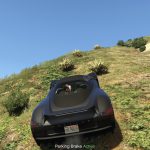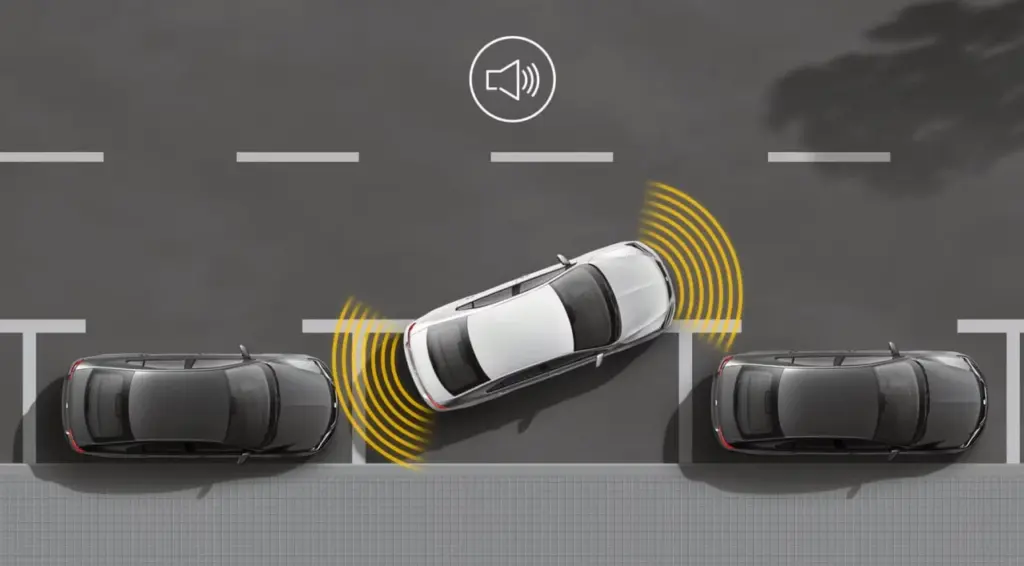
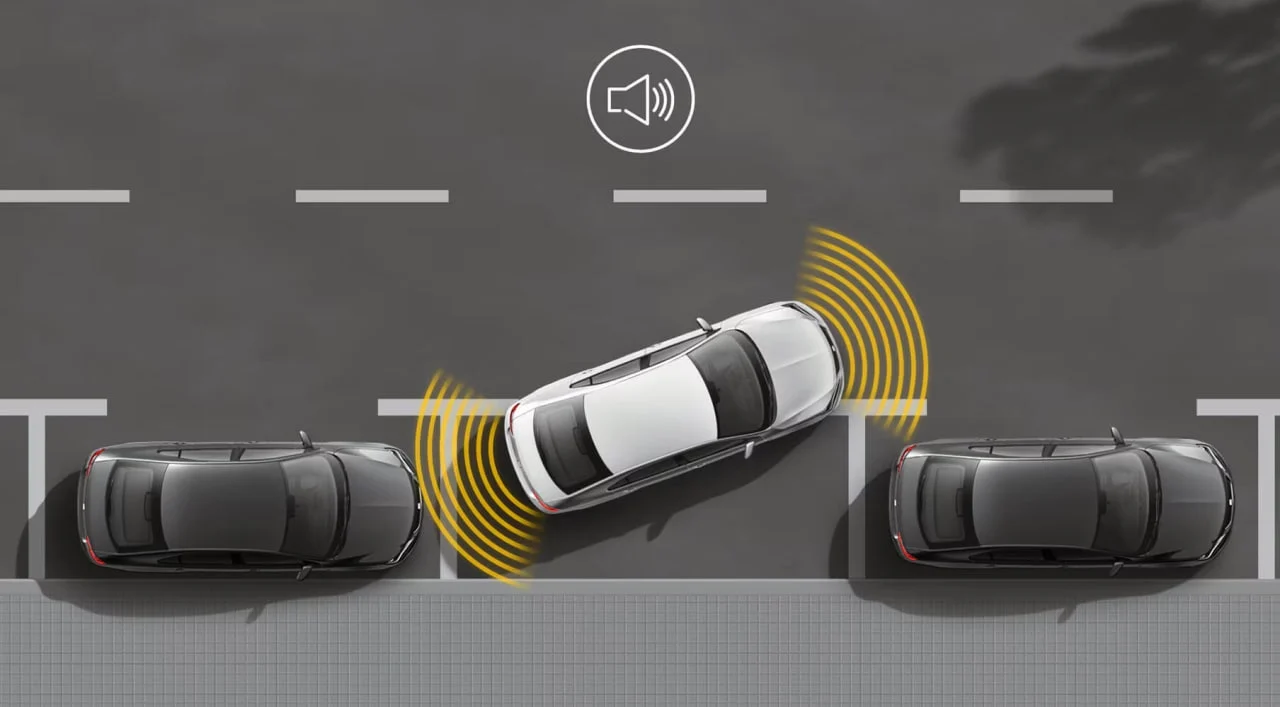
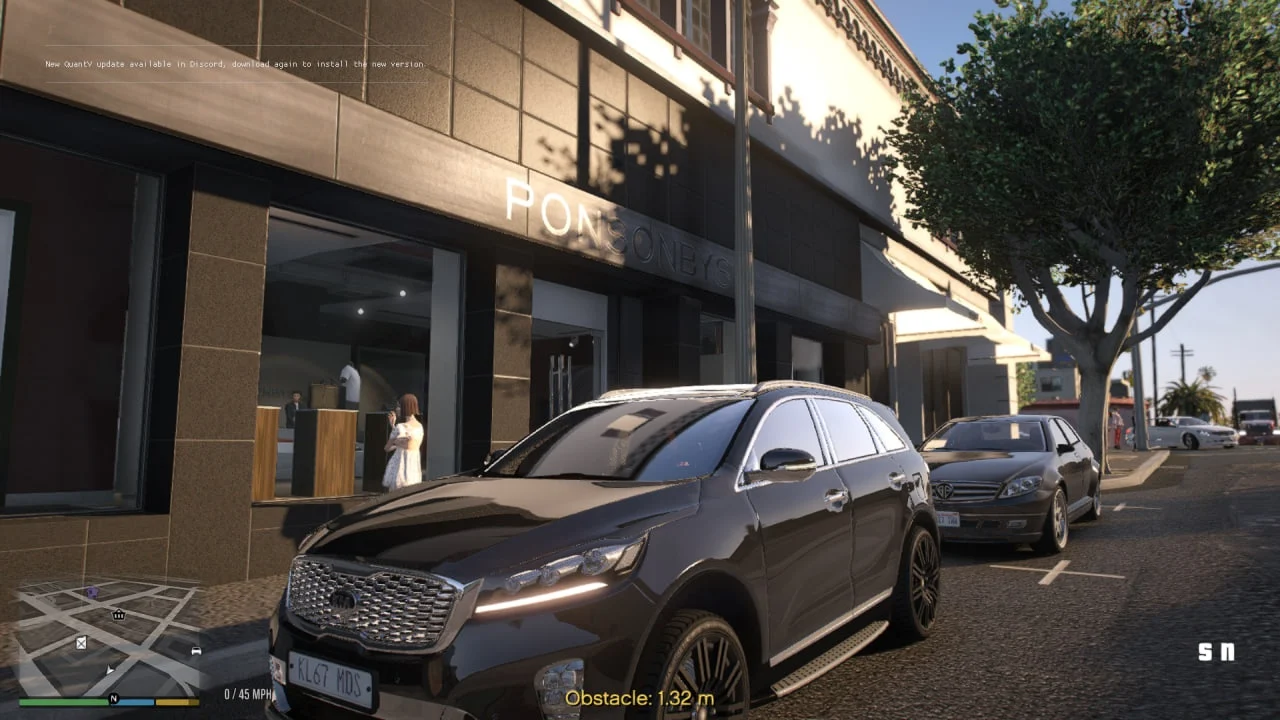
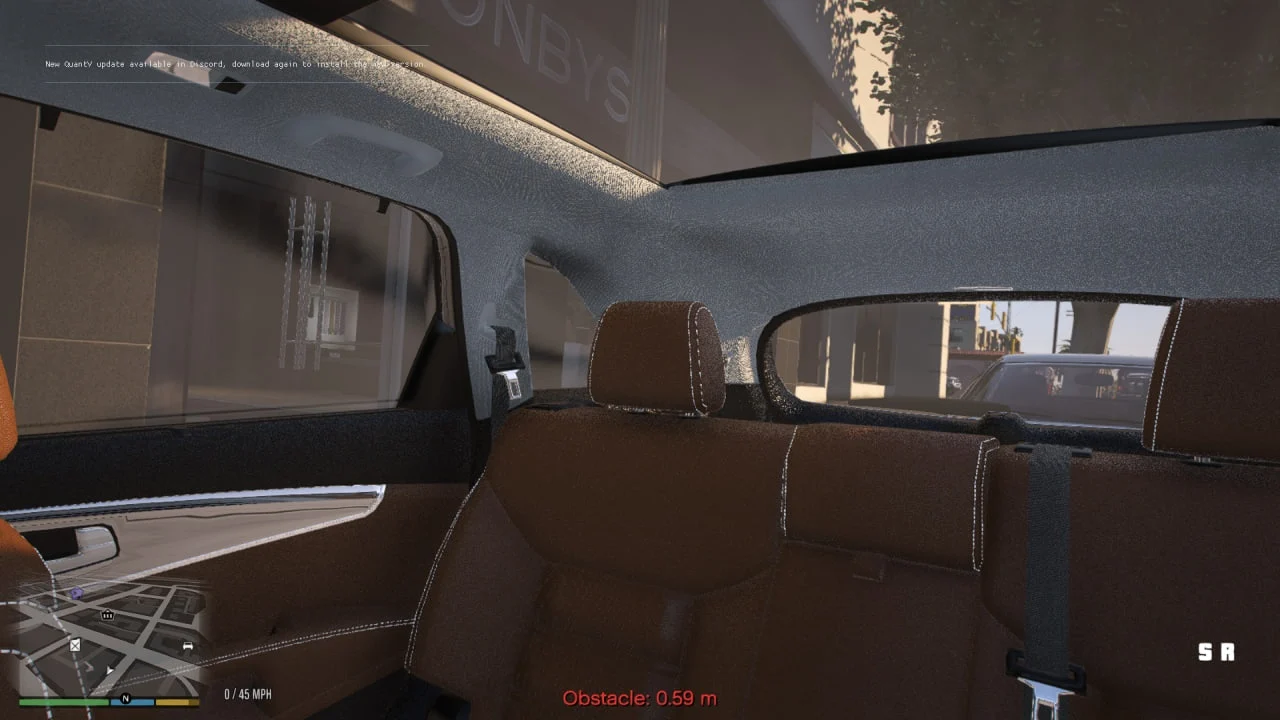
Enhance your parking precision with this immersive Parking Sensor mod for Grand Theft Auto V. Designed to simulate real-life vehicle proximity sensors, this mod adds beep sound alerts and on-screen distance overlays as you approach obstacles from the rear of your vehicle. Whether you’re trying to park in tight spaces or avoid collisions, this system provides a dynamic, audio-visual feedback mechanism for a more realistic driving experience.
MOD OVERVIEW
The Parking Sensor mod simulates rear parking assist systems found in modern vehicles. It uses in-game raycasting to detect nearby obstacles behind the player’s vehicle and triggers beeping sounds that increase in frequency the closer you get to the object. A text overlay also displays the exact distance in meters with a color-coded warning system:
🟢 Green: Safe (4m+)
🟡 Yellow: Caution (<4m)
🔴 Red: Danger (<1m)The system activates automatically when reversing or moving slowly backward, and it stops when: The engine is off / The vehicle is moving forward / No obstacle is detectedFEATURES
✅ Dynamic beeping that adapts to obstacle proximity
✅ Continuous warning sound when <0.5m from an object
✅ On-screen distance display with color-coded alert
✅ Automatically stops when not needed
✅ Lightweight and responsive design
✅ Fully functional and ready to useREQUIREMENTS
🟦 ScriptHookVDotNet 3
🟨 ScriptHookV
🟧 .NET Framework 4.8 or above
🎧 A working beep.wav file located in:
scripts/ParkingSensor/beep.wav
INSTALLATION INSTRUCTIONS
📥 Download the mod.
📁 Extract the scripts folder from the archive.
📜 Drop the scripts folder into your main GTA V directory (where GTA5.exe is located).
✅ Make sure you have the required dependencies installed (see below)
✅ Enjoy !
FUTURE PLANS / UPCOMING FEATURES
🚘 First-Person Camera Switch:
When the player is in first-person mode and the sensor activates, the camera will automatically zoom slightly or shift to enhance visibility while reversing.
🎯 Visual Rear Sensor Display (P-Graphic):
Instead of simple text, a more immersive P-shaped visual radar system will be added for a more modern HUD representation.
🎨 Custom Sound Packs Support:
Ability to select or customize beep sounds via the .ini file.
🎥 Optional Rear Cam View Integration:
Open a virtual rear camera feed (HUD corner) while reversing.
Changelog:
Changelog v1.2.1 🚗🔧
Added a dedicated toggle key for enabling/disabling the mod, default is ‘-‘ key ⬇️ (customizable via the .ini file ⚙️).
Improved raycasting for more accurate detection of obstacles behind the vehicle 👀🚧.
Script now activates only when the vehicle is in reverse gear (R) 🔄.
Changelog v1.2 🚗📡
Script now detects pedestrians 🧍♂️ and low obstacles (e.g., curbs, poles, barriers) ✅
Improved raycasting logic for better obstacle detection 👀
Cleaned up INI logic and added fallback pathing for better reliability ⚙️
Changelog v1.1 🚗🔊
.ini file now fully functional 🎉
Added toggle options in .ini file that you can edit :
EnableMod=true (master switch)
EnableOverlay=false (hide on-screen text)
EnableBeep=true (enable beep sounds)
Limited script to run only on cars (excludes planes & boats) ✈️🚤 ( Big thanks to @JammyBoi141 🙏)
Known Bugs 🐞
Can’t restrict script to R gear only (help welcome!) ⌨️
Low curbs/sidewalks aren’t detected 🚧 (fixed)
Pedestrians not detected 🚶♂️🚶♀️ (fixed)
Credits:
DrMomenAlbakkar
Download mod
| File | File size |
|---|---|
 ParkingSensor1.2.1
 | 32 KB |
![Open the parking barrier and Added parking barrier [YMAP] 2.0](https://gta5mod.net/wp-content/uploads/2022/10/Open-the-parking-barrier-and-Added-parking-barrier-150x150.jpg "Open the parking barrier and Added parking barrier [YMAP] 2.0")