
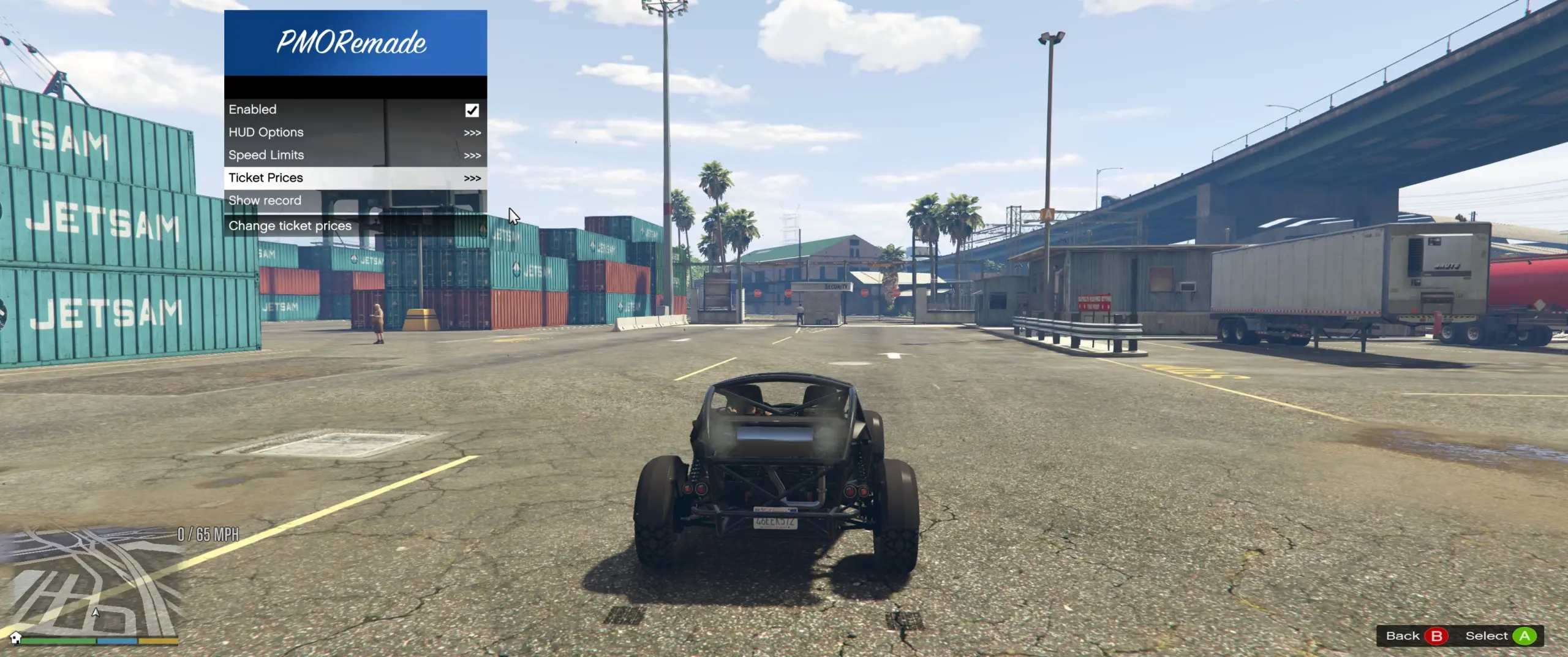
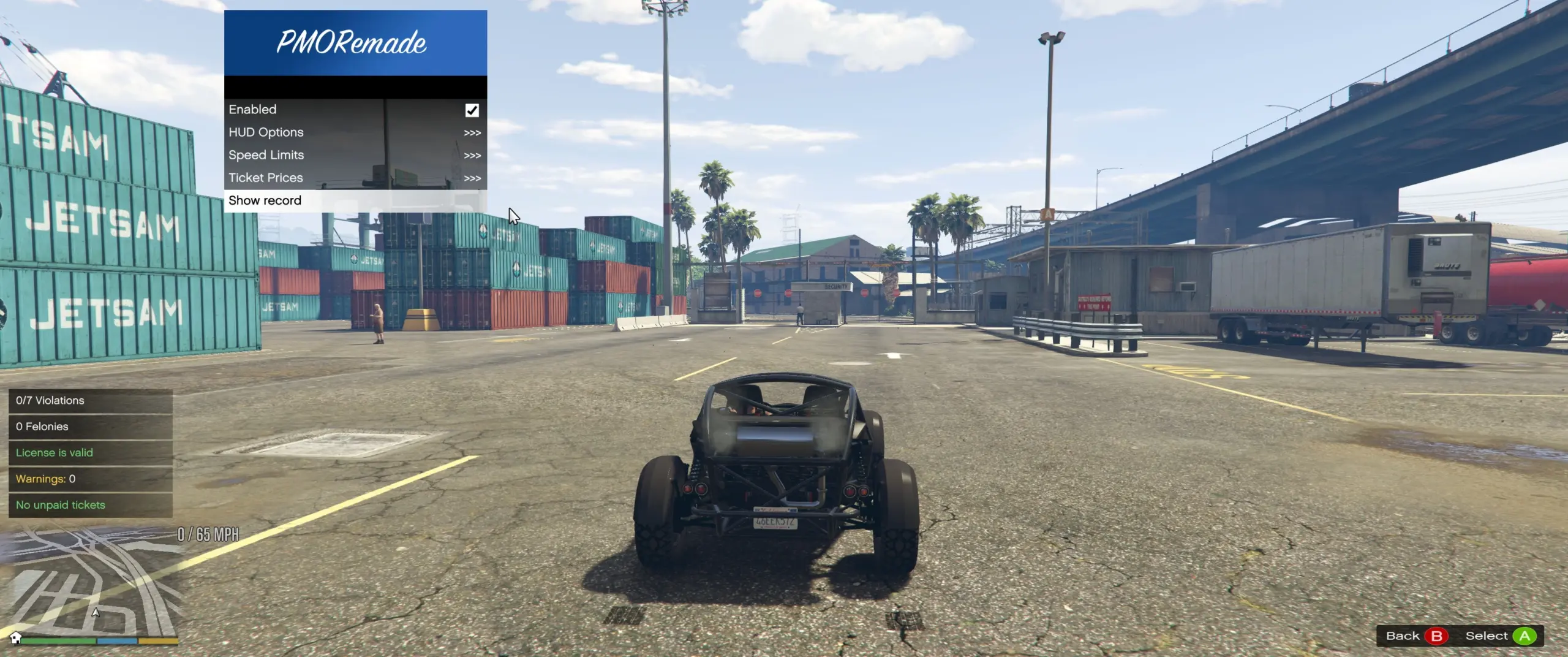
A living traffic enforcement system for GTA V Singleplayer.
Tired of police officers who only care once you have a wanted level? PMOverRemade adds a complete traffic-law enforcement system that works alongside GTA V’s vanilla wanted system.
Instead of immediately escalating into a chase, officers observe your driving, detect traffic violations, initiate realistic traffic stops, approach your vehicle, inspect your documents, and issue warnings or citations based on your driving behavior.
Credits & Project Information
PMOverRemade is a fan-made continuation and modernization of the Pull Me Over project.
This project is built upon the existing Pull Me Over codebase originally developed by Daimian, which itself continued the original Pull Me Over mod created by sorbas.
PMOverRemade updates the original project to use LemonUI and ScriptHookVDotNet 3 Nightly while expanding the gameplay with numerous new features, additional customization options and long-term support.
This project would not exist without the incredible work of sorbas and Daimian. Their work laid the foundation that made PMOverRemade possible.
If you enjoyed PMOverRemade, please support the original creators by downloading and endorsing their original releases.
Original Mods
Pull Me Over by sorbas
Pull Me Over by Daimian
Please also check out Daimian’s additional projects, including Stolen and Better Chases+.
Features
Realistic Traffic Stops
Police detect traffic violations in real time.
Officers follow your vehicle before initiating a stop.
Emergency lights and sirens are used appropriately.
Police approach your vehicle on foot.
Stops are handled naturally instead of immediately becoming wanted chases.
15+ Detectable Traffic Violations
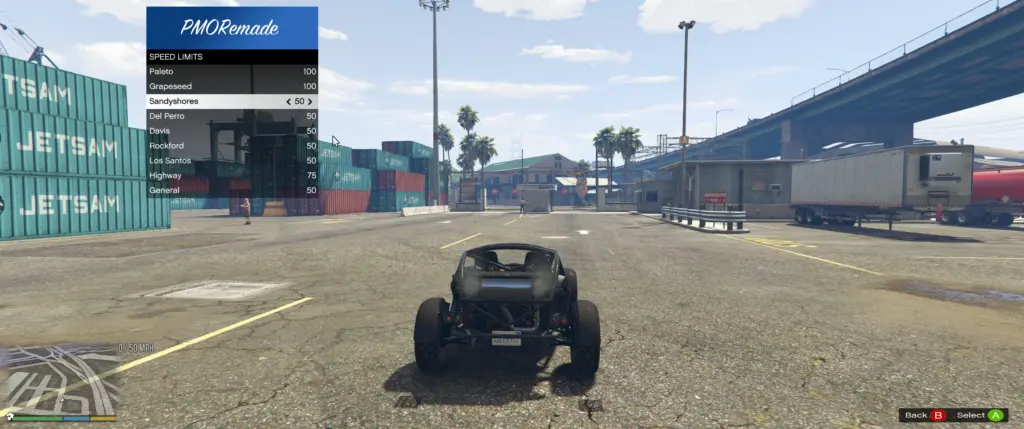
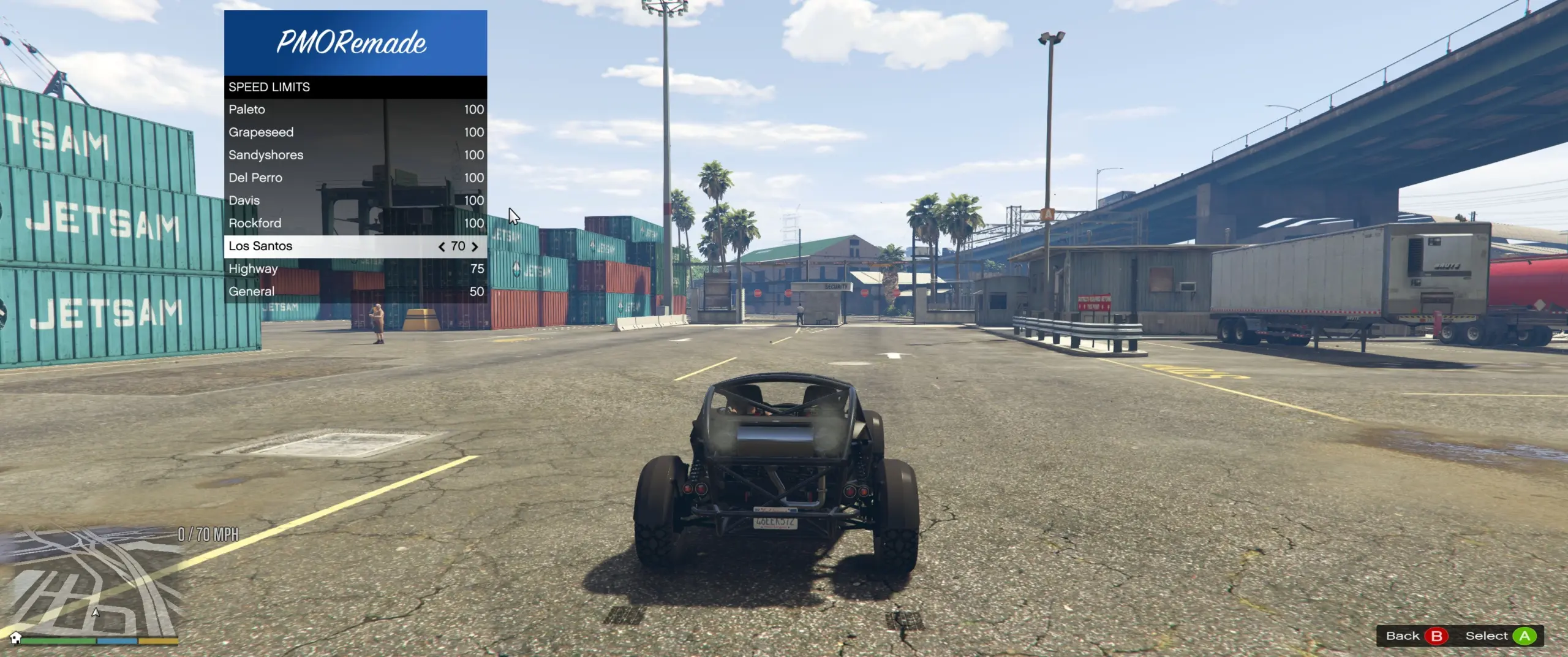
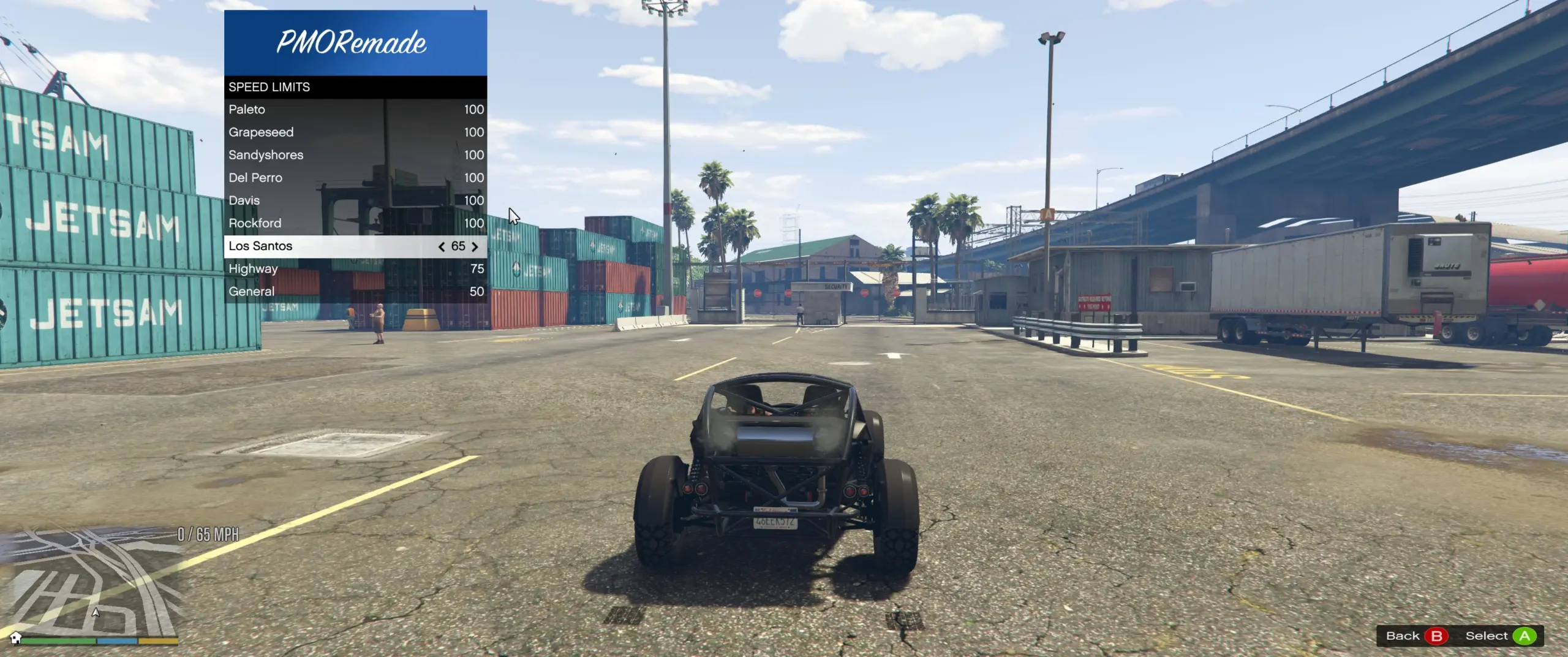
Speeding with regional speed limits.
Running red lights.
Running stop signs.
Driving against traffic.
Driving on sidewalks.
Dangerous overtaking.
Tailgating.
Vehicle collisions.
Burnouts.
Drifting.
Wheelies.
Stoppies.
Driving a heavily damaged vehicle.
Driving while using a phone.
Driving a reported stolen vehicle.
Riding without a helmet.
Every supported violation can be individually enabled or disabled through the configuration menu.
Officer Personalities
Each officer receives a randomized personality.
Strict — Higher fines with fewer warnings.
Normal — Balanced enforcement.
Lenient — Lower fines with increased warning chances.
Officer personalities directly affect how every traffic stop is handled.
Warning & Ticket System
Traffic stops do not always end with a fine.
Warnings are influenced by:
Officer personality.
Your driving history.
Current violation severity.
Your unpaid ticket history.
Unpaid Ticket System
Tickets remain on your driving record.
Outstanding tickets accumulate daily interest.
Pay individual tickets.
Pay your entire outstanding balance.
Persistent ticket history.
Visit supported Police and Sheriff stations throughout San Andreas to pay outstanding citations.
Dynamic Fine System
Fine amounts automatically adjust based on:
Officer personality.
Violation severity.
Los Santos city limits.
Highway speeding.
Your driving record.
Outstanding ticket history.
Players who prefer predictable penalties can disable dynamic fines.
Document Inspection
Officers may inspect:
Driver’s License.
Vehicle Registration.
Insurance.
Failed document inspections may result in additional citations.
Witness Reporting
Civilians may report traffic violations.
Police officers can witness crimes while on foot.
Configurable reporting radius.
Optional line-of-sight detection.
License Suspension
Repeated traffic offenses can result in:
Driver’s license suspension.
Vehicle impound.
Temporary driving restrictions.
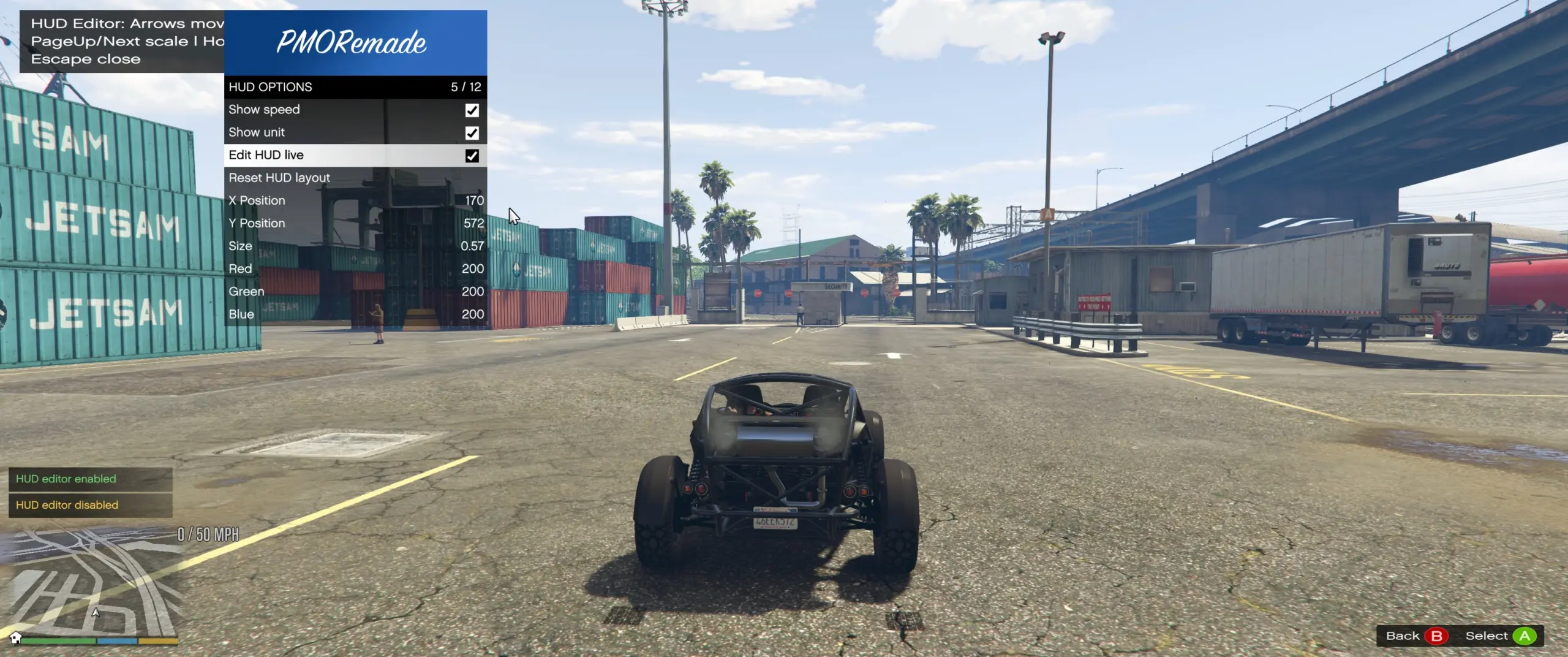
Custom Speed HUD
Clean modern speed display.
Fully repositionable.
Live in-game editor.
Resizable interface.
No manual coordinate editing required.
Advanced Configuration Menu
The integrated LemonUI menu allows complete customization.
Traffic violations.
Fine values.
Officer personalities.
Warning chances.
Regional speed limits.
Document checks.
Witness reporting.
HUD customization.
Keyboard controls.
Gameplay settings.
Every change is automatically saved to a readable configuration file.
Requirements
Script Hook V
ScriptHookVDotNet 3 Nightly
LemonUI (SHVDN3 Version)
Installation
Install Script Hook V.
Install ScriptHookVDotNet 3 Nightly.
Install the SHVDN3 version of LemonUI.
Open your GTA V installation folder.
Create a scripts folder if one does not already exist.
Copy all PMOverRemade files into the scripts folder.
Launch GTA V Story Mode.
Press F11 to open the PMOverRemade menu.
Important Notes
Designed exclusively for GTA V Singleplayer.
Supports LemonUI.
Built for ScriptHookVDotNet 3 Nightly.
Configuration files are generated automatically.
Ticket history is automatically saved.
No XML or database setup required.
Compatible with a fresh Story Mode save.
All settings save automatically between sessions.
Special Thanks
sorbas — Creator of the original Pull Me Over.
Daimian — Continued development and expanded the original project.
LemonUI — Modern user interface framework.
ScriptHookVDotNet Team — SHVDN3 Nightly framework.
Alexander Blade — Script Hook V.
Credits:
FlareXll
Download mod
| File | File size |
|---|---|
 PMO Remade
 | 134 KB |
