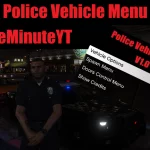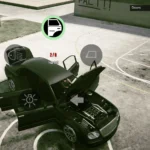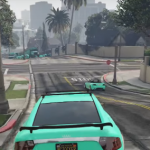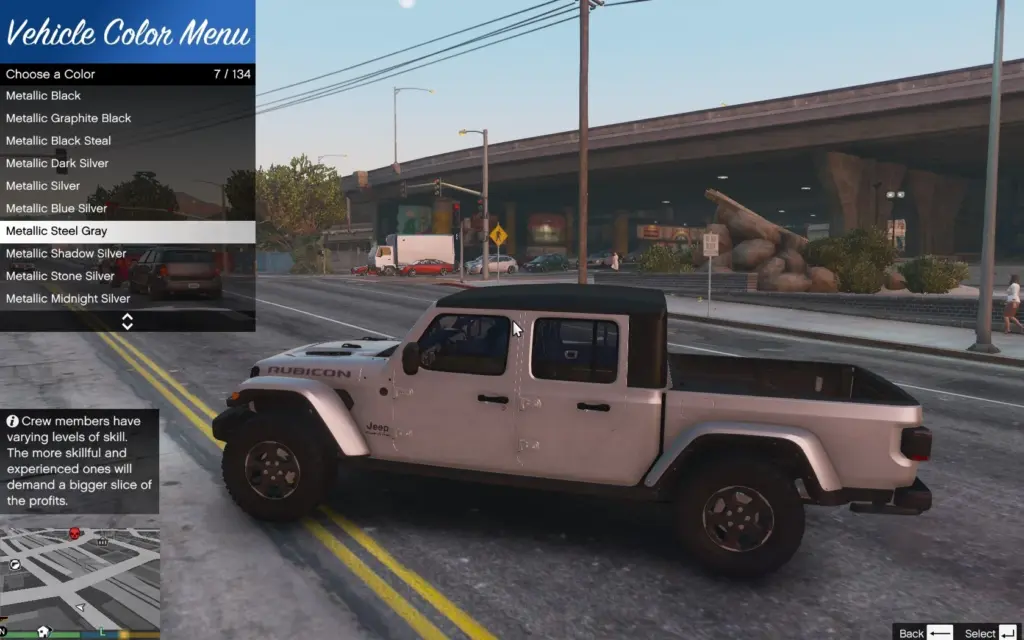
This is a Vehicle Color Menu, Select a Option and It’ll Change Your Car Color (Must Be in a Car For The Menu To Open!)
Installation:
Just Extract The Files and Put VehicleColorMenu.dll In Your “Scripts” Folder In Your Main GTA 5 Directory
Thats It! Have Fun!
Requirements:
ScriptHookVDotNet3
NativeUI
Features:
Over 100 Colors To Choose From
Rainbow Color Option
More Cool Color Options Will Come Soon In Updates!
Press F5 To Open The Menu.
Credits:
Popjupiter43
Download mod
| File | File size |
|---|---|
 VehicleColorMenu
 | 5 KB |