
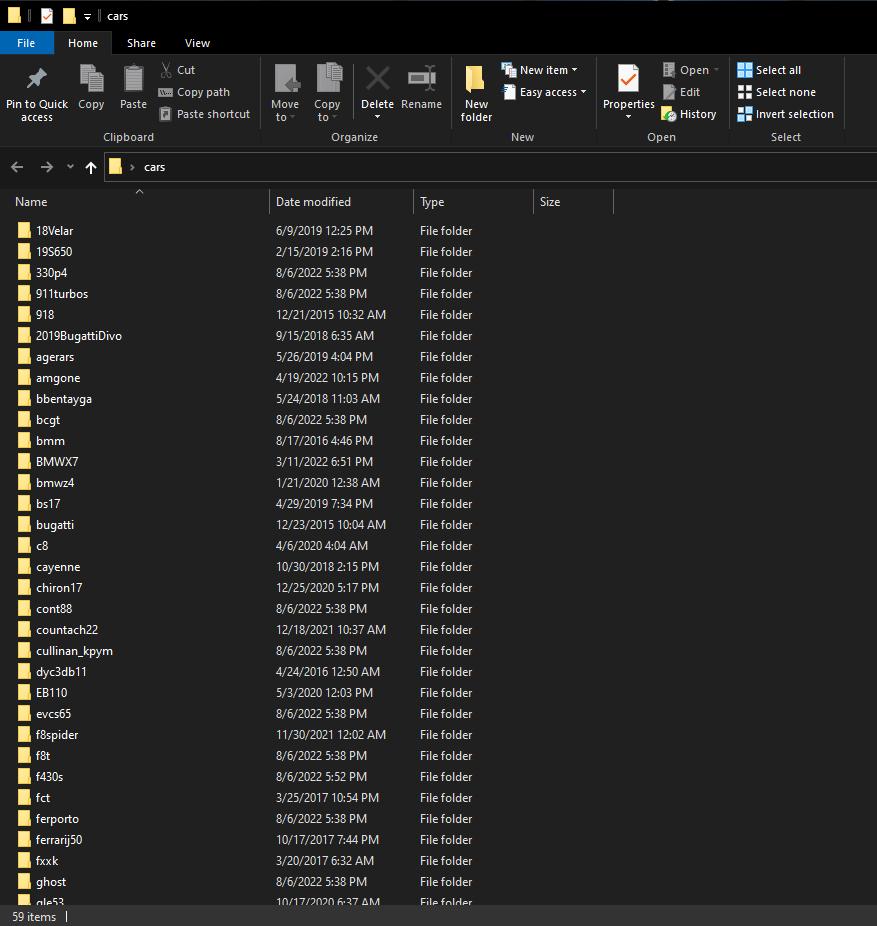
This is a very simple utility I created to help with the ‘edit the XML’ portion of installing add on cars. Having to do it by hand for every single car was pretty annoying for me, so I wrote this utility to automate some of the process. Example usage is shown in the screenshots.
To Use:
Extract the zip file and double click ‘GTA5_AddOn_Car_Install_Helper.exe’ to run
Changelog:
v6.3
– Added ‘Auto Format Model Year’ option to Language Generator which attempts to format the year in the display name of a model based on user defined settings. Ex. 2022 Huracan can be formatted as Huracan (2022) or Huracan ’22
– Fixed errors that occasionally occur when dealing with vehicles.meta files containing invalid XML characters, or characters that cause issues with console formatting. Ex – @ [ ]
v6.2
– Added logic to allow VehicleMetaFileManager to find multiple vehicles within vehicles.meta files
v6.1
– Fixed bugs with OpenIV application launch option unavailable within program modules
– Fixed ordering of numbers in comma format
– Added logic to also include ‘gameName’ in LanguageGenerator mappings
v6.0
– Added logic to PremiumDeluxeAutoManager to allow automatic assignment of vehicle class names from vehicles.meta files
-Added capability to import default vehicles from the Premium Deluxe mod folder in the GTA 5 directory (scripts/PremiumDeluxeMotorsport/Vehicles) into the Premium Deluxe Manager.
– Added capability to automatically copy Premium Deluxe Manager changes into the scripts/PremiumDeluxeMotorsport folder
– Added additional logic and guidance to PremiumDeluxeAutoManager price scraping method to avoid potential 429 ‘Too many requests’ errors
– Added ability to launch Open IV from within the application
v5.2
– Updated Language Generator to support automatic assignment of vehicle make and model names
– Added ‘Source Meta File’ column to Language Generator table for better tracking of what vehicles the hashes map to
– Added ‘Show only vehicles with missing display names’ filter option to Language Generator to help with editing
– Added partial text match filtering options to Language Generator and Premium Deluxe Auto Manager
– Added logic to DLCExtractor to also look for .oiv installers and extract them into a separate directory
– Changed ‘Open Working Directory’ options within the different menus to behave more like the ‘Open Directory’ option on the main menu, which can also open settings.xml directories
v4.1
– Grammar/spelling fixes in help menus
– Added ‘Open Directory’ option to main menu
v4.0
– Added ‘Update Vehicle Prices From Web Search’ option to Premium Deluxe Auto Manager which performs a Google search to scrape vehicle pricing information from the web and automatically assign it to vehicles
– Cleaned up UI for Premium Deluxe Auto Manager to account for new additions. Bulk editing actions are now in a ‘Edit Multiple Vehicles’ sub-menu
– Added ‘help’ menu options and documentation for most functions in the application
– Renamed paths.xml file to settings.xml
v3.0
– Added DLC Extractor for automatically extracting and formatting vehicle downloads into individual folders containing dlc.rpf files
– Removed DLC List Generator (merged functionality into DLC Extractor)
– Fixed broken Premium Deluxe Auto Manager archive feature
v2.2
– Fixed bug with Language Generator and Premium Deluxe Motorsport Manager not prompting user for input when editing fields
v2.1
– Fixed bug with Premium Deluxe Motorsport Manager bulk update potentially updating fields to have NULL values
Version 2.0 Features include:
DLC List Generator
Automatically generates DLCList inserts from a folder containing car downloads
Premium Deluxe Auto Manager
Allows you to import a list of vehicle.meta files and automatically convert them into .ini files that are compatible with ImNotMentaL’s Premium Deluxe Motorsport Car Dealership mod
Once vehicle.meta files are imported, you can edit the Name/Make/Price etc. of the cars to determine how they will appear at the Premium Deluxe Shop in game
Allows bulk editing of cars via different filter options on Make/Class/Price, etc.
The ‘Class’ value of a vehicle will determine how vehicles are grouped, and will output different .ini files for each class name. Ex. ‘sport.in’, ‘sedan.ini’
Allows merging and editing of base game .ini files for Premium Deluxe as well
Language Generator
Takes a folder full of .gxt2 files and attempts to match the hash values to the model and make names from imported vehicle.meta files. Once mapped, you can edit the in-game display names of vehicle models and makes so that names are no longer missing or incorrect when entering vehicles
More features planned
Vehicle Meta File Manager
Can take a folder full of loose .meta files related to add-on vehicles (vehicles.meta, handling.meta, carcols.meta, etc.) and attempts to filter and organize them into subfolders based on the vehicle model. This is mainly for future compatibility with mietek_’s mmvehiclesmetamerger mod
More features planned
Credits:
SetsunaF
Download mod
| File | File size |
|---|---|
 GTA5AddOnCarInstallHelper_V6_3
 | 29 MB |