Version: 1.01:
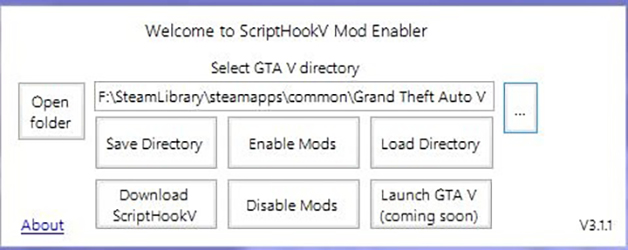
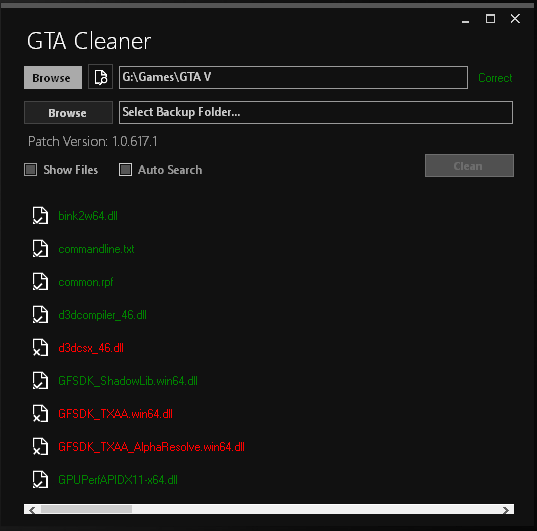
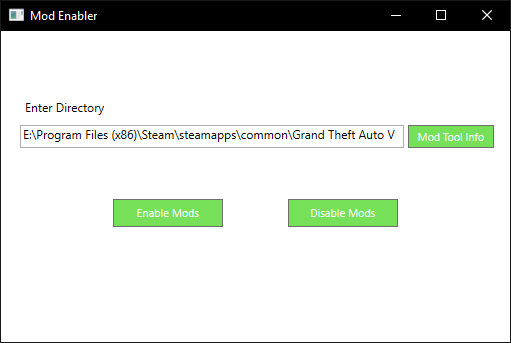
This tool helps you disable your mods with just a click of a button!
(Disables ScripthookV.dll and dinput8.dll)
To find your GTA V directory:
-Go to your Steam Game Library
-Right click GTA V
-Select Properties
-Select the Local Files Tab
-Select Browse Local Files…
-Click your directory location (C:\Program Files (x86)\Steam\steamapps\common\Grand Theft Auto V) at the top your File Explorer
-Copy and Paste that into the Directory Box located in the tool
Credits:
ethan033
Download mod
| File | File size |
|---|---|
 GTA V Mod Enabler
 | 45 KB |
![GTA 5 Mod Enabler [.bat] 1.4.3](https://gta5mod.net/wp-content/uploads/2019/08/GTA-5-Mod-Enabler.png "GTA 5 Mod Enabler [.bat] 1.4.3")