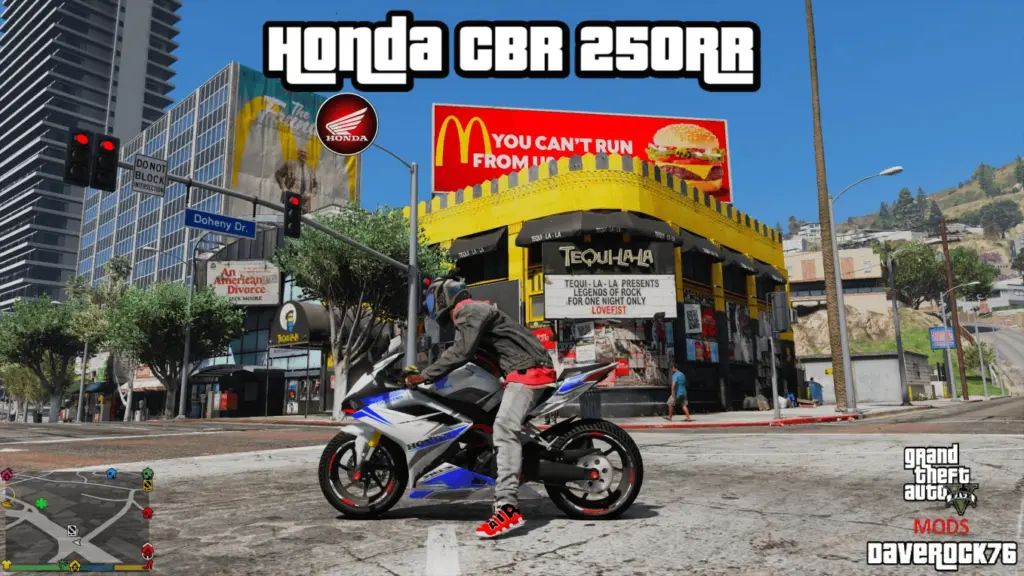
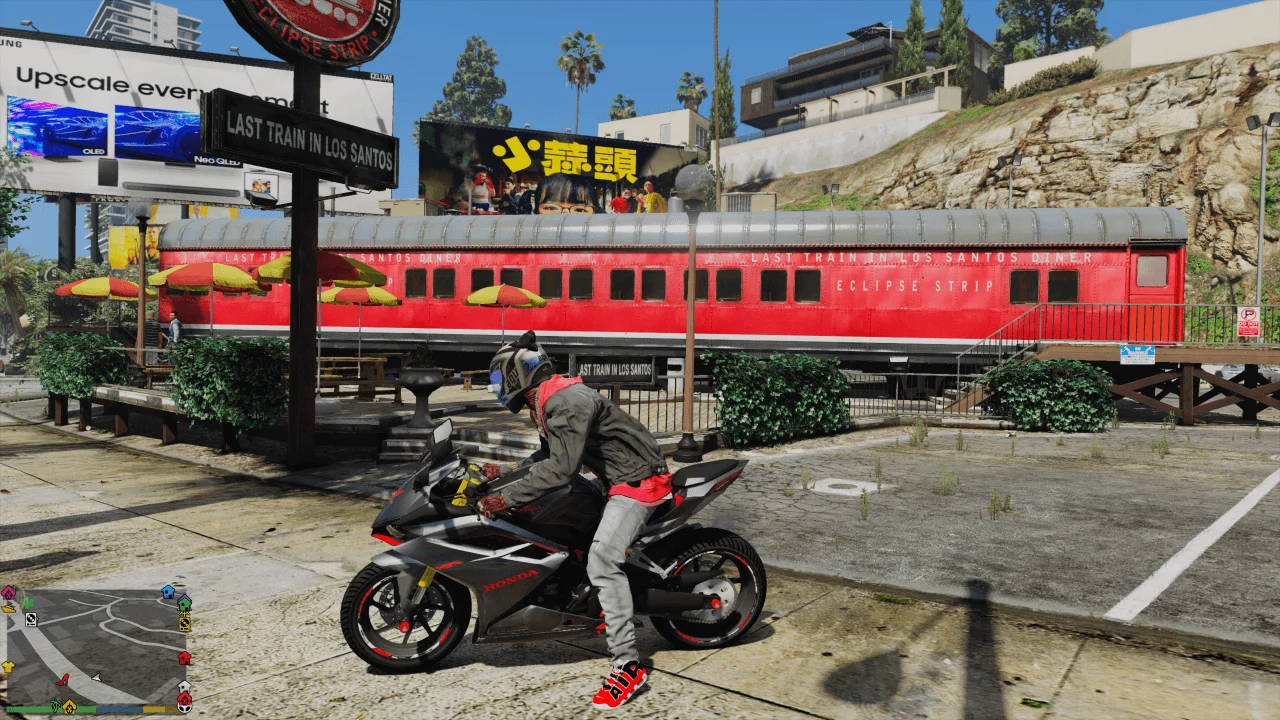
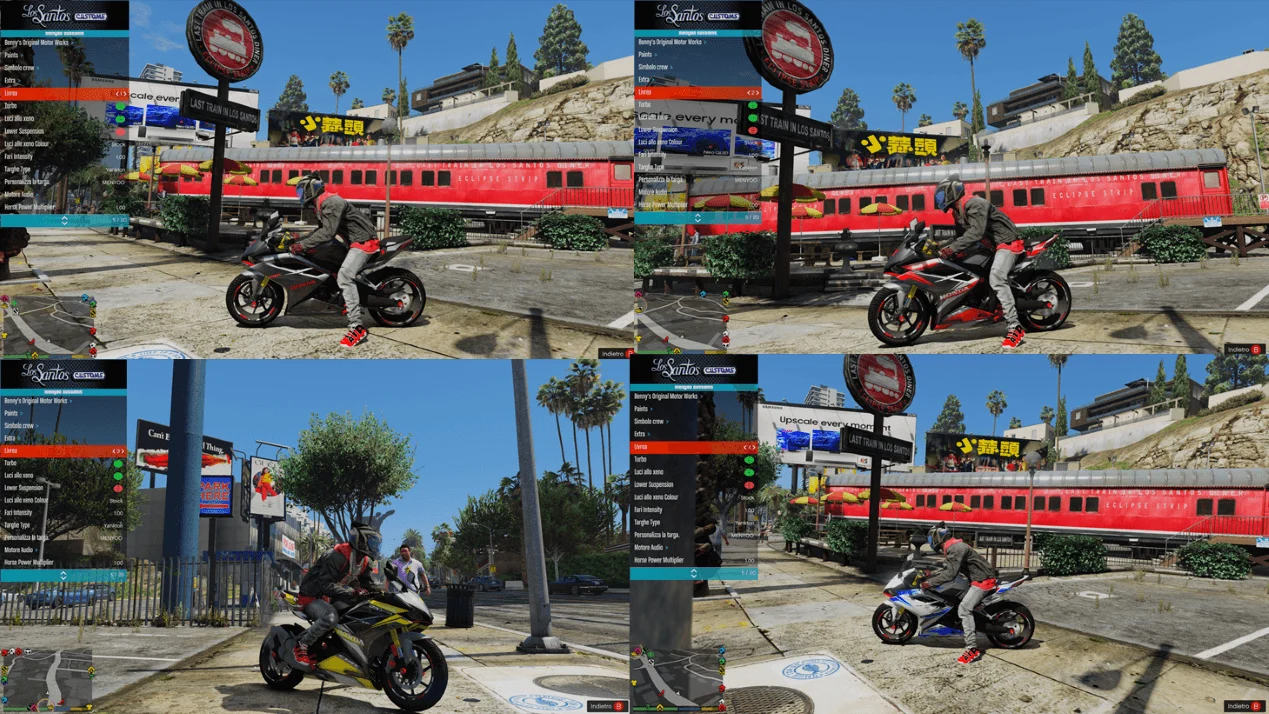
IMPORTANT:
-Remember to make a copy of your files before installing mods. (NOT NECESSARY IN THIS CASE)
-To uninstall this mod you will need to go into the dlcpacks folder and delete the hcbr_250rr folder
INSTALLATION:
Download and install:
ScriptHook
ScriptHook V.NET
OpenIV
HOW TO INSTALL:
Once you’ve downloaded my mod, you’ll find a folder (OIV Honda CBR 250RR) containing the OIV file, which installs automatically.
You can then proceed as follows:
1) Honda CBR 250RR OIV folder:
1 – Extract download to folder that you want
2 – Go to OpenIV > Turn on edit mode
3 – Select TOOLS > PACKAGE INSTALLER > Select OIV file
4 – Select MODS folder to install
5 – Complete!
or
2) Honda CBR 250RR OIV folder:
1 – Extract download to folder that you want
2 – Go to OpenIV > Turn on edit mode
3 – Drag and drop the OIV Files
4 – Select mods folder and install
5 – Complete!
HOW TO UNINSTALL:
To uninstall this mod you will need to go into the dlcpacks folder and delete the hcbr_250rr folder
You have completed the installation, enjoy !!!!!
HOW TO PLAY:
● In the game, spawn name: hcbr_250rr
Credits:
● ORIGINAL MODEL:
– Original 3D Model: Z-Imogen (with permission)
– Converted to GTA V by: DaveRock76
– Converted Software : Blender & Zmod 3
Download mod
| File | File size |
|---|---|
 Honda CBR250RR
 | 40 MB |
![Honda 900 CBR 1992 / StreetFighter [Tuning | Add-On / Replace] [ReUpload] 1.2](https://gta5mod.net/wp-content/uploads/2021/08/Honda-900-CBR-1992-150x150.jpg "Honda 900 CBR 1992 / StreetFighter [Tuning | Add-On / Replace] [ReUpload] 1.2")
![Honda CBR1000 RR [Add-On] [Legacy Version] V1.0](https://gta5mod.net/wp-content/uploads/2026/02/Honda-CBR1000-RR-150x150.webp "Honda CBR1000 RR [Add-On] [Legacy Version] V1.0")