
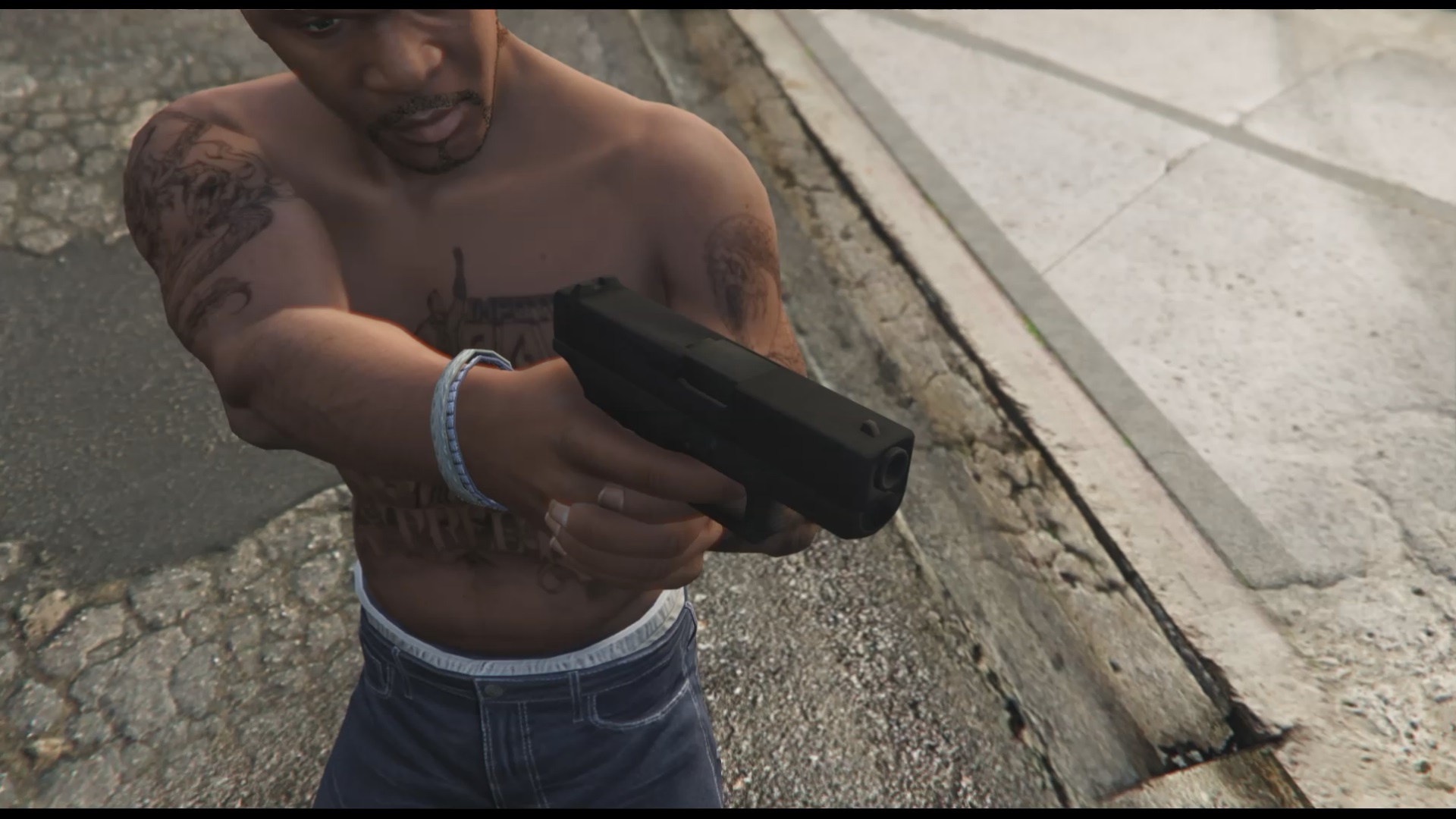
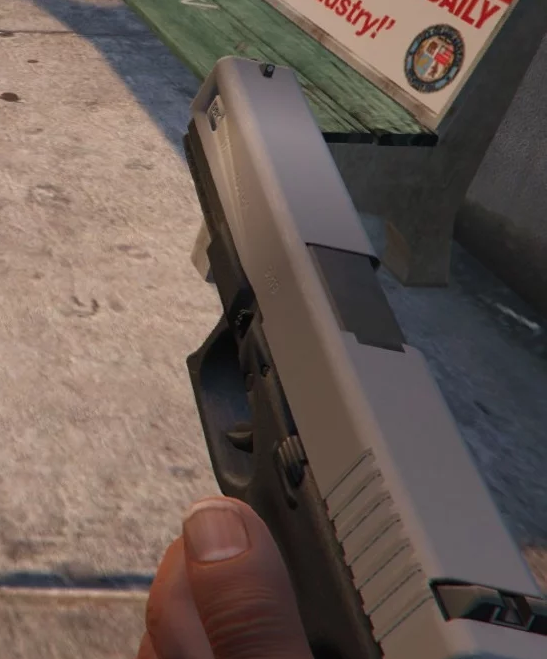
![Glock 17 Custom [Animated] [SP + FiveM] 1.0](https://gta5mod.net/wp-content/uploads/2021/10/Glock-17-Custom-1024x615.webp)
![Glock 17 Custom [Animated] [SP + FiveM] 1.0](https://gta5mod.net/wp-content/uploads/2021/10/Glock-17-Custom.webp)
![Glock 17 Custom [Animated] [SP + FiveM] 1.0](https://gta5mod.net/wp-content/uploads/2021/10/Glock-17-Custom2.webp)
![Glock 17 Custom [Animated] [SP + FiveM] 1.0](https://gta5mod.net/wp-content/uploads/2021/10/Glock-17-Custom3.webp)
![Glock 17 Custom [Animated] [SP + FiveM] 1.0](https://gta5mod.net/wp-content/uploads/2021/10/Glock-17-Custom4.webp)
![Glock 17 Custom [Animated] [SP + FiveM] 1.0](https://gta5mod.net/wp-content/uploads/2021/10/Glock-17-Custom5.webp)
You can find out what I’m working on and project releases & wips here right on my Discord
NO TINT SUPPORT
Features:
– FiveM Compatible
– Fully Animated
– Good Quality Textures
Installation Guide:
– Navigate with OpenIV to the location below
– Mods > update > x64 > dlcpacks > patchday8ng > dlc.rpf > x64 > models > cdimages > weapons.rpf
– Then drag & drop all ytd & ydr files from the folders inside weapons.rpf
FiveM Installation Guide:
– Create a folder inside your FiveM Server as a Directory named “VomFeuerClassicRifle” or whatever you choose
– Drag the “__resource.lua” & “stream” folder into your created folder
– Go into your servers “server.cfg” and type “start [resource name]”
KNOWN BUGS
– Mag may have slight mistexture
– Muzzle flash is a little bit off
Credits:
Sxprk
Download mod
| File | File size |
|---|---|
 Glock 17 Custom Mod
 | 24 MB |
![EFT Glock 18C Custom [Animated] V1.0](https://gta5mod.net/wp-content/uploads/2023/11/EFT-Glock-18C-Custom-150x150.jpg "EFT Glock 18C Custom [Animated] V1.0")
![Glock 18C [Animated][SP/ FiveM] 1.0](https://gta5mod.net/wp-content/uploads/2022/06/Glock-18C-150x150.webp "Glock 18C [Animated][SP/ FiveM] 1.0")
![Glock 20 [Animated]](https://gta5mod.net/wp-content/uploads/2019/10/7ceeaf-2016-02-08_00003.jpg "Glock 20 [Animated]")
