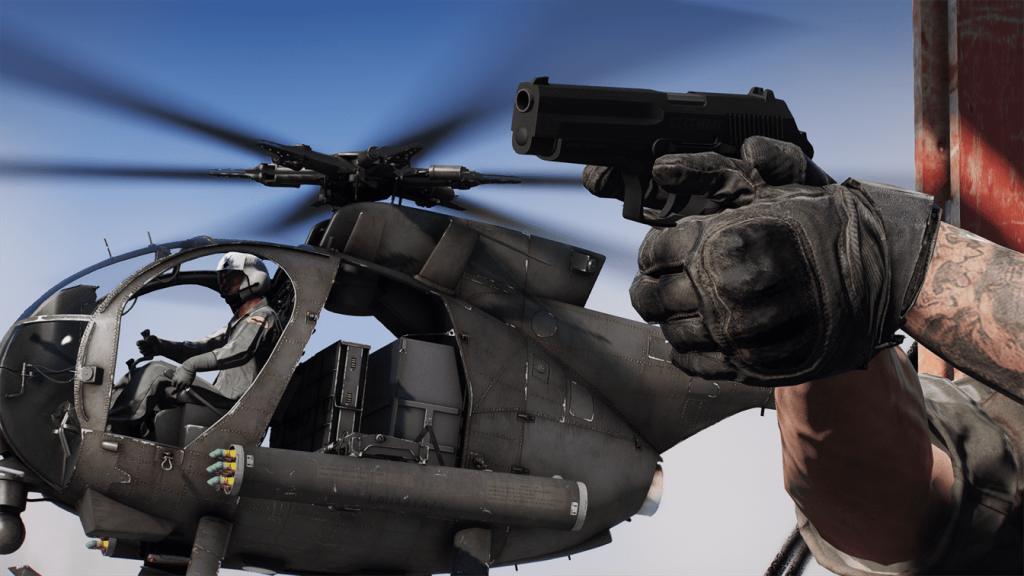
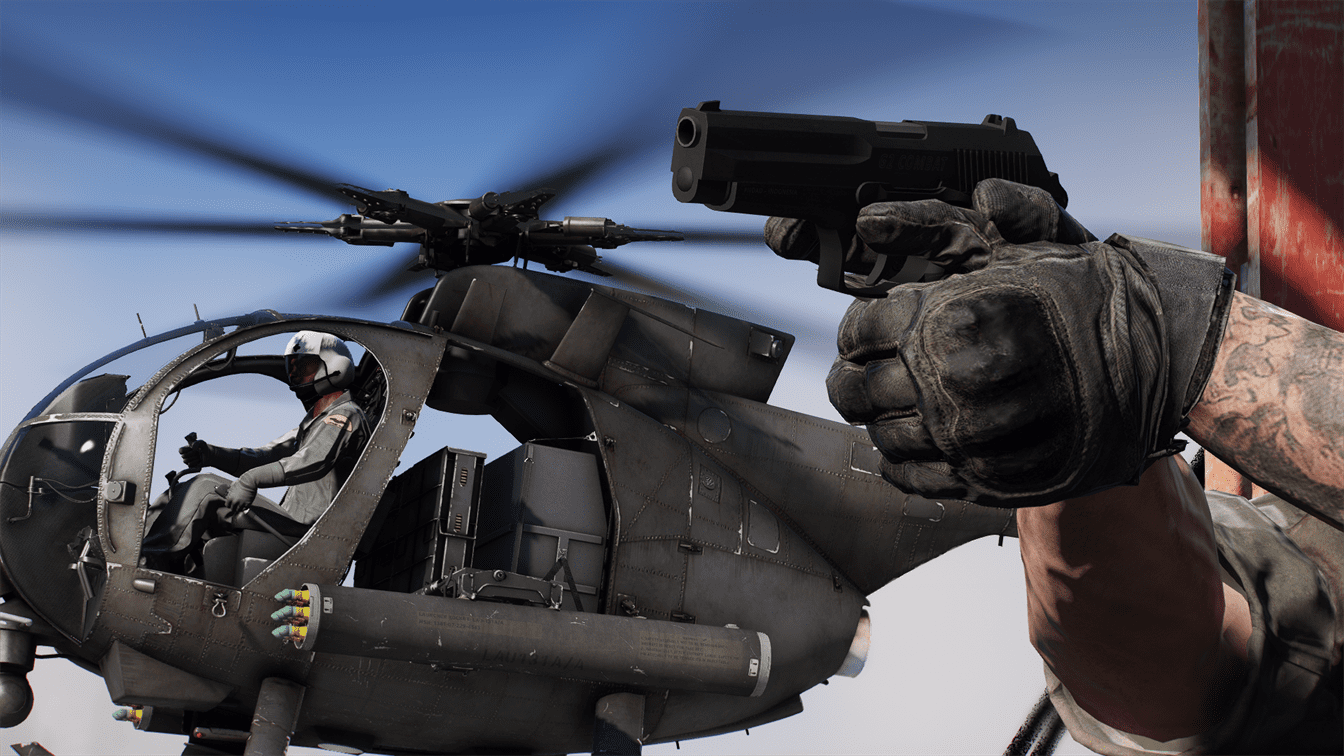
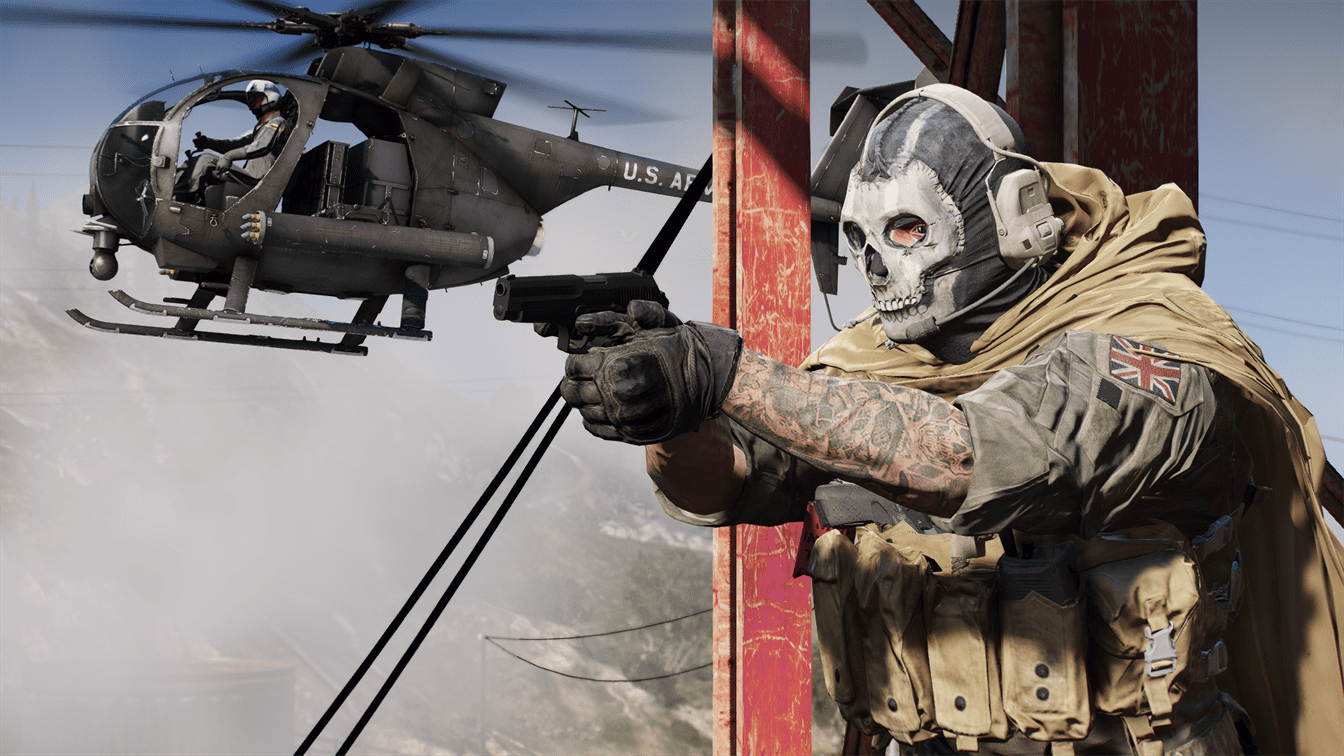
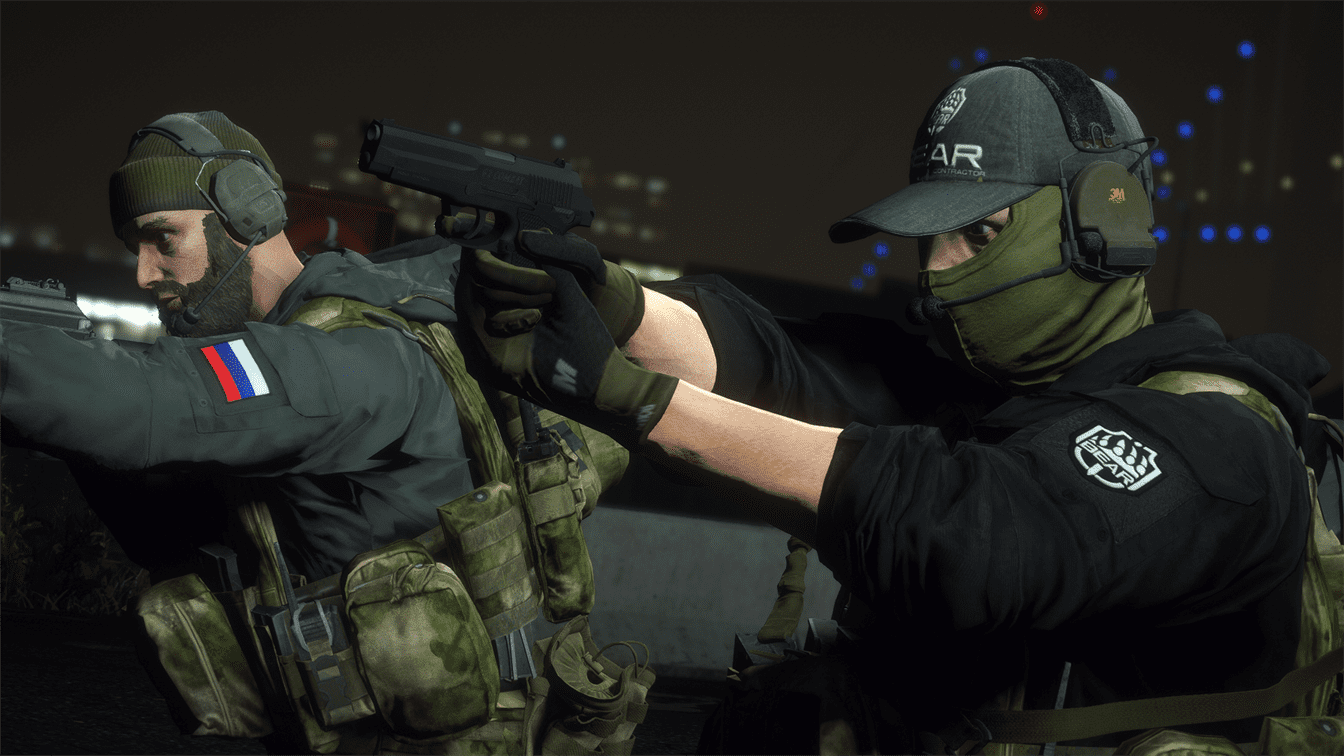
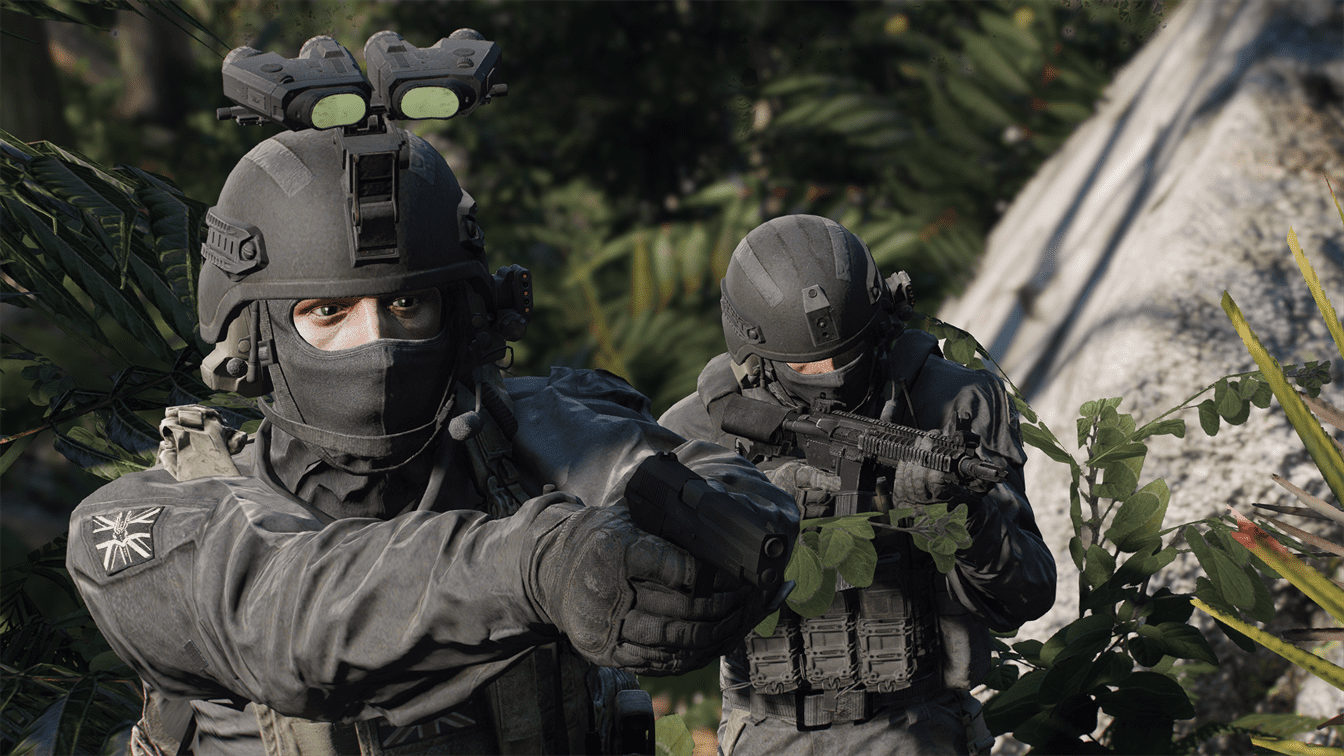
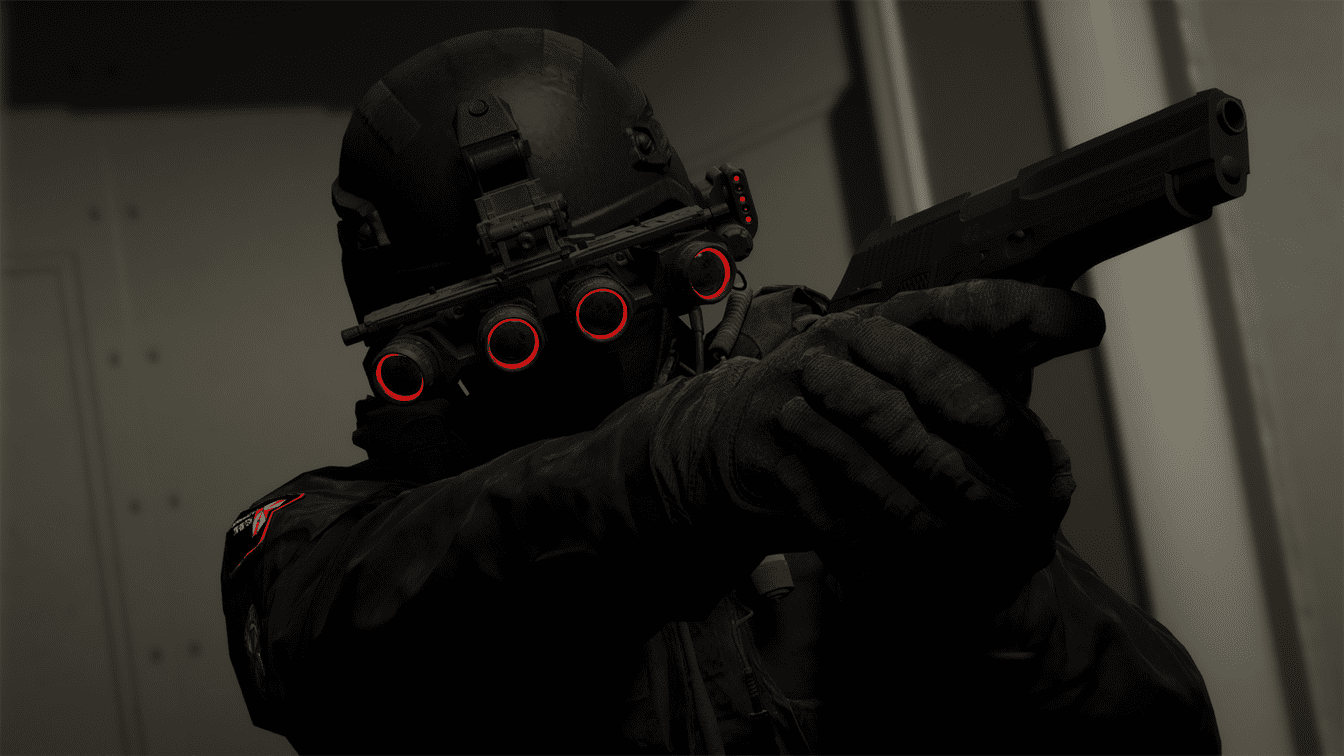
Comes with Singleplayer and FiveM Add-On and Replace files. Replace file replaces the Pistol.
Installation (SP):
Replace:
1. Replace the files in (mods) > dlcpacks > patchday1ng > dlc.rpf > x64 > models > cdimages > weapons.rpf with the files in “Pindad G2 Mod > Singleplayer > Replace”.
Add-On:
1. Add the pindadg2 folder from “Pindad G2 Mod > Singleplayer > Addon > pindadg2” to (mods) > update > x64 > dlcpacks. Add the “pindadg2” to your dlclist.xml
Installation (FiveM):
Replace or Add-On:
Choose the resource you want in “Pindad G2 Mod > FiveM” and add it to your servers resources folder then start the resource in servers.cfg.
Credits:
marko_1555
Pieske: Ingame Screenshots
michaelkarel29: 3d Model
Download mod
| File | File size |
|---|---|
 Pindad G2 Mod
 | 18 MB |

![Disable Pistol Whip aka "Stop with the F**king Pistol Whipping" [RPH] 1.0.3.1](https://gta5mod.net/wp-content/uploads/2026/05/Disable-Pistol-Whip-aka-150x150.webp "Disable Pistol Whip aka \"Stop with the F**king Pistol Whipping\" [RPH] V1.0.5")
![Shrewsbury Dart Pistol [SP / FiveM | Add-On | HUD Icon] 1.0](https://gta5mod.net/wp-content/uploads/2022/05/Shrewsbury-Dart-Pistol-150x150.webp "Shrewsbury Dart Pistol [SP / FiveM | Add-On | HUD Icon] 1.0")