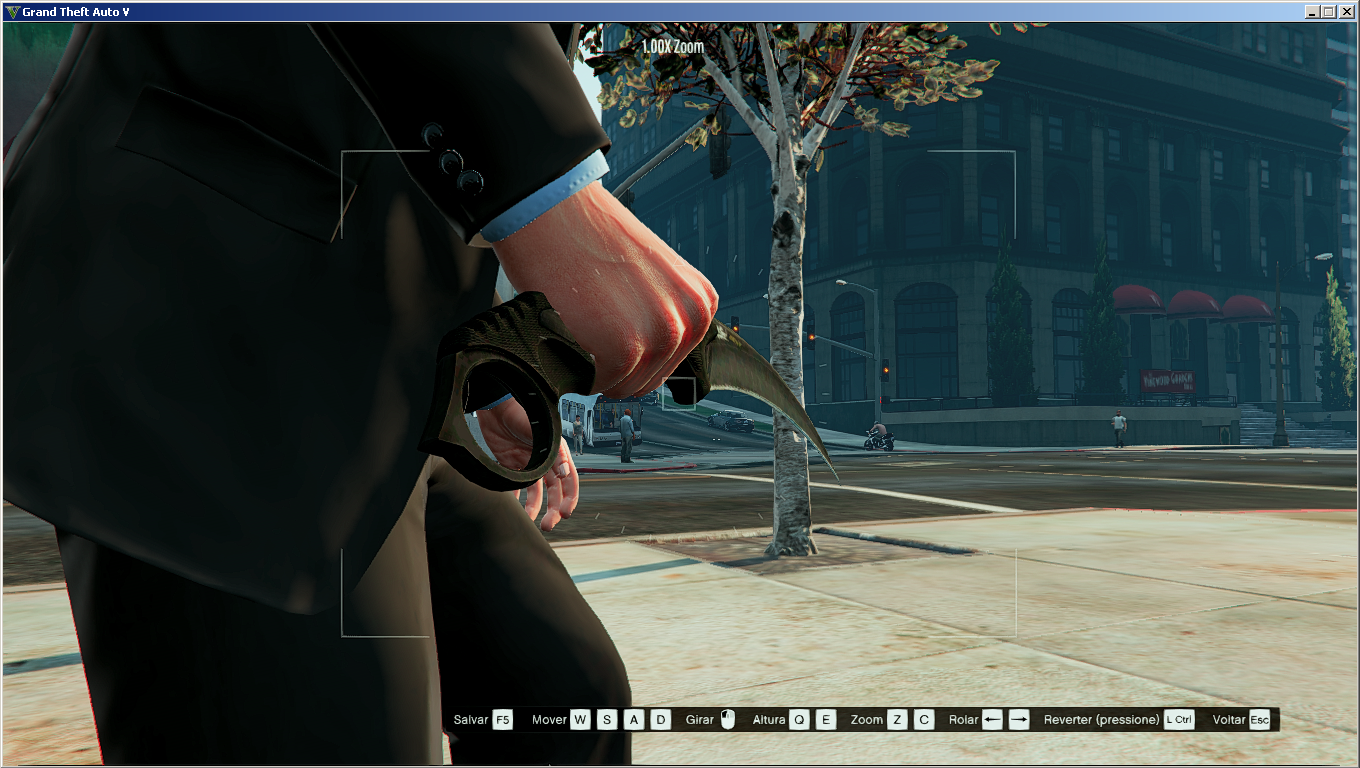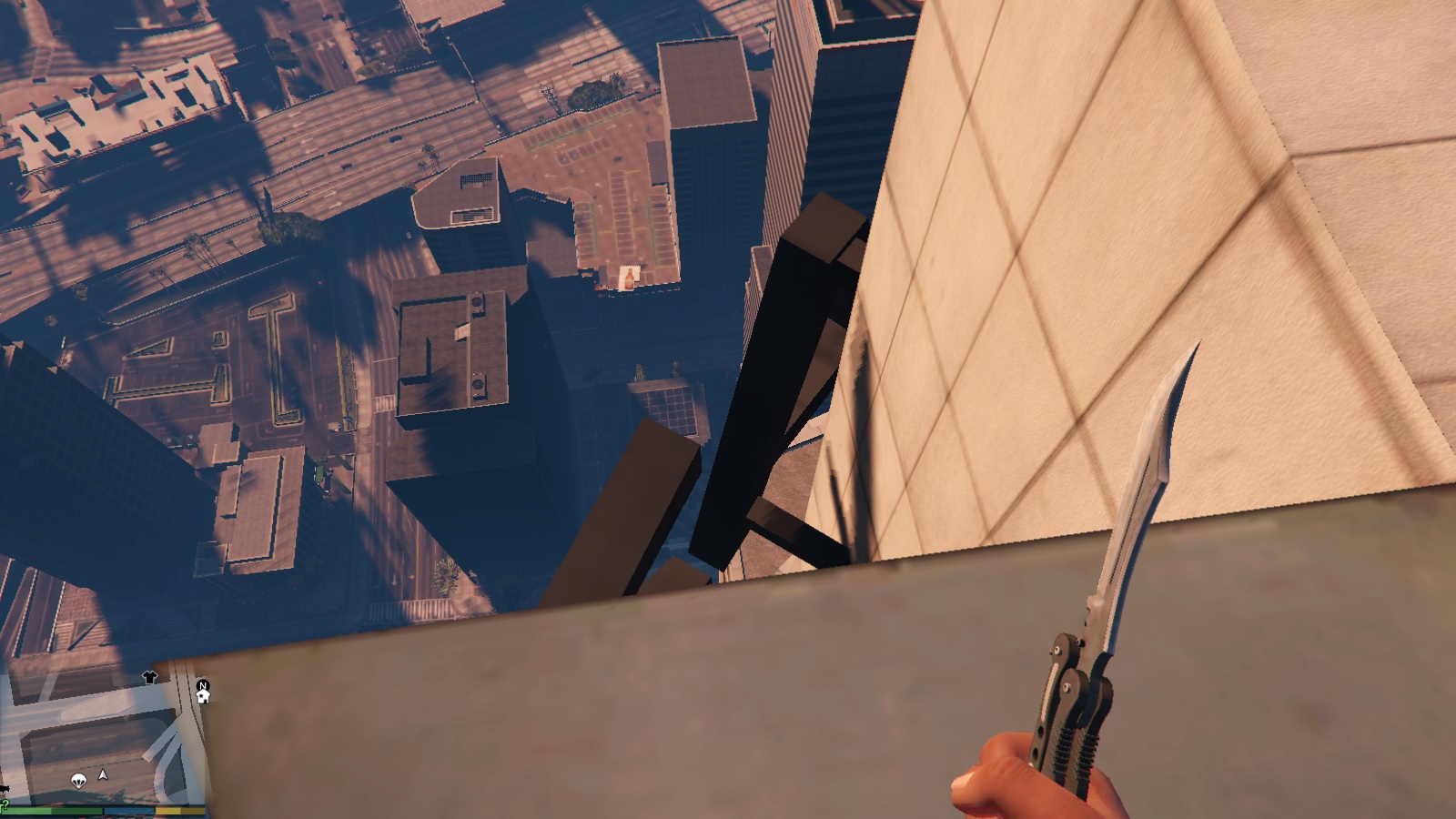
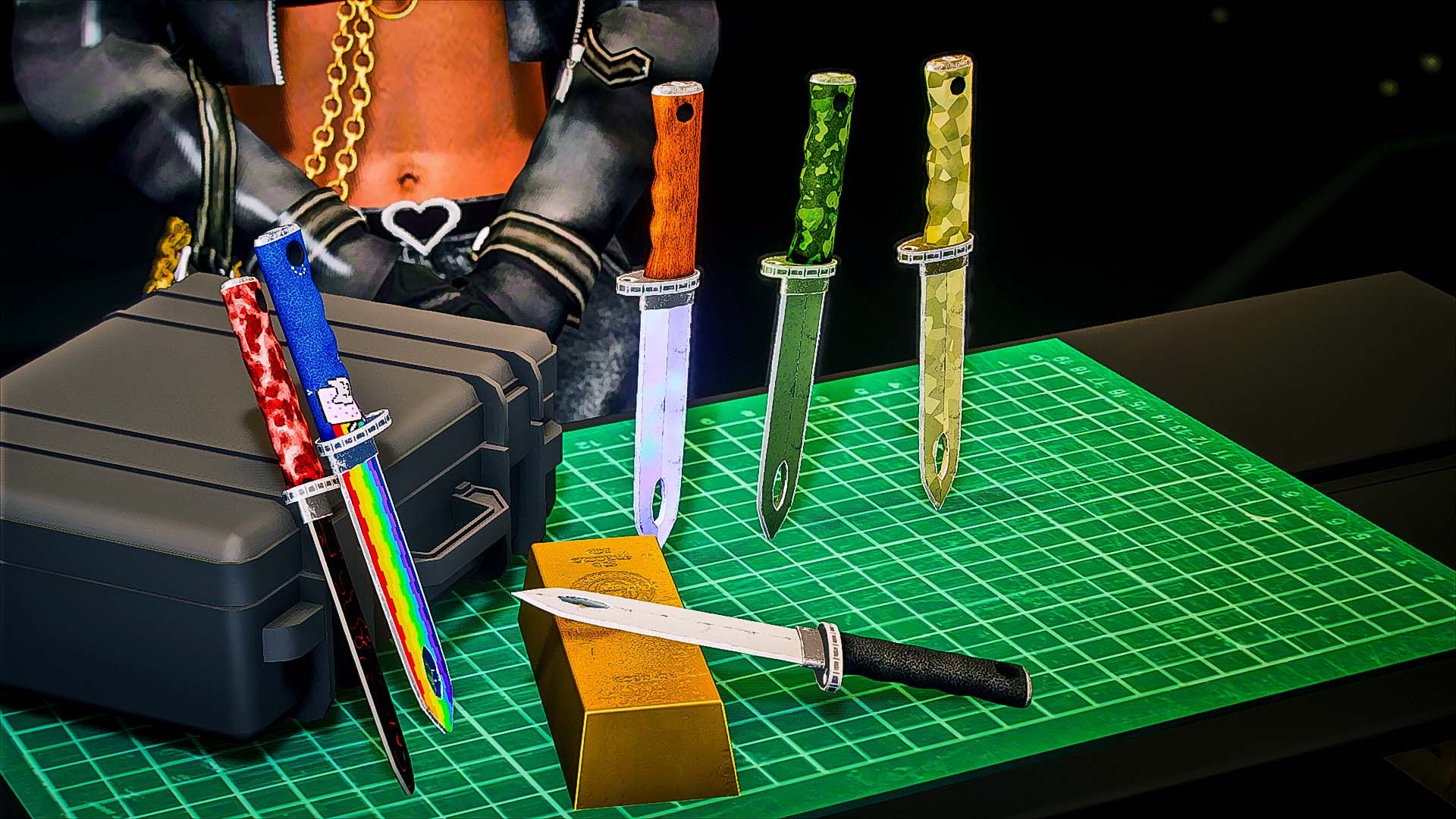
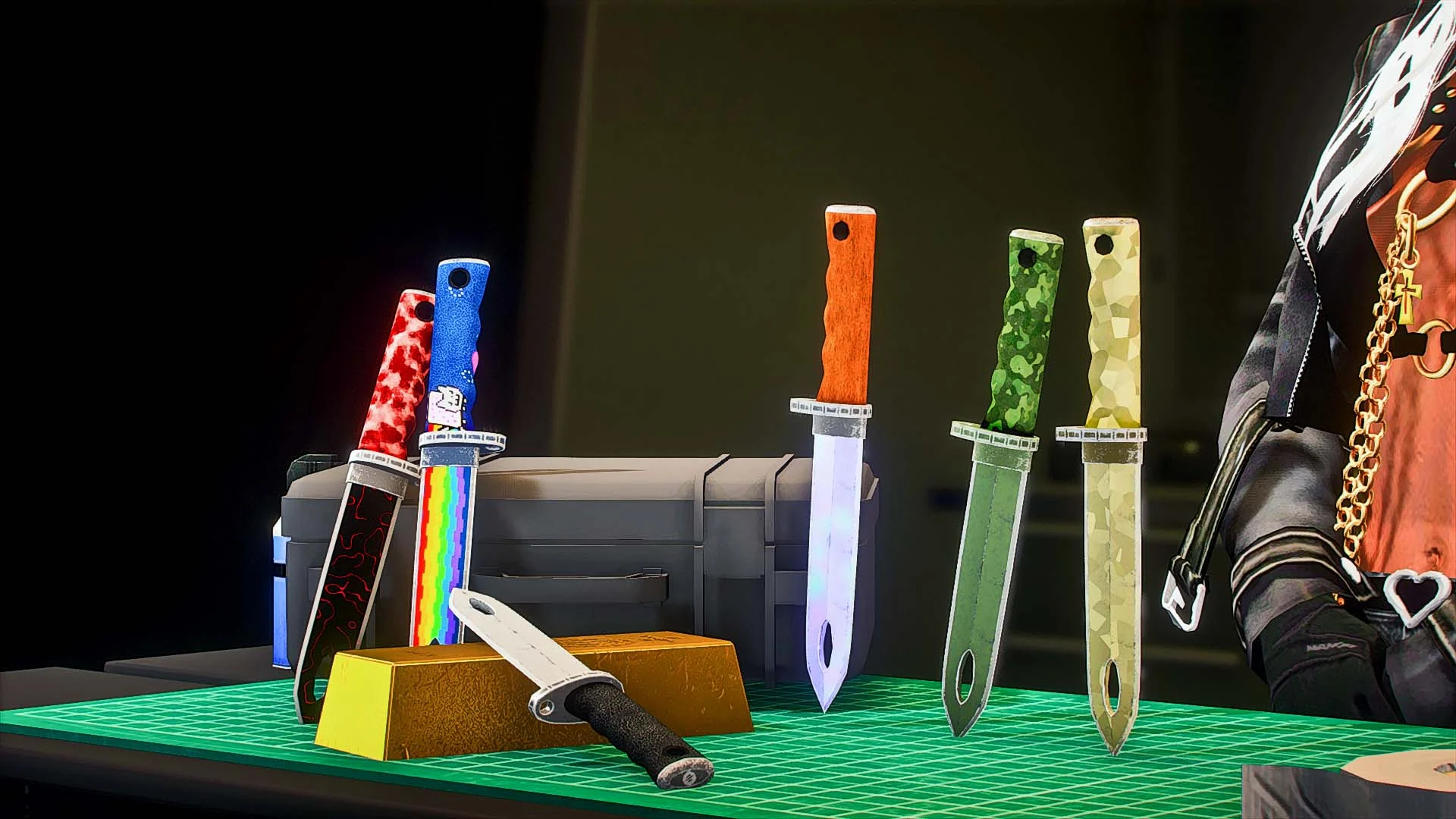
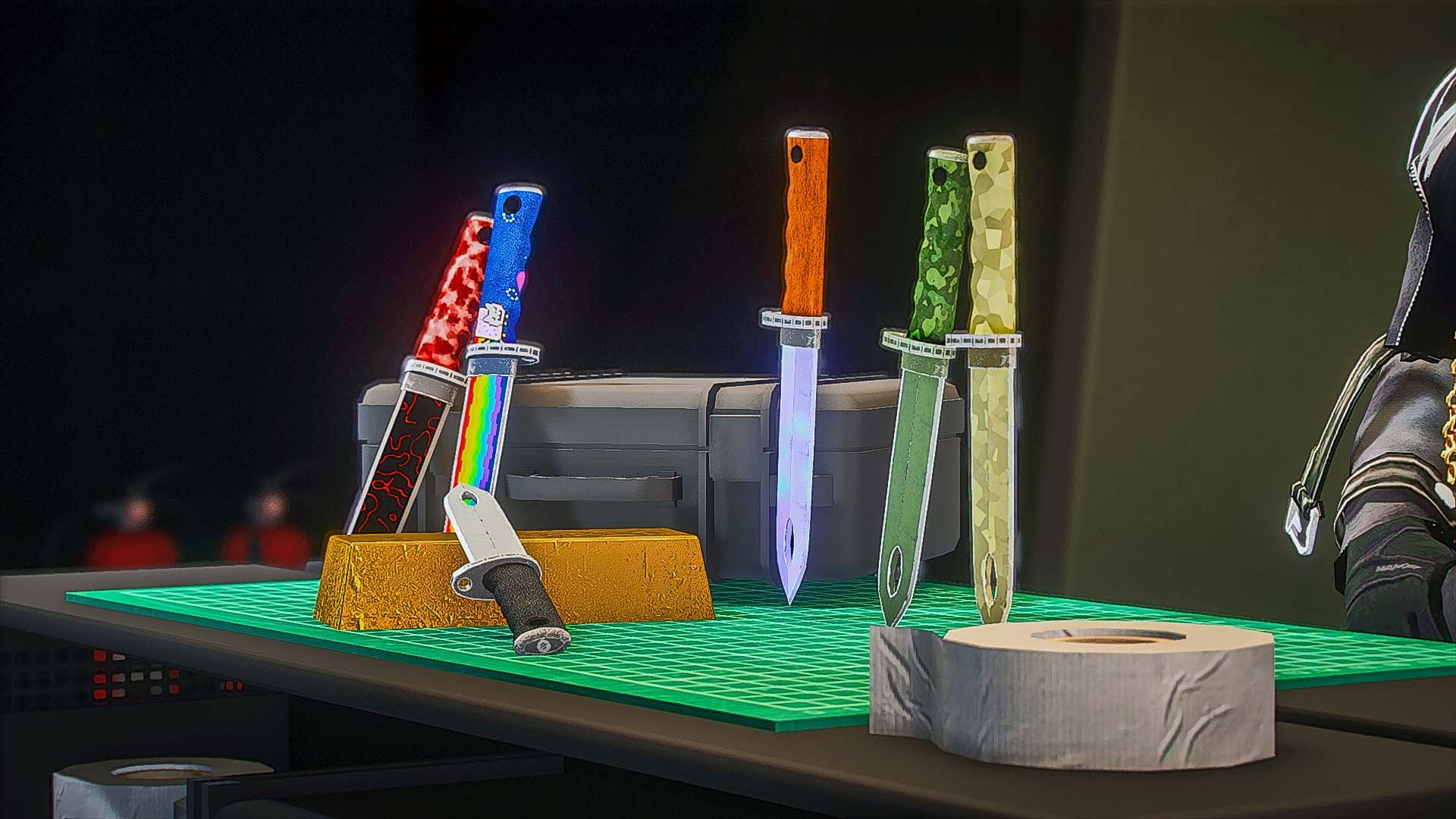
Replaces the Knife
Install (Singleplayer)
1.Open OpenIV
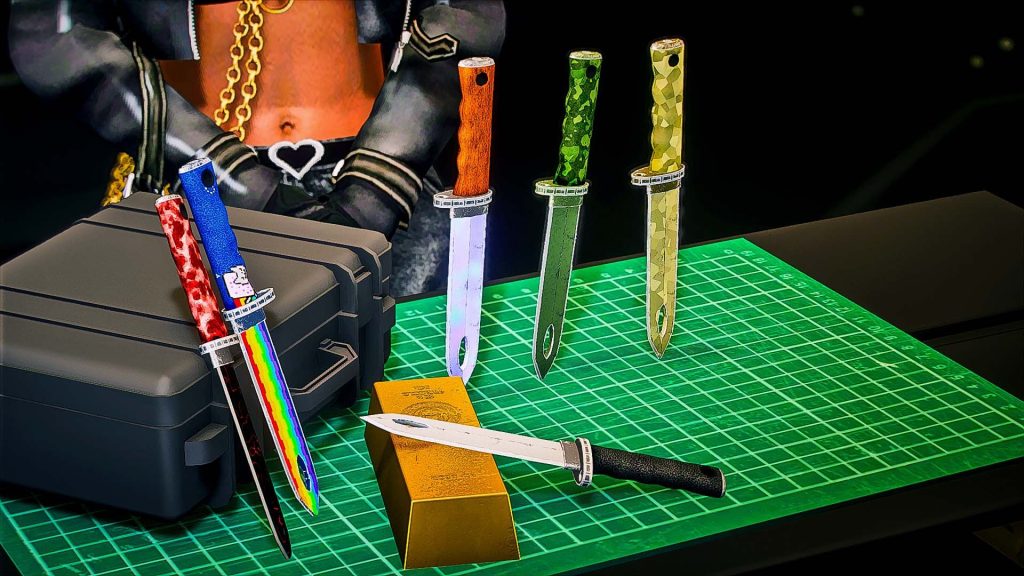
2. Choose what color knife you would like in game, you can see previews in the download and each are named the same as the preview.
3. Direct to this address in your Open IV, Grand Theft Auto V\update\x64\dlcpacks\patchday2ng\dlc.rpf\x64\models\cdimages\weapons.rpf\
4. Drag and drop the files in your chosen folder.
Install (FiveM)
1. Direct to your server resource folder
3. Choose the knife you want in the folders, previews are provided and named the same.
4. Drag and drop the knife YTD AND YDR into the stream folder in the stream folder inside the “weaponmods” folder.
5. drag the “weaponmods” folder into your fivem resourses
6. ensure “weaponmods” in your server cfg.
Credits:
JuneBugs
Download mod
| File | File size |
|---|---|
 Tactial Knife Set
 | 3 MB |