![Sponza [Add-On | FiveM] V1.0](https://gta5mod.net/wp-content/uploads/2023/06/Sponza-1024x542.webp)
![Sponza [Add-On | FiveM] V1.0](https://gta5mod.net/wp-content/uploads/2023/06/Sponza2.webp)
![Sponza [Add-On | FiveM] V1.0](https://gta5mod.net/wp-content/uploads/2023/06/Sponza.webp)
![Sponza [Add-On | FiveM] V1.0](https://gta5mod.net/wp-content/uploads/2023/06/Sponza3.webp)
![Sponza [Add-On | FiveM] V1.0](https://gta5mod.net/wp-content/uploads/2023/06/Sponza4.webp)
![Sponza [Add-On | FiveM] V1.0](https://gta5mod.net/wp-content/uploads/2023/06/Sponza5.webp)
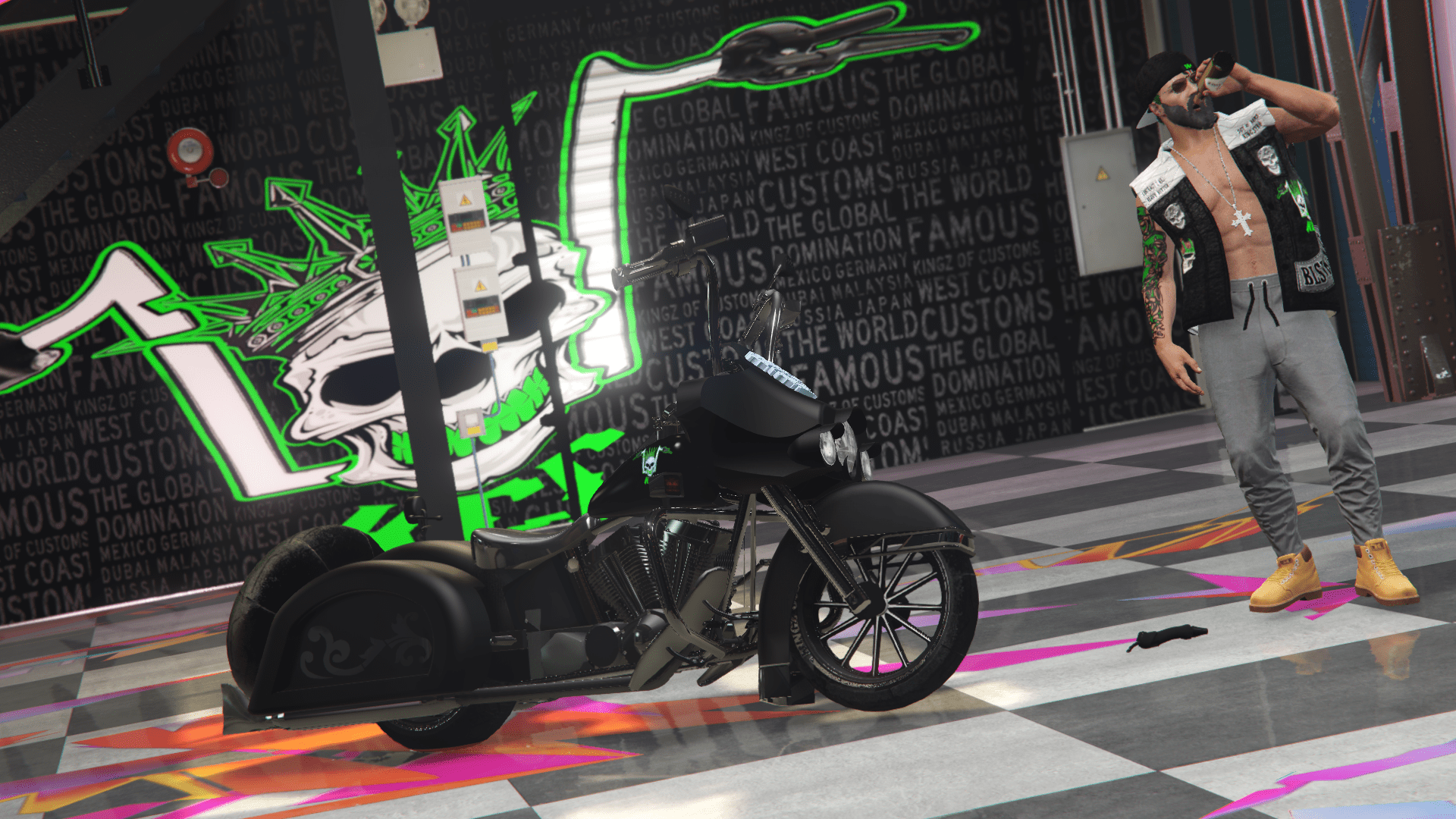
A great map with high quality models and textures for taking pictures or showcasing your work!
IMPORTANT: No Boundary Limits required
Singleplayer Installation:
How to Install:
1.Open OpenIV & Enable Edit Mode.
2.Drag & drop the “dlc_sponza” folder into your DLCPACKS folder.
“GTA5/mods/update/x64/dlcpacks”
3.Go to the Path below and right click on “dlclist.xml” Select “Edit”. Now Add the Line dlcpacks:/dlc_sponza/ to it.
“GTA5/mods/update/update.rpf/common/data/dlclist.xml”
Done.
FiveM Installation:
Place “sponza” folder in resources, add “ensure sponza” to server.cfg
Teleports:
Use Menyoo or another trainer to teleport to coordinates:
(DO NOT forget the “-” in the x coordinate.)
Location –
“X”: -942
“Y”: 126
“Z”: 791
Credits:
Moe M
Download mod
| File | File size |
|---|---|
 Moe_Sponza_SP
 | 373 MB |
![Apocalypse Teen [Add-On Ped / FiveM] 2.0 (Single Player + FiveM)](https://gta5mod.net/wp-content/uploads/2022/10/Apocalypse-Teen-150x150.webp "Apocalypse Teen [Add-On Ped / FiveM] 4.0 (Single Player + FiveM)")
![Police Vapid Aleutian [Add-On / FiveM | LODs] V1.1 (SP & FiveM)](https://gta5mod.net/wp-content/uploads/2024/02/Police-Vapid-Aleutian-150x150.webp "Police Vapid Aleutian [Add-On / FiveM | LODs] V1.1 (SP & FiveM)")