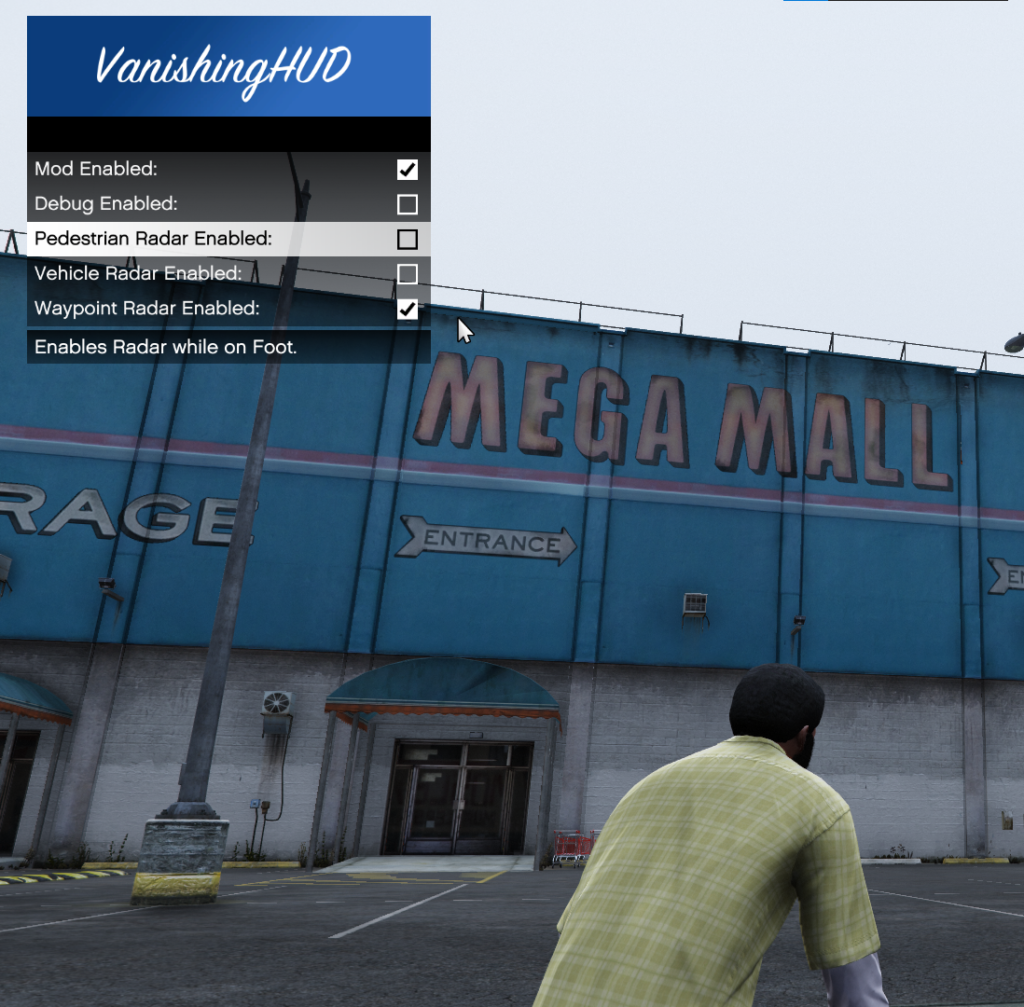
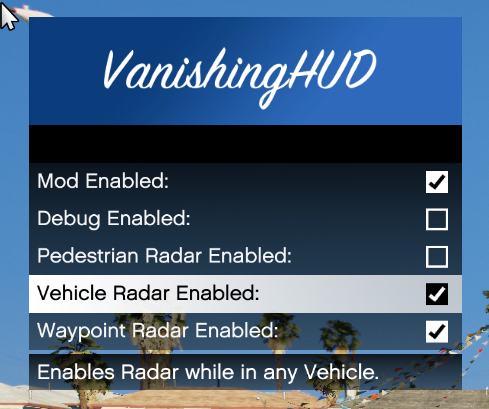
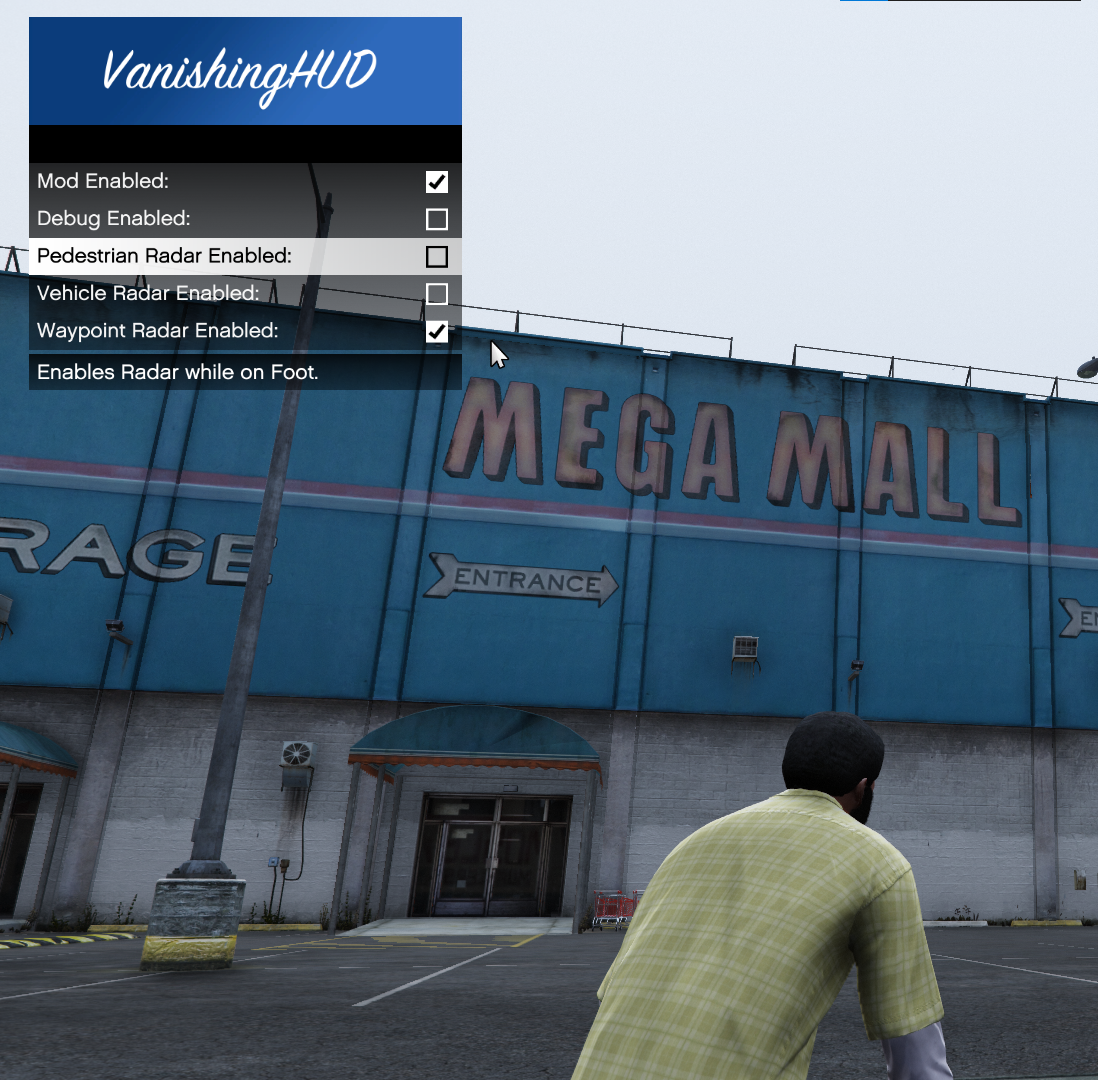
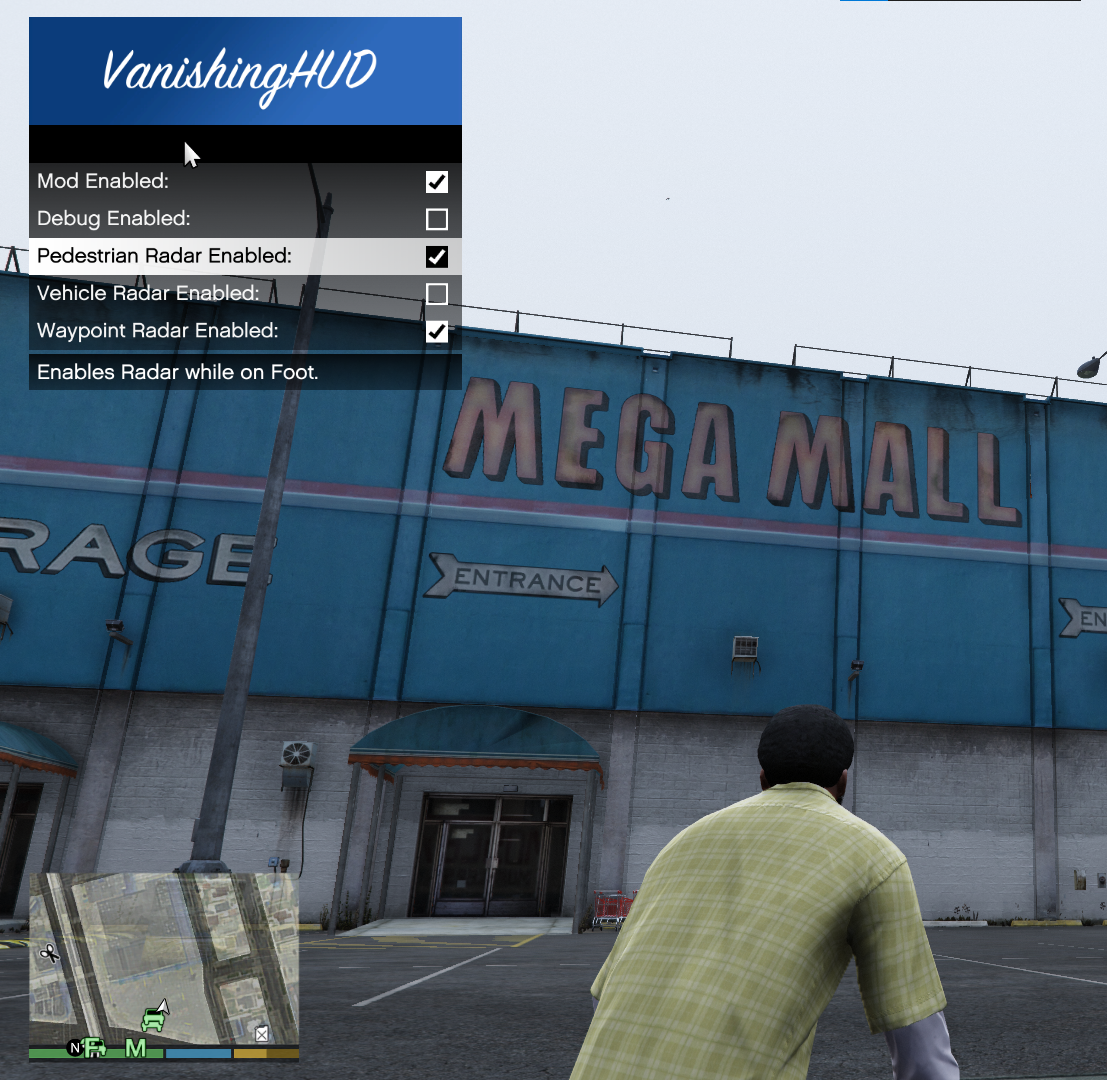
The Vanishing HUD mod enhances your GTA 5 experience by giving you control over when and how the radar displays. Customize your gameplay with this versatile mod.
Features:
– Toggle the mod on and off at any time.
– Enable debug notifications for additional information.
– Show or hide the radar when you have a waypoint set.
– Control radar visibility when you’re on foot.
– Fine-tune radar behavior in vehicles.
Requirements:
– ScriptHookV
– ScriptHookVDotNet
– LemonUI
Installation Instructions:
1. Download and install ScriptHookV.
2. Download and install ScriptHookVDotNet 3.
3. Download and install LemonUI.
4. Place the “VanishingHUD.dll” file in your GTA 5 “scripts” folder.
Usage Instructions:
– Press F9 to access the mod menu settings.
– Customize radar visibility options according to your preferences.
– Experiment with the settings to create your ideal gameplay experience.
Future Plans:
– [Planned] Enable radar during missions.
– [Planned] Add iFruit contact to open the mod menu from the player’s phone.
Changelog:
Version 1.4 – 28 Dec 2023
– Fixed “Mod Enabled” menu button, now properly restores radar after disabling mod.
– Added Wanted Radar – Enable Radar while wanted.
– Added Phone Radar – Enable Radar while holding Phone.
Version 1.3 – 3 Dec 2023
– All waypoint types now supported!
– Improved Menu logic, no longer have to open the Phone contact twice..
– Tidied up lingering logic
– Removed some infos from Debug view: timercountdown and showduration values
Version 1.2
– Updated logic!
– Phone Contact
– Requires Lemon UI 3
Version 1.1
– Mod Menu Key in VanishingHUD.ini
– Radar Toggle Key in VanishingHUD.ini
– Radar Show Duration in VanishingHUD.ini and in Mod Menu, from 0 – 60 seconds
– Greatly improved Mod Logic, should result in less memory usage
Credits:
– shifuguru
– ScriptHookV by Alexander Blade
– ScriptHookVDotNet 3 by crosire
– LemonUI by Lemon
– Special thanks to the AI assistant from OpenAI for the invaluable assistance in creating this mod.
Download mod
| File | File size |
|---|---|
 VanishingHUD_V1.5.1
 | 13 KB |
|
VanishingHUD_V1.4 | 7 KB |
|
VanishingHUD_V1.3.1 | 7 KB |
|
VanishingHUD_V1.2 | 12 KB |