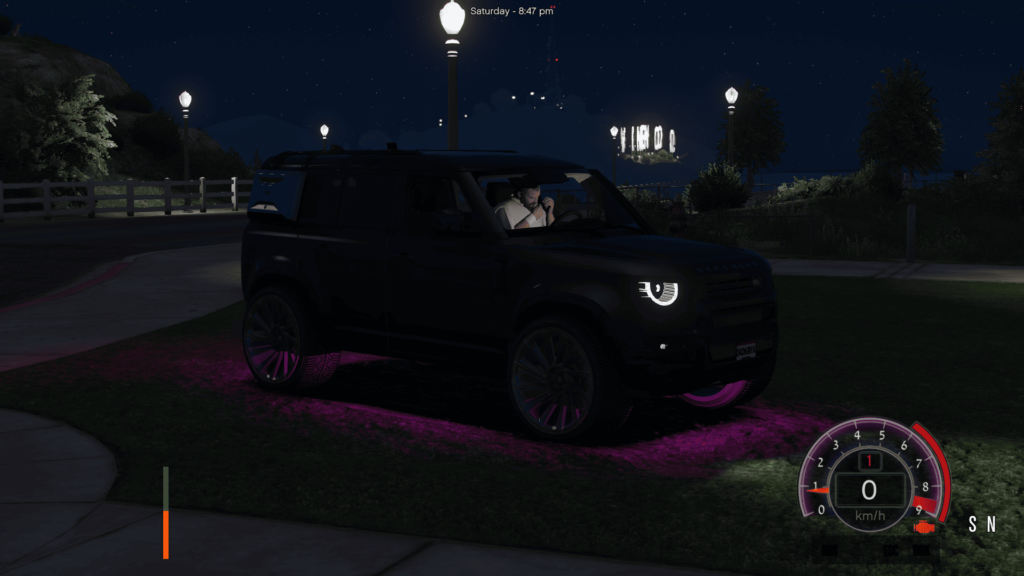

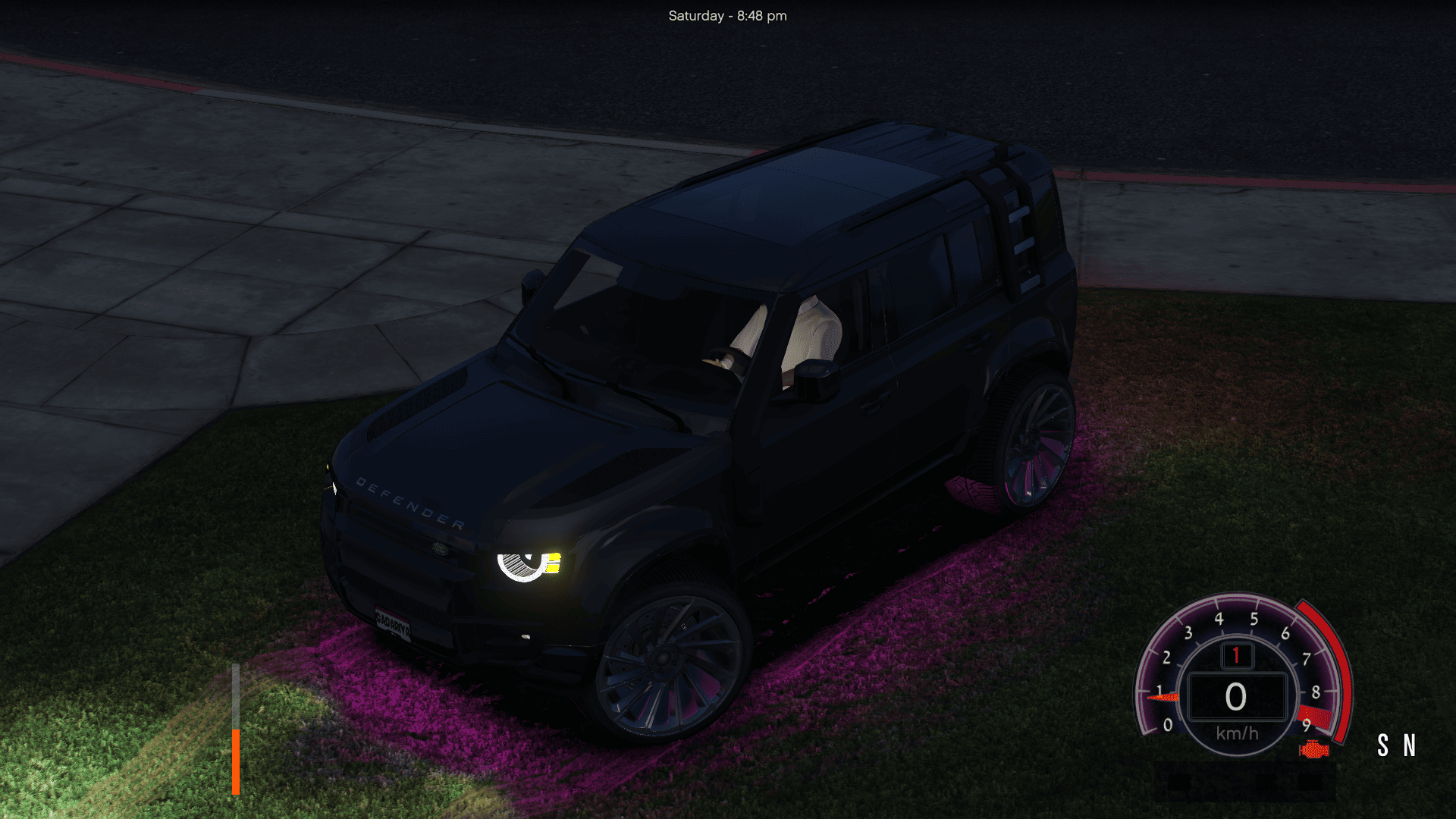
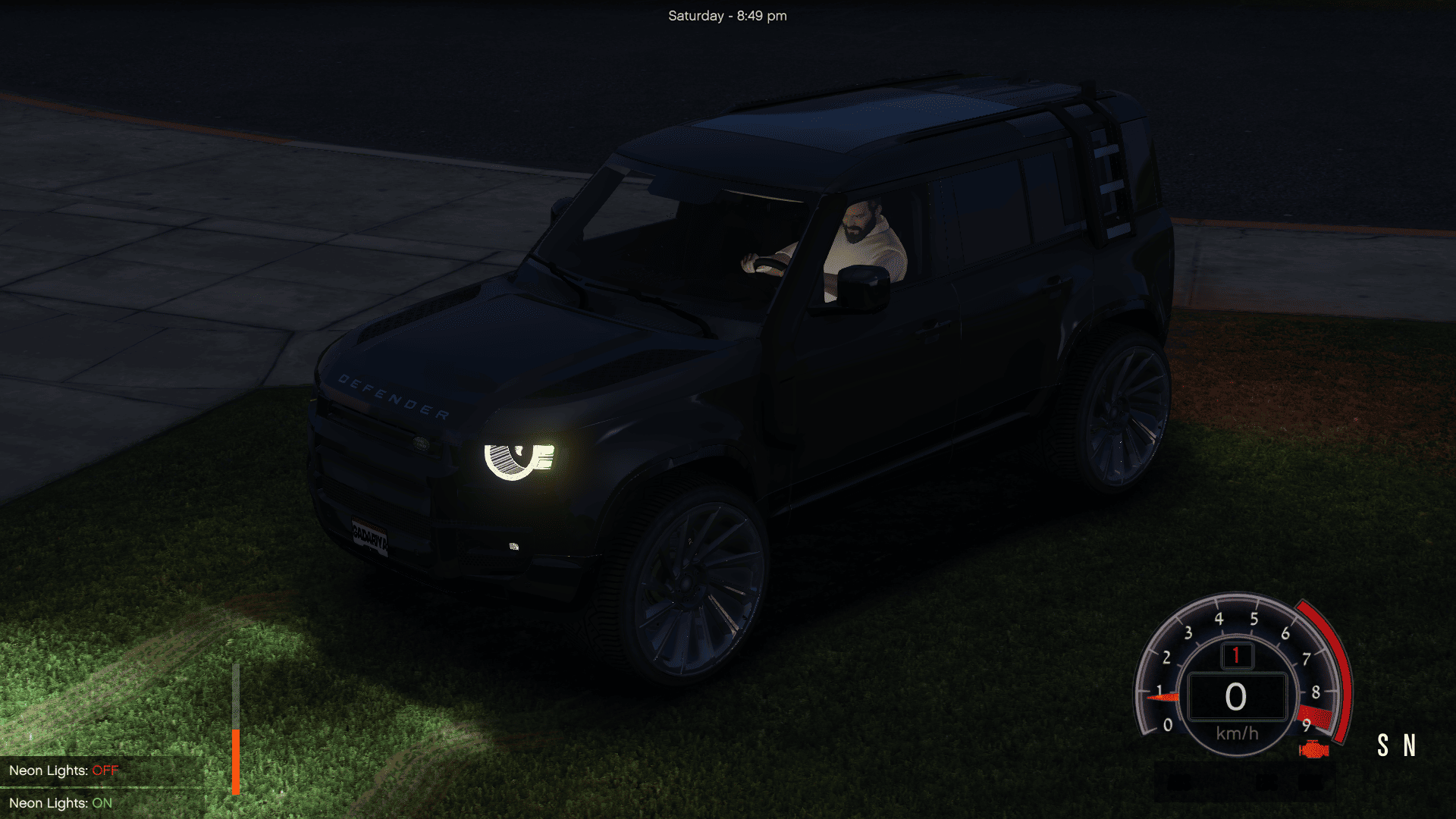
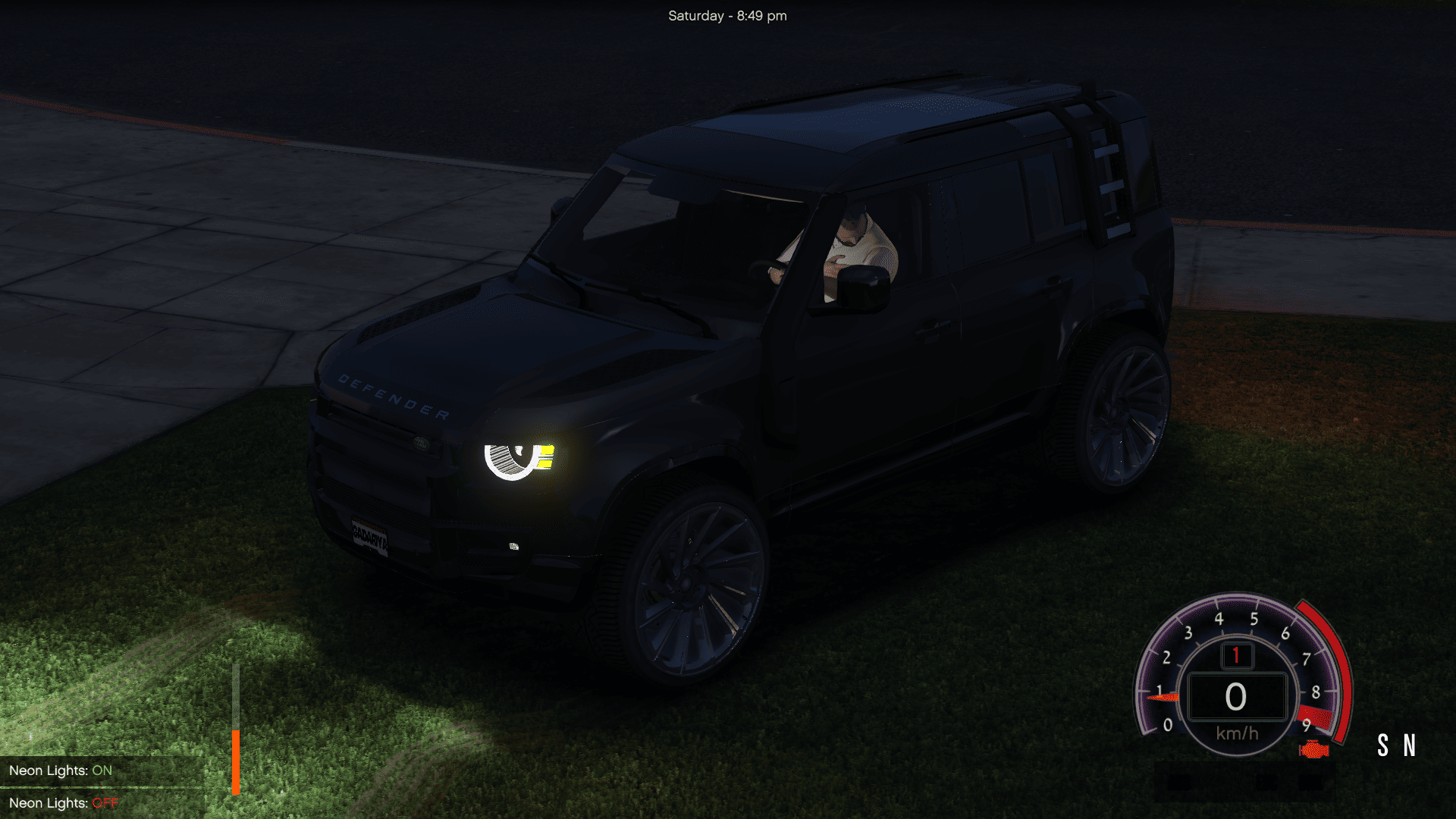
NeonToggleSimple – GTA V ScriptHookVDotNet Script (NO LemonUI)
This script allows you to toggle all neon lights (left, right, front, rear) of your current vehicle
by pressing the “B” key. Works without LemonUI, purely using SHVDN3.
Instructions:
1. Copy the ‘NeonToggleSimple.cs’ file into your GTA V/scripts/ folder.
2. Launch GTA V.
3. Get into a vehicle and press “B” to toggle the neons ON or OFF.
4. A notification will confirm the status.
Requirements:
– ScriptHookV
– ScriptHookVDotNet3
– A vehicle with neon lights installed
Credits:
Sumit Pal
Download mod
| File | File size |
|---|---|
 NeonToggleSimple
 | 2 KB |
![Toggle Night/Thermal Vision (+ scope-only mode) [LUA] 1.3.3](https://gta5mod.net/wp-content/uploads/2019/12/0de5ac-aa8cb3-Untitled-1-150x150.jpg "Toggle Night/Thermal Vision (+ scope-only mode) [LUA] 1.3.3")