EARLY RELEASE DUE TO DEMAND – please report bugs and I will fix in due course
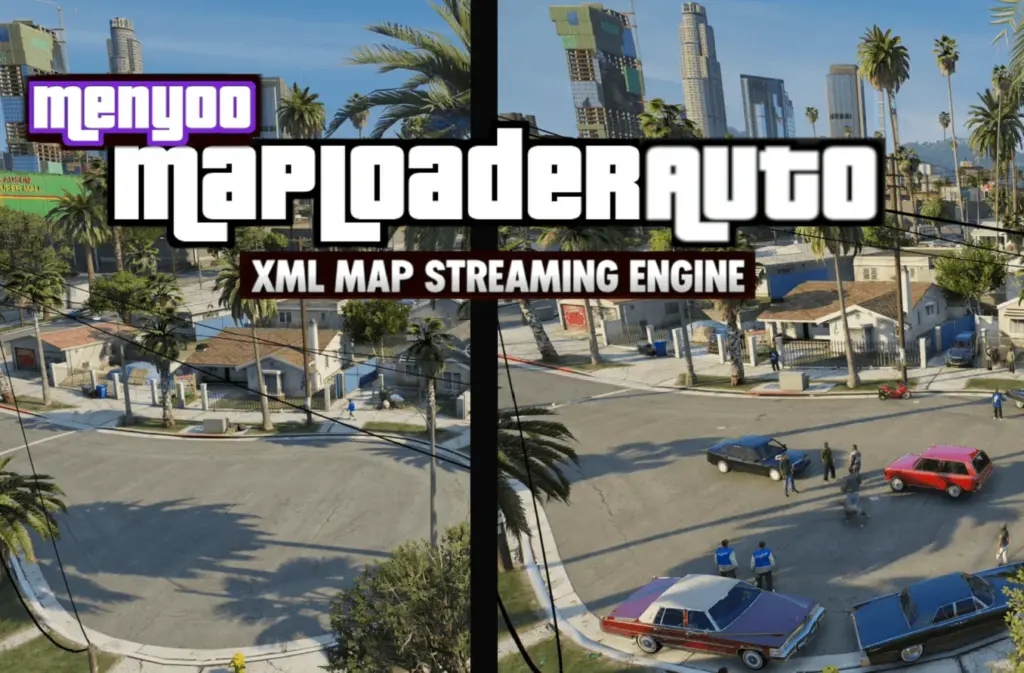
**MenyooMapLoaderAuto** is an extension of the original **MapLoaderAuto** system, designed specifically to bring the same seamless streaming functionality to **Menyoo XML maps**.
While **MapLoaderAuto** handles **MapEditor XML files**, this version allows players to stream **Menyoo maps** dynamically based on location—removing the need to manually load maps through the Menyoo menu and eliminating the performance issues caused by keeping everything loaded at once.
This is an **early release**, made available due to high demand. As a result, some bugs, edge cases, or compatibility quirks may still be present.
—
## What It Does
MenyooMapLoaderAuto works in the same way as the original system:
* Drive into an area → the map loads automatically
* Leave the area → the map unloads automatically
This allows you to build much larger, more complex worlds using Menyoo maps, while maintaining stable performance and smooth gameplay.
—
## Important Relationship with MapLoaderAuto
MenyooMapLoaderAuto is **not a replacement** for MapLoaderAuto.
* **MapLoaderAuto** = handles **MapEditor XML maps**
* **MenyooMapLoaderAuto** = handles **Menyoo XML maps**
To use **both map formats together in one world**, you must install:
* MapLoaderAuto (original)
* MenyooMapLoaderAuto (this version)
Running both allows you to mix:
* MapEditor-built districts
* Menyoo-built scenes
…into a single streamed world.
—
## Key Features
* Automatic loading/unloading of **Menyoo XML maps**
* Seamless **area-based streaming**
* Hands-free operation once configured
* Supports multiple zones and multiple XML files
* Compatible alongside MapLoaderAuto (MapEditor support)
* Enables large-scale custom worlds using Menyoo content
* Reduces performance impact vs manual Menyoo loading
* Simple INI-based setup with scalable zone system
—
## Requirements
* ScriptHookV
* ScriptHookVDotNet
* Menyoo
* MapLoaderAuto (required if using MapEditor maps alongside Menyoo maps)
—
## Important Notes
* This version is built **only for Menyoo XML files**
* Your maps must be saved using **Menyoo’s XML format**
* MapLoaderAuto is still required for MapEditor-based maps
* This is an **early release** — expect:
* Minor bugs
* Occasional loading inconsistencies
* Ongoing updates and refinements
—
## Installation
### 1. Open your GTA V directory
Navigate to your main GTA V folder.
### 2. Locate or create the scripts folder
If it does not exist, create:
“`
GTA V\scripts
“`
### 3. Copy files
Place the following into the scripts folder:
“`
MenyooMapLoaderAuto.dll
MenyooMapLoaderAuto.ini
“`
Your structure should now be:
“`
GTA V
└── scripts
├── MenyooMapLoaderAuto.dll
├── MenyooMapLoaderAuto.ini
“`
—
## Create the Menyoo Map Folder
Inside the scripts folder, create:
“`
scripts\MenyooMapLoaderAuto\
“`
Final structure:
“`
GTA V
└── scripts
├── MenyooMapLoaderAuto.dll
├── MenyooMapLoaderAuto.ini
└── MenyooMapLoaderAuto
“`
—
## Installing Menyoo XML Maps
Place your Menyoo XML files inside:
“`
scripts\MenyooMapLoaderAuto\
“`
Example:
“`
LittleItaly.xml
DockDeal.xml
ConstructionSite.xml
“`
—
## Configuring Map Zones
Open:
“`
MenyooMapLoaderAuto.ini
“`
Each zone uses the same structure as MapLoaderAuto:
“`
[Zone1]
Enabled=true
MapFile=ExampleMap.xml
X=0.0
Y=0.0
Z=0.0
LoadRadius=200.0
ClearRadius=250.0
“`
### Settings Explained
**Enabled**
Turns the zone on/off
**MapFile**
Name of the Menyoo XML file (must match exactly)
**X Y Z**
Centre point of the map zone
**LoadRadius**
Distance where the map loads
**ClearRadius**
Distance where the map unloads
### Important Rule
“`
ClearRadius must be larger than LoadRadius
“`
This prevents constant loading/unloading at zone edges.
—
## Multiple Zones Example
“`
[Zone1]
Enabled=true
MapFile=LittleItaly.xml
X=3472.0
Y=-2907.0
Z=25.3
LoadRadius=70.0
ClearRadius=100.0
[Zone2]
Enabled=true
MapFile=DockDeal.xml
X=5185.0
Y=-3727.0
Z=10.0
LoadRadius=200.0
ClearRadius=250.0
[Zone3]
Enabled=true
MapFile=ConstructionSite.xml
X=4185.0
Y=-2031.0
Z=27.4
LoadRadius=60.0
ClearRadius=90.0
“`
—
## Launching the Game
* Start GTA V
* Enter Story Mode
* Travel to your configured zones
Maps will:
* Load automatically when entering the area
* Unload automatically when leaving
No Menyoo menu interaction required.
—
## Performance Tips
* Split large Menyoo maps into multiple XML files
* Use reasonable load distances
* Avoid overloading single zones with too many entities
* Test transitions by driving in/out of areas
* Reload INI using **Numpad ***
—
## Troubleshooting
### Map does not load
Check:
* XML is inside `scripts\MenyooMapLoaderAuto`
* MapFile name matches exactly
* Enabled=true
* You entered the LoadRadius
—
### Map unloads too quickly
Increase ClearRadius:
“`
LoadRadius=200
ClearRadius=300
“`
—
### Props load too late
Increase LoadRadius:
“`
LoadRadius=350
ClearRadius=450
“`
—
## Final Notes
MenyooMapLoaderAuto brings **true streaming functionality to Menyoo maps**, allowing them to behave like integrated world content rather than manually loaded scenes.
When combined with the original MapLoaderAuto, you can build hybrid worlds that stream both:
* MapEditor environments
* Menyoo-built scenarios
This version is an **early release**, and further stability improvements, feature expansion, and refinements will follow.
Install your maps, configure your zones, and begin building a streamed world using Menyoo.
Changelog:
Update 1.0.2 lowerbody anim + vehicle status parsed to script
Update 1.0.3 SHVDN3
Update 1.0.4 no collision peds true fix
Update 1.0.5 locked manual positioning added + reactions improved
Update 1.0.6 switch@michael@sitting offset load fix
Update 1.0.7 switch@michael@sitting workaround applied to this anim only + more animations add
Update 1.0.8 maploaded vehicle and ped/follower retention if taken outside load radius
Update 1.0.9 compiles against ScriptHookVDotNet-v3.7.0-nightly.131
1.1.0 Day of week fix
1.2.0 manual offsets update + bug fixes + position improvement
Credits:
ChargedKILO
Download mod
| File | File size |
|---|---|
 MenyooMapLoaderAuto
 | 27 KB |

![Stunt Race Map [Map Editor / Menyoo] 1.4](https://gta5mod.net/wp-content/uploads/2020/03/Stunt-Race-Map-150x150.jpg "Stunt Race Map [Map Editor / Menyoo] 1.4")
![New Trevor, Michael, Franclin and More House. [Map Editor] [Menyoo] 1.2 Version Map](https://gta5mod.net/wp-content/uploads/2020/08/New-Trevor-150x150.jpg "New Trevor, Michael, Franclin and More House. [Map Editor] [Menyoo] 1.2 Version Map")
![Gated Valet Parking and Casino Exterior Upgrades for [FiveM & StoryMode] [Map Editor] [Menyoo] [YMAP] [Map-Addon] v1.0](https://gta5mod.net/wp-content/uploads/2021/03/Gated-Valet-Parking-and-Casino-Exterior-Upgrades-150x150.jpg "Gated Valet Parking and Casino Exterior Upgrades for [FiveM & StoryMode] [Map Editor] [Menyoo] [YMAP] [Map-Addon] v1.0")