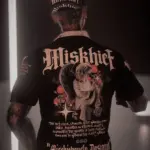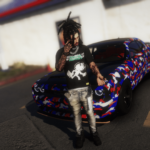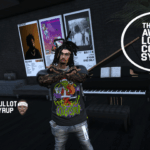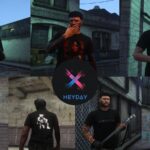
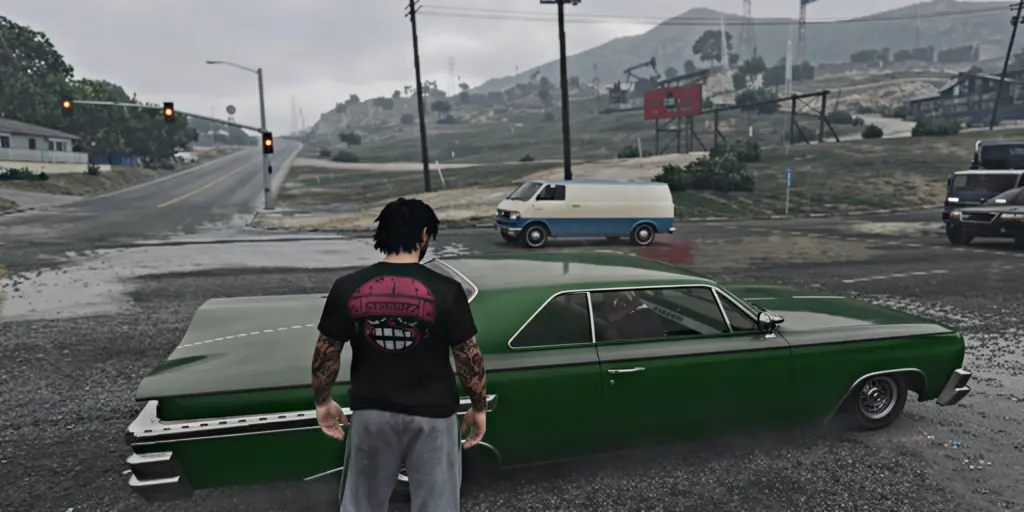
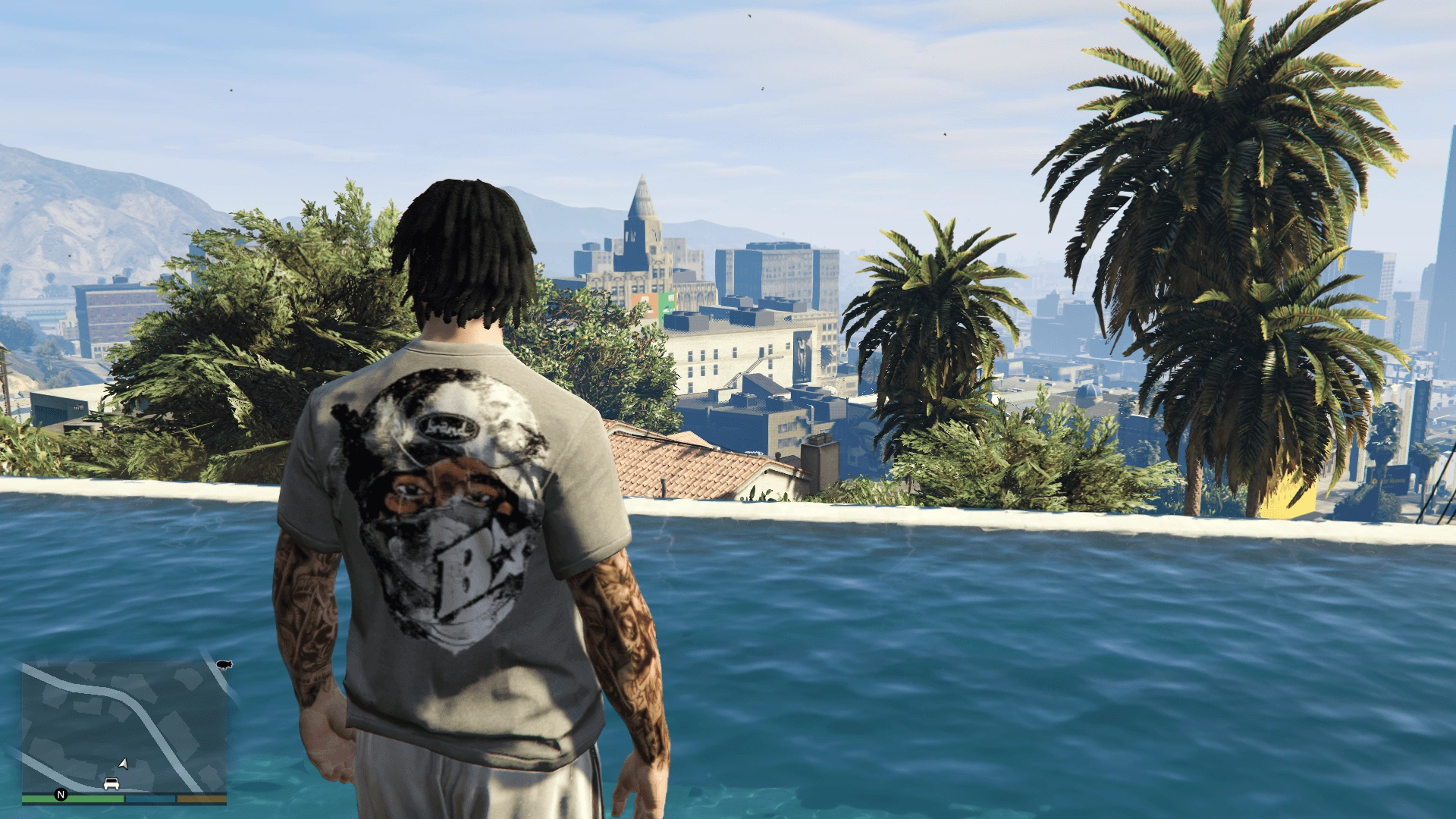
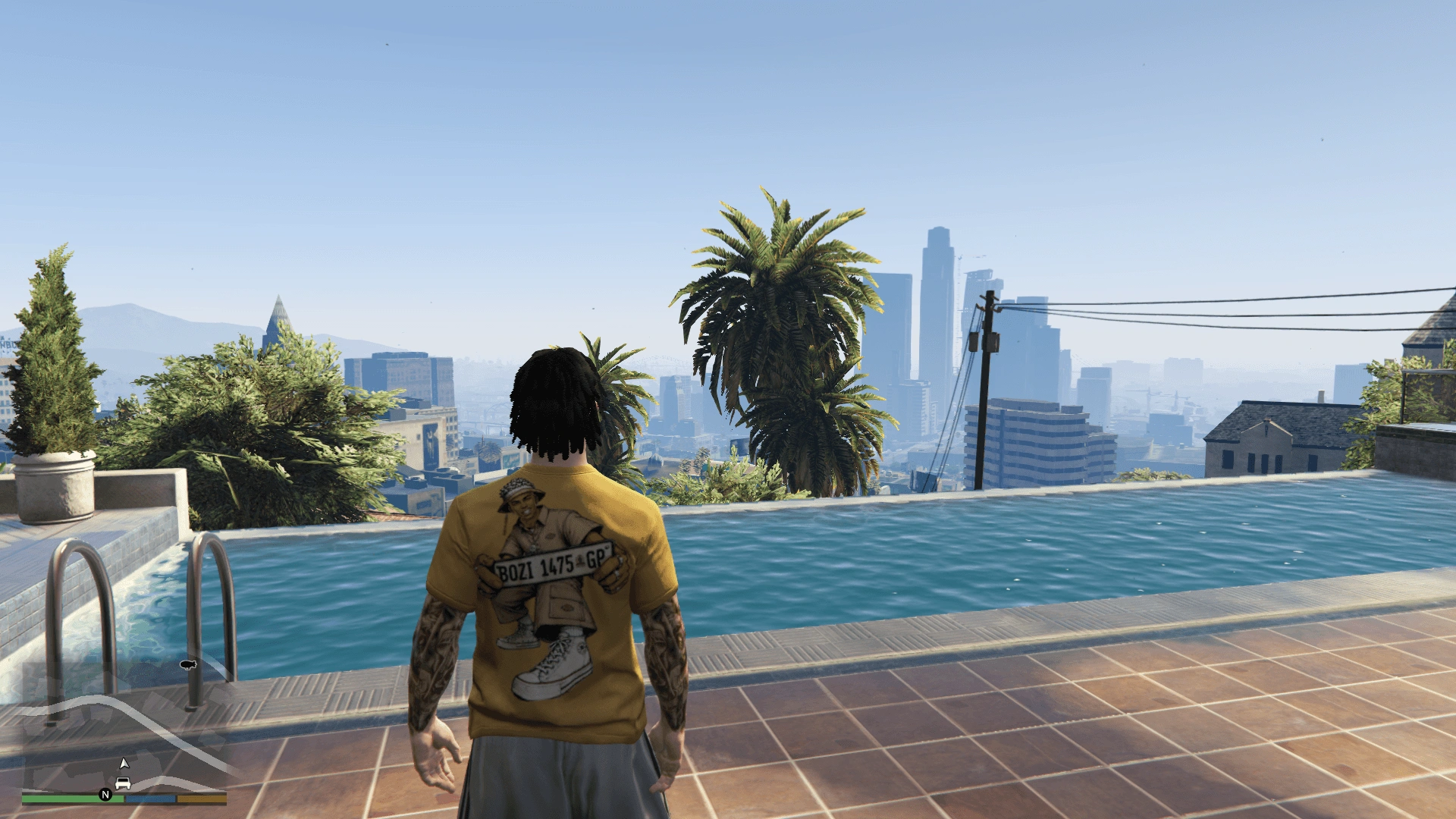
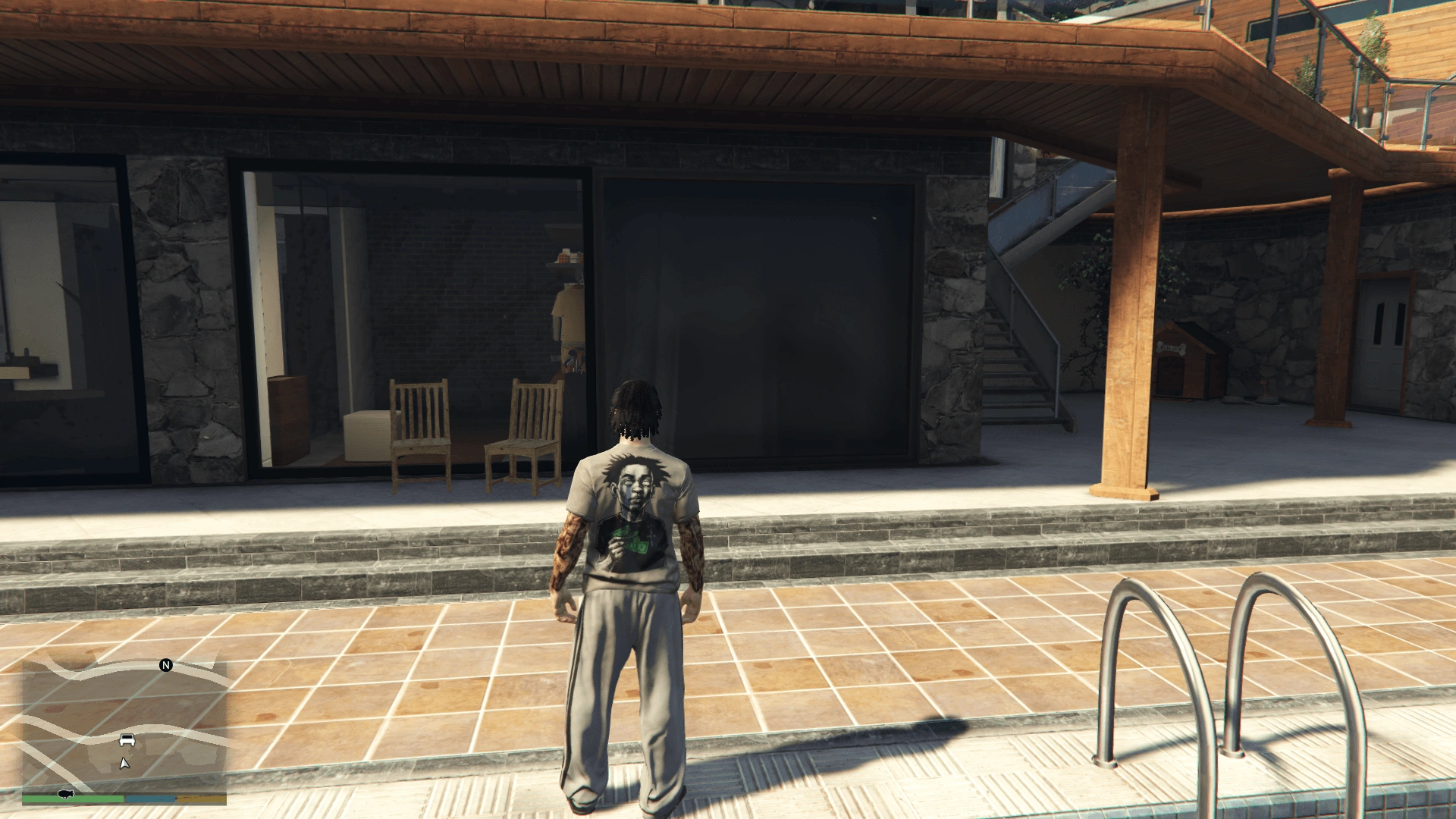
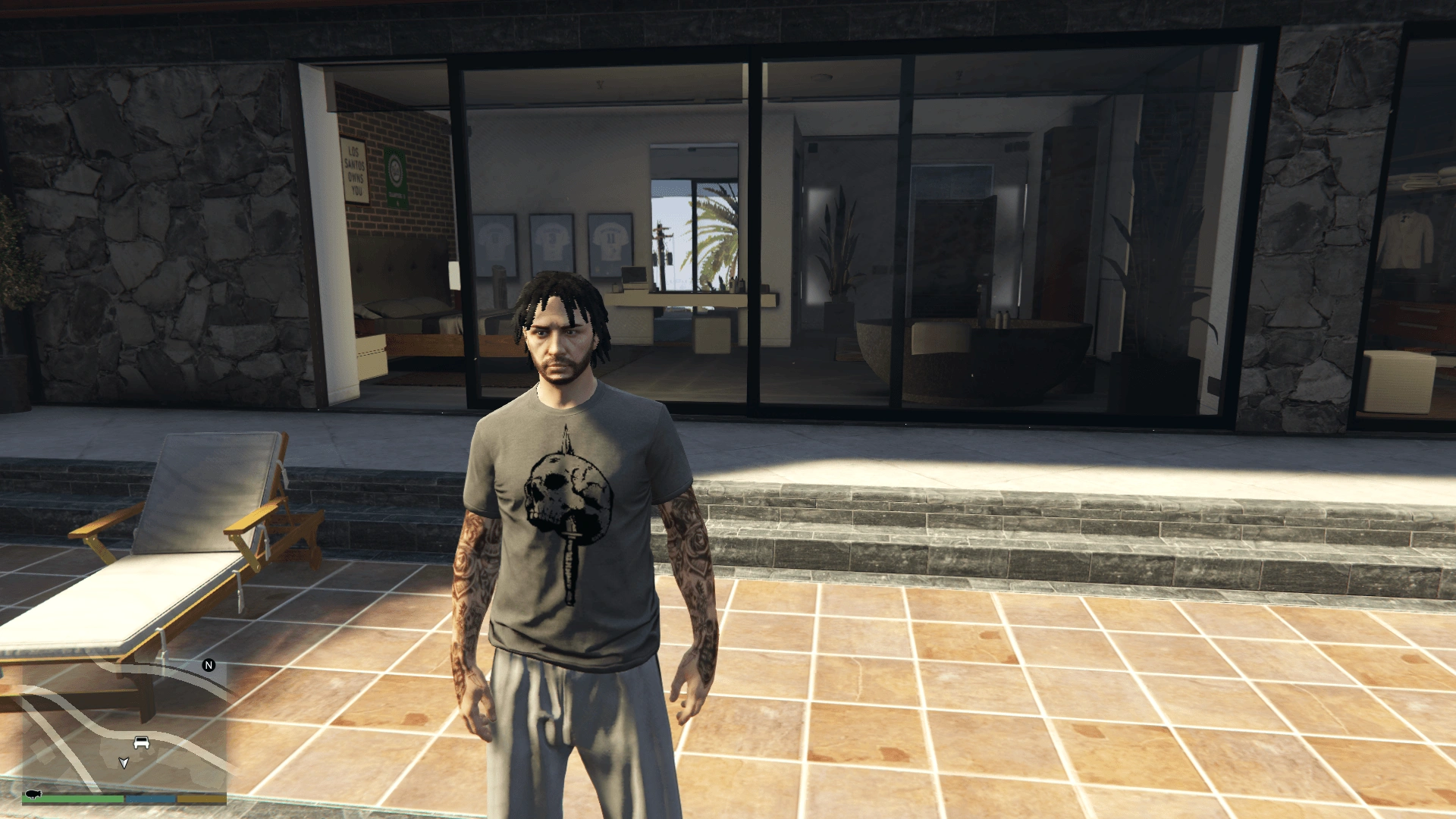
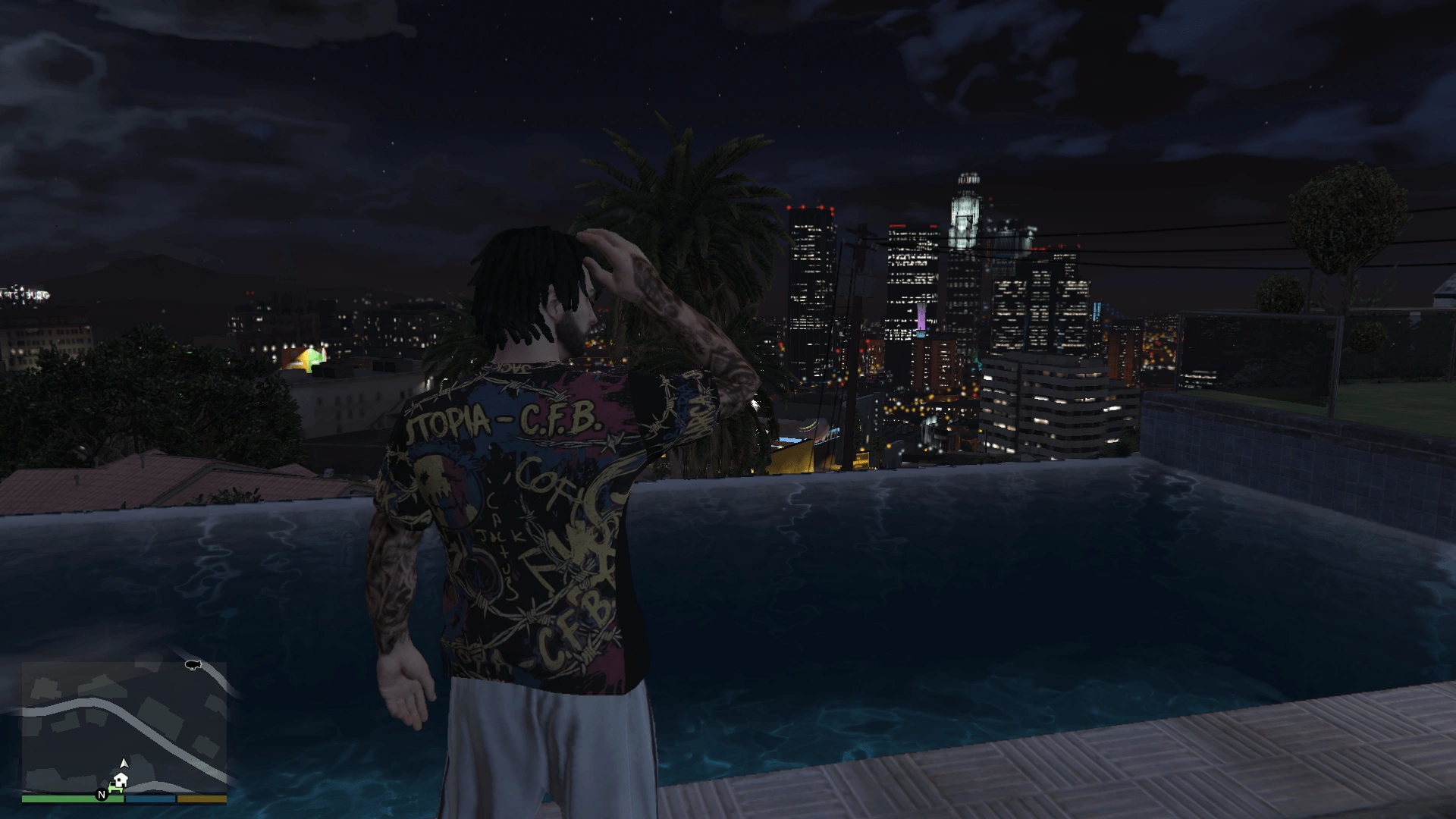
This is a custom T-shirt for the MP Male character in GTA V. It adds a fresh look to your character’s wardrobe, perfect for casual gameplay or roleplay sessions. I designed this with attention to detail to ensure it fits well with the game’s style.
Open OpenIV.
Go to: GTAV / mods / x64v.rpf / models / cdimages / streamedpeds_mp.rpf / mp_m_freemode_01
Click “Edit Mode”.
Drag and drop the files from the download into this folder.
Save and enjoy your new T-shirt
How to wear the T-shirt in-game:
Open the Menyoo trainer by pressing F8.
Go to Player > Model Changer > Male (select mp_m_freemode_01) to switch your character to MP Male.
Once the character is switched, go to Player > Wardrobe > T-Shirts (or Tops) and scroll through the list until you find your new custom T-shirt.
Credits:
ahmedemad223
Download mod
| File | File size |
|---|---|
 T-shirt
 | 6 MB |