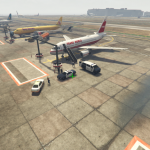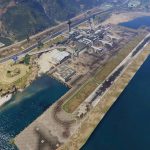
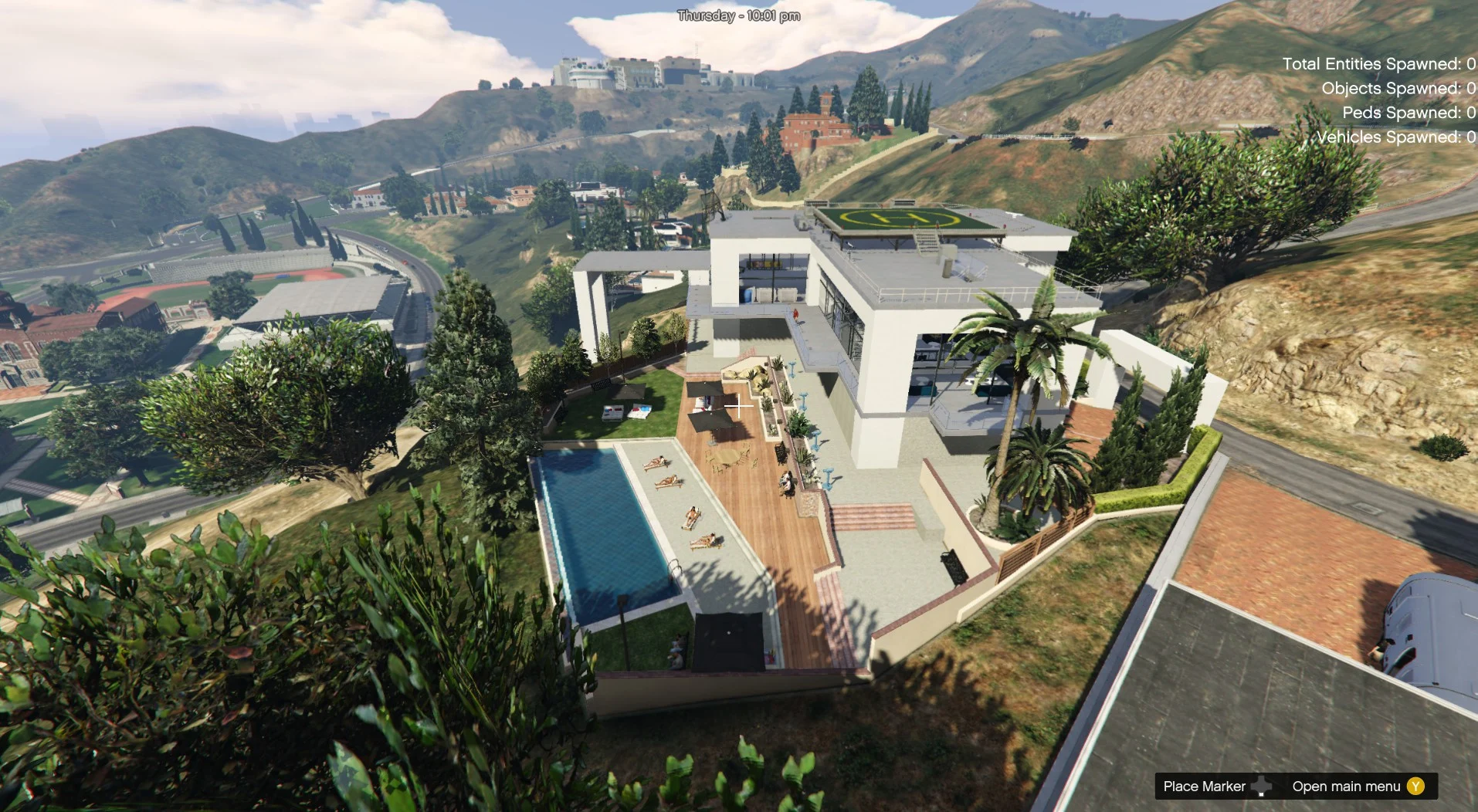
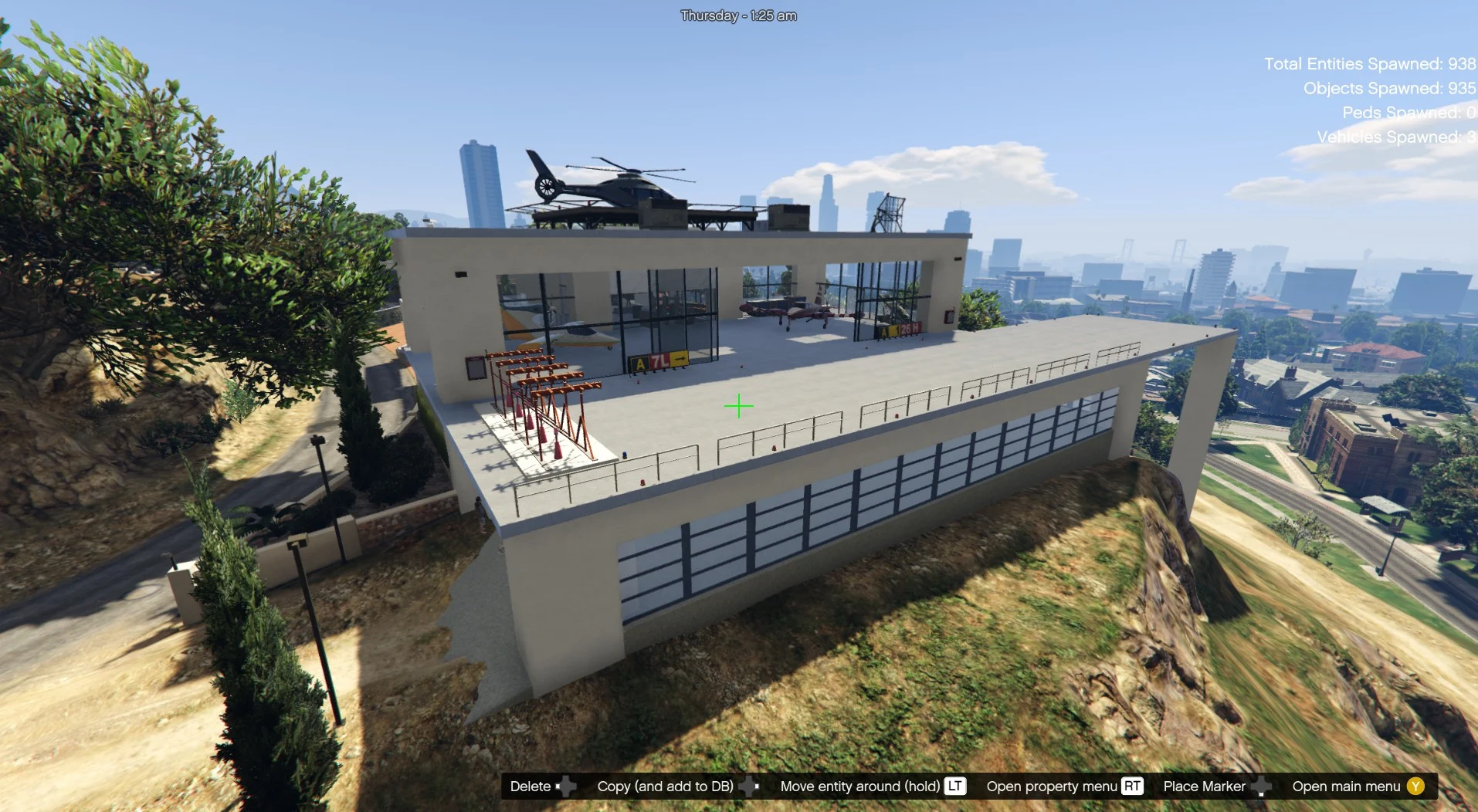
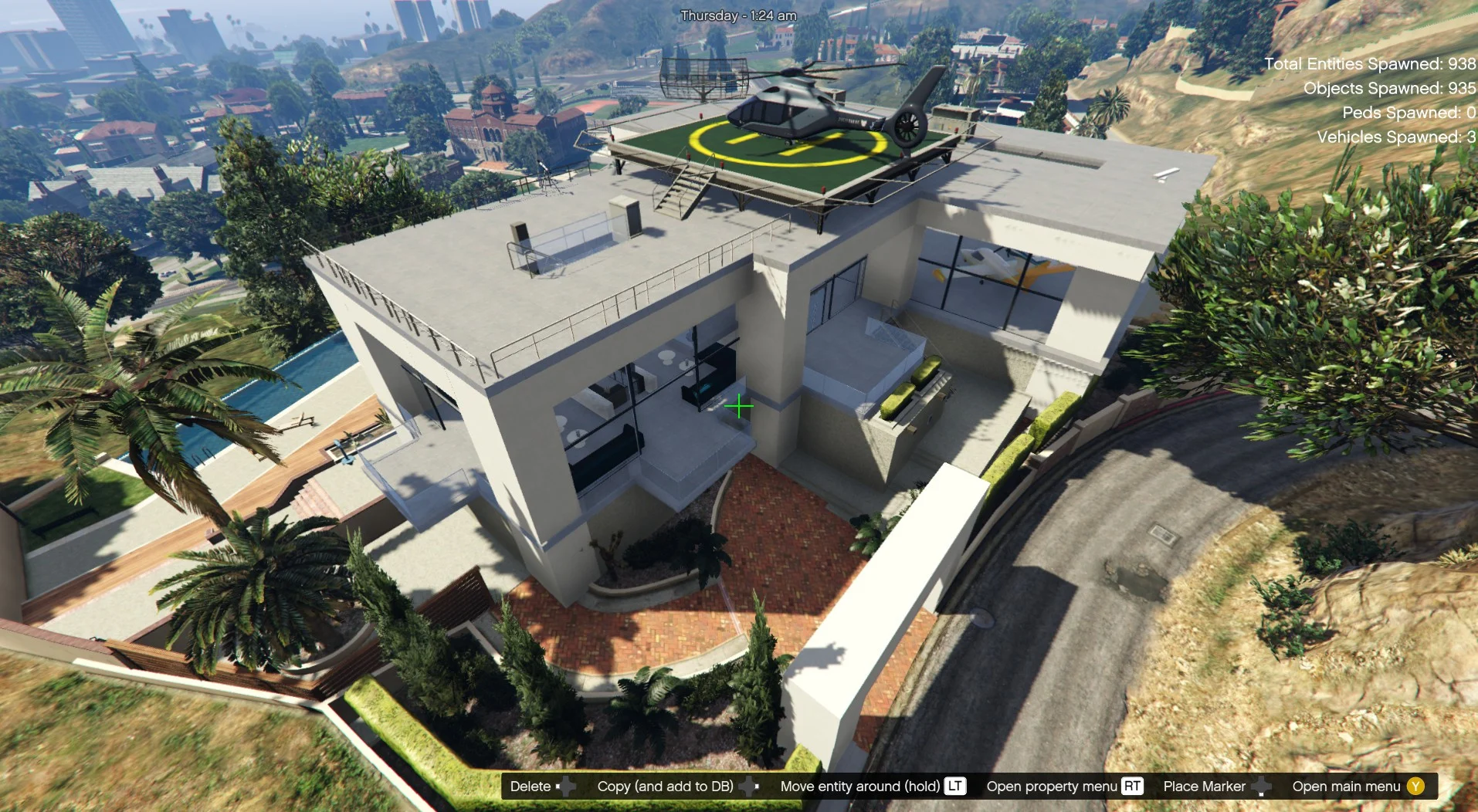
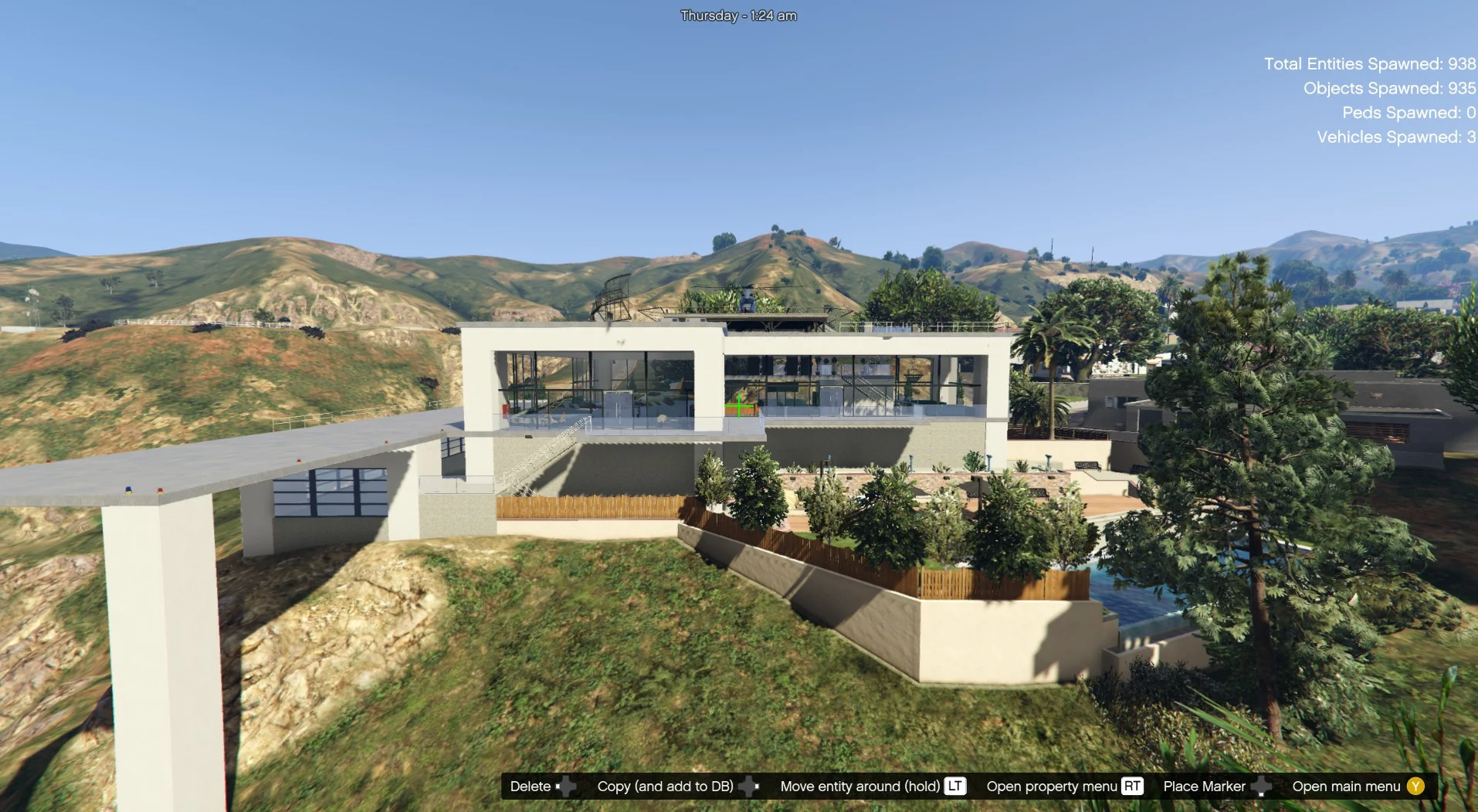
It a small airport better to take off, than landing by plain! short landing zone sorry 🙂
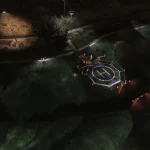
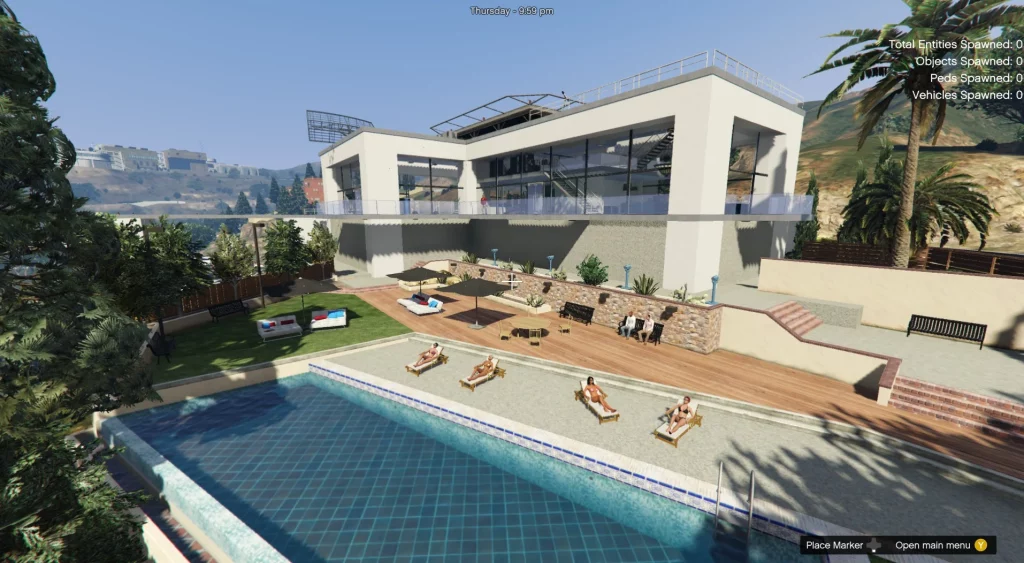
But you can alsaw use the helicopter on the roof for travel, or just take a drink with tour friends in the lounge of the Beverly Airport.
level 0 parking, swimong pool, garden, icecream.
level 1 landing zone, hangar, arrival and departure, soda machines, ATM, a lounge bar on the side.
level 2 duty-free shop, video games, acces to the roof
leve 3 roof with helipad
Installation:
PLEASE READ IT CAREFULLY !
If you don’t have mods folder, just create it and put the original common.rpf locate in GTA5 main folder in your mods folder
Download and install:
ScriptHook,
ScriptHook V.NET
and OpenIV
and MENYOO
and Map Builder VERY IMPORTANT.
HOW TO INSTAL:
A] ADDON [ymap file]
Installation for instal (OPEN IV needed for this)
copy and paste folder “custom maps”
to: mods>update>x64>dlcpacks
Finally add “dlcpacks: custom maps ” in dlclist.xml using OpenIV
to: mods update.rpf common data
Or,
when you already have your custom maps folder then go to:
mods>update>x64>dlcpacks>custom maps>dlc.rpf>x64>levels>gta5>citye>maps>custom maps.rpf
and add the file :
Beverly Airport.ymap
[Addon] (don t rename the file. OpenIV will do the rest)
Or,
B] MENYOO [xml file] with vehicles
Copy:
Beverly Airport.xml
of my archive to GTAV menyooStuff Spooner.
Now launch in GTA5, press F8 to open Menyoo, select “ObjectSpooner”, “SavedFiles”,
and load:
Beverly Airport.xml
(You will be teleported infront the Beverly Airport ) 🙂
Changelog:
1.1
add longer landing area
add some glass, and jn menyoo file an helicopter in the swiming pool
Credits:
zamalone
Download mod
| File | File size |
|---|---|
 Beverly Airport 1.1
 | 68 KB |
![Marlowe Valley Safehouse/Airport [Menyoo] 5.0](https://gta5mod.net/wp-content/uploads/2020/03/Marlowe-Valley-Safehouse-150x150.jpg "Marlowe Valley Safehouse/Airport [Menyoo] 5.1")