
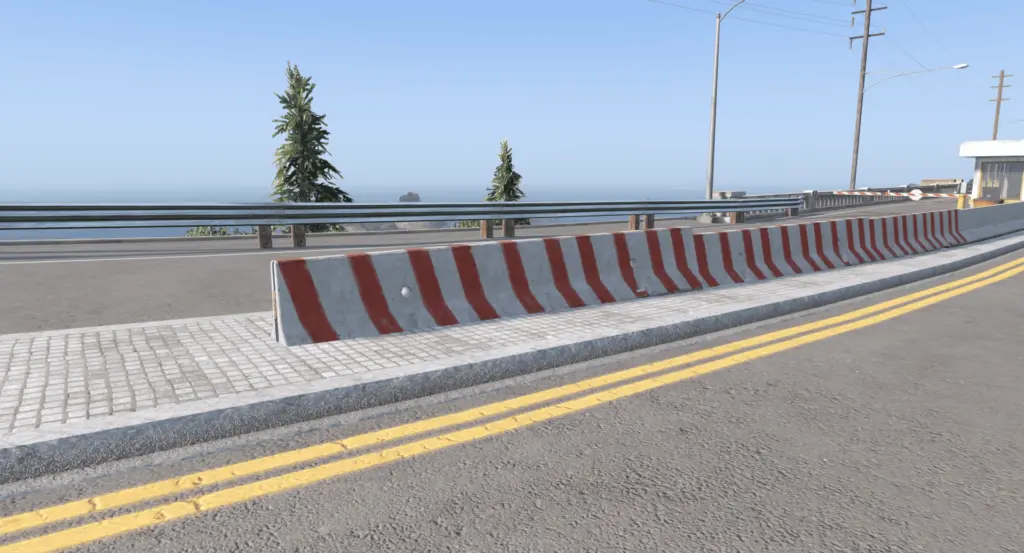
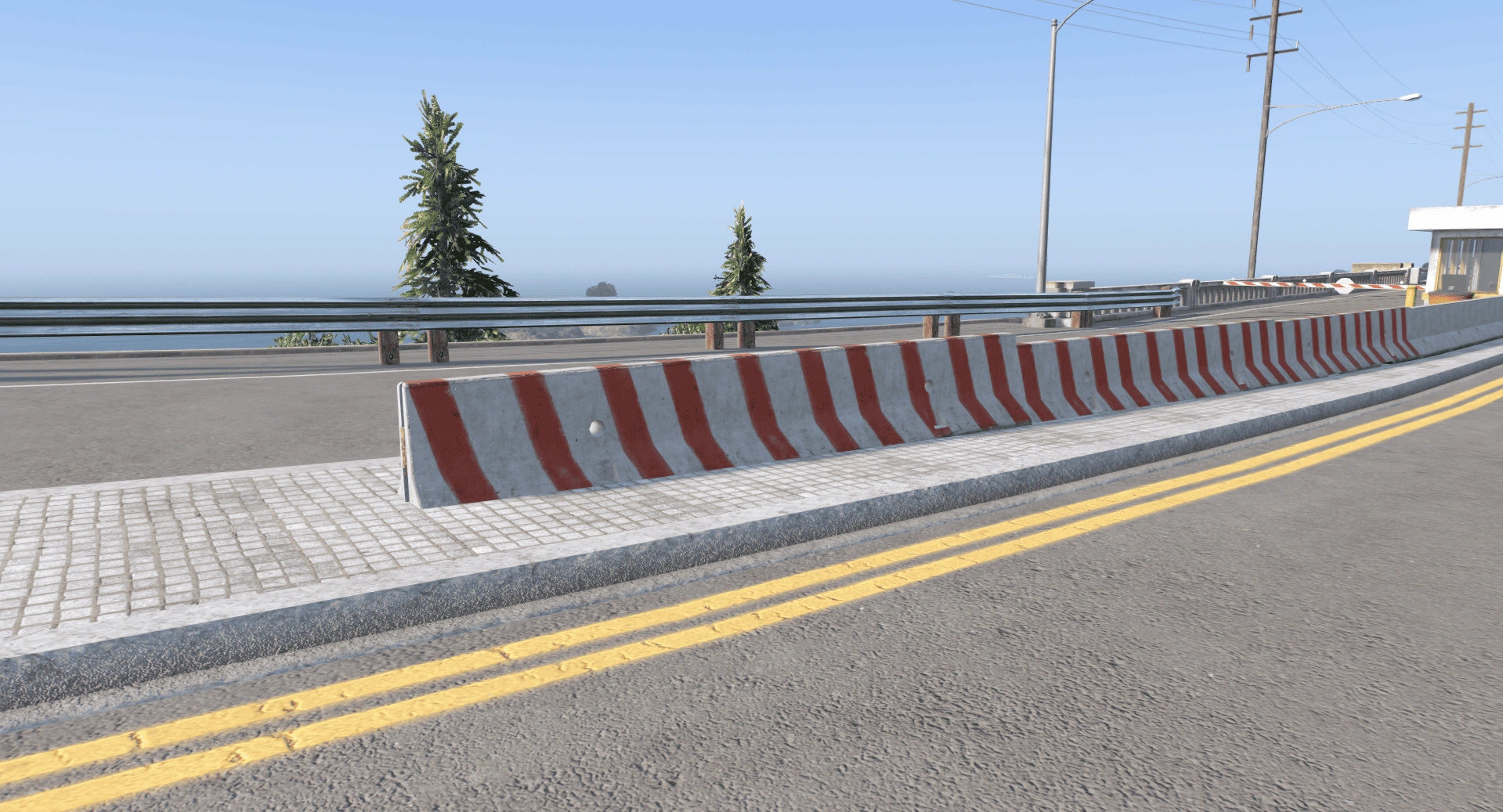
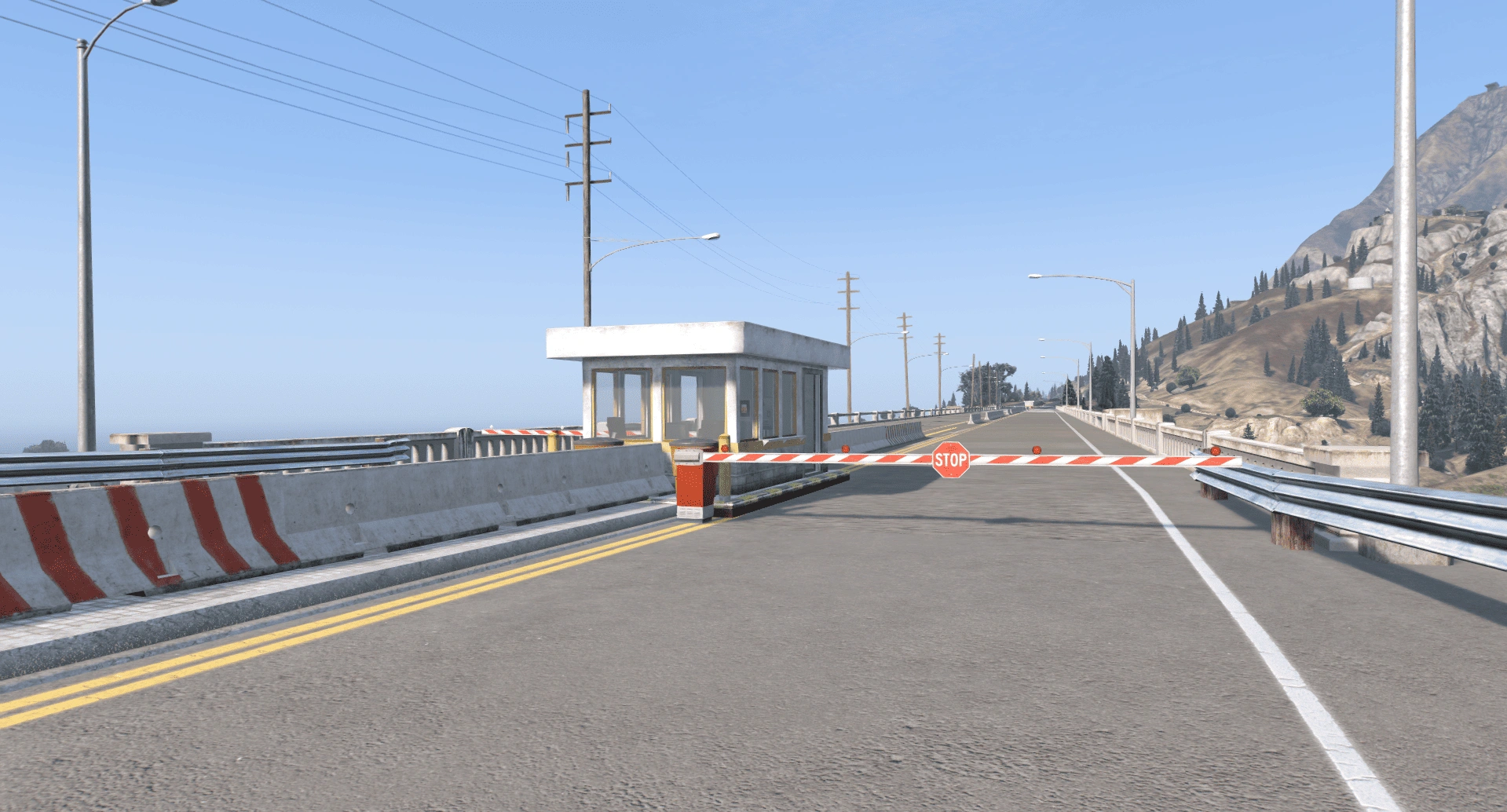
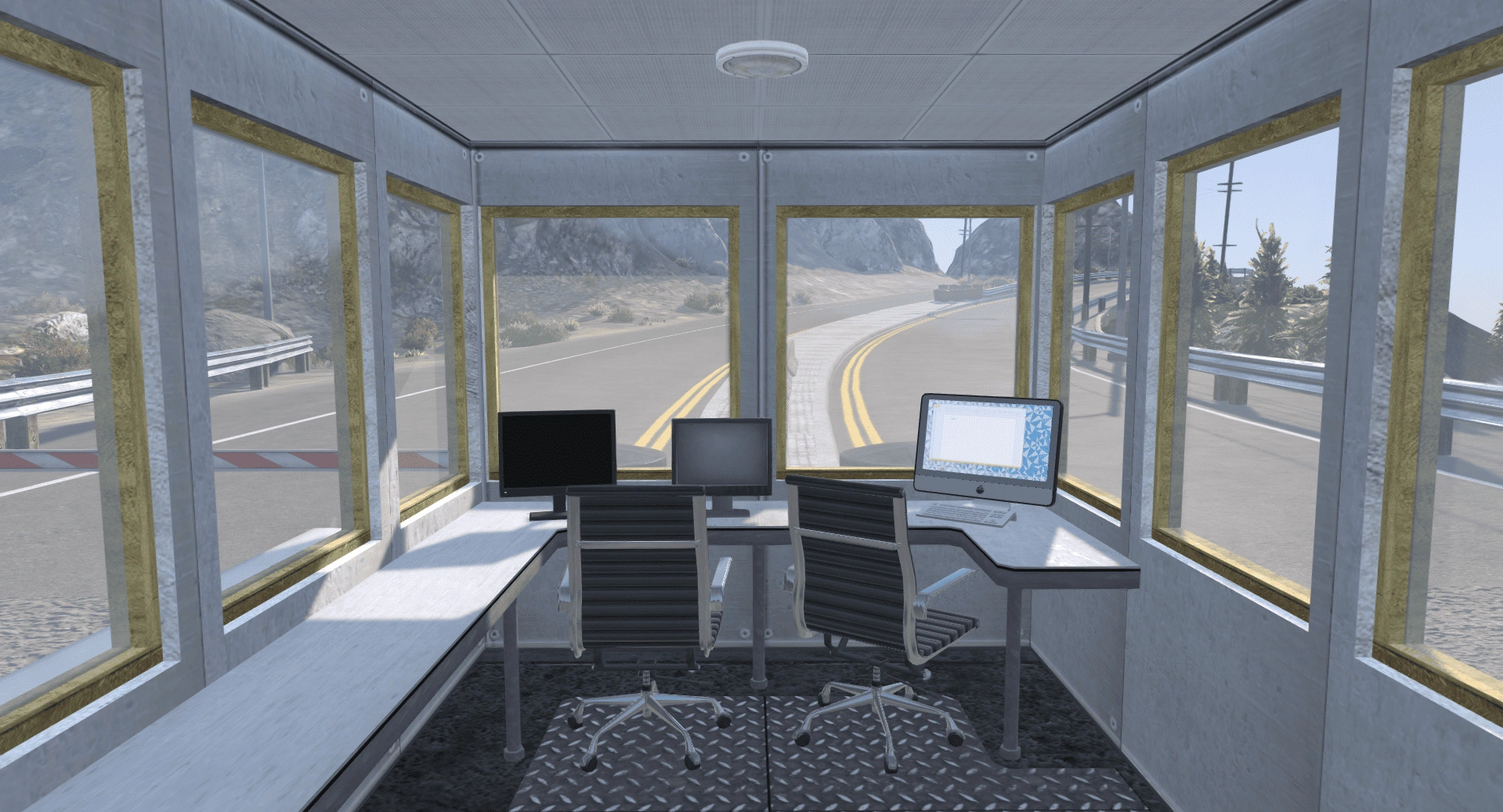
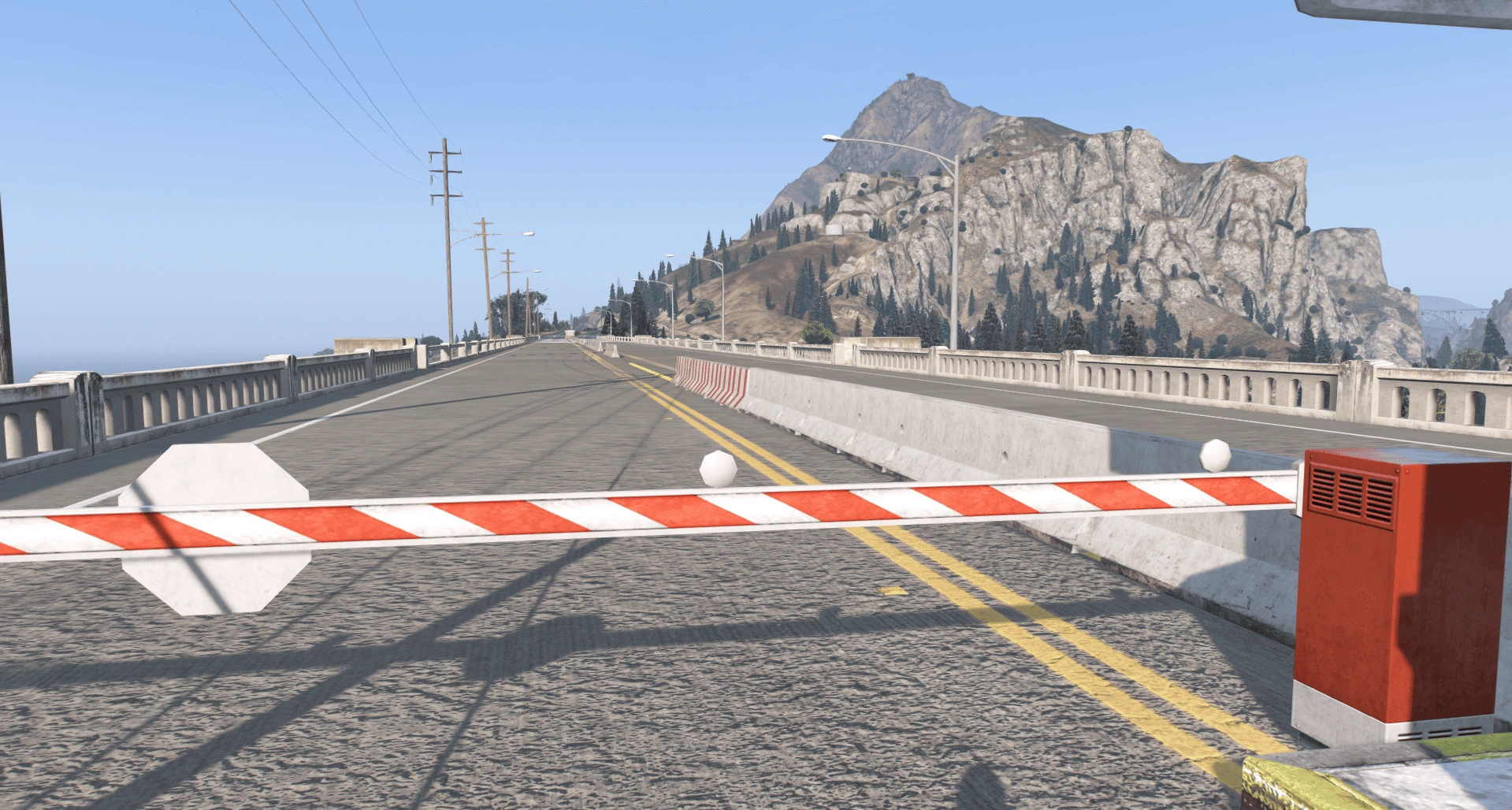
Installation
Download the Map
Download the Outpost map file and extract it using WinRAR or 7-Zip.
Open OpenIV
Launch OpenIV and select Grand Theft Auto V (Windows). Enable Edit Mode.
Install the Map (DLC Method)
Go to:
mods/update/x64/dlcpacks/
Drag and drop the folder named:
outpost
Edit dlclist.xml
Navigate to:
mods/update/update.rpf/common/data/dlclist.xml
Add this line before :
dlcpacks:/outpost/
Alternative (YMAP Method if needed)
If the map only contains .ymap files, place them in:
mods/update/x64/dlcpacks/mpheist/dlc.rpf/x64/levels/gta5/cityhills_01/
Required Mods
Make sure you have installed:
Script Hook V
(Optional) Script Hook V .NET
(Optional) Map Editor
Launch the Game
Start GTA V in Story Mode and go to the map location to verify the installation.
Credits:
SD devlopement
Download mod
| File | File size |
|---|---|
 SD_checkpoint3
 | 8 KB |

![Vinewood House [YMAP / Map Editor / Menyoo] 1.2 (YMAP)](https://gta5mod.net/wp-content/uploads/2020/05/Vinewood-House-150x150.jpg "Vinewood House [YMAP / Map Editor / Menyoo] 1.2 (YMAP)")
![Hawick Avenue Duplex.ymap [YMAP][Map Builder] V1.0](https://gta5mod.net/wp-content/uploads/2023/01/Hawick-Avenue-Duplex.ymap-150x150.webp "Hawick Avenue Duplex.ymap [YMAP][Map Builder] V1.0")
![Stark Mansion [ADDON][YMAP] 1.0](https://gta5mod.net/wp-content/uploads/2020/05/Stark-Mansion-150x150.jpg "Stark Mansion [MLO / YMAP / SP / FiveM] 2.0.1a")
