
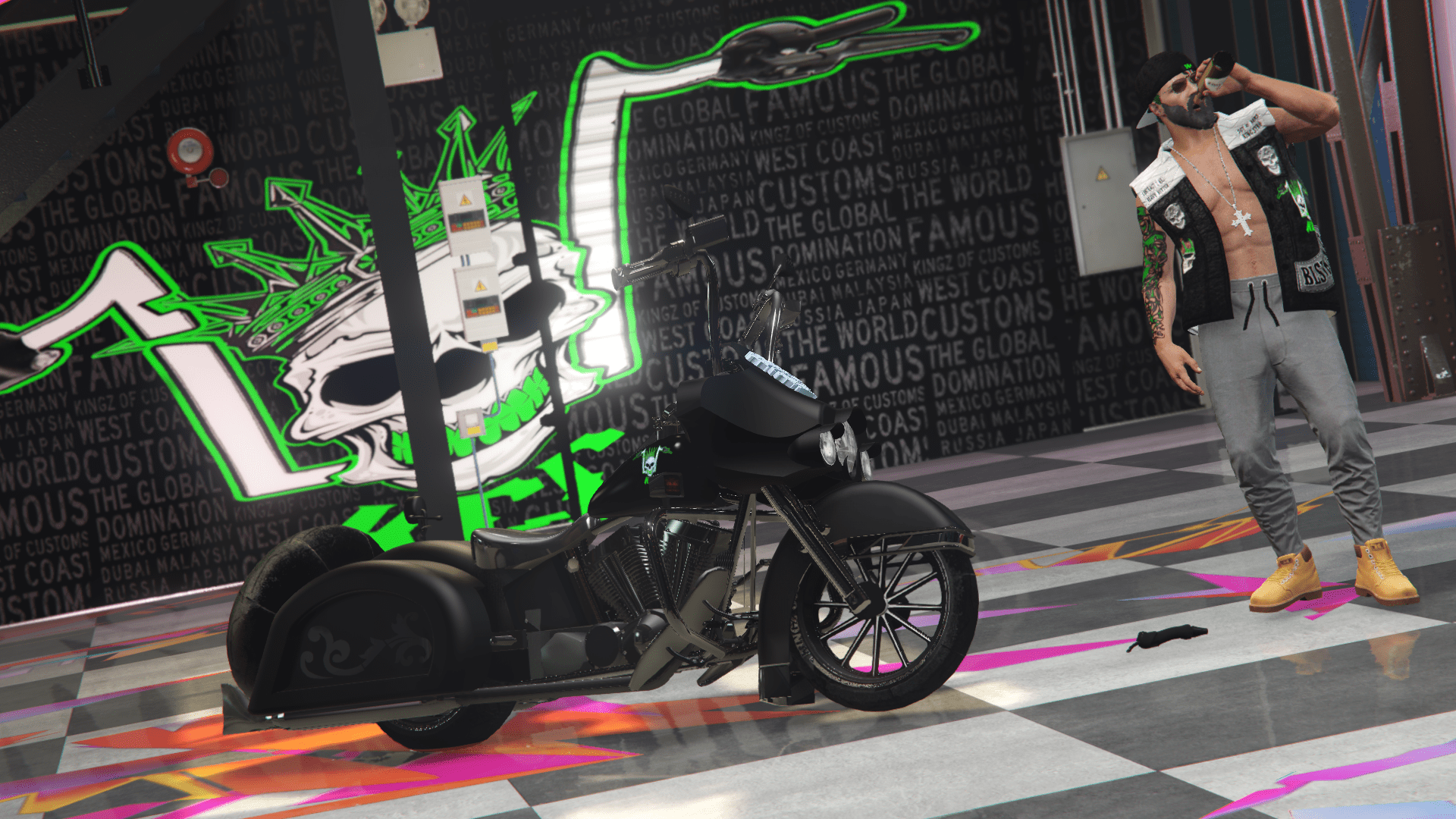
![DriftPlayground [Add-On | FiveM] 1.0](https://gta5mod.net/wp-content/uploads/2024/07/DriftPlayground-1024x576.png)
![DriftPlayground [Add-On | FiveM] 1.0](https://gta5mod.net/wp-content/uploads/2024/07/DriftPlayground3.png)
![DriftPlayground [Add-On | FiveM] 1.0](https://gta5mod.net/wp-content/uploads/2024/07/DriftPlayground.png)
![DriftPlayground [Add-On | FiveM] 1.0](https://gta5mod.net/wp-content/uploads/2024/07/DriftPlayground2.png)
![DriftPlayground [Add-On | FiveM] 1.0](https://gta5mod.net/wp-content/uploads/2024/07/DriftPlayground4.png)
![DriftPlayground [Add-On | FiveM] 1.0](https://gta5mod.net/wp-content/uploads/2024/07/DriftPlayground5.png)
Installation:
How to Install:
1.Open OpenIV & ‘Enable Edit Mode’.
2.Drag & Drop The ‘depzidriftplayground’ Folder into your DLCPACKS folder.
‘GTA5/mods/update/x64/dlcpacks’
3.Go to this file: ‘GTA5/mods/update/update.rpf/common/data/dlclist.xml’
Right click on ‘dlclist.xml’ Select ‘Edit’.
Now Add the Line to the bottom of the list.
dlcpacks:/depzidriftplayground/
Done.
You are expected to move the map if you need. Saves you putting it in your game and its inside another map then have to move it again.
Move it with this tool: YMAP & YBN Mover
Find the map ingame here:
x= 0
y= 0
z= 500
Credits:
Depzi
Download mod
| File | File size |
|---|---|
 Depzi Driftplayground
 | 91 MB |
![Driftplayground [Add-On SP / FiveM] 1.0](https://gta5mod.net/wp-content/uploads/2022/01/driftplayground-150x150.webp "Driftplayground [Add-On SP / FiveM] 1.0")
![Apocalypse Teen [Add-On Ped / FiveM] 2.0 (Single Player + FiveM)](https://gta5mod.net/wp-content/uploads/2022/10/Apocalypse-Teen-150x150.webp "Apocalypse Teen [Add-On Ped / FiveM] 4.0 (Single Player + FiveM)")
![Police Vapid Aleutian [Add-On / FiveM | LODs] V1.1 (SP & FiveM)](https://gta5mod.net/wp-content/uploads/2024/02/Police-Vapid-Aleutian-150x150.webp "Police Vapid Aleutian [Add-On / FiveM | LODs] V1.1 (SP & FiveM)")
