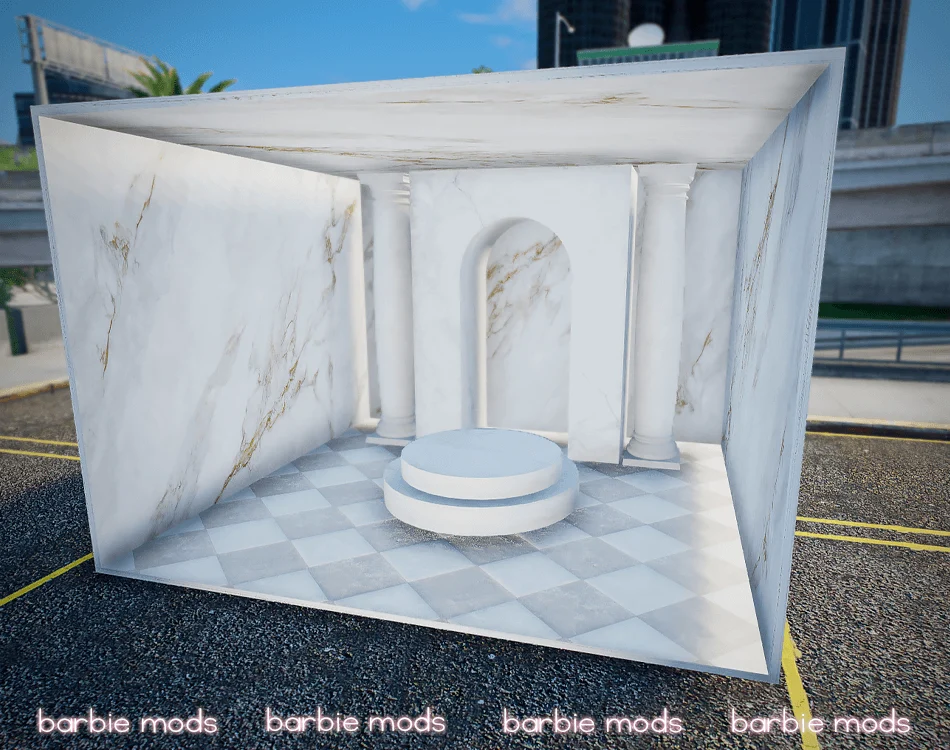
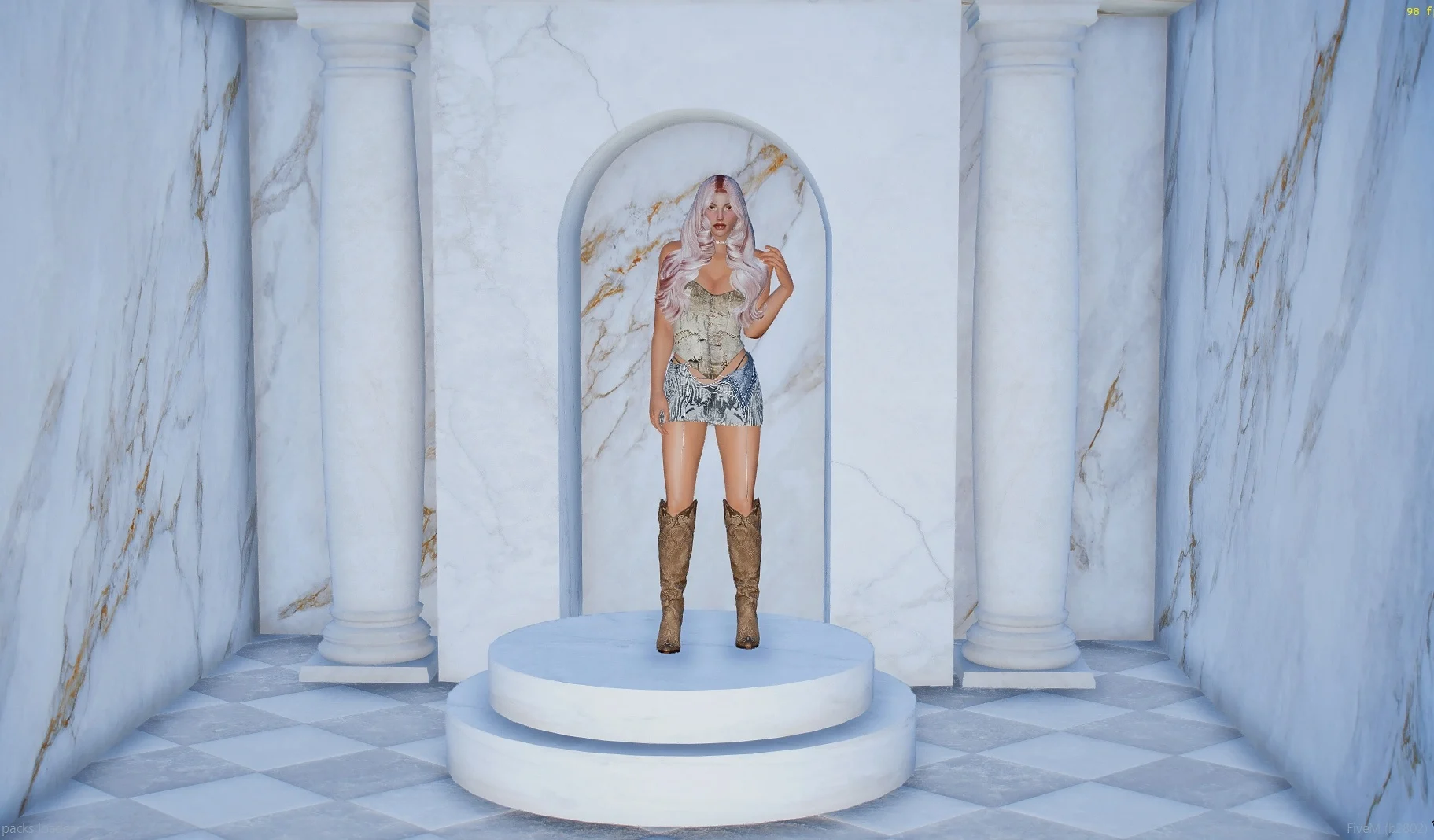
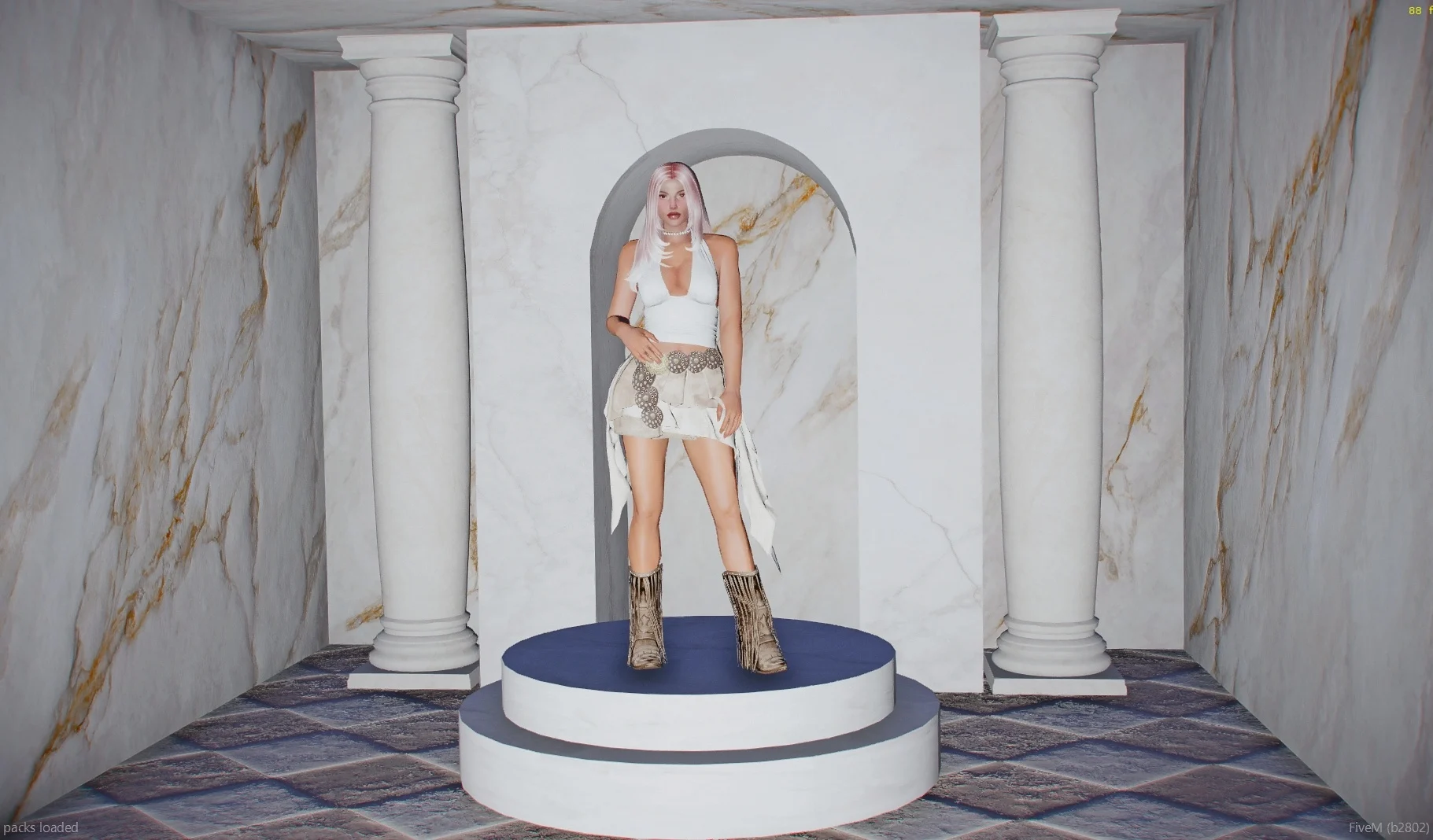
Photo scenario FiveM ready
Coords: -463.44, -619.03, 31.17
⭑How to install for FiveM and SP:
⤷FiveM: Drag and Drop the “photo” folder into your resources folder and stream/ensure it in your server.cfg
⤷SP:
Step 1. Download your YMAP
Step 2. Make a folder in your resources folder and name it something you can remember
Step 3. Make a folder in that folder and call it “stream”, Then put your YMAP in there
Step 4. Exit out the stream folder and make a new file and name it “__resource.lua”, Then enter that file and put this in: “this_is_a_map ‘yes’”, then save that file
Step 5. Go to your server.cfg and put this in: “start [NAME OF THE FOLDER]”
Step 6. Start your server and get on your server and the map that you used should be there.
⋆ Go to OpenIV (enable edit mode) – make sure you have Map Builder installed
⋆ Go to mods/update/x64/dlcpacks/custommaps/dlc.rpf
⋆ Go to x64/levels/gta5/maps/custommaps and drag and drop the files included on the folder
⋆ Add dlcpacks:/custommaps/ to dlclist.xml
Credits:
barbiemods
Download mod
| File | File size |
|---|---|
 photomarble
 | 4 MB |


![Blue Photo Room - Photoroom/Backdrop [Add-On SP / FiveM] V1.0](https://gta5mod.net/wp-content/uploads/2024/01/Blue-Photo-Room-Photoroom-150x150.webp "Blue Photo Room - Photoroom/Backdrop [Add-On SP / FiveM] V1.0")