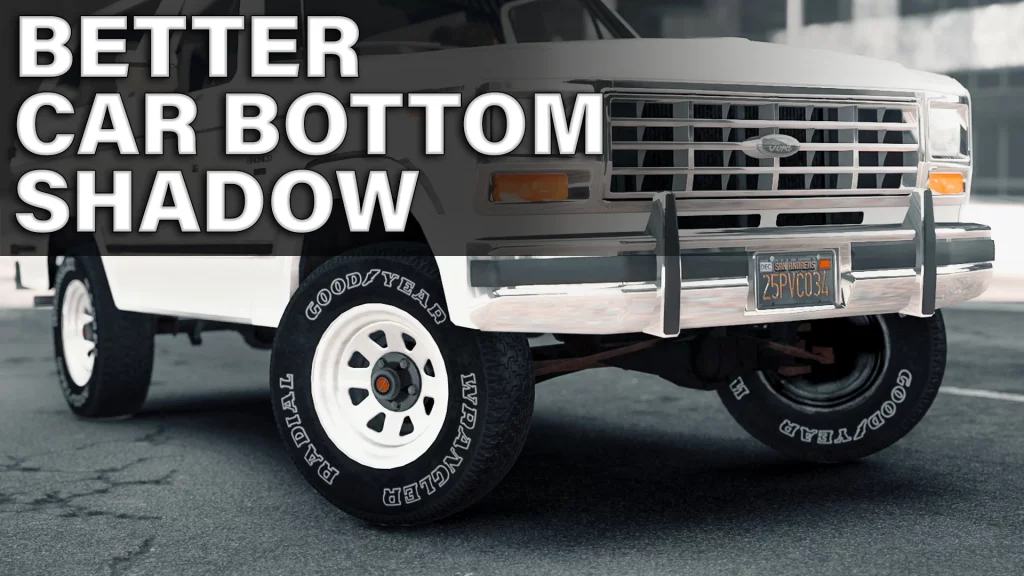


Installation (mods folder):
1. Start OpenIV.
2. Go to: “GTAV/mods/update/update.rpf/x64/textures”.
3. Switch to Edit Mode.
4. Open “graphics.ytd”.
5. Select “Import” in top left corner and navigate “carbottom.bmp” file from the archive or just drag and drop it.
6. Accept with automatic MipMaps and Compression.
7. Press “Save” in right bottom corner.
8. Close OpenIV. Done!
Credits:
mrch
Download mod
| File | File size |
|---|---|
 BetterCarBottomShadow
 | 247 KB |
![Super Shadow [Add-On Ped] / Shadow the Hedgehog 1.0](https://gta5mod.net/wp-content/uploads/2021/07/Super-Shadow-150x150.png "Super Shadow [Add-On Ped] / Shadow the Hedgehog 1.0")