GTA V – Faster AI Traffic
About
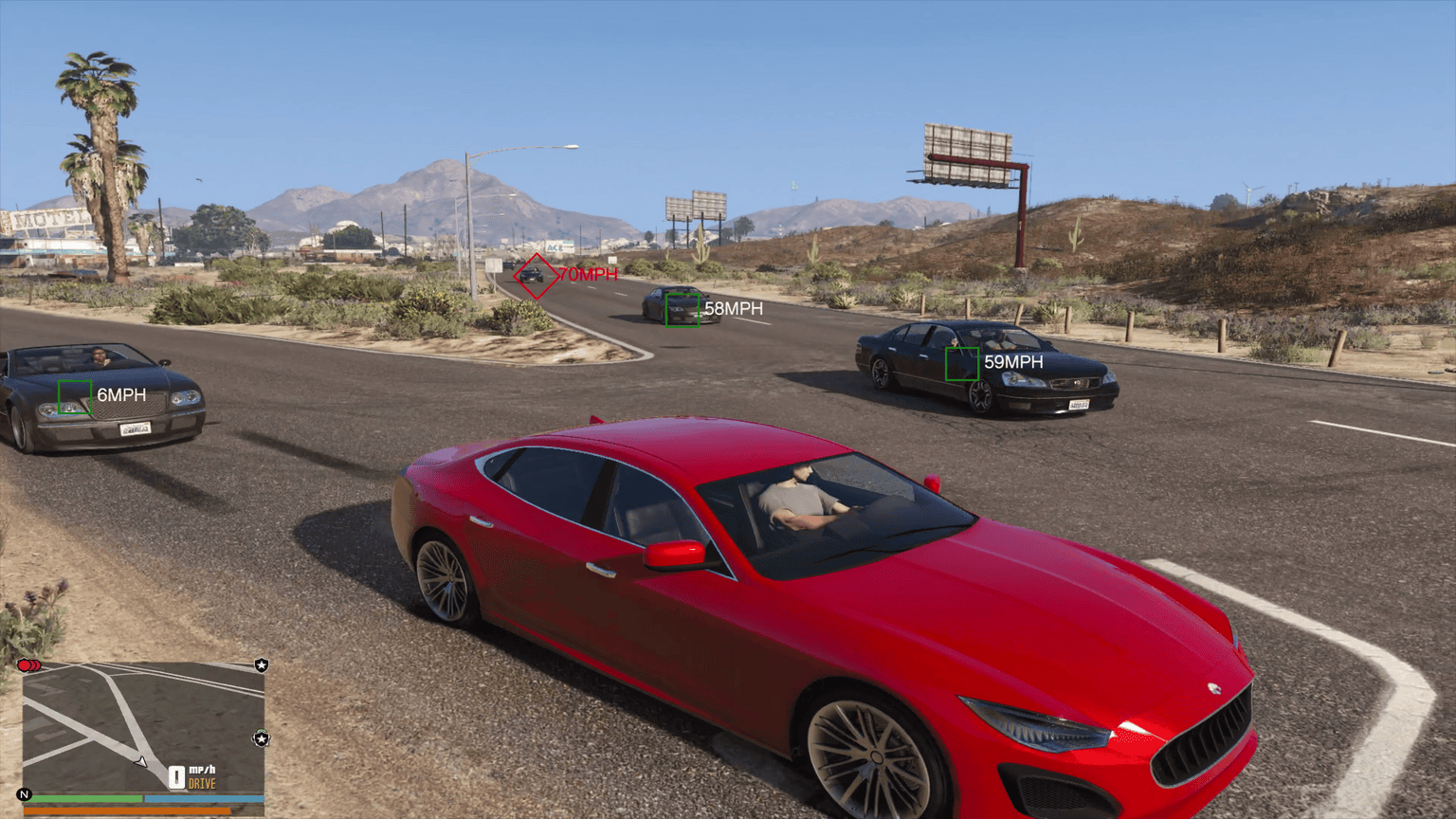
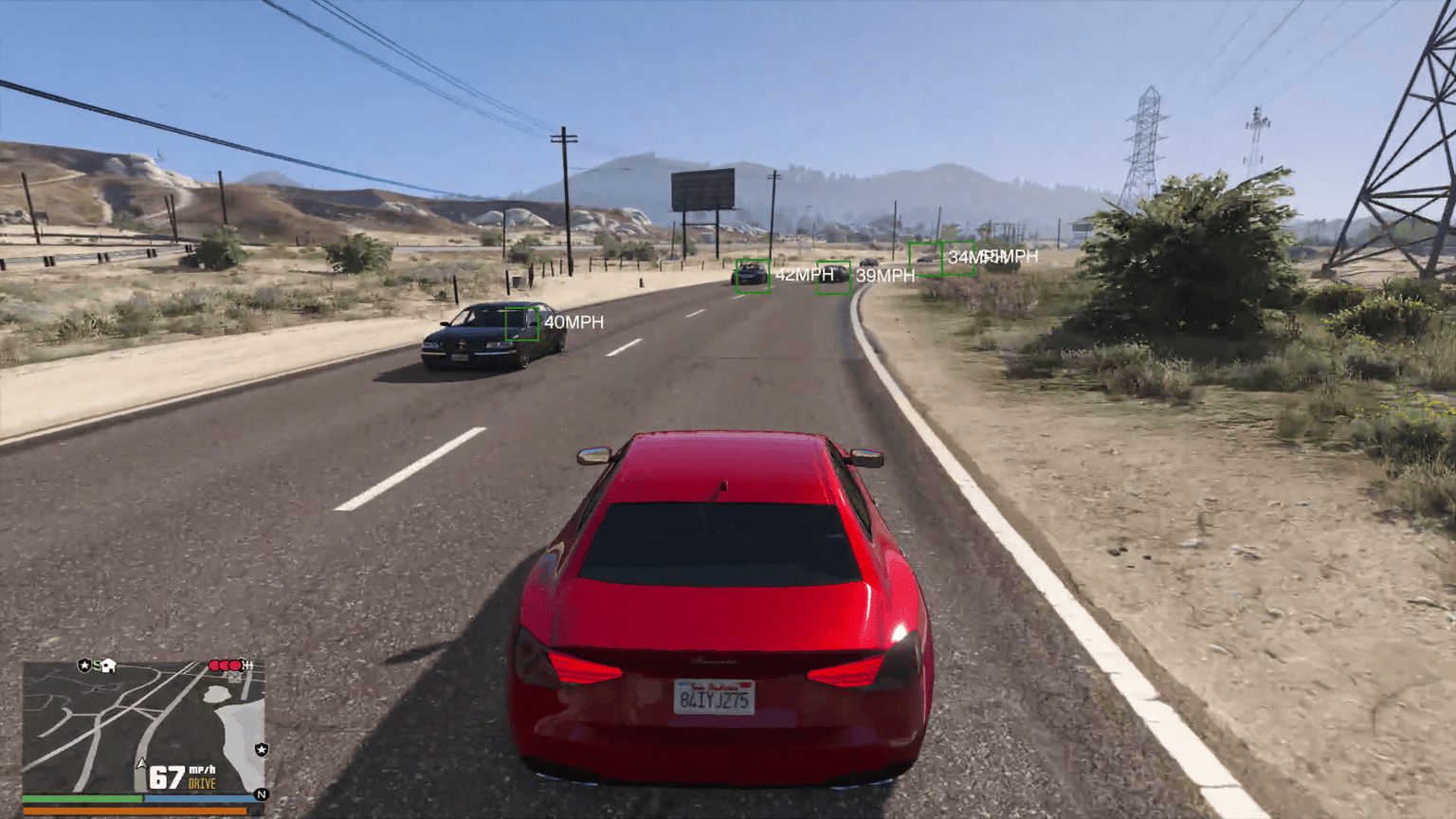
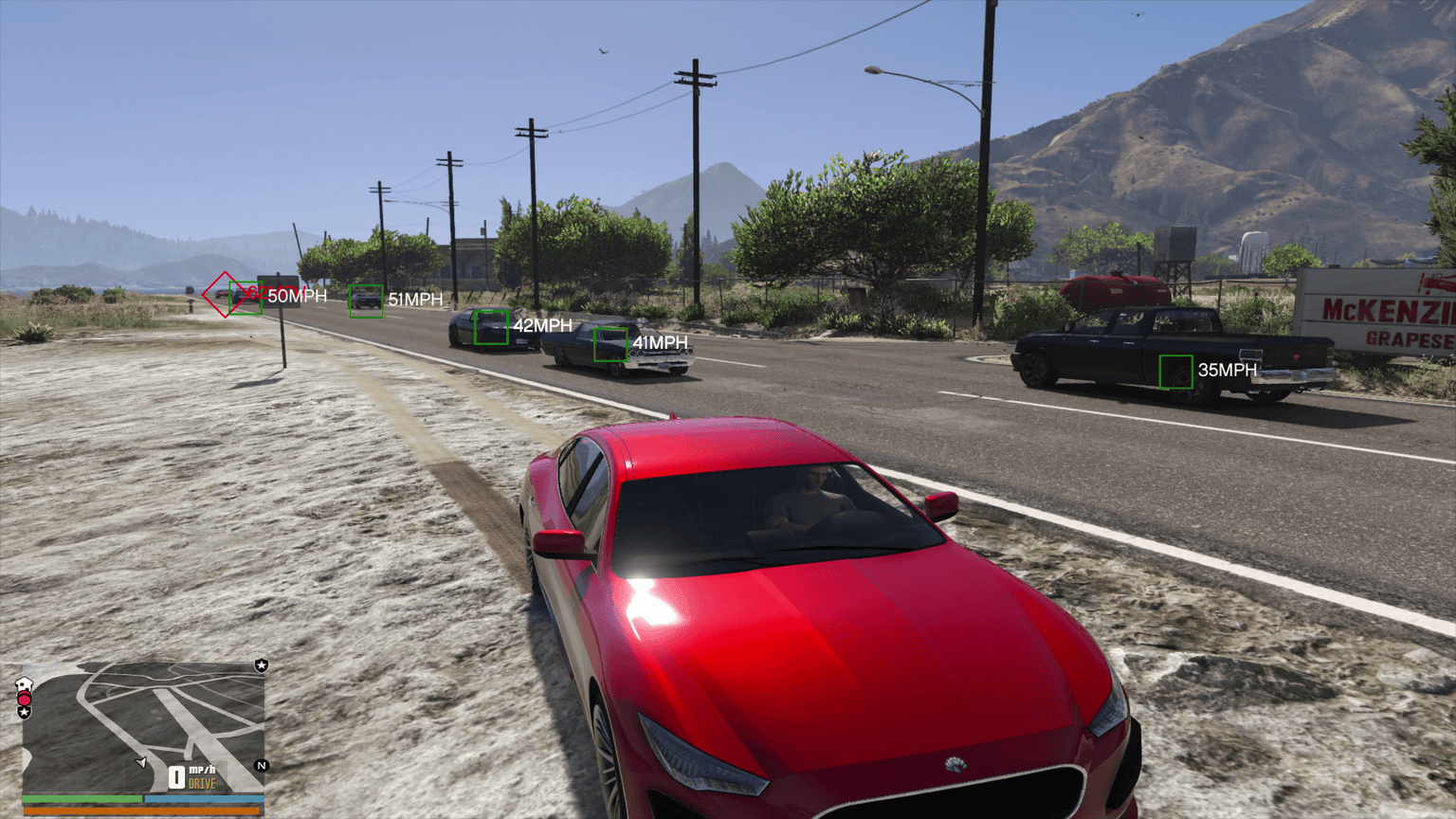
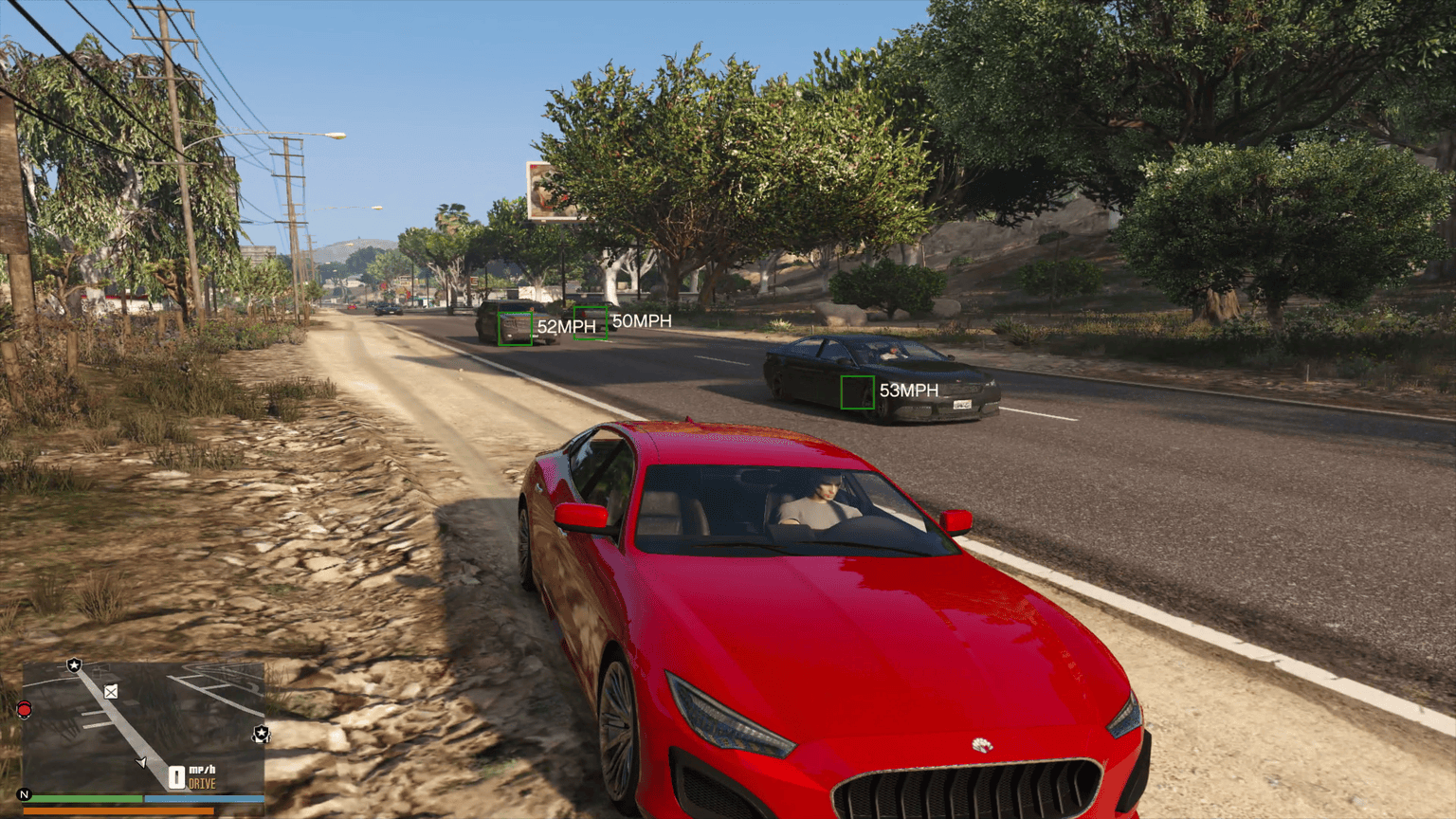
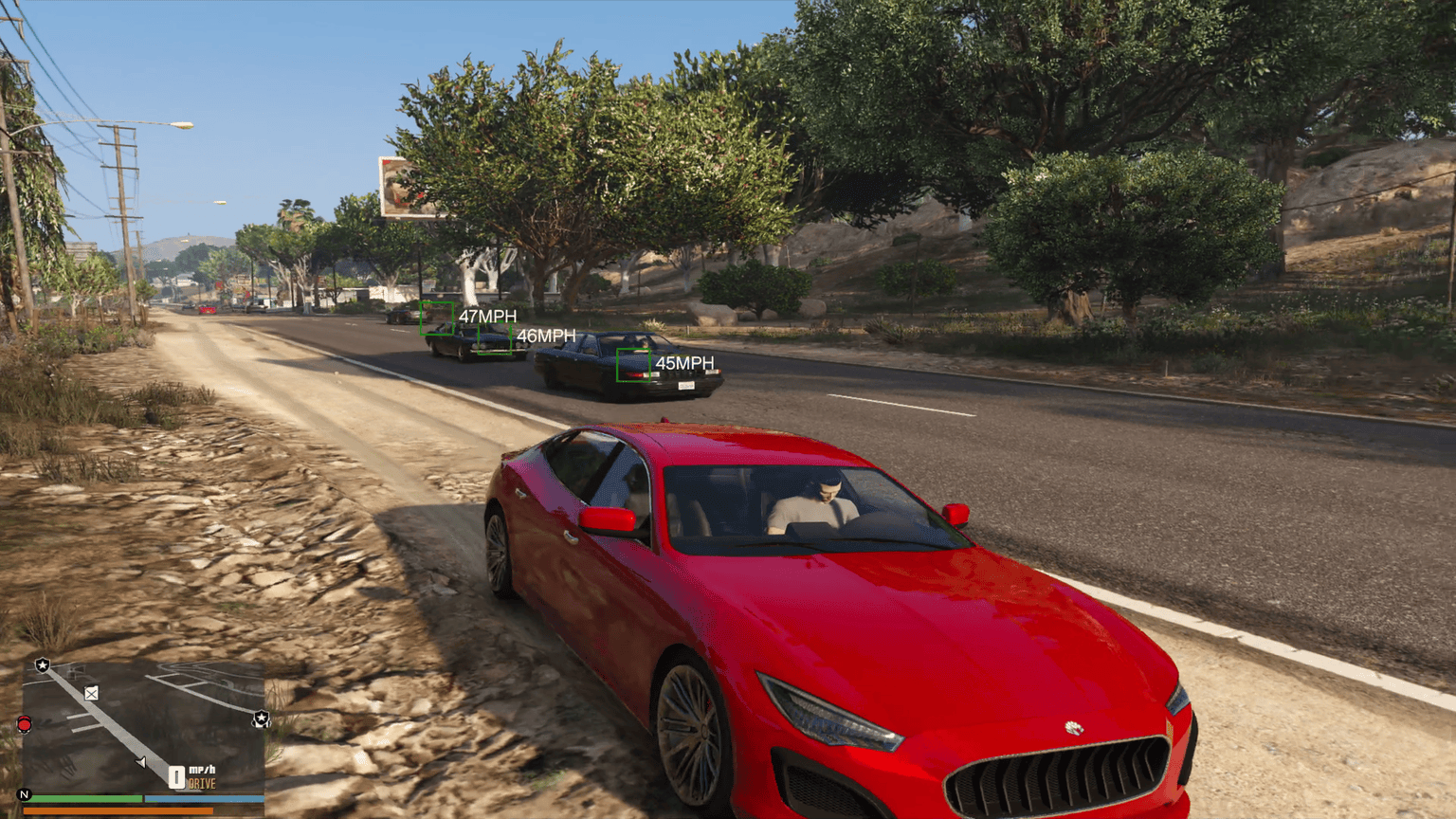
This mod updates the path nodes in GTA V so AI vehicles drive faster and more smoothly around the map.
Basically, traffic moves quicker everywhere — highways, city streets, rural roads, all of it.
How to Install – Please read the ReadMe.txt File that is included.
Required file:
`paths.rpf` – Located in Main Files Folder
Put it here:
modsupdateupdate.rpfx64levelsgta5
bctls
Adds traffic lights props.
Put it here:
modsupdatex64dlcpacks
In modsupdateupdate.rpfcommondata – Look for dlclist.xml and add the following line at the end.
dlcpacks:/bctls/
Steps:
1. Open OpenIV and turn on Edit Mode.
2. Go to the folder: modsupdateupdate.rpfx64levelsgta5
3. Drop the new `paths.rpf` in there (replace the old one if asked).
4. Close OpenIV and start GTA V (Story Mode only).
Optional Files
popgroup.ymt
Tweaks what types of cars spawn. I made it so
Put it here:
modsupdateupdate.rpfx64levelsgta5
popcycle.dat
Changes how traffic and peds are spread out around the map.
Put it here:
modsupdateupdate.rpfcommondatalevelsgta5
vehicles.meta
Changes how traffic and peds are spread out around the map.
Put it here:
modsupdateupdate.rpfcommondatalevelsgta5
You don’t have to use these, but they go well with the main paths file.
Notes
* Make sure you’re editing inside your mods folder, not the original game files.
* Always back up anything you replace.
That’s it. Load up the game and enjoy faster, more alive traffic.
Change Log: 3.0
– Now works with Blaine County Traffic Lights & Signs Mod
– Only updated nodes where it makes sense for speeds to be higher, lower speed on curvesShow Full Description
Credits:
chaxils08
Download mod
| File | File size |
|---|---|
 GTAV Road Fix 3.0
 | 8 MB |
![Faster Player Movement [OIV] V1.1](https://gta5mod.net/wp-content/uploads/2023/01/Faster-Player-Movement-150x150.webp "Faster Player Movement [OIV] V1.1")