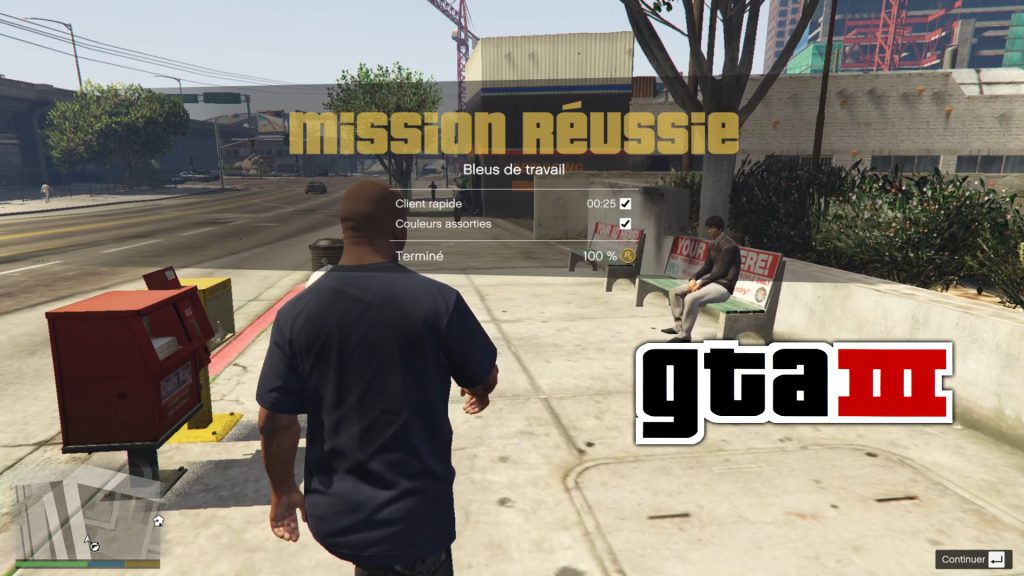
When you complete a mission, the GTA 3 mission completed theme will play.
(I took the original sound file straight from the PC version of GTA3)
INSTALLATION:
1. Extract the content of the ZIP file in a folder anywhere in your PC (REQUIRED OR OPENIV WON’T FIND THE AUDIO FILES)
2. Open OpenIV
3. Navigate to: mods\x64\audio\sfx\SCRIPT.rpf\
4. Turn on Edit Mode.
5. Drag ONLY the .oac file and don’t touch the folder.
6. Start the game.
Credits:
LePtitKiller
Download mod
| File | File size |
|---|---|
 GTA3MissionPassedMusic
 | 1 MB |

![GTA Online Ron Jakowski mission [Mission Maker] V1.0](https://gta5mod.net/wp-content/uploads/2023/02/GTA-Online-Ron-Jakowski-mission-150x150.webp "GTA Online Ron Jakowski mission [Mission Maker] V1.0")
![GTA Online Gerald Last Play mission [Mission Maker] V1.0](https://gta5mod.net/wp-content/uploads/2023/02/GTA-Online-Gerald-Last-Play-mission-150x150.jpg "GTA Online Gerald Last Play mission [Mission Maker] V1.0")