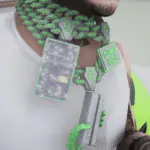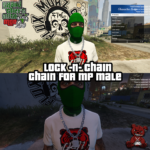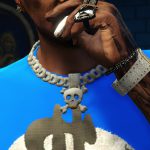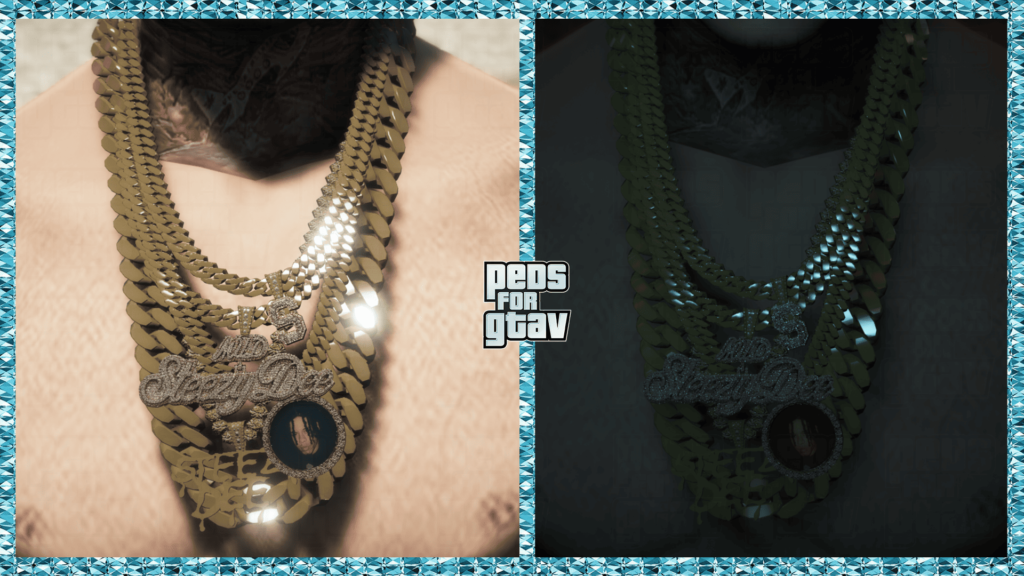
Features
-FiveM supported
-Bugs: No Bugs
-Better textures
-It doesn’t bug so much anymore
-The file is no longer so heavy.
INSTALLATION:
PEDS
Installation for FiveM:
Place the whole FIVEM folder within your server’s RESOURCES folder, rename it to “NAME OF THE FOLDER” Example: “ig_wade” and add “ensure + THE NAME OF THE FOLDER” example “ensure ig_wade” on your server.cfg file. To set the order to a particular person, you need to have a skin shop script, but the usual command for that is “/skin ID “nameofskin”
Installation for SP:
Addonpeds
Grab Anything (Optional): https://es.gta5-mods.com/scripts/grab-anything
If u wanna use this ped in missions use this mod: character swap
This how you can choose it in GTA 5
Donwload menyoo trainer
(For replacement)
Press f8
You will get menyoo trainer
Then go to
Player option > Model Changer > input Model (in the bottom)
Then enter the name of the model in the box ig bankman and then press enter.
That’s all.
Original model: https://www.gtaall.net/gta-san-andreas/skins/
Replace all files here (for replace)
– GTAV\update\x64\dlcpacks\patchday25ng\dlc.rpf\x64\models\cdimages\patchday25ng.rpf\
and here:
– GTAV\x64e.rpf\models\cdimages\componentpeds ig.rpf\
ITEMS
Installation for FiveM:
I recommend installing this as an add-on. The link below will explain step-by-step on how to do it.
Please follow Grzybeek’s Add-On tutorial: [How-To] Stream clothes and props as addons, for MP Freemode models
Installation for SP:
to install for SP look for this path in your OpenIV –
/x64v.rpf/models/cdimages/streamedpeds-mp.rpf/
Credits:
pedsforgta5
Download mod
| File | File size |
|---|---|
 Chain 020 - Steezy Dee
 | 23 MB |