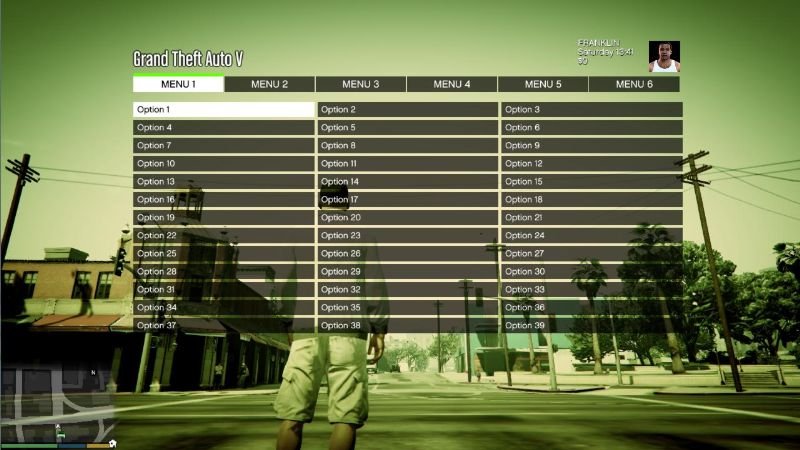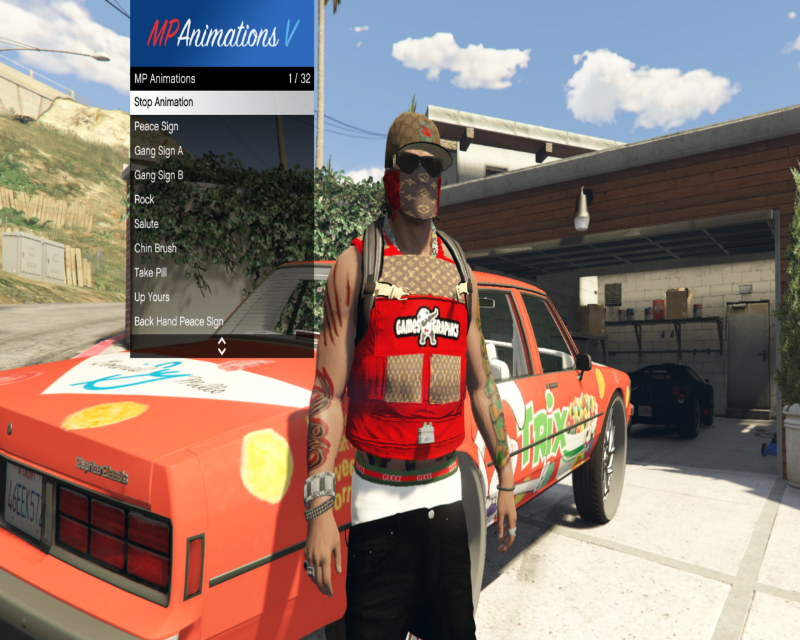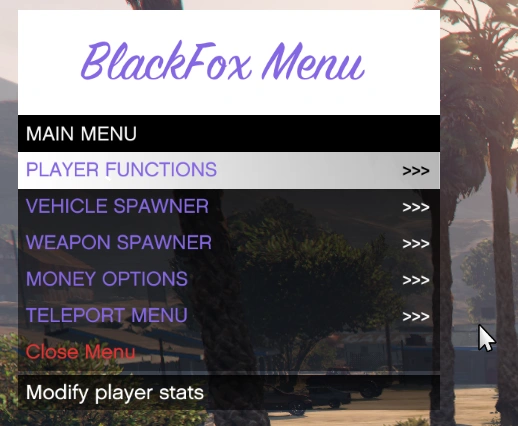
This is my 1sft mod menu:
INSTALLATION:
1. Navigate to your Grand Theft Auto V main directory (where GTA5.exe is located).
2. Open the “scripts” folder. If you do not have one, create it.
3. Copy the following files from this download into your “scripts” folder:
– BlackFox.dll
– LemonUI.SHVDN3.dll
– Banshee_GTS_HSW.ytd
– Blackfox baner.png (The logo to import)
4. Ensure you have the latest ScriptHookV and ScriptHookVDotNet 3 installed.
CONTROLS:
Keyboard:
– Open/Close Menu: F5
– Navigate: Arrow Keys or Numpad 8, 2, 4, 6
– Select: Enter or Numpad 5
– Back: Backspace
Controller:
– Open/Close Menu: Hold LT and press X Square
– Navigate: D-Pad Up/Down
– Select: A cross
– Back: B Circle
FEATURES:
– God Mode & Never Wanted
– Super Jump & Fast Run
– Custom Vehicle Spawner with Previews
– Interior Teleports (Michael’s House, FIB, Casino, etc.)
– Weapon Arsenal with full attachments
Credits:
Skyrolfox
Download mod
| File | File size |
|---|---|
 BlackFox_Mod_Menu_Dist
 | 2 MB |