Description
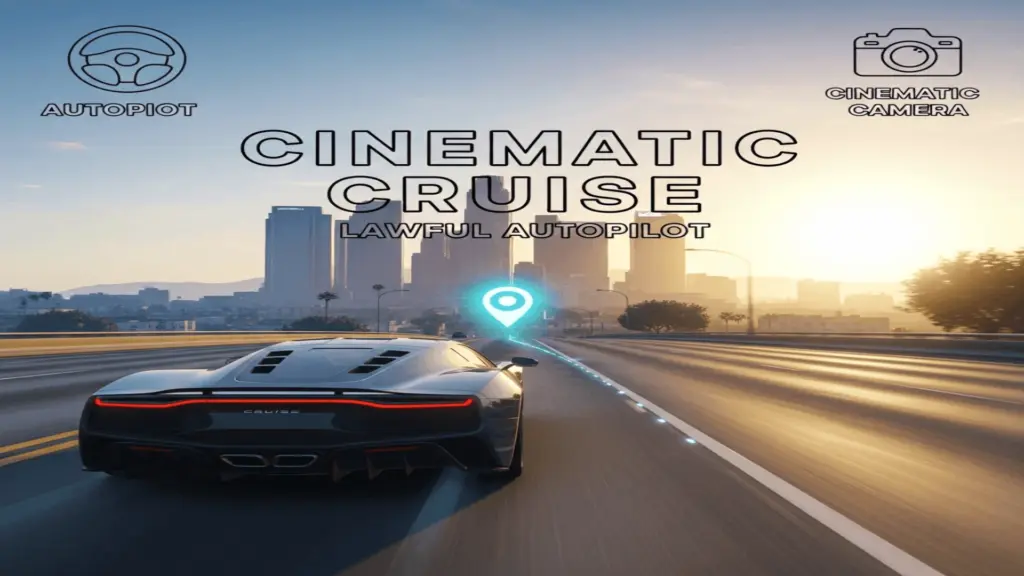
Drive to your map waypoint using an AI autopilot tuned to be calm / “lawful-ish”.
Speed limiter (mph) so you can cruise instead of racing.
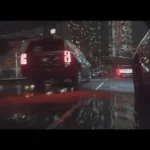
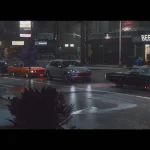
Cinematic camera angles that auto-cycle, plus manual camera switching.
Features
Autopilot to waypoint
Adjustable cruise speed
Hands-free mode (blocks driving inputs while active)
Cinematic camera auto-cycle + manual camera selection
Auto-stops near the waypoint
Requirements
ScriptHookV
ScriptHookVDotNet
Installation
Copy CinematicCruiseLawful.dll to: Grand Theft Auto V\scripts\
Final path should be: GTA V\scripts\CinematicCruiseLawful.dll
How to use
Set a waypoint on the map.
Get in a vehicle as the driver.
Press F10 to start Cinematic Cruise.
Controls
F10 Toggle Cinematic Cruise ON/OFF
F9 Toggle Hands-Free mode
Numpad + Increase cruise speed
Numpad – Decrease cruise speed
PageUp Next camera angle
PageDown Previous camera angle
Notes / Limitations
“Obey traffic laws” is best-effort. GTA driving AI can still make mistakes.
If it stops working after a GTA update, update ScriptHookV and ScriptHookVDotNet first.
Troubleshooting
Mod not loading: make sure you have a scripts folder and the DLL is inside it.
Cruise stops immediately: make sure you have a waypoint set and you are the driver.
Credits:
KhaedusTheModder
Download mod
| File | File size |
|---|---|
 CinematicCruiseLawful_v1.0.0
 | 17 KB |