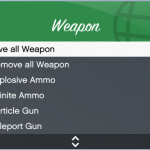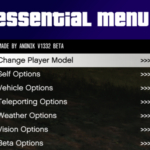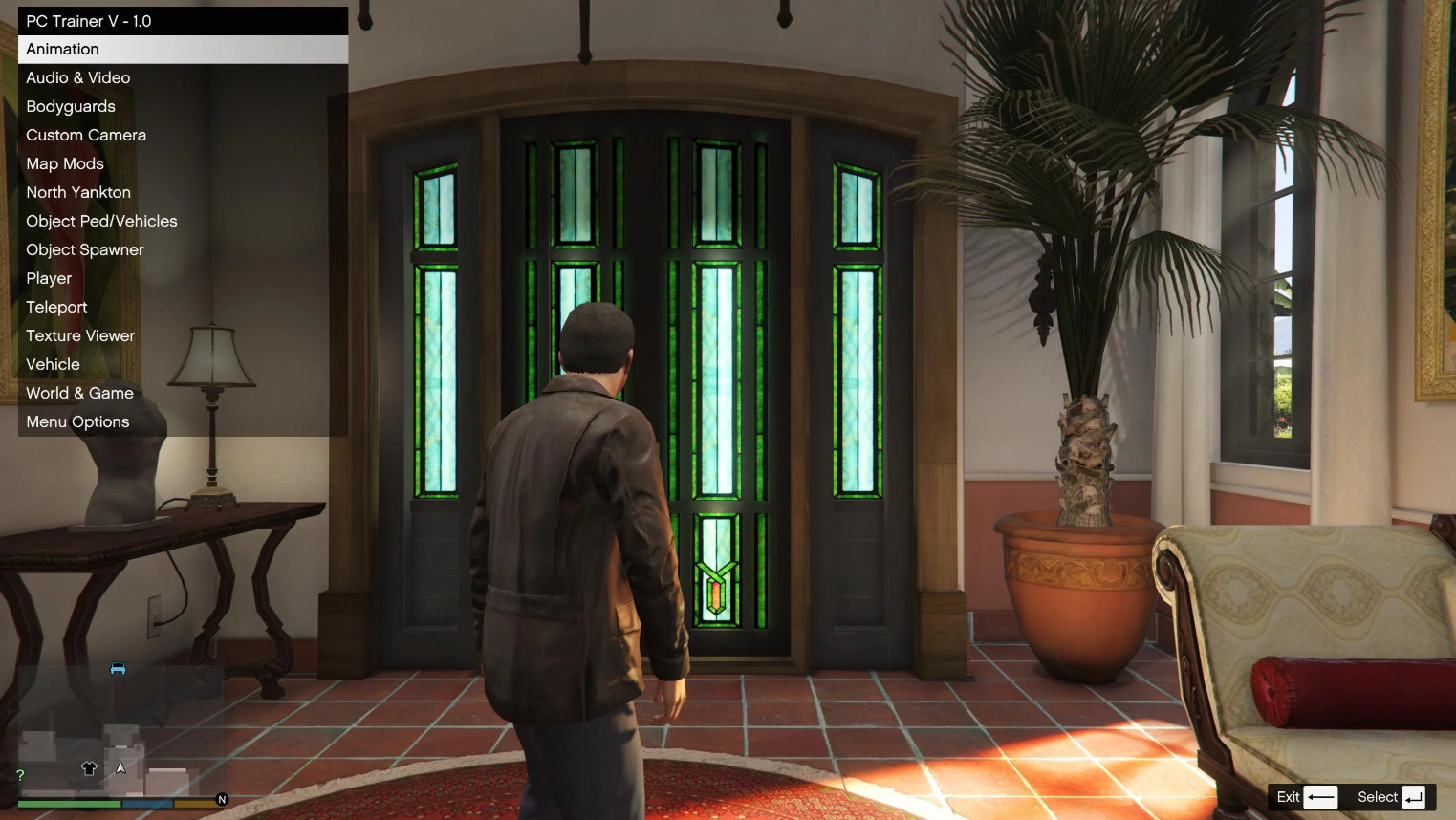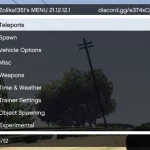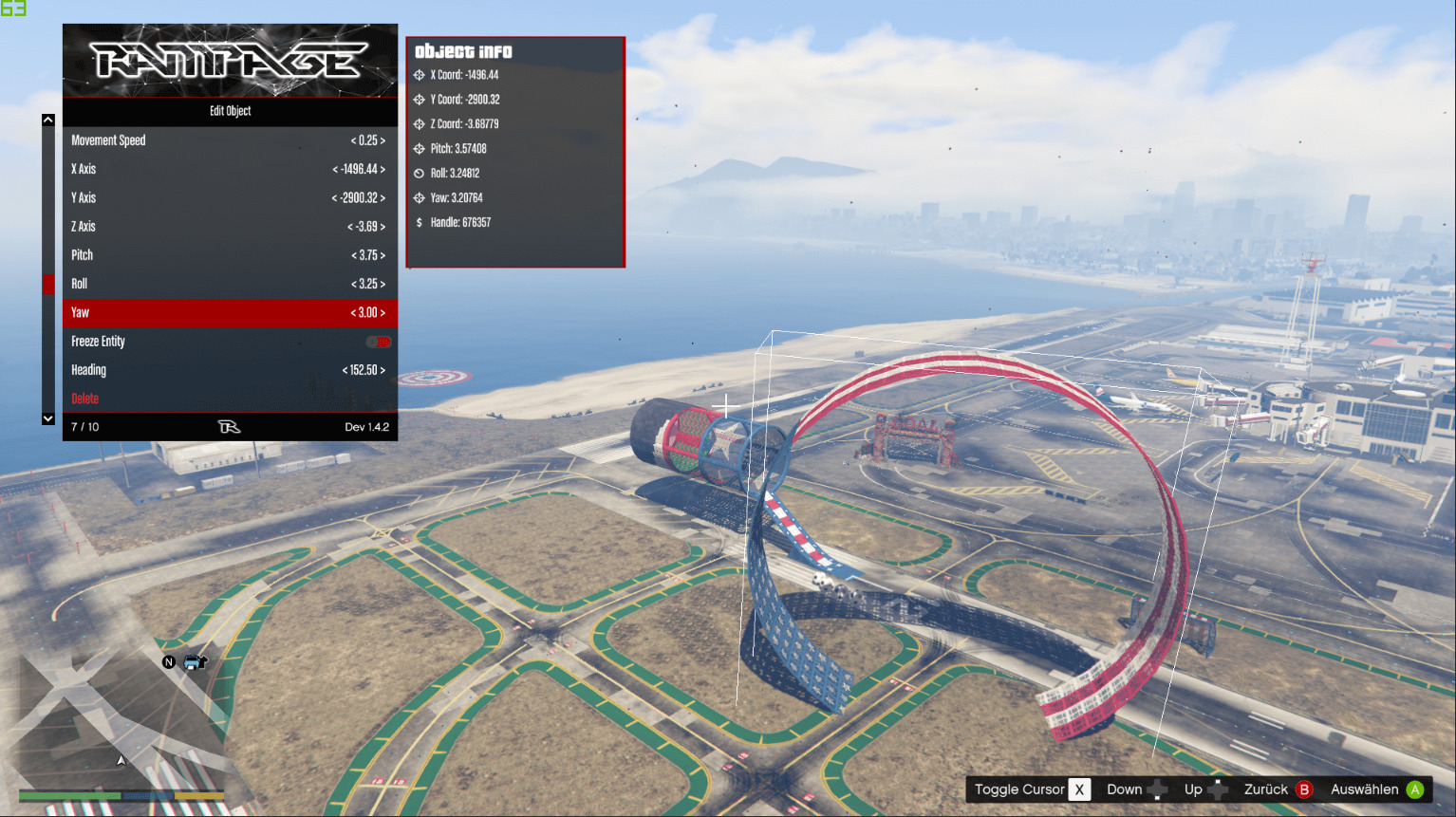
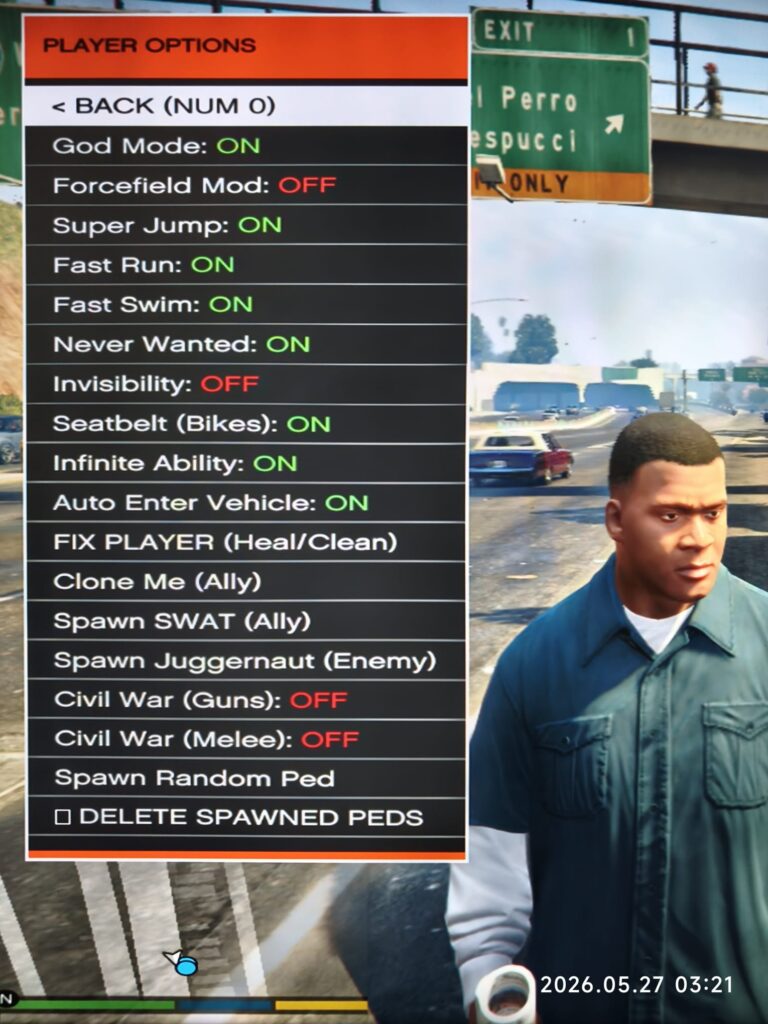
This is a new Trainer with more Extras.
you need to install “ScripthookV” and “NIBSHDotNet”
Menu and Plugins – GTA 5 Legacy.
Copy the MenuCaosJJ.ndll file from the \Spanish Version
or /English version folder and paste the file into your \scripts folder
C:\Program Files (x86)\Steam\steamapps\common\Grand Theft Auto V\scripts
or wherever you have it installed.
Controls:
F10: Enable/Disable the menu.
NUM 2/8/4/6: Navigate through menus and lists (Num Lock must be enabled).
NUM 5: Select.
NUM 0 / BACKSPACE / F10: Back.
NUM plus: Use vehicle turbo.
NUM 9: Use vehicle rockets.
Main functions of the Menu:
inside your GTA V
PC Single Player.
Two version Menu: Spanish version and English version.
Changelog:
-Update version 1.3.1: Again update Version 1.3.1, new summon military button in Menu/EXTRAS and Fixed the problem with change Peds.
-Update version 1.3: In this Version New change arrives, Migration from NIBSHDotNet to ScriptHookVDotNet
-Update version 1.2: New changes coming soon, 200 Mask applied and a new NPC button to attack me or not in civil war/melee/riot mode.
Credits:
atolon
Download mod
| File | File size |
|---|---|
 MenuCaosJJ-V1.3.1
 | 63 KB |